Check the acquisition promise
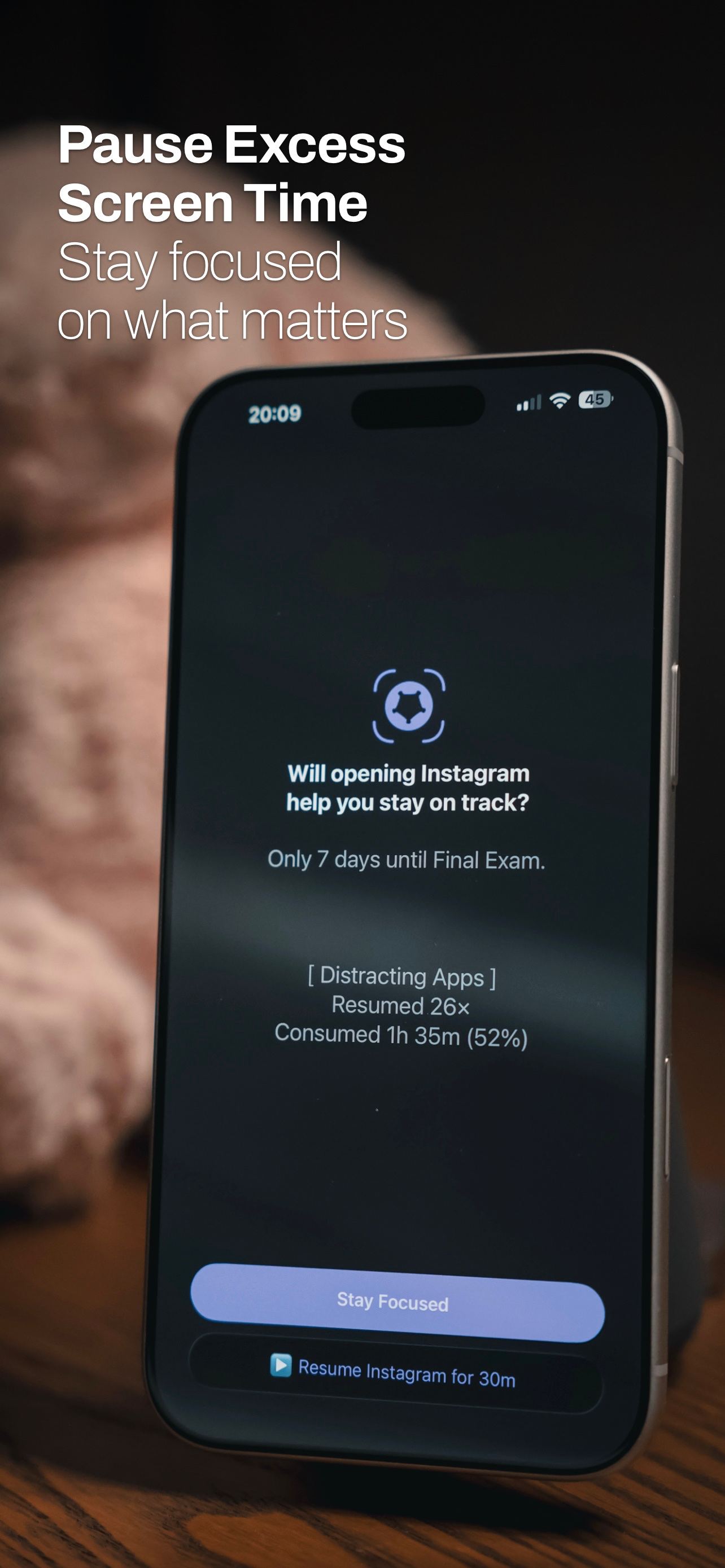
Read the store headline, screenshots and description. What problem is the app promising to solve?
Study the storefront ↗
Air Matters Network Pty Ltd · iOS
Explore the ad evidence, study the storefront, and build your next acquisition hypothesis.
01 / Creative research
Read the store headline, screenshots and description. What problem is the app promising to solve?
Study the storefront ↗Explore apps with direct store-link matches. Compare their hooks and formats without assuming the same approach works here.
Browse observed advertisers ↗Store rankings and revenue estimates describe market context. They do not establish ad spend, conversions or ROAS.
Review the market context ↗02 / Storefront & product
Study the product story and store experience behind the acquisition funnel.



03 / Market context
Keep revenue, downloads and store rankings separate from advertising performance.
This app is a sanity saver. It allows me to automatically block work apps when I’m at home. If my younger children want to play in my phone I can block all apps including those calls that you dread having to explain how your three year old just called your boss at 6 am and you had no clue. It allows me to block callers that I deject indubitably without having to set up groups, and it doesn’t put a box with the blocked apps in my lives try unlike AppleCare’s. The apps don’t even show up as installed anymore. This is a combination of screen time restrictions and apples app hide, combined in one easy to use configuration. Now if they offered file and photo hiding it would be an all in one life saving app!
Heard about this app from tips on how to hide stuff. My parents are insanely strict and invasive, scouring my phone every night and reading through all my text convos. This app. Is. A. Lifesaver. I would recommend the pro version to anyone who wants peace of mind, (at the time of this review it’s only like $8 and it’s a ONE TIME PURCHASE NOT A SUBSCRIPTION.) The pro version has a lot more app space (5 completely hidden vs 50), and can lock with a passcode. However, my favorite feature is the camo ability. If you’re being forced to open the app in front of others, you can enter in the decoy password instead of the real one and the app becomes a note app. It makes it just look like a password protected note app and you can even change the app icon to look like a notebook. The BEST thing that I use this app for isn’t even an advertised feature. I call it my panic button. In shortcuts you can make a fake app cover (tutorials on how to do this are online), and mine functions as an app I can press that instantly hides certain app groups. All in all, this app has saved me literally more times than I can count and I would recommend it to any kid with insanely restrictive parents
Before I purchased Cape, unhiding apps required me to restart my device. Figured it wasn’t a problem as the app did what I wanted it to do anyway. When I decided I might just purchase Cape, I noticed the awful restrictions: 50 apps, 8 groups, 4 zones & restrict zones. Why not at the very least allow me to hide any amount of my apps? CRIMINAL DEVELOPER. After I purchased Cape, I noticed unhiding apps worked normally, as they now appeared in my App Library. No worries, right? Uhg, I am able to hide the apps but there is no way to toggle the apps to only be hidden but still display in search. So now when I unhide my apps, they all appear in the app drawer again… all just to be able to search them. This is still a great app if you want to beautify your phone and declutter it, but you will find some inconveniences as you will have to spend extra time in makeshift automations and whatever else in case you ever decide you want to use one app at a particular time or particular location. Also, I found it VERY inconvenient that I am not able to hide the Cape app from my App Drawer. Sure would be great to hide the app but still have it searchable. This app is great, but it has a long way to go. If the developer ever addresses all my concerns by tailoring the app to me, I will certainly donate more money. *update* I have browsed everything. This is the cheapest option which is most reasonable, despite the restrictions being absurd. The bear alternative appears to be Unscreen at $18 but that app seems less comprehensive and useful than Cape. I also found that screen time apps are seemingly unable to be hidden. Also, Cape is buggy so you never know whether unhiding apps will show in the App Library AND Search OR just Search. I am on iOS 17.0.3. *update* I still can't ever seem to get over that I am limited to EIGHT groups of apps.... really annoying.
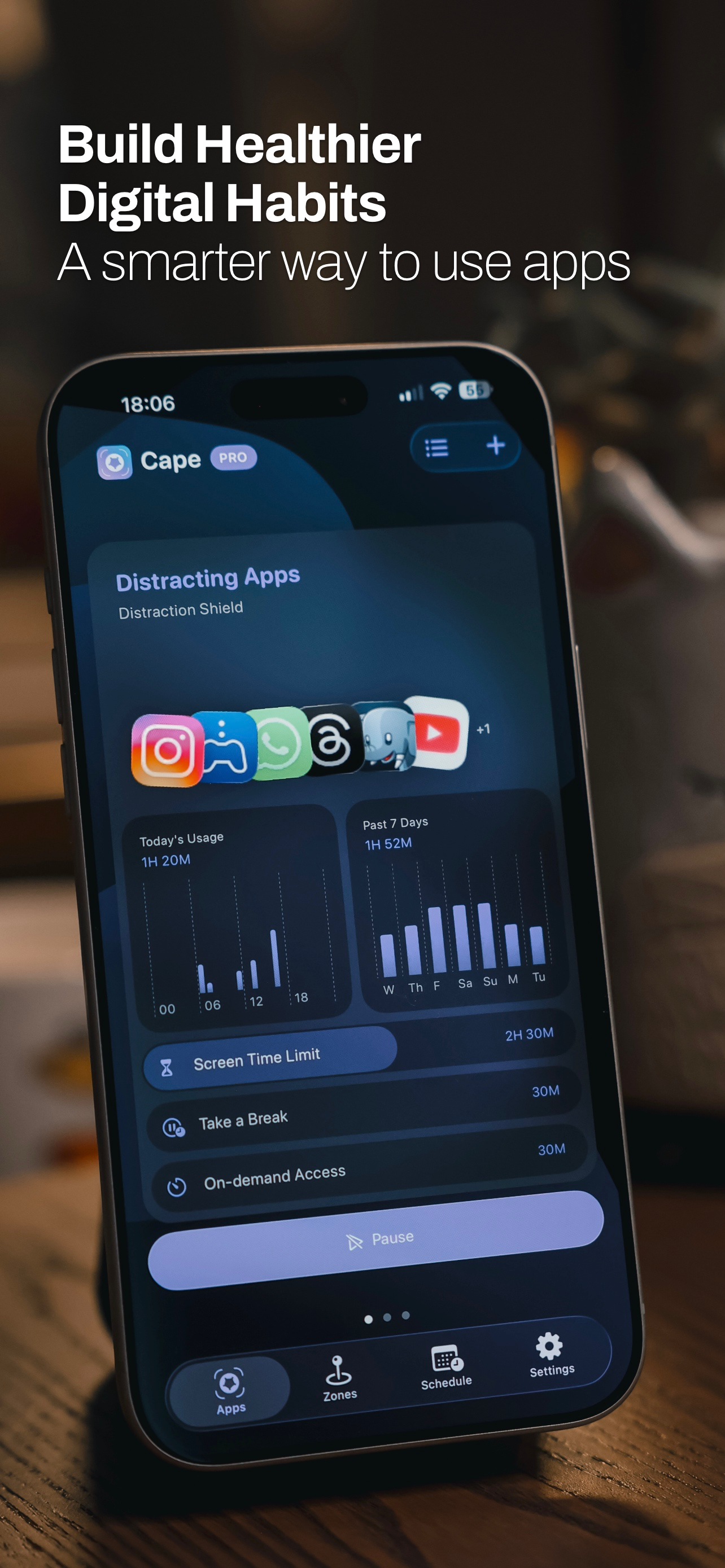
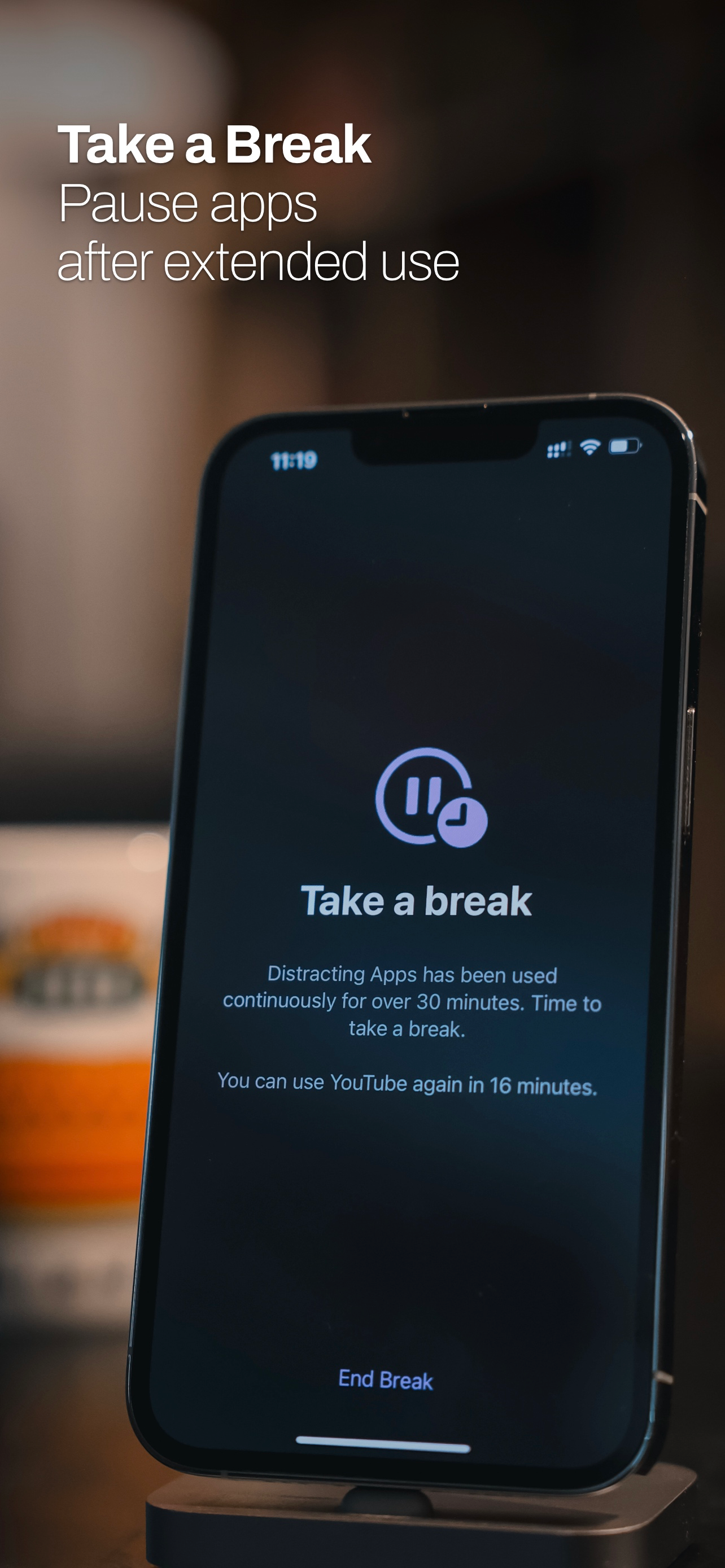
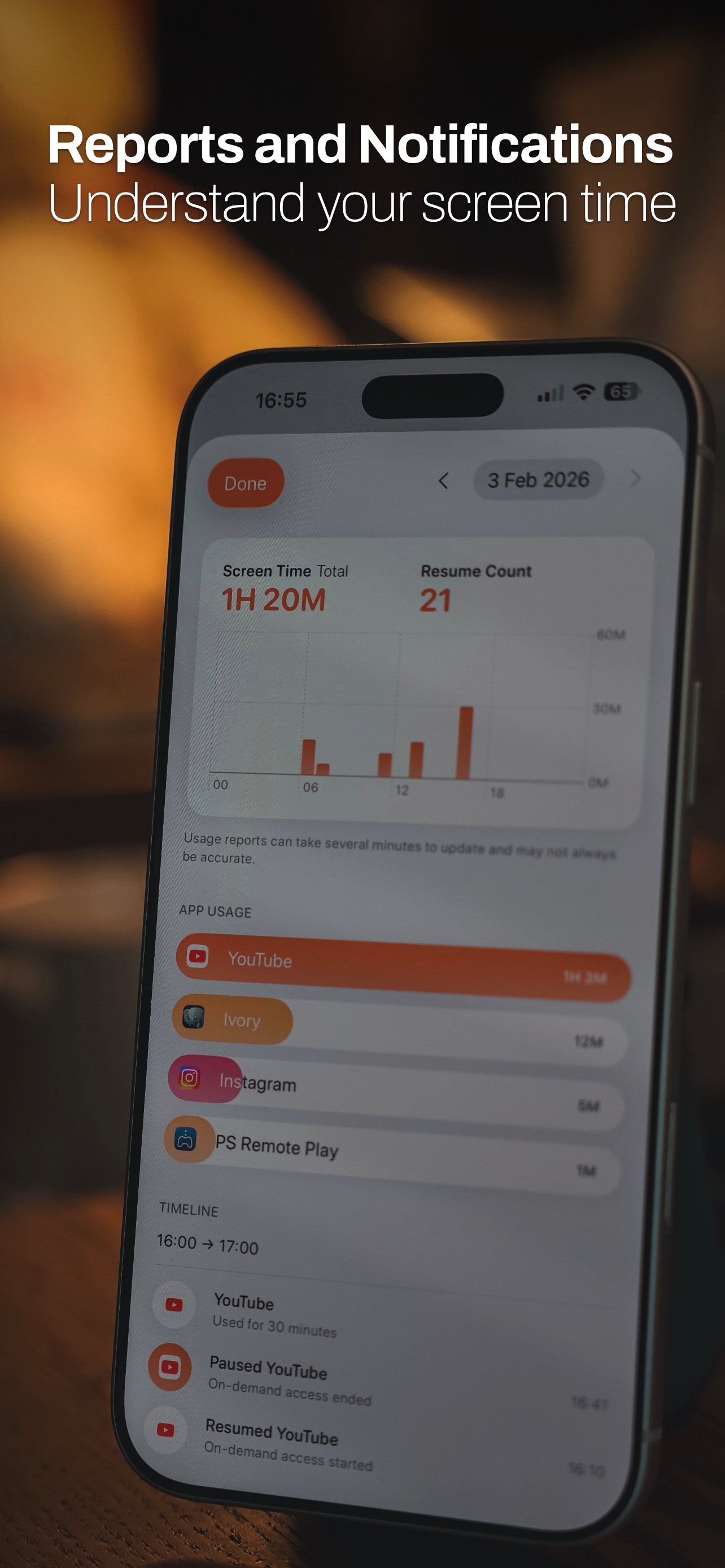
If you find yourself spending too much time on social media, short-form videos, or games, Cape can help you stay focused by pausing excess app usage a...
| Name | Price | Type |
|---|---|---|
| Cape Pro Yearly | $6.99 | Yearly |
| Cape Pro Lifetime | $19.99 | One-time |