Check the acquisition promise
Read the store headline, screenshots and description. What problem is the app promising to solve?
Study the storefront ↗
友财 徐 · iOS
Explore the ad evidence, study the storefront, and build your next acquisition hypothesis.
01 / Creative research
Read the store headline, screenshots and description. What problem is the app promising to solve?
Study the storefront ↗Explore apps with direct store-link matches. Compare their hooks and formats without assuming the same approach works here.
Browse observed advertisers ↗Store rankings and revenue estimates describe market context. They do not establish ad spend, conversions or ROAS.
Review the market context ↗02 / Storefront & product
Study the product story and store experience behind the acquisition funnel.




03 / Market context
Keep revenue, downloads and store rankings separate from advertising performance.
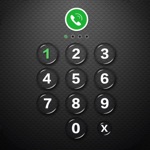
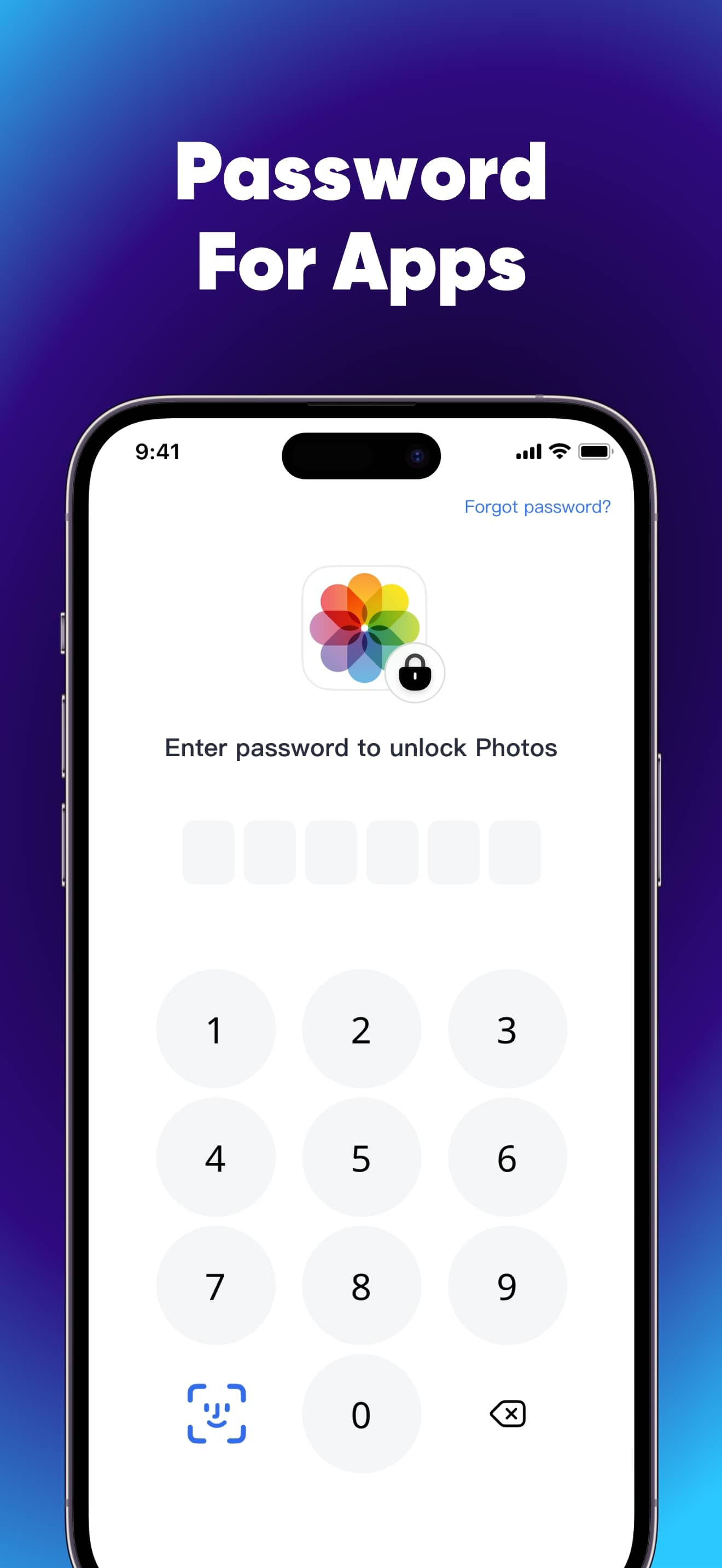
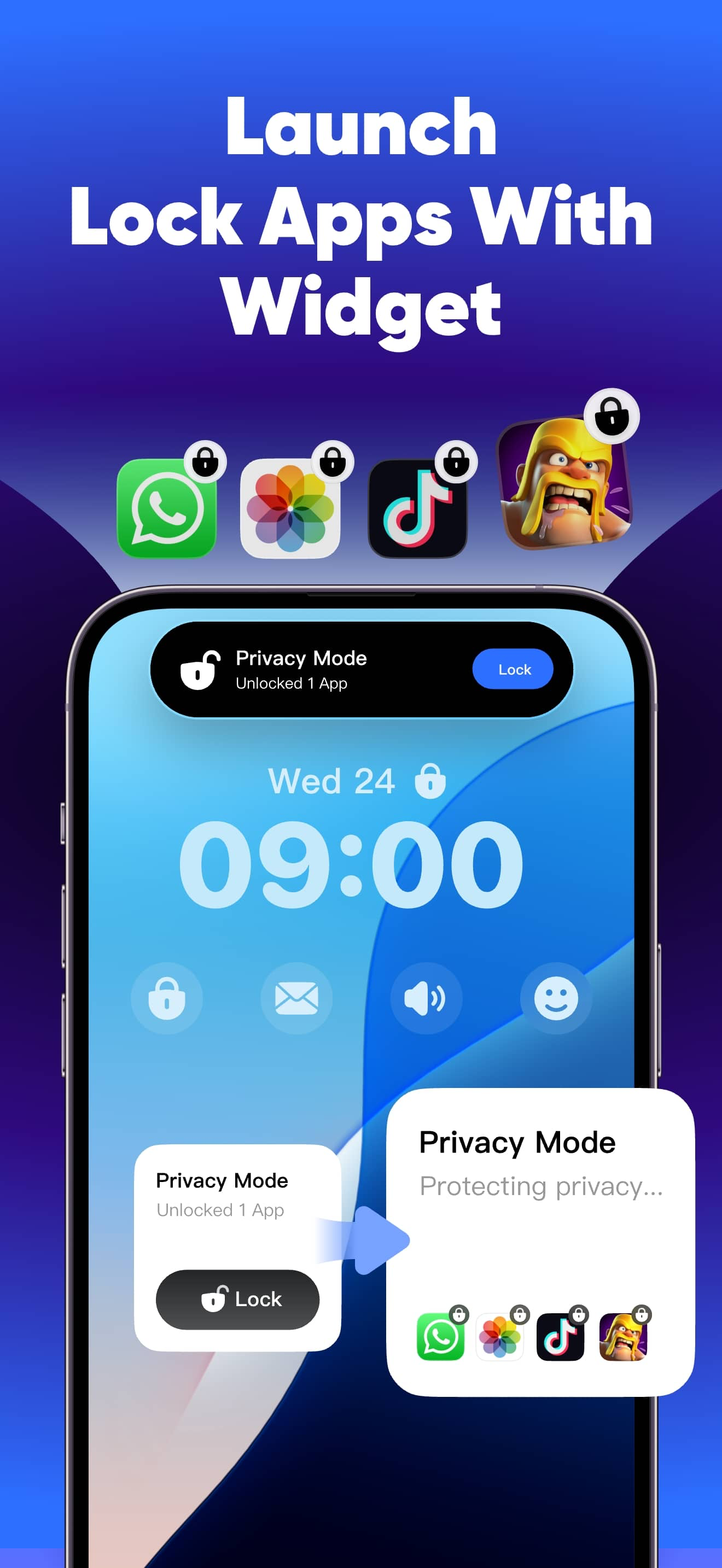
It allows you to be able to use Touch ID or your own created password to go into the app which then allows you you lock any apps you want when you turn on lock mode, I love this app because when I turn on my device I go into this app to turn all my locked apps off which then allows me to go in whatever app I want but as soon as I’m done I go into this app again to lock them up! I really recommend! You don’t have to pay and you just need to click the secret x to not pay! Hope this helps!!!
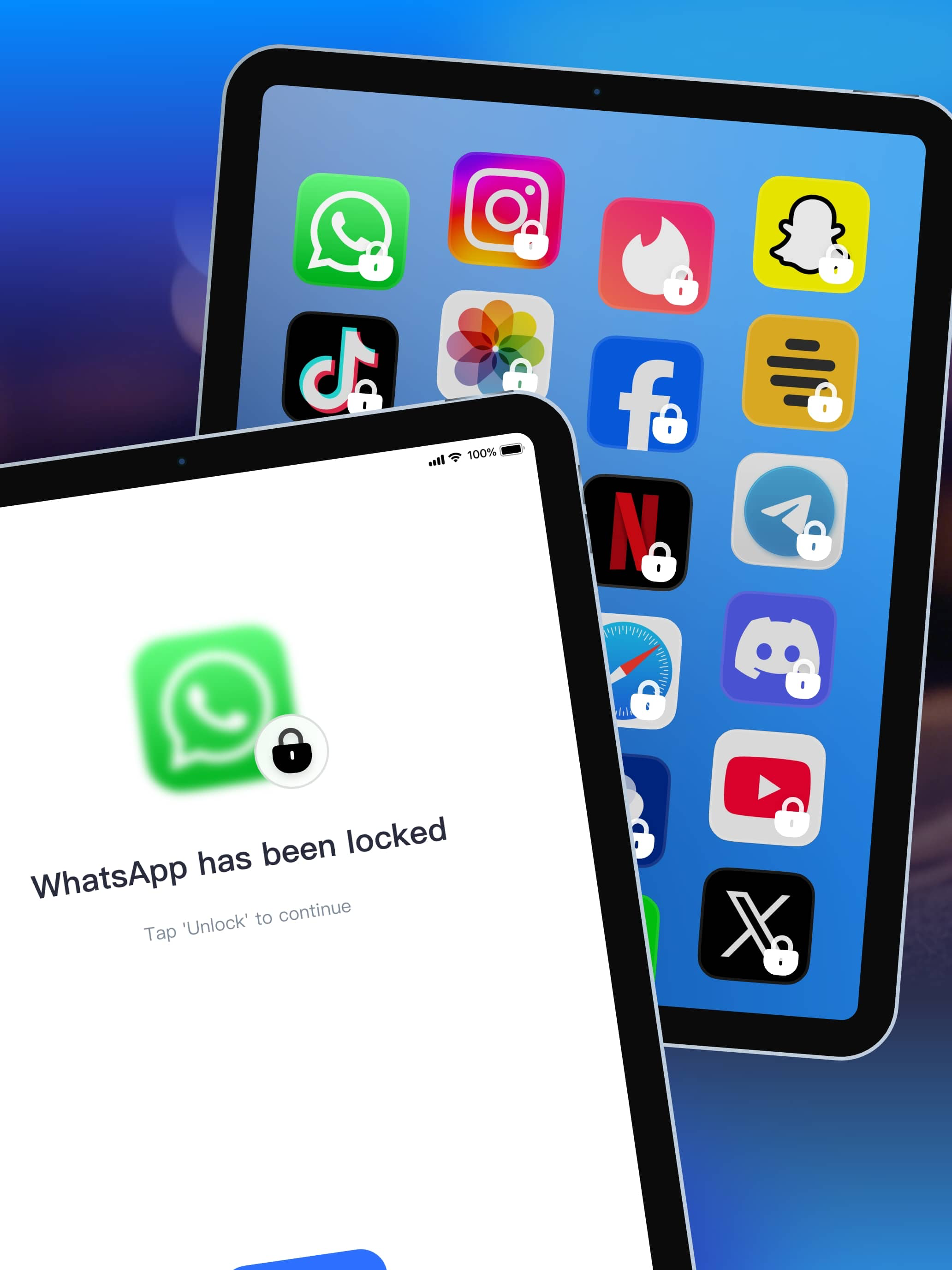
This is app is perfect if you just want to lock a few apps up to have some privacy. It’s free to use. You can do like an update which you have to pay for but works perfectly fine without payment. You can also hide apps which is necessary sometimes. The app itself has a lock in if as well. I don’t like how there’s adds though but that’s alright. It does bring you back to the app to type in the passcode. You just have to hit the top corner though and it will bring you back to your original app. Sometimes it does say you aren’t allowed on your app but you just have to exit off and go back on. This app is good for just locking apps with a password. Also you can use Face ID for easier access and just in case you forget your passcode. That comes in handy a lot.
i use the locked apps pretty often, so when i put the relock timer on, after ive unlocked it it stays unlocked, and yes i have the lock set to locked all day, every day of the week on the app settings. it's annoying and i shouldn't have to find my apps unlocked randomly. you mean to tell me i have to put a password on EVERY time i open the app lock application but i can't do the same for the "locked" apps? it's a hassle and none of these app lock apps have this feature, as a writer i don't want anyone going through my personal writings when using my phone, and my family does a lot. i also dont want to keep downloading and reinstalling an app every day, please make it to a point where i have to put in a password every time i open the locked app, make it stay locked, stop unlocking at random times, and not just an 'automatic relock' even when i'm using the app, why would i reput in a password 15 minutes later into using the app when im STILL using the app? i don't want to have to go to the app locker app just to be able to restart the lock.
This is a versatile screen time management tool that offers various modes to address different needs, whether it's for parental control to prevent chi...
| Name | Price | Type |
|---|---|---|
| Monthly Membership | $2.99 | Monthly |
| Monthly Membership | $5.99 | Monthly |
| Yearly Membership | $9.99 | Yearly |
| Yearly Membership | $12.99 | Yearly |
| Yearly Membership | $12.99 | Yearly |
| Yearly Membership | $14.99 | Yearly |
| Yearly Membership | $14.99 | Yearly |
| Lifetime Membership | $21.99 | One-time |
| Lifetime Membership | $27.99 | One-time |
| Lifetime Membership | $36.99 | One-time |