Check the acquisition promise
Read the store headline, screenshots and description. What problem is the app promising to solve?
Study the storefront ↗
Capacities Labs GmbH · iOS
Explore the ad evidence, study the storefront, and build your next acquisition hypothesis.
01 / Creative research
Read the store headline, screenshots and description. What problem is the app promising to solve?
Study the storefront ↗Explore apps with direct store-link matches. Compare their hooks and formats without assuming the same approach works here.
Browse observed advertisers ↗Store rankings and revenue estimates describe market context. They do not establish ad spend, conversions or ROAS.
Review the market context ↗02 / Storefront & product
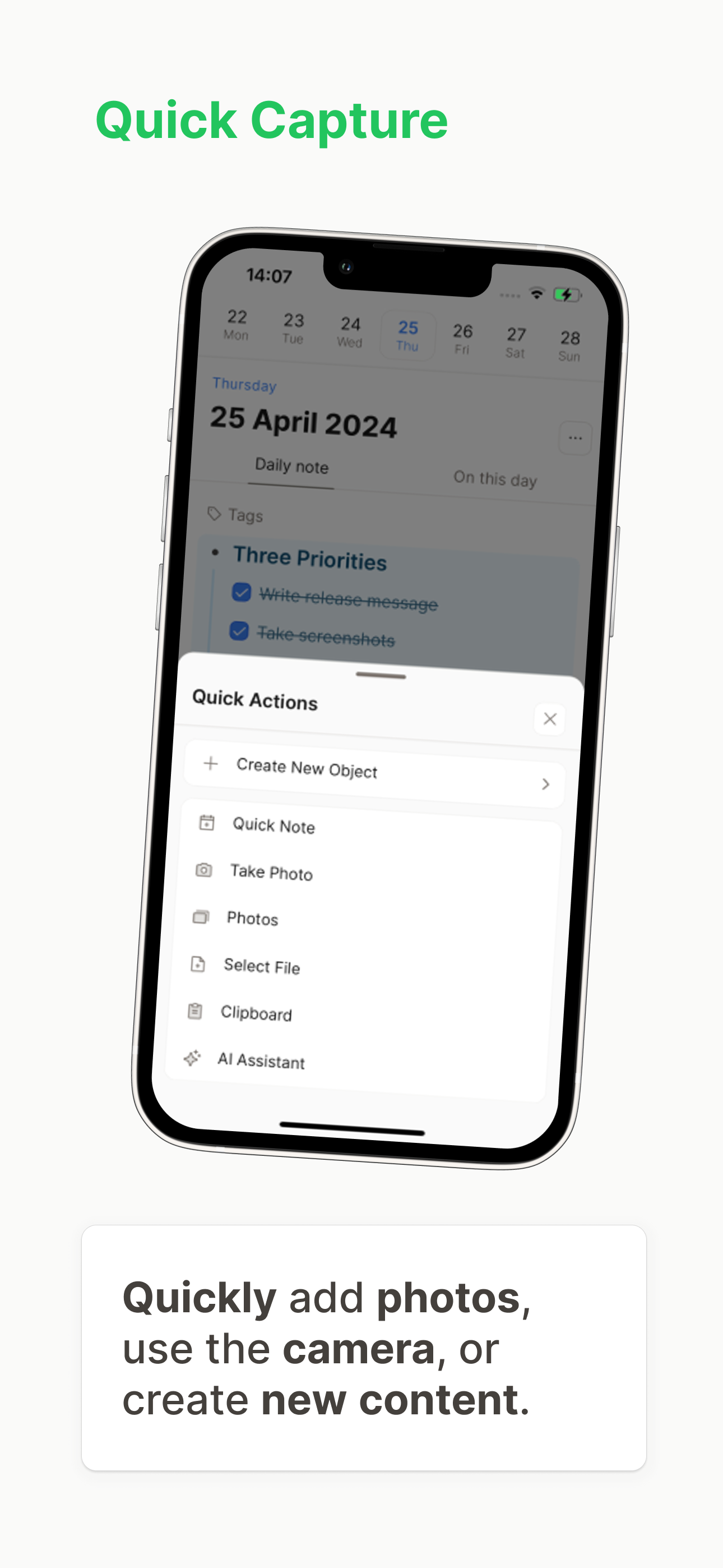
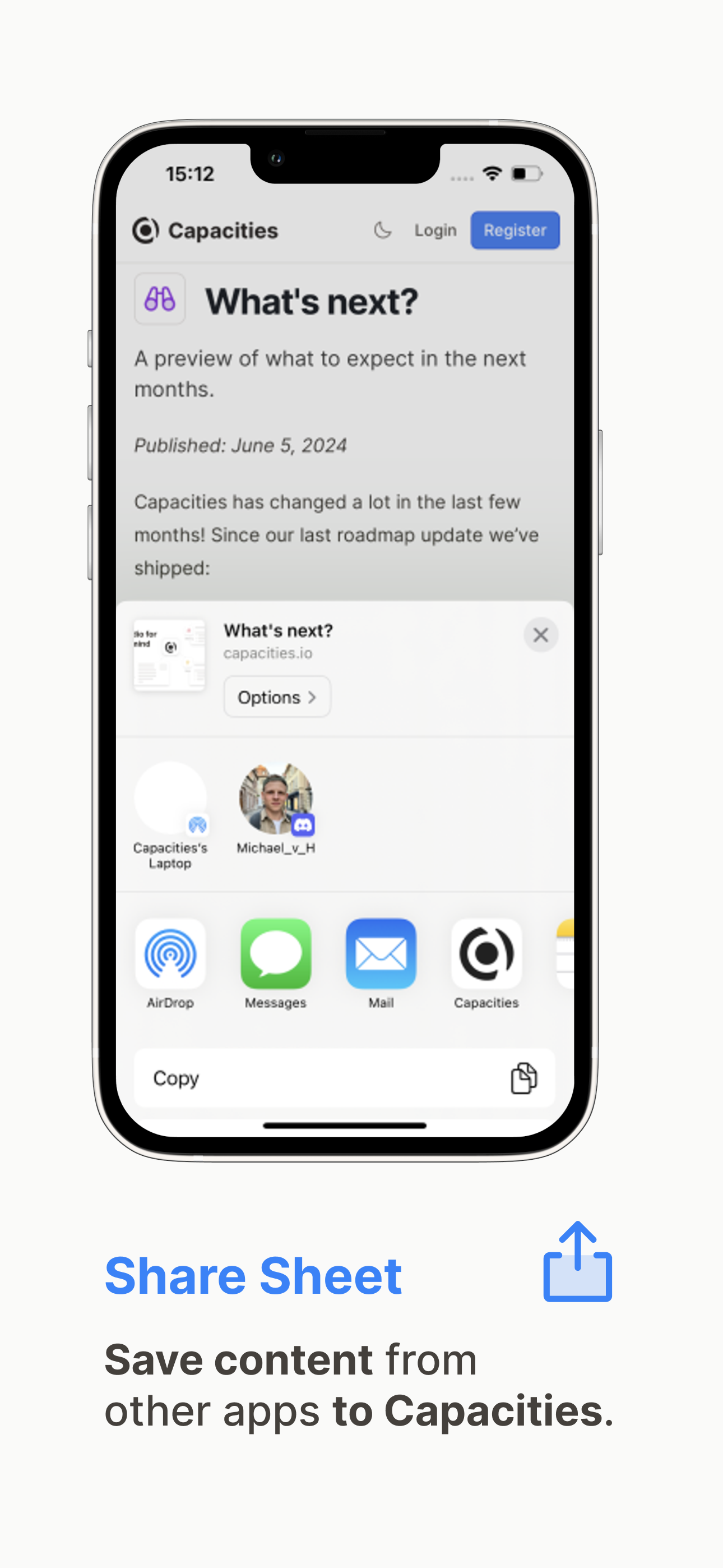
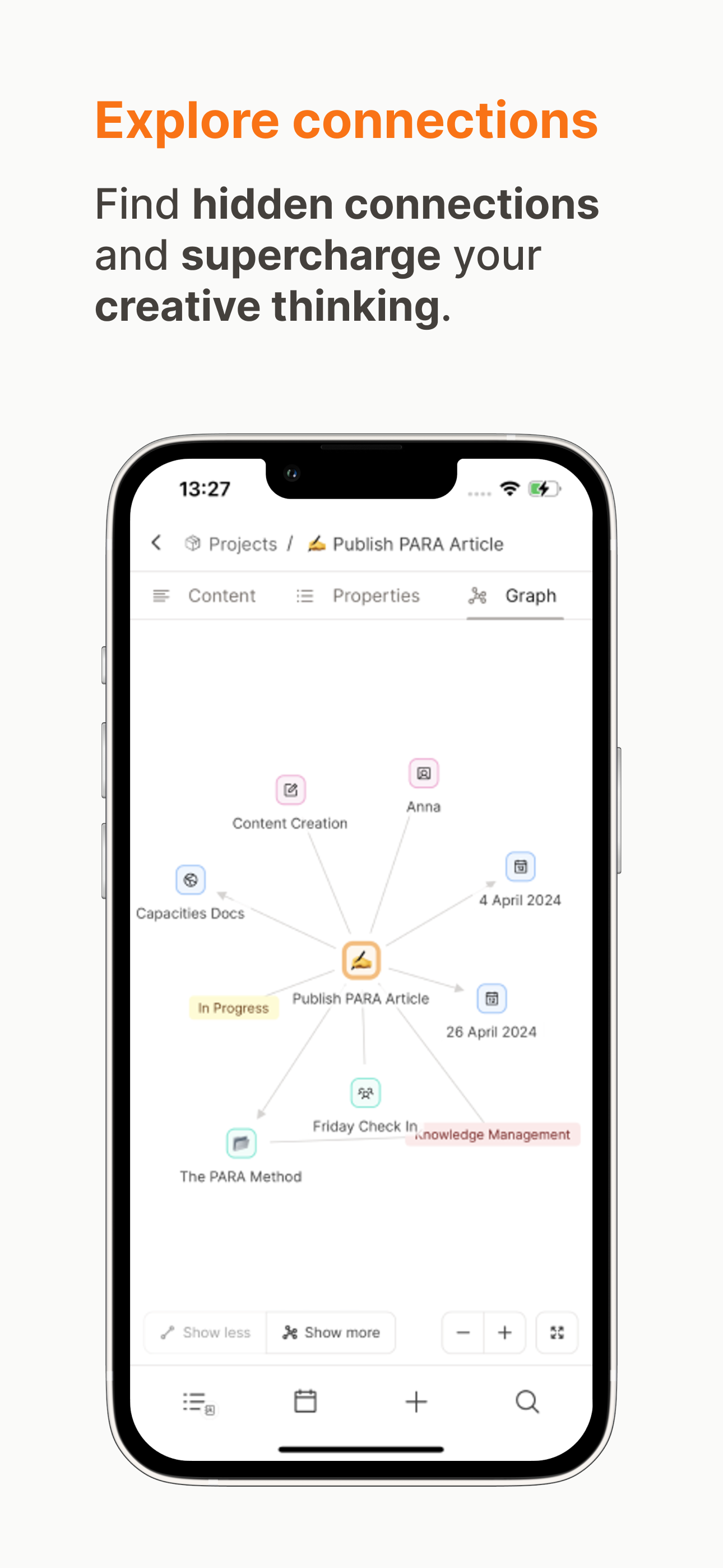
Study the product story and store experience behind the acquisition funnel.




03 / Market context
Keep revenue, downloads and store rankings separate from advertising performance.
The mobile app for the most part is really good. However, it does consistently have trouble with syncing, where mobile will fail to sync changes from desktop. I end up having to reboot the app to sync properly. Aside from that, I feel like the bottom navigation bar could be condensed to “home”, “new”, and “search. Where calendar & tasks are integrated onto home, similar to on desktop.
While the app boasts access across devices, the functions available on each one are notably inconsistent and not always logical: - I can group multiple lines on iPhone but not on iPad - I have to get on my iPad or computer in order to create or edit an object (something that I do fairly frequently) - I can turn a line into an object on computer and iPad but on on iPhone (this one is really frustrating) - And more Additionally, functions which are intended for use on any device sometimes only end up working on one or two of the three, further fracturing the experience: - Linking text to an existing object isn’t working on computer, but works fine on mobile (this one is pretty surprising) - Cover image properties aren’t showing up at all Another issue specific to iPad: - The app is not compatible with split screen, and remains full-width with responding to smaller dimensions Oh, and another issue that demands attention is the laborious process of selecting blocks on mobile. You have to tap every single block. There is a select all, but we really need a better way to select more with less effort. I know the tap and drag action is technically difficult to implement, but even a “Select Between” option would be extremely helpful The team has designed a really great product that I enjoy using, but I’m not sure how long I can justify spending $12/month when I’m constantly switching between devices to access the central features of the app. Hopefully some of these problems will be addressed soon.
I have been on a decade-long quest to find the holy grail of note-taking apps and I think I have finally found it. In my long journey I have tried Evernote, Obsidian, Bear, Logseq, Reflect, Supernotes, and many others. Each one of them had a major flaw that kept me from committing in the long term. I was nearly ready to just give up altogether when I found Capacities and decided to give it a try. My mind was blown almost immediately. The date-based note taking and custom objects is such a fantastic approach. It offers simplicity but also maximizes customization, making it perfect for beginners and power users. I can’t recommend this app enough. The free tier is more than enough for most people, but I believe in the product and have decided to financially support it. There are some neat perks of a Pro membership, too!
The Capacities Mobile App for iPhone and iPad is your note-taking companion when you're on the go. Access all your notes, quickly save important info,...
| Name | Price | Type |
|---|---|---|
| Capacities Pro (Monthly) | $17.99 | Monthly |
| Capacities Pro (Annual) | $199.00 | Yearly |