Check the acquisition promise
Read the store headline, screenshots and description. What problem is the app promising to solve?
Study the storefront ↗
Tasmanic Editions · iOS
Explore the ad evidence, study the storefront, and build your next acquisition hypothesis.
01 / Creative research
Read the store headline, screenshots and description. What problem is the app promising to solve?
Study the storefront ↗Explore apps with direct store-link matches. Compare their hooks and formats without assuming the same approach works here.
Browse observed advertisers ↗Store rankings and revenue estimates describe market context. They do not establish ad spend, conversions or ROAS.
Review the market context ↗02 / Storefront & product
Study the product story and store experience behind the acquisition funnel.



03 / Market context
Keep revenue, downloads and store rankings separate from advertising performance.
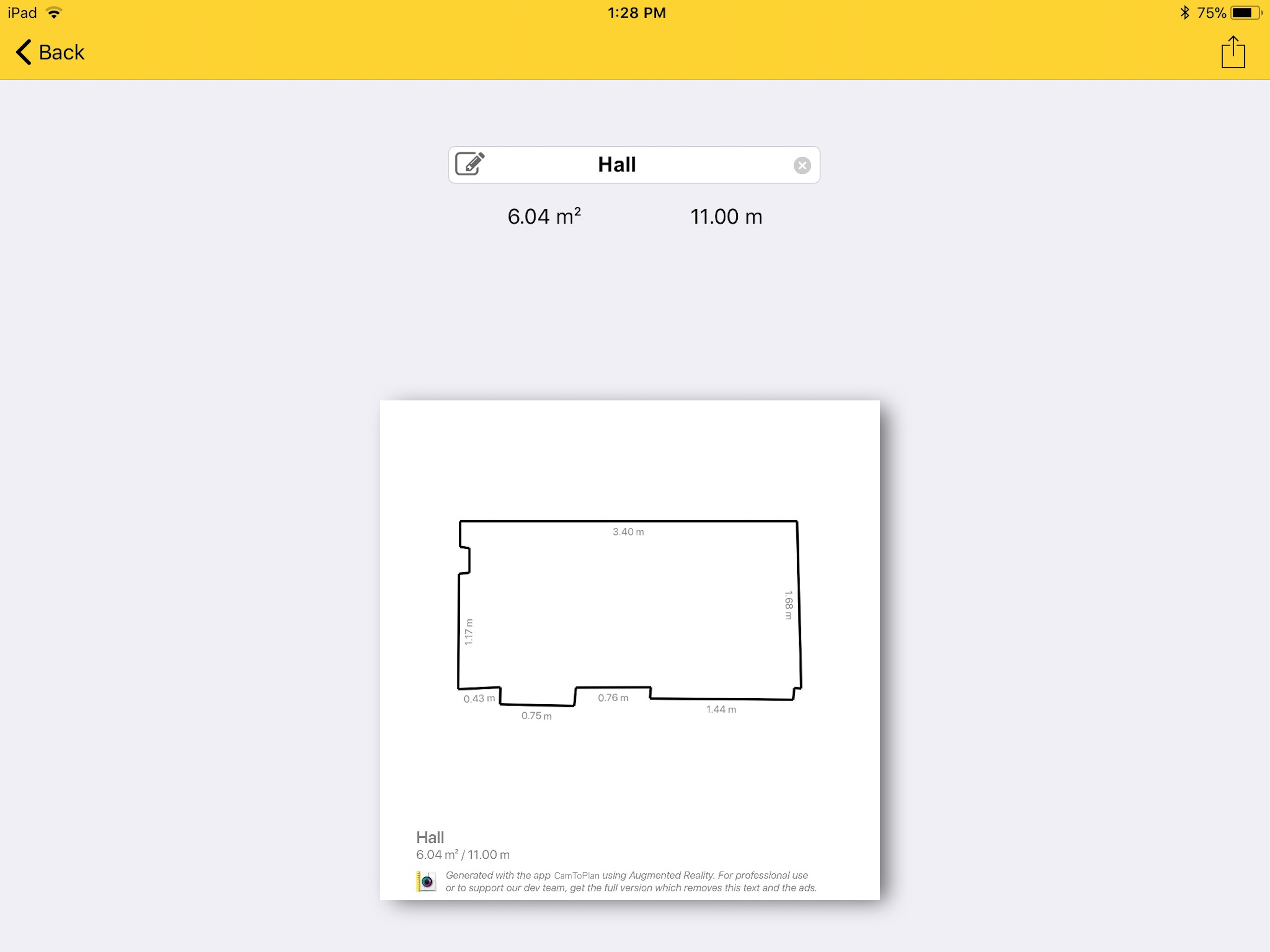
I've been using the app consistently for over two years now, typically 5–10 times per day. Overall, I really enjoy the functionality and ease of use—it’s been a valuable tool in my workflow. That said, I believe a few enhancements could make it even more effective: 1. Orientation Control Before Export It would be helpful to have the ability to adjust the orientation of the drawing prior to exporting. Currently, the final orientation isn’t clear until after the measurements are completed and saved, which can lead to confusion. 2. Option to Hide Measurement Mode When sharing drawings with clients, the mode used to measure isn’t relevant to them and can make the layout appear cluttered. A toggle to remove this detail would streamline the presentation. 3. Highlight Measured Areas Adding a subtle highlight to the measured area would help it stand out against the white background, improving visibility and clarity. 4. Additional Information Fields Including optional fields for customer details—such as name, address, and phone number—would be a great addition for organizational and communication purposes. These are just a few suggestions that I believe would significantly enhance the app’s usability and presentation. I appreciate your continued development and look forward to future updates.
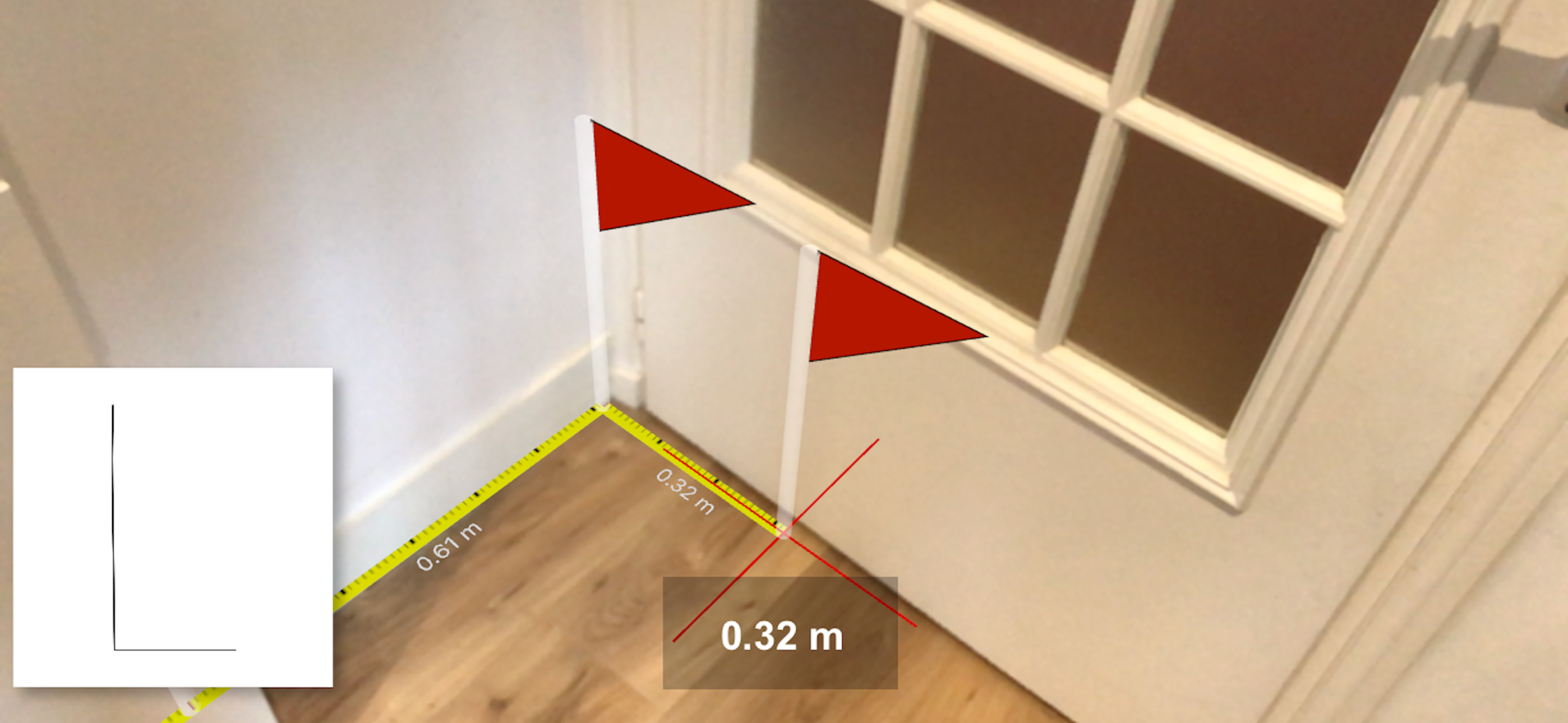
I purchased this app based on the apps video which shows it measuring curved rope laying on a floor along with other items nearby. Based on this, I thought it would be handy for getting rough measurements for random objects anywhere. This is what the app description leads you to believe you can do. What they don’t tell you is that the app requires you to locate all four corners of a room with the camera to establish boundaries before it will measure anything! If you have to many items in the room it can’t detect all the corners and won’t go past that. No room means no measuring anything inside or out. I contacted the developer and asked for a refund but was told the next update would solve the problem but it was no better. Still no refund! This app should have a free Trial option before wasting your money but it does not! I deleted the app as it proved useless for me.
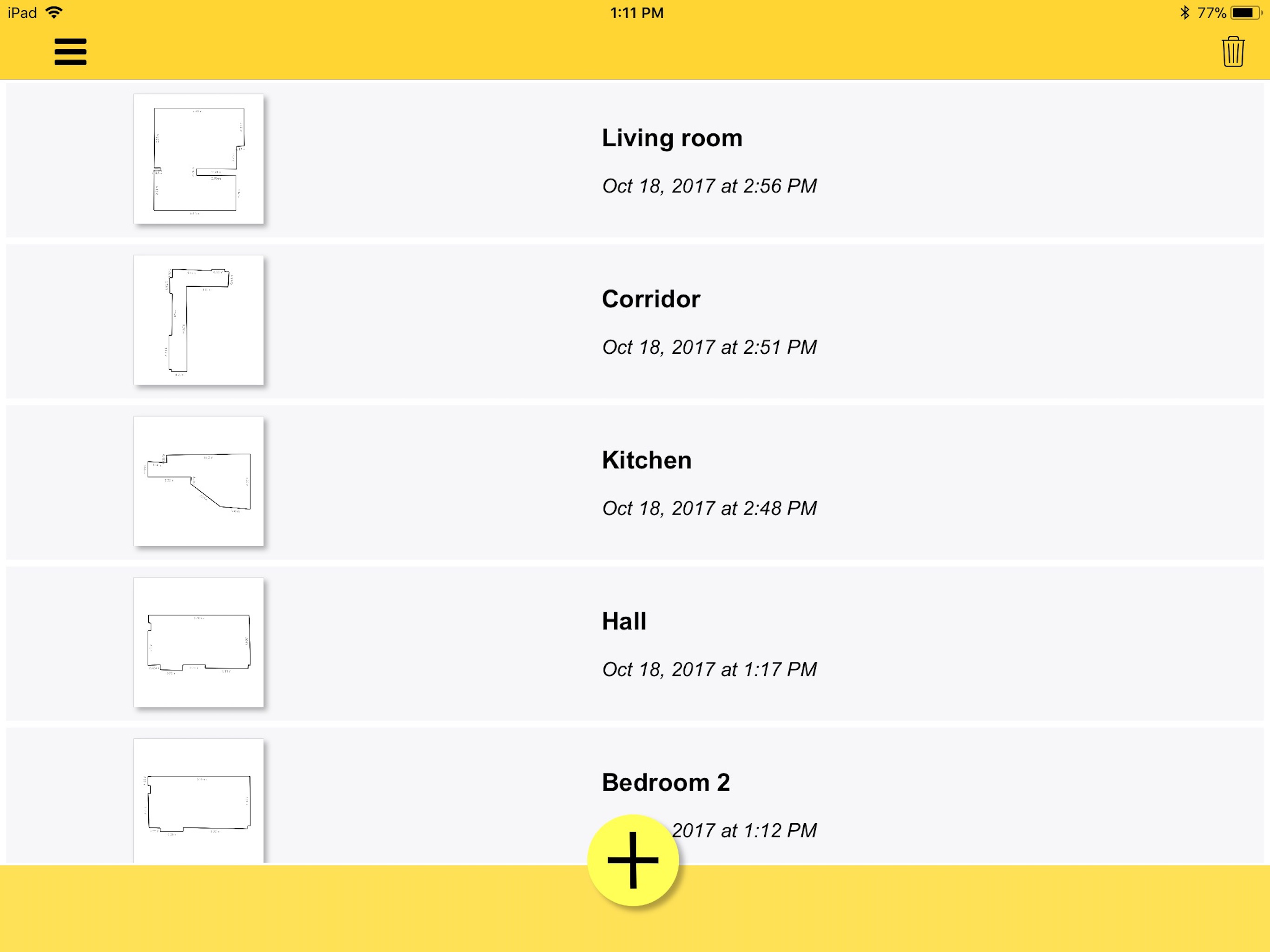
Other apps I tried wouldn’t let me get a basic blueprint before they were adding furniture and stuff whil was unable to get the basic floor plan. I had one chance to map the house we’re buying before we move next month. I walked around and mapped it out quickly then was able to adjust it later. It does the basic job which is what I wanted first. That’s all this program does and does it easily and well. Just what I wanted.
Measure anything with CamToPlan! Horizontally and vertically! Length, distance, area of any surface… Measure everything with this virtual ruler and ta...