Check the acquisition promise
Read the store headline, screenshots and description. What problem is the app promising to solve?
Study the storefront ↗
VoidTech Inc. · iOS
Explore the ad evidence, study the storefront, and build your next acquisition hypothesis.
01 / Creative research
Read the store headline, screenshots and description. What problem is the app promising to solve?
Study the storefront ↗Explore apps with direct store-link matches. Compare their hooks and formats without assuming the same approach works here.
Browse observed advertisers ↗Store rankings and revenue estimates describe market context. They do not establish ad spend, conversions or ROAS.
Review the market context ↗02 / Storefront & product
Study the product story and store experience behind the acquisition funnel.



03 / Market context
Keep revenue, downloads and store rankings separate from advertising performance.
I can’t say enough positive things. It not only works with the Calendar it is paired, the one made by the same App-Maker VoidTech Inc. I haven’t found a calendar it doesn’t work with, and believe me I’ve tried many; both paid and friend. I’m fussy about calendars and even more fussy about the colors associated with them. I’ve been using my iPad since the first week in February. It is September now. Although I’ve rated Apps with stars this is the first review I’ve felt motivated to write.
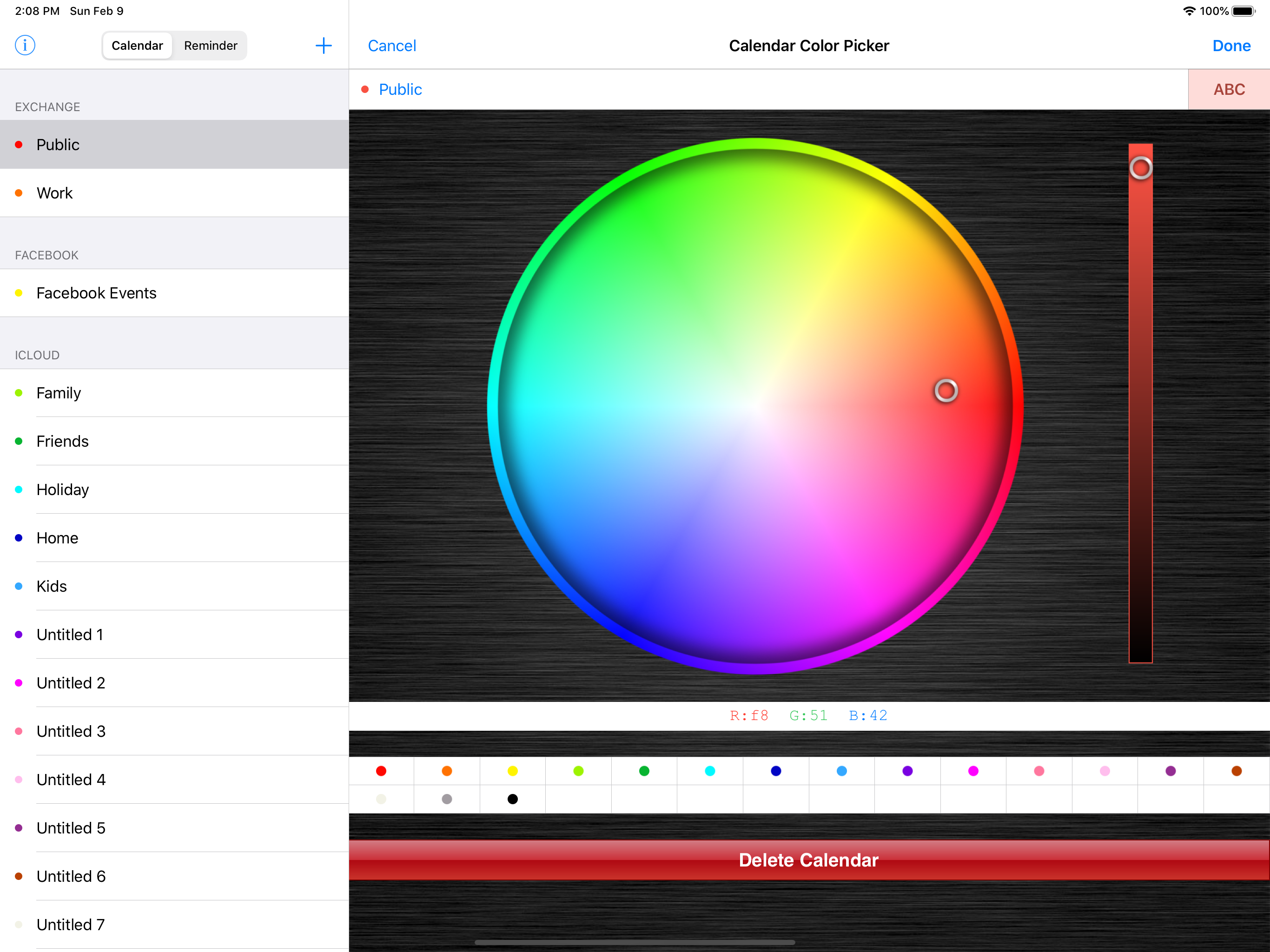
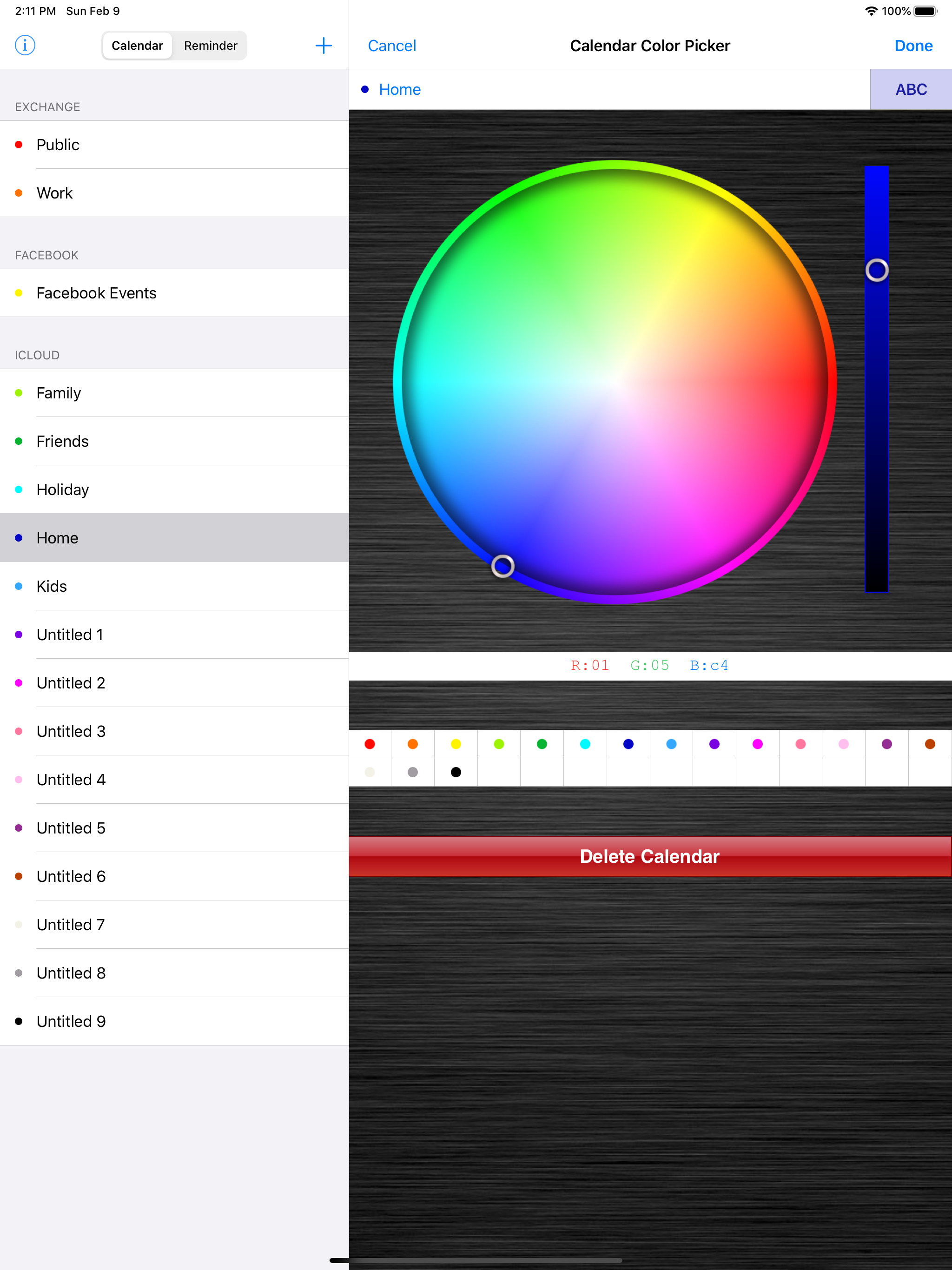
Been using this for a couple of years now. This app lets you change the colors to what you want for your calendars. I use a calendar that puts both calendar and reminders in the calendar. I currently run 13 calendars in my ios calendars on my X ifone. I have 9 ios Reminder folders. This app gives enough variation I can use a variety of different blues for each family member, browns for household, yellows for work, red for important, white for tasks, various greens for girlfriends, etc etc, varieties not offered by the native calendar and reminders. Well worthwhile if you want more color control!!
The functionality in this app should be built into the iOS calendar by default. You can adjust these colors on your Mac calendar app, but not on the iPhone/iPad. This app allows you to do that. I have more calendars than the default iOS color limit, so I had to double some up before I found this app. Definitely worth the $2 just to be able to visually sort my calendars.
Since you cannot color code each event in the built-in Calendar app, why not instead create multiple calendars to categorize your events? Choose which...
| Name | Price | Type |
|---|---|---|
| RGB Hex Editor Addon | $4.99 | One-time |
| Reminder Color Picker | $4.99 | One-time |