Check the acquisition promise
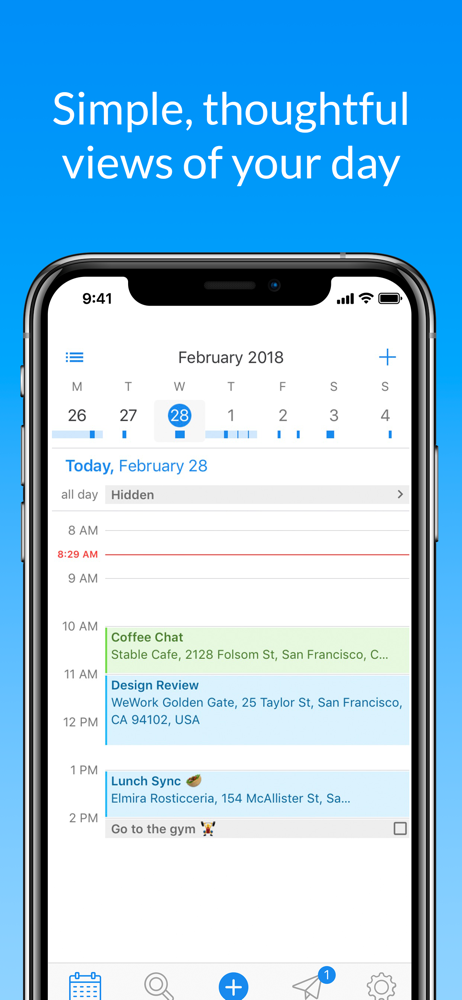
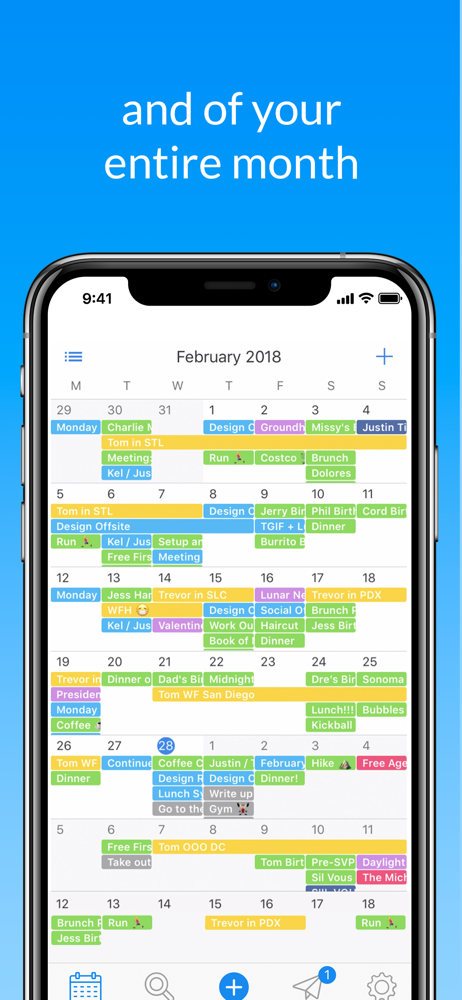
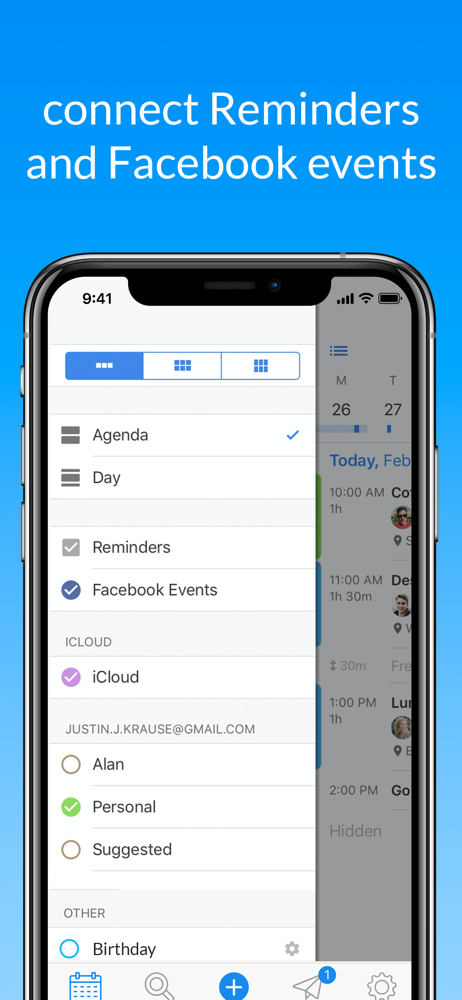
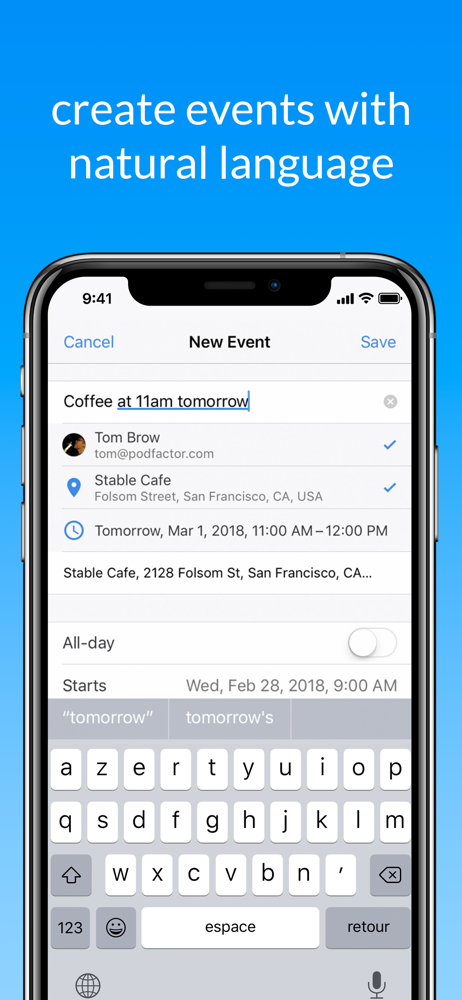
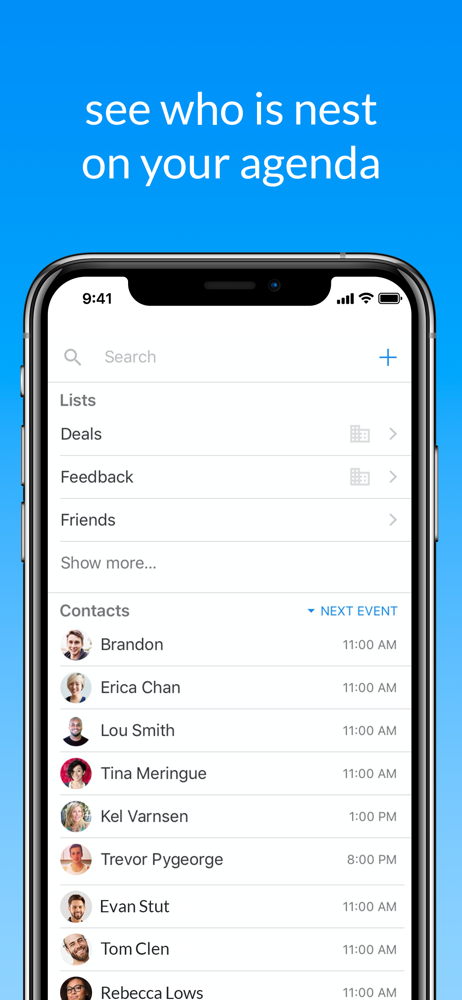
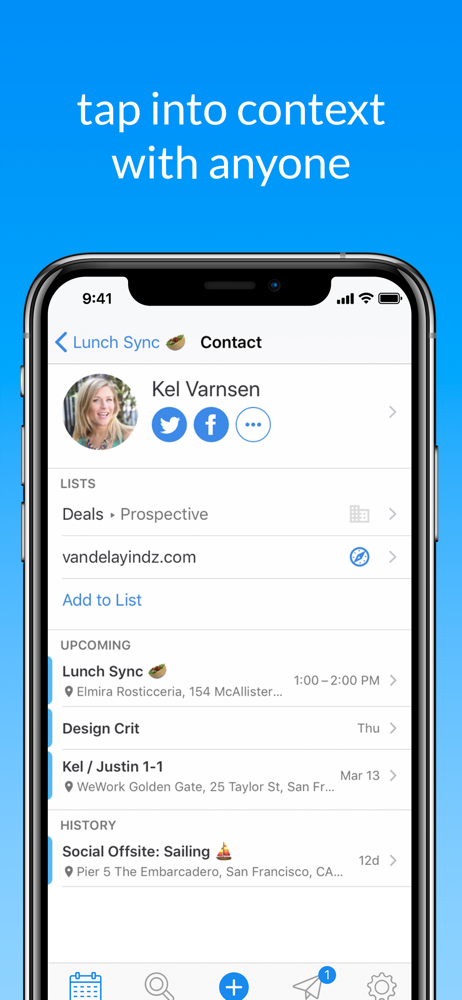
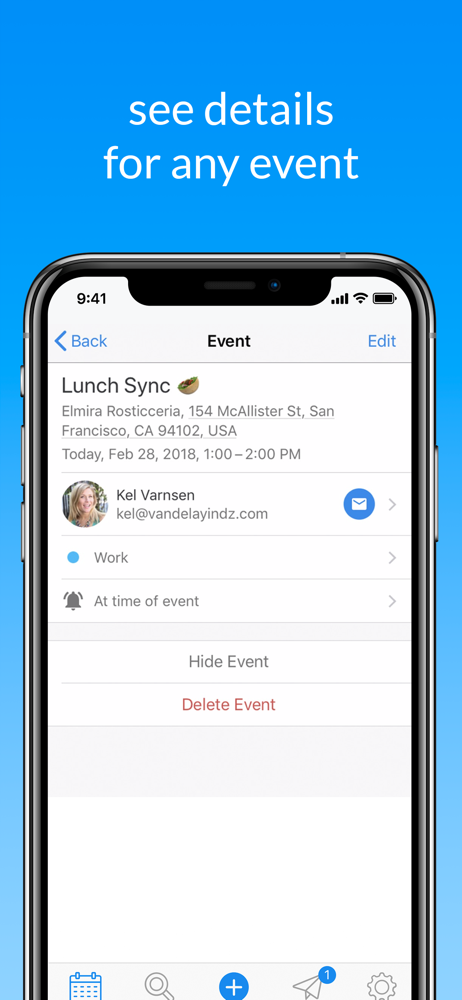
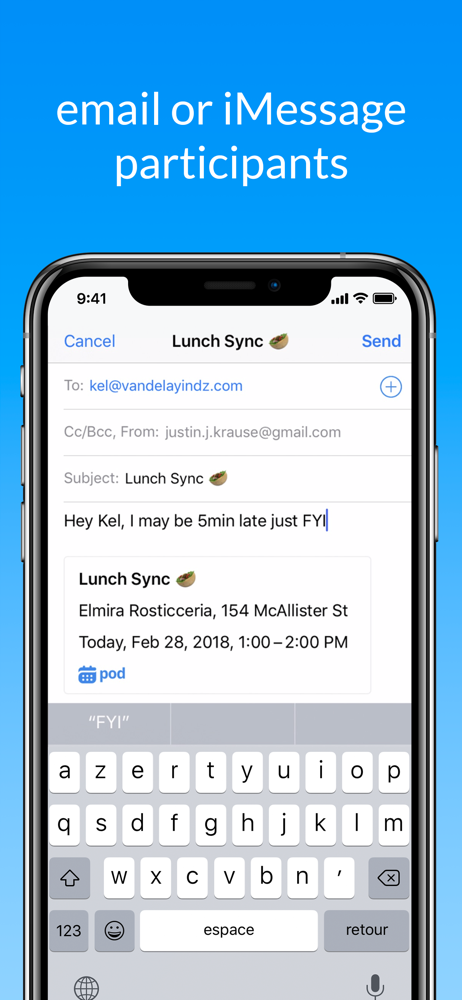
Read the store headline, screenshots and description. What problem is the app promising to solve?
Study the storefront ↗
BUCKET LIST LABS S.L. · iOS
Explore the ad evidence, study the storefront, and build your next acquisition hypothesis.
01 / Creative research
Read the store headline, screenshots and description. What problem is the app promising to solve?
Study the storefront ↗Explore apps with direct store-link matches. Compare their hooks and formats without assuming the same approach works here.
Browse observed advertisers ↗Store rankings and revenue estimates describe market context. They do not establish ad spend, conversions or ROAS.
Review the market context ↗02 / Storefront & product
Study the product story and store experience behind the acquisition funnel.
03 / Market context
Keep revenue, downloads and store rankings separate from advertising performance.
I’m a realtor, I have 2 kids, I’m super busy but with this app I get reminded about things I would never remember! The generic Apple calendar sadly deletes information and notes about what you did in the past but this calendar I can go back to last year and see what I had scheduled for that day. It allows you to add alerts 10 min before 30 min an hour or even a day or 2 before so I get remainder numerous times the sooner I get to an important day or time or appointment. I love this app it’s really a life saver. Anytime someone tells me to call them in a month or 2 about possibly selling their house the first thing I do is I add it on here. And something I would’ve never remembered I was able to do so thankful for this app!!!! 10 stars if it was available.
I love this app, I went from a Samsung phone to an IPhone recently and was very disappointed with the default calendar app. It was mainly because there’s a very limited choice for calendar colors (for labeling different types of calendars: work, home, family, etc.) and this calendar app, having the choice of more colors, brings the potential of a whole lot more organization. I also love the ease of turning off other calendars within the app to view just one at a time. This feature then gives you the option of having “sub-categories” if you will, having the sub-categories of the larger category all in the same color, but on different calendars (hopefully that makes sense). It also syncs with Apple Calendar which is really cool, so everything still integrates with each other in Apple’s ecosystem (is that what you would call it? :/ ). I use this app for everything in my life from my schedule, to expenses, to even simple reminders. This app is all about organization, so if that’s what you need, your in the right place :)
I love “pod” quite a bit. It’s simplicity, ease of use and intelligent design makes this app quite nice. It is really visually intuitive and appealing. However- there are glitches. The “keep in touch with the people you meet” part of the app doesn’t work. You can link contacts and add participants but you cannot do what the preview slide suggests. Pressing on a linked or added contact does nothing. I also don’t understand why there are two calendar symbols in agenda view. One is top right the other is bottom left. They both take you to “Today”. Finally, it would be nice if we were able to link not just contacts with email addresses but those with phone numbers to events. And, in the contacts section it would make sense if we were able to access all contact information. Also- linking event address/location search to our contact list would be a great addition as well.
This is the simple, thoughtful app pushing the boundaries of what you expect from your calendar: - Intuitive, beautiful views of days and months - A...
| Name | Price | Type |
|---|---|---|
| Monthly pro access | $1.99 | Monthly |
| Calendar Pro (Weekly) | $1.99 | Weekly |
| Calendar Pro (Weekly) | $2.99 | Weekly |
| Quarterly pro access | $4.99 | Quarterly |
| Premium (Monthly) | $4.99 | Monthly |
| Calendar Pro (Monthly) | $4.99 | Monthly |
| Calendar Pro (Monthly) | $9.99 | Monthly |
| Calendar Pro 1 year | $19.99 | Yearly |
| Premium (Annual) | $29.99 | Yearly |
| Premium (Annual) | $39.99 | Yearly |