
Check the acquisition promise
Read the store headline, screenshots and description. What problem is the app promising to solve?
Study the storefront ↗
Cadrage GmbH · iOS
Explore the ad evidence, study the storefront, and build your next acquisition hypothesis.
01 / Creative research
Read the store headline, screenshots and description. What problem is the app promising to solve?
Study the storefront ↗Explore apps with direct store-link matches. Compare their hooks and formats without assuming the same approach works here.
Browse observed advertisers ↗Store rankings and revenue estimates describe market context. They do not establish ad spend, conversions or ROAS.
Review the market context ↗02 / Storefront & product
Study the product story and store experience behind the acquisition funnel.
The store evidence
GB store price
£19.99
GB rating
4.8 / 5
GB rating count
59
Current version
6.1.1
2026-10-06 · Developer notes
Minor bugfixes and improvements.
Store metadata collected 2026-10-07 UTC · GB storefront · Source record. Free may include in-app purchases. Public data does not update revenue estimates.




03 / Market context
Keep revenue, downloads and store rankings separate from advertising performance.
I’ve only just started using this app, and there are several things I really like about it, like the number of camera & lens options. Setting it up to be a faithful reproduction of the images I will get from my Canon C 500 Mark II using Canon prime lenses was easy. It’s also easy to add custom focal lengths, but I didn’t find a way to name the custom lenses, like our newly acquired Russian Helios. Perhaps I need to dig a little deeper. One thing I hope they will add in upcoming versions, is a very quick, simple, and intuitive way to switch back-and-forth between the image library, and the camera, I have not found a quick way to do that. At this point, that is my only real complaint. I’ll try to leave an updated review, after I’ve used it on a large project. I have several other, “directors finder,“ type apps, but at this point, Cadrage is my favorite.
Having worked and futzed with them all... I can confidently tell you Cadrage flat out slays and renders the others dead. This is not only my fave viewfinder app, but, honestly it’s one of my all time fave apps. A joy to use - let’s you focus on doing what you need to do and makes your shortlists and storyboard creation become effortless. Today I created an entire storyboard for a complex video in a 25m Lyft ride from my phone. In the past, this would have taken an hour or more on desktop. This app is so well designed and made to make our work frictionless, easy and enjoyable. Well done. Developer response to my feature request has been quick and phenomenal as well. That is sayin a lot these days. Highly recommended.
I have been relying on Cadrage more and more during location scouts and love the flexibility it gives me to test out lenses and angles from several cameras, including use of SpeedBoosters. The export functions are also great for getting a quick and dirty shot list sent out. There is a delay from pressing the shutter or volume keys for me, but since I’m on a 6s I don’t know if it could be a little bit the phone. I’d love to try with a dual camera to see if it returned better quality on long lenses versus straight digital zoom. I’d love to see a more streamlined interface for organizing shots, but the current one is entirely functional, additional cloud services besides Dropbox would also be a nice export option in future.
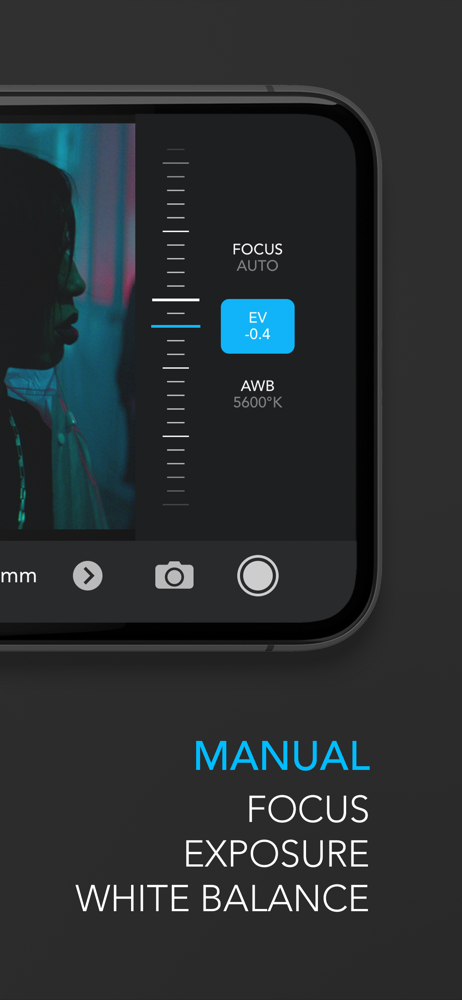
Cadrage - the director's viewfinder app used by some of the best directors and DPs worldwide. Cadrage allows you to line up your shots with precise f...


