
Check the acquisition promise
Read the store headline, screenshots and description. What problem is the app promising to solve?
Study the storefront ↗
Fabian Hasse · iOS
Explore the ad evidence, study the storefront, and build your next acquisition hypothesis.
01 / Creative research
Read the store headline, screenshots and description. What problem is the app promising to solve?
Study the storefront ↗Explore apps with direct store-link matches. Compare their hooks and formats without assuming the same approach works here.
Browse observed advertisers ↗Store rankings and revenue estimates describe market context. They do not establish ad spend, conversions or ROAS.
Review the market context ↗02 / Storefront & product
Study the product story and store experience behind the acquisition funnel.




03 / Market context
Keep revenue, downloads and store rankings separate from advertising performance.
I’ve been using Budget Flow for about four months now, since last October, so I could get acclimated to it before the new year in 2026. I’m really impressed with the app, and I tried almost a dozen before choosing Budget Flow (a one-time purchase option was a deciding factor). Right now, the only major things missing in my workflow are split transactions and printable/PDF reports. The developer has been quick to answer my questions and help with several issues, for the most part, and I'm hopeful that the above shortcomings will be remedied by year end.
I was skeptical at first. Seeing as how I’ve had every app for finances and budgeting in the App Store. I guess you could say I’ve had many short lived relationships with budgeting apps claiming to be everything you need. Well after down loading Budget Flow, I was slowly adding my accounts and some data here and a little there. When little things stood out to me. First the ability to make a custom logo for your accounts. You can even use saved photos. Then I noticed the ability to have two separate budget books. I believe some people will use it with families and so on. Well it works perfect for me to have one book with all my personal accounts. Then the other containing all business accounts. I gotta give it up to the designer on the best user interface I’ve experienced to date on a budget/finance application. I’m type of person who loves loading the transactions myself. For many reasons. It makes me stay accountable of what and how I’m spending. Also no bank pairing ever is 100% and something always gets lost or miss labeled. So I might just settle down with this Budget Flow and comit for life. Don’t tell my checkbook app. 🤑🤫😏 ⭐️⭐️⭐️⭐️⭐️ Designer. I thank you for taking the time to creatively add in everything I’ve been wanting or needing in this. Now I might actually be able to get to the next level of money management!
I have been using HomeBudget to manage my finances for many years. The app has served me well; however, it hasn’t seen an update for two years and I’m afraid it’s been abandoned. So it’s time to move on. And moving on, I am. After trying several potential replacements, I feel lucky to have found Budget Flow. The app is not only gorgeous but presents data in a way that’s easy to understand. Every feature makes total sense and appears to have been thoughtfully implemented. To me, where Budget Flow is today in terms of design and functionality more than meets my needs. However, a quick look at the development roadmap ahead reveals that added functionality is coming. Its future is bright. Did I mentioned there is a Mac version of Budget Flow? I don’t think I did, but yes, there is one. Thank you, developer!
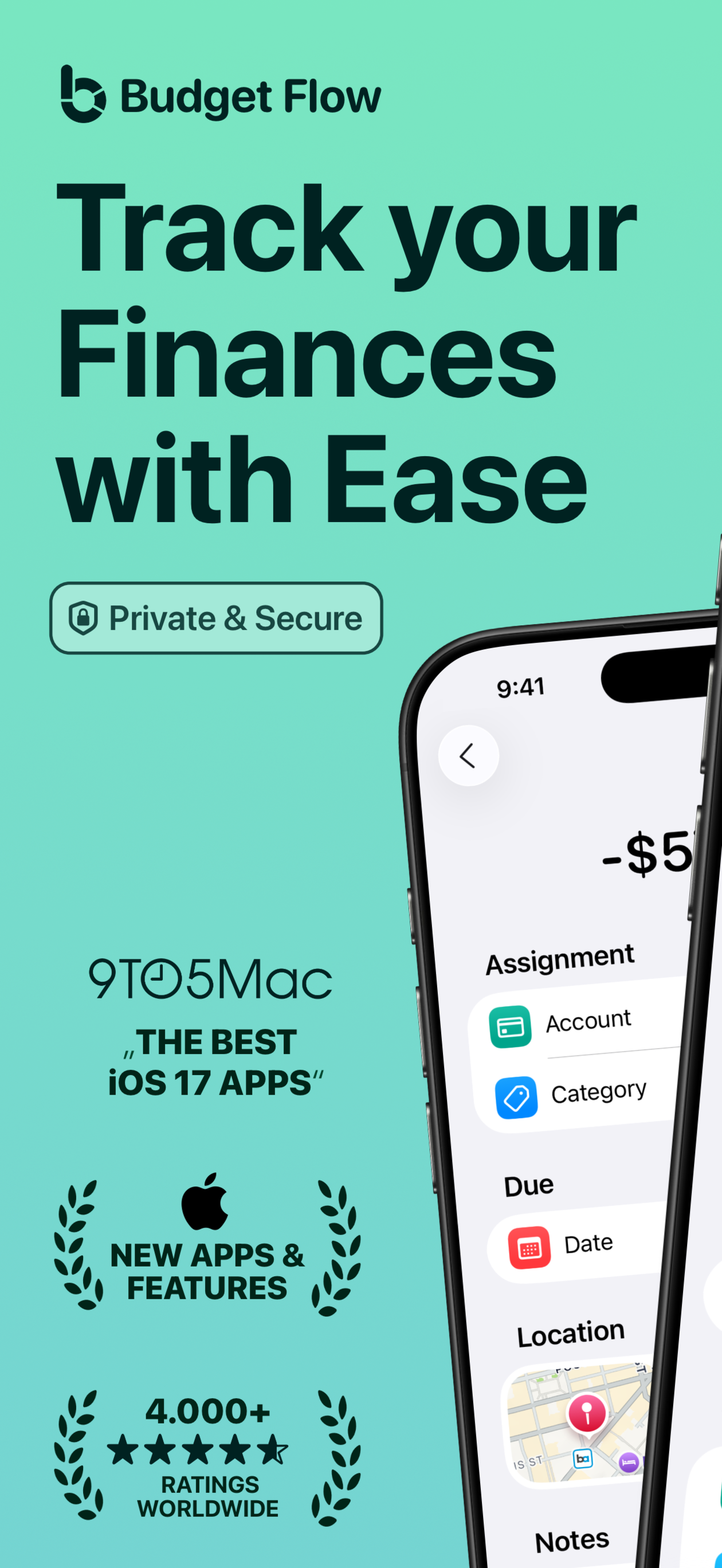
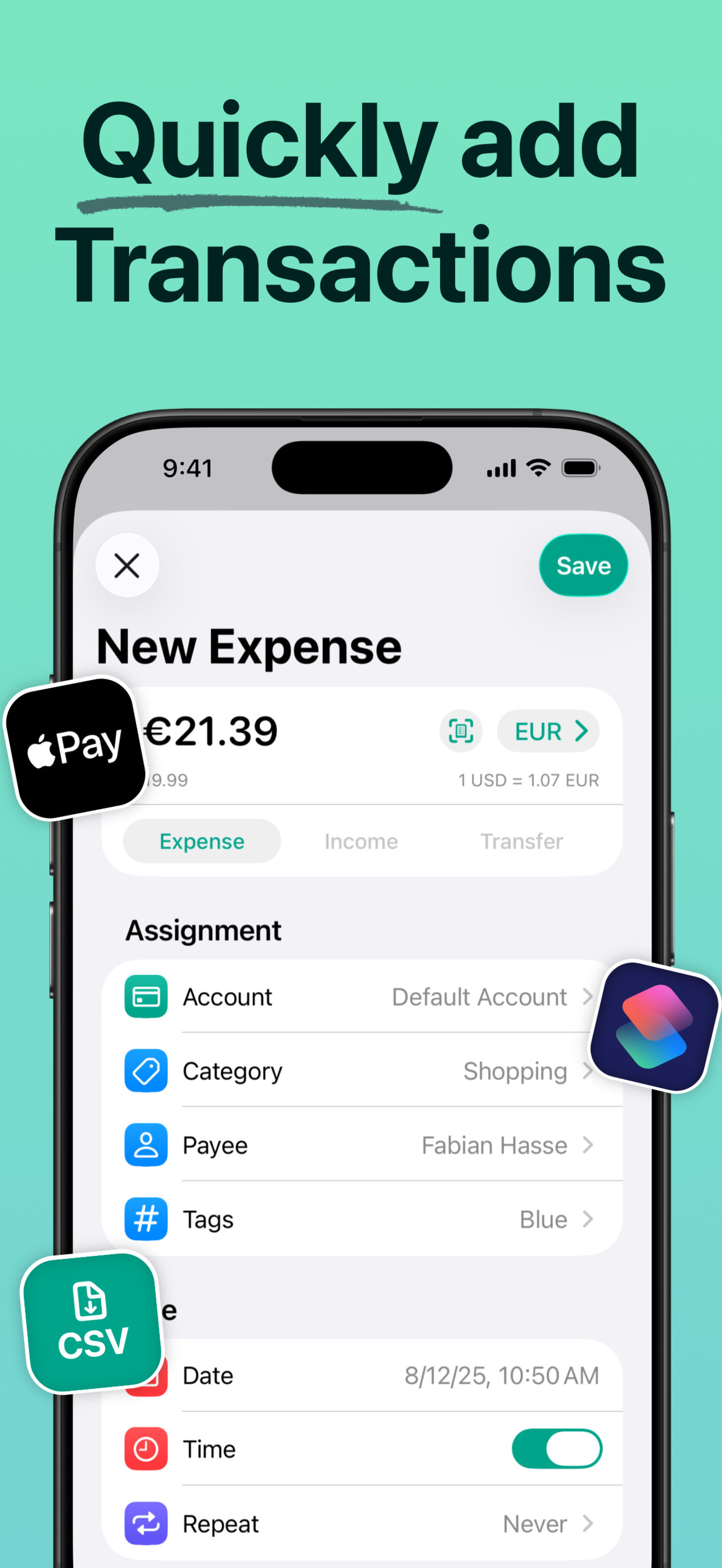
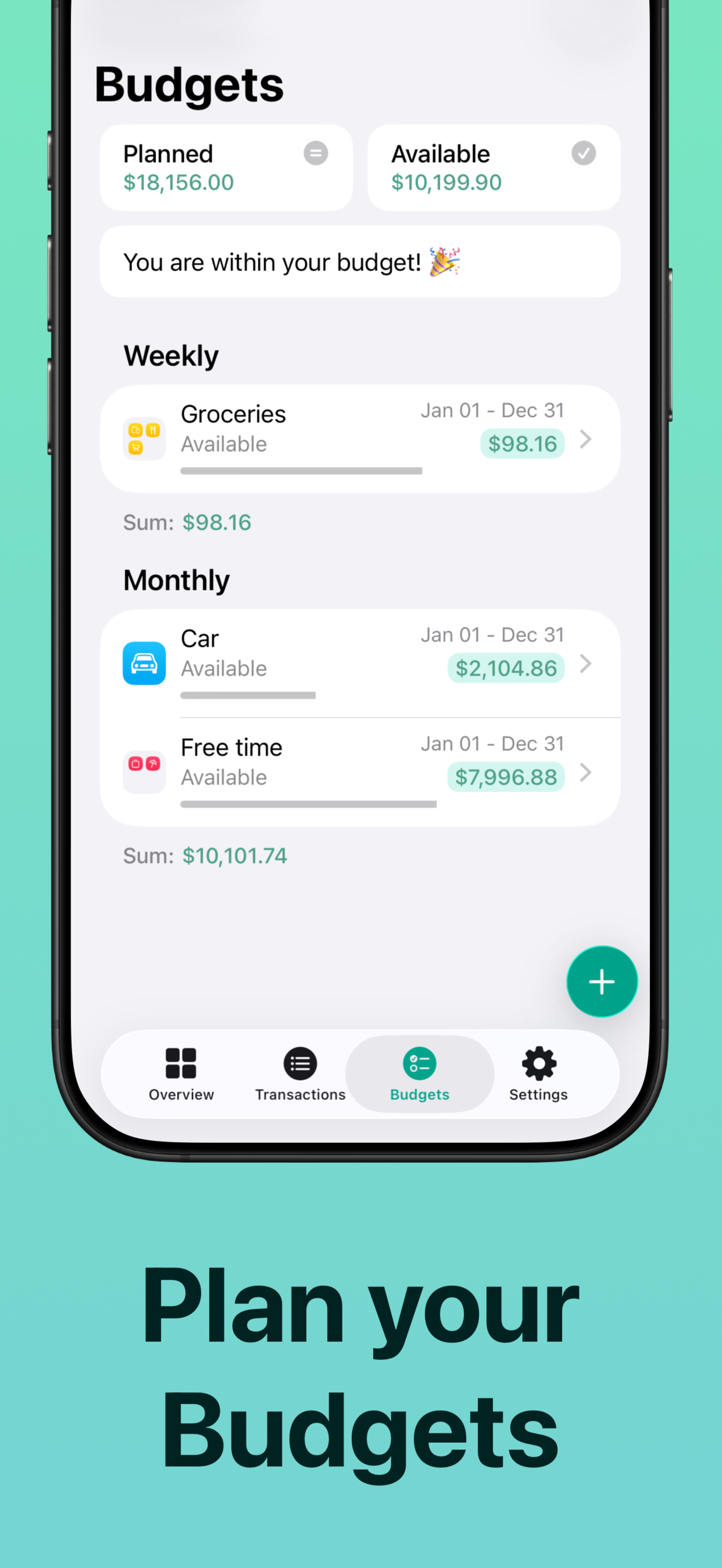
Budget Flow lets you keep track of your income and expenses and manage them effortlessly. This modern and user-friendly expense tracking app is quick...
| Name | Price | Type |
|---|---|---|
| Full Version (1 Month) | $4.99 | Monthly |
| Full Version (1 Year) | $29.99 | Yearly |
| Full Version (Discounted) | $49.99 | One-time |
| Full Version (Lifetime) | $69.99 | One-time |


