Check the acquisition promise
Read the store headline, screenshots and description. What problem is the app promising to solve?
Study the storefront ↗
Tools for Schools Limited · iOS
Explore the ad evidence, study the storefront, and build your next acquisition hypothesis.
01 / Creative research
Read the store headline, screenshots and description. What problem is the app promising to solve?
Study the storefront ↗Explore apps with direct store-link matches. Compare their hooks and formats without assuming the same approach works here.
Browse observed advertisers ↗Store rankings and revenue estimates describe market context. They do not establish ad spend, conversions or ROAS.
Review the market context ↗02 / Storefront & product
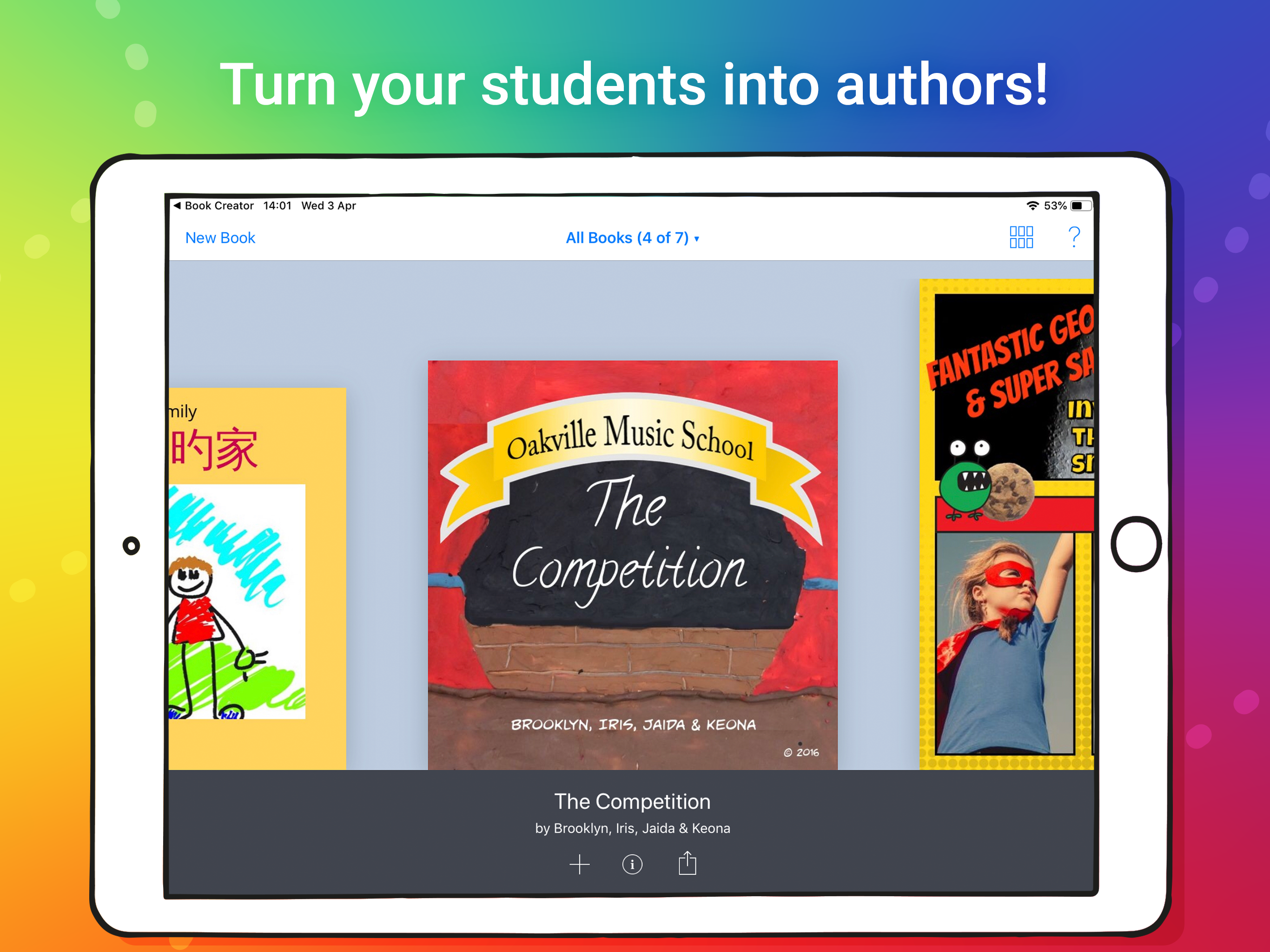
Study the product story and store experience behind the acquisition funnel.


03 / Market context
Keep revenue, downloads and store rankings separate from advertising performance.
This is absolutely in my top two favorite games! It’s the only writing game that actually lets me do what I want to do I love the comic future, I love how you can change the font, and add pictures, change the colors of the words, add a background to the words and to the page, and you can use pen to draw and add emoji’s, You get to do whatever you want and there are no rules, you can add the author and title into a description, you can change the short tutorial, you can print books too! there’s nothing I don’t like about the app! so far I’ve made precisely 97 books! Thank you so so so so so so so so so much for making this app!
If you are looking for an app to prepare an ePub for a children's book, Book Creator app for iPad produces a beautiful ePub3. We varied the font and font size, boldness and color. We chose a square book format, but other shapes and sizes are available. We were also able to choose page color and vary page color throughout the book. We included a short video, in lieu of an illustration on one page. There is the option to narrate your book or have the app narrate it and light up the word being read. There is an automatic page turning option. Air dropping illustrations from your iPad or iPhone is very easy. For book 2 in our series, we are doing more illustrations directly onto the iPad/book creator page with a stylus. For our needs, the app is easy to use and offers all of the features we needed. We have been asked to conduct a seminar for teachers and writers on preparing an ebook with Book Creator for iPad at a local college next month. The only problem we encountered was submitting a table of contents to Apple's iTunes Producer. There were instructions in Book Creator for preparing a TOC to submit to Apple, but we did not get it right. The folks at Apple were nice enough to redo our TOC. UPDATE: The first three multi-media books in our series are in the Kids section for ages 6-8 on the Apple Book Store. With each new book, we have found new ways to creatively use the features of this app. As requested by teachers, we are now preparing a read-aloud format of our books for children who are younger than 6, struggling a little with reading, English language learners, or visually impaired. We are using the "add sound" feature of Book Creator with an iPad headset. Our narrator is awesome, but the "light up words" and "automatic page turning" features of the app only work with the digital voices the app provides, which lack expression and phrasing. Any new developments in the works to enhance making read-aloud?
I have used this app a lot in my classroom. We. Are class books all the time and I can print them and send them to parents to read in iBooks. At home. I love that I can print the books on our school printer. However I wish they did not have to be whole pages. I would love for the option to print 4 book pages per piece of copy paper. I also wish photos could be edited/ cropped in the app. It would also be nice to be able to make books on longer legal size paper.
* THE No.1 Book app for the iPad in 90+ countries. * Common Sense Education Top Pick for Learning 2018 * AASL Best website for Teaching & Learning 20...