Check the acquisition promise
Read the store headline, screenshots and description. What problem is the app promising to solve?
Study the storefront ↗
George Garside · iOS
Explore the ad evidence, study the storefront, and build your next acquisition hypothesis.
01 / Creative research
Read the store headline, screenshots and description. What problem is the app promising to solve?
Study the storefront ↗Explore apps with direct store-link matches. Compare their hooks and formats without assuming the same approach works here.
Browse observed advertisers ↗Store rankings and revenue estimates describe market context. They do not establish ad spend, conversions or ROAS.
Review the market context ↗02 / Storefront & product
Study the product story and store experience behind the acquisition funnel.



03 / Market context
Keep revenue, downloads and store rankings separate from advertising performance.
I have over 30 Govee temperature sensors. I name them by the location I put them in. Well I lost track of one sensor because it got switched with another sensor when I was changing the batteries. Then that lost sensor started showing a humidity level of 75%. So I needed to find that sensors location. I removed the batteries from all the Govee devices I could and then launched BT Inspector. It did not take long to figure out which BT device was my lost sensor. I started walking around watching the BT signal increase and decrease. Walking towards the stronger signal location I got within 6 feet of the sensor. At that point I remembered where I had placed a sensor. I was able to find the high humidity and deal with it. Using the BT Inspector I have been able to get within 6 feet of a device. At that point the signal stops changing enough to narrow the device location down any further.
I really liked this application. It almost dumps data from nearby devices. Everything the description states it does - it really does but here are the application short comings….while the description states what’s the application can do and its features there is not full guide of the various data types that are being inspected. Next, is the map while you can zoom in/out - the level doesn’t stay and immediately zooms back out - pretty annoying especially when I’m in a small building or amongst a crowded area. No other gripes from but George - seriously: I can help you write a guide - If you’d like me to show you some of my work I can e mail you.
This app does the most thorough scan for devices that Bluetooth detects. I have used many other tools in the past and none were able to detect much; however, this app was initially able to detect 30 devices, showing the signal strength of each and even revealing Core Errors and more. I plan to purchase the pro version to see those features but I haven’t yet because first I want to learn about what the definitions are and to find out if I’m seeing what I should expect to see on my scan. I feel that this is where the app falls short. I also know it wouldn’t be too difficult to provide the user with some definitions and screen examples…even some resource links would be useful. Besides that, great app!
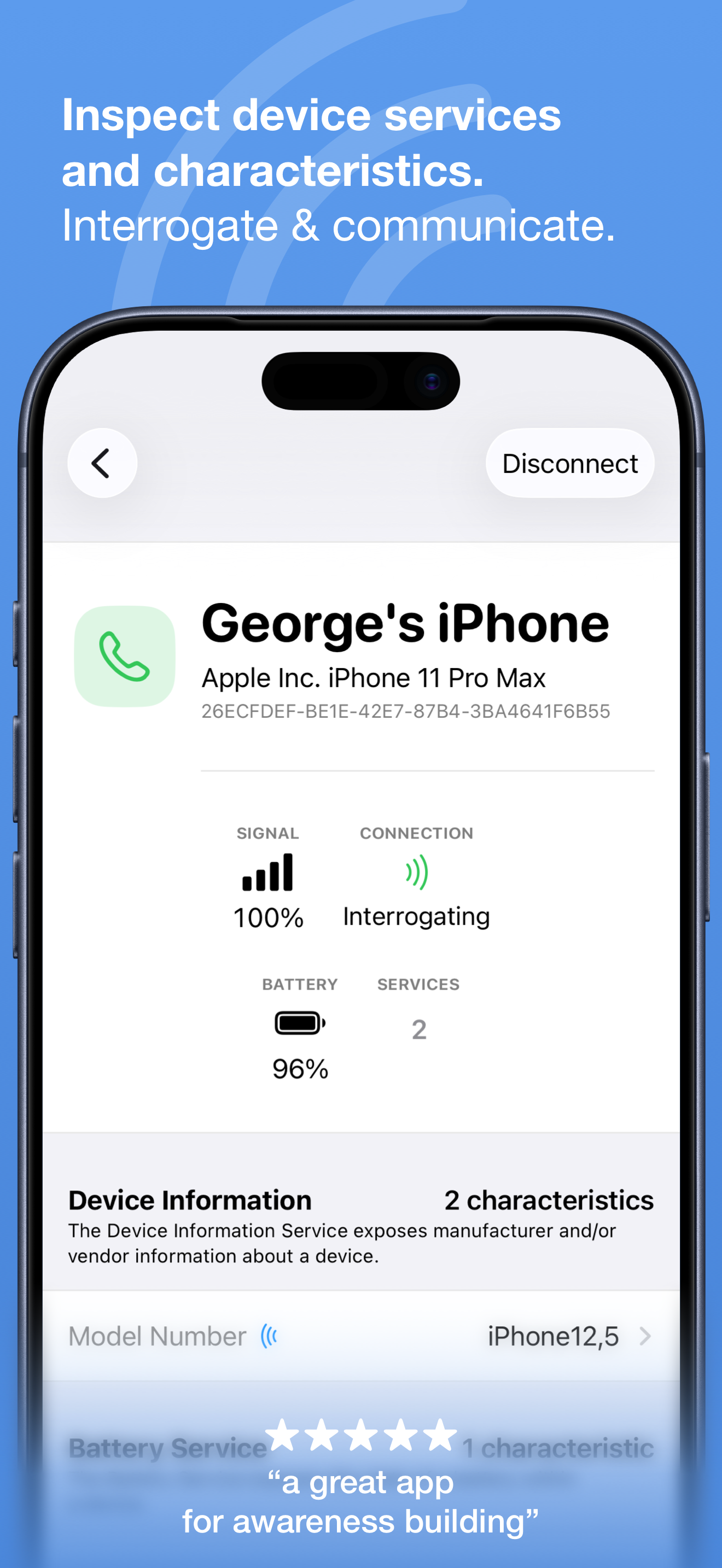
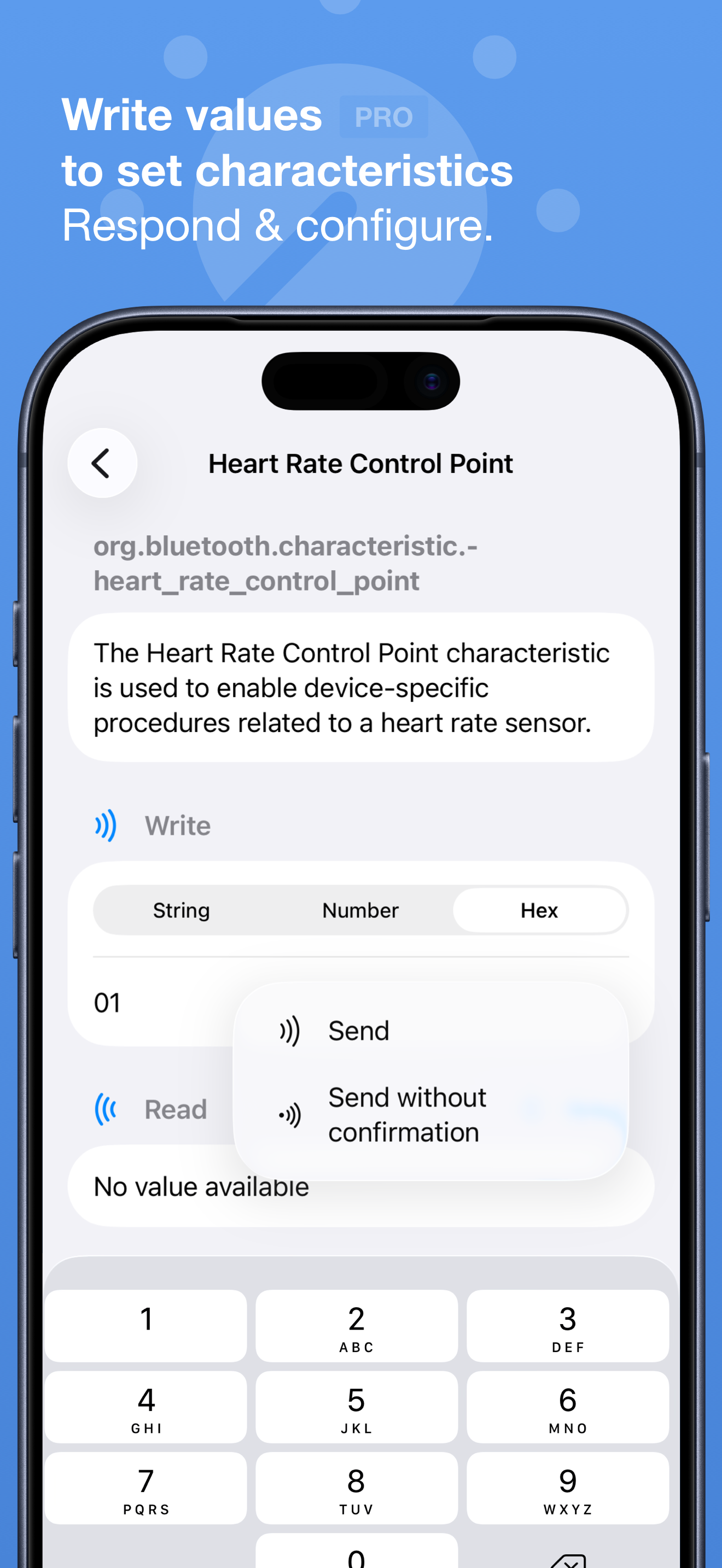
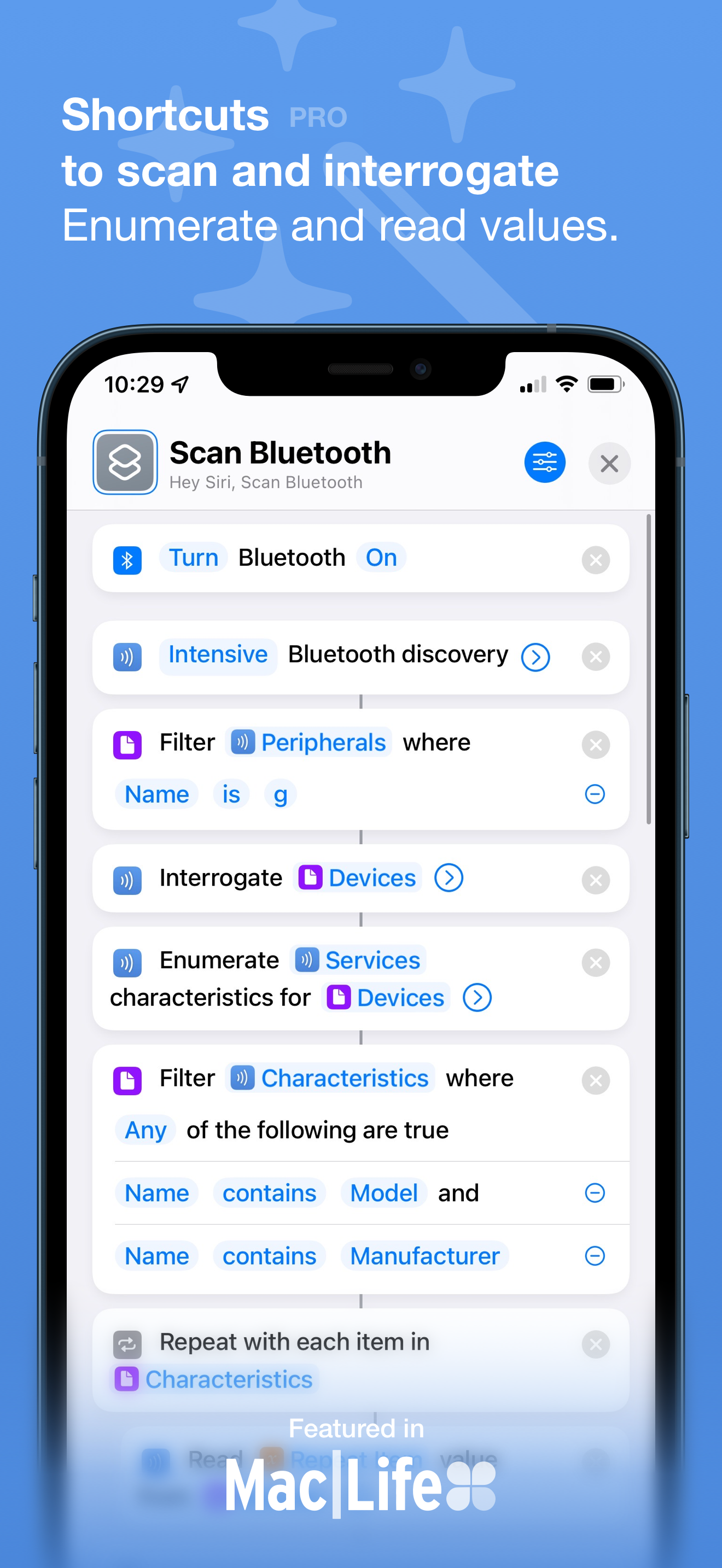
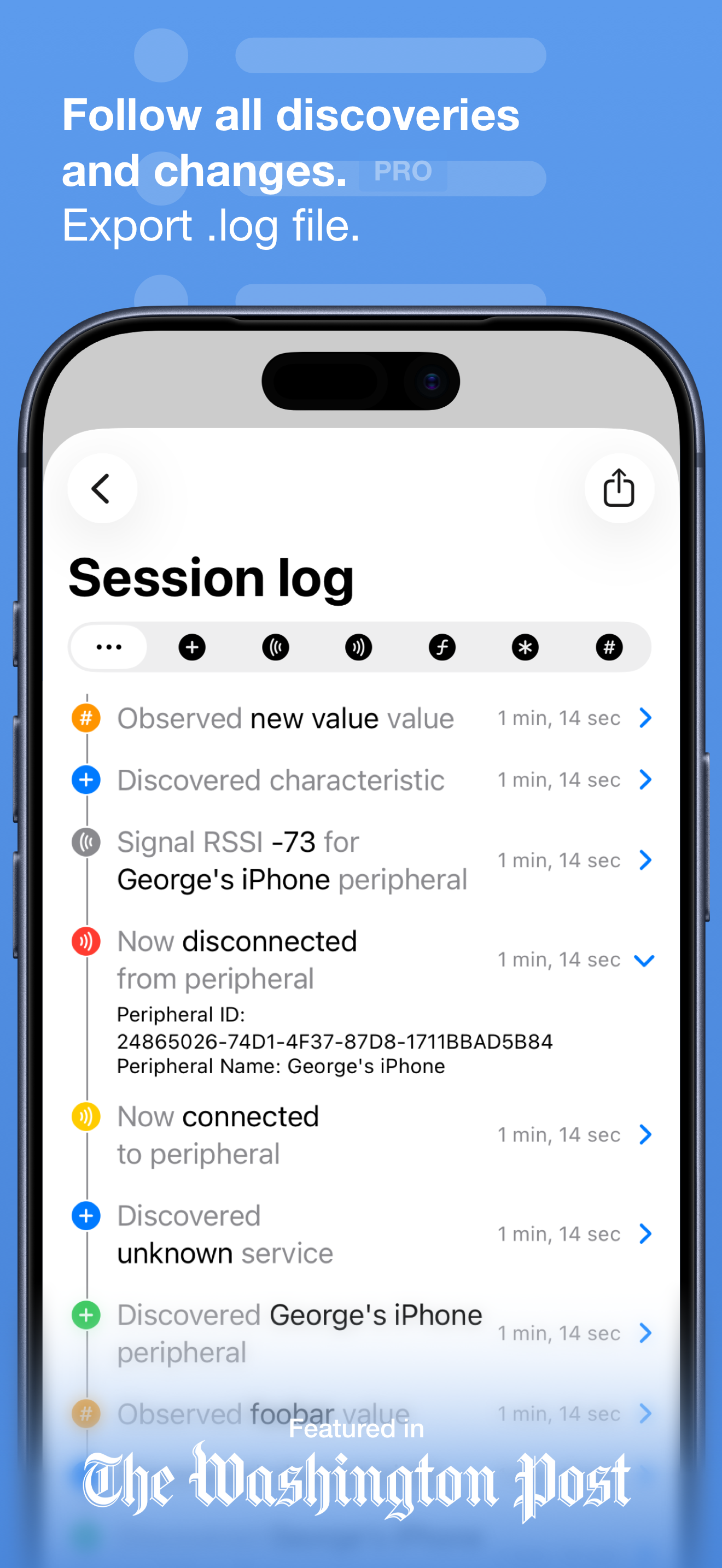
Discover nearby Bluetooth peripherals and inspect their services for information and characteristics. • View information and signal strength for all...
| Name | Price | Type |
|---|---|---|
| Bluetooth Inspector Pro | $3.99 | One-time |