Check the acquisition promise
Read the store headline, screenshots and description. What problem is the app promising to solve?
Study the storefront ↗
Charcoal Design · iOS
Explore the ad evidence, study the storefront, and build your next acquisition hypothesis.
01 / Creative research
Read the store headline, screenshots and description. What problem is the app promising to solve?
Study the storefront ↗Explore apps with direct store-link matches. Compare their hooks and formats without assuming the same approach works here.
Browse observed advertisers ↗Store rankings and revenue estimates describe market context. They do not establish ad spend, conversions or ROAS.
Review the market context ↗02 / Storefront & product
Study the product story and store experience behind the acquisition funnel.



03 / Market context
Keep revenue, downloads and store rankings separate from advertising performance.
This is a great basic text editor. No fancy features, no unnecessary bloat, and no price tag. It's perfect for editing plain text! However, something changed after a recent update. For some unknown reason, the "Recent" tab now displays everything single file available in Apple Files. Text files, images, everything. Maybe it's always been this way and I never noticed. Regardless, I now have 260 files listed when there should only be maybe 10, and any files I add or modify in Apple Files becomes the latest one in Subtext, too. It kind of defeats the purpose of the Recents tab… Otherwise, it's been treating me very well!
This is an excellent app. I am a blind user, and this app is fully accessible with voice over. Other apps come with so much features, it nakes it hard for me to take notes, without pushing other buttons. Then there's problems saving things on ICloud drive. Some of the apps do not let you edit documents outside the iPhone. This app lets me save to my drive, and continue editing with my PC. I absolutely love this app. I hope it's always available.
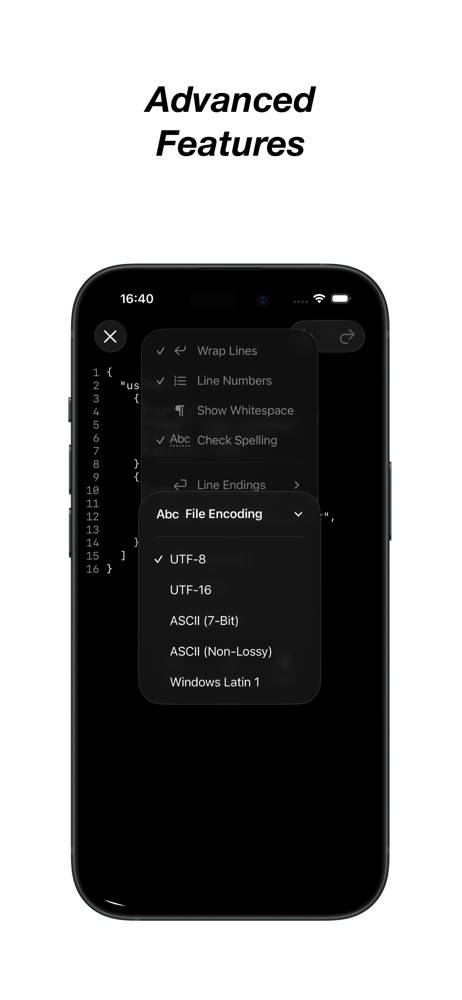
It has been unbelievably difficult trying to find a simple text editor that behaves well with voiceover and Voice control combined. I wish developers included details about how accessible their apps are. The only thing I can think of that would make this editor even better is including it in the share sheet so you can send files to the editor from the Files app. Update: Unfortunately, this app only recognizes a limited number of file extensions so it is not possible to edit .tex files without renaming them. For now, the search continues until this restriction is lifted.
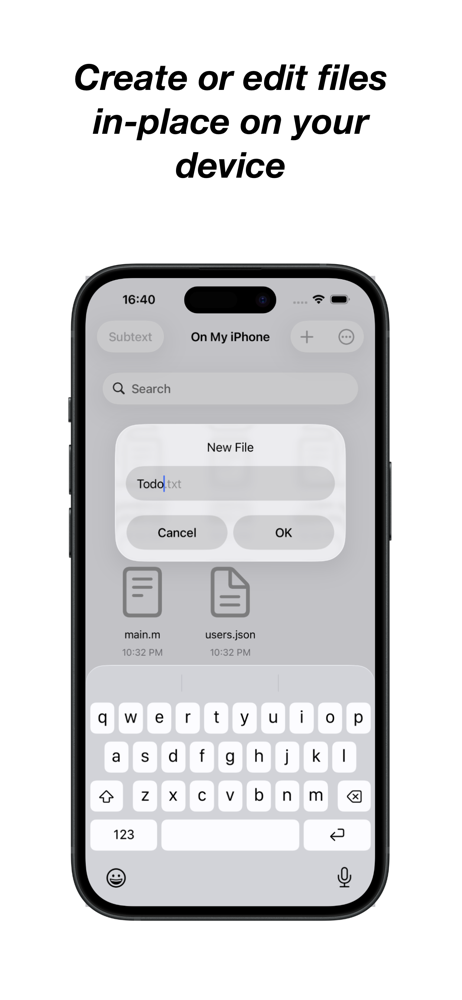
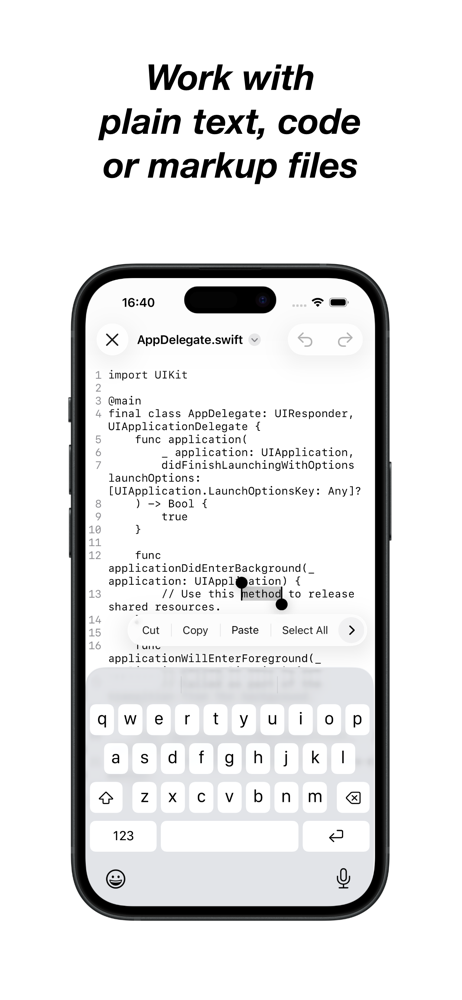
Subtext is a simple, no-frills text editor for iPhone and iPad. Create or edit files directly on your device or in iCloud, with no need to import or...