
Check the acquisition promise
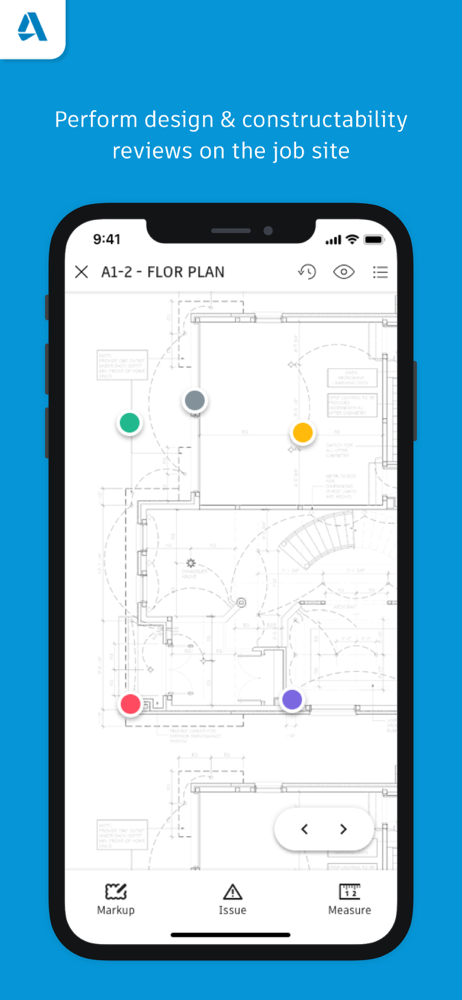
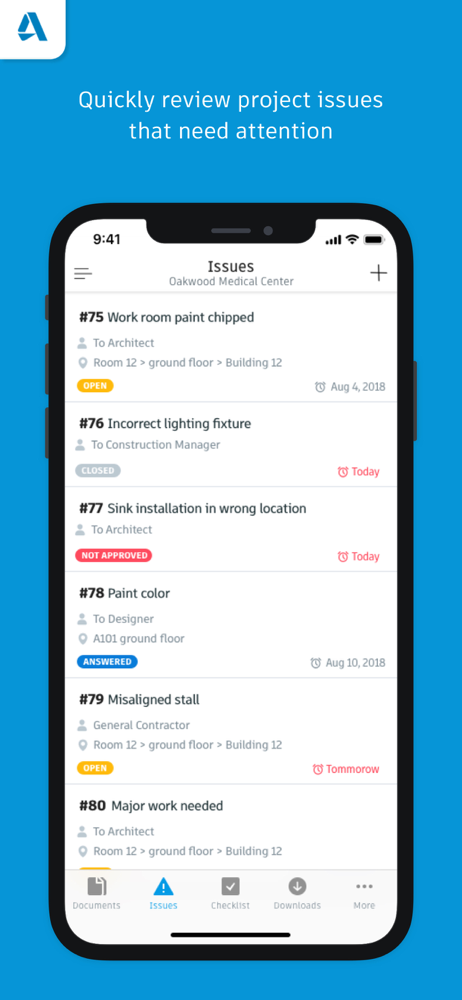
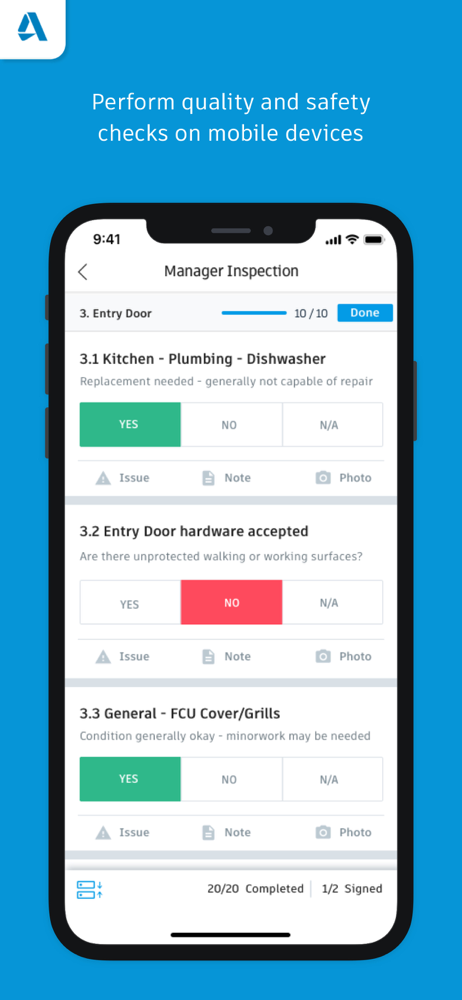
Read the store headline, screenshots and description. What problem is the app promising to solve?
Study the storefront ↗
Autodesk Inc. · iOS
Explore the ad evidence, study the storefront, and build your next acquisition hypothesis.
01 / Creative research
Read the store headline, screenshots and description. What problem is the app promising to solve?
Study the storefront ↗Explore apps with direct store-link matches. Compare their hooks and formats without assuming the same approach works here.
Browse observed advertisers ↗Store rankings and revenue estimates describe market context. They do not establish ad spend, conversions or ROAS.
Review the market context ↗02 / Storefront & product
Study the product story and store experience behind the acquisition funnel.





03 / Market context
Keep revenue, downloads and store rankings separate from advertising performance.
I have various issues with this app but the biggest one by far is the requirement of constantly needing to be connected requiring you to sync each time you switch tabs (as opposed to manually syncing the whole project and being able to work offline). I have projects where I am in a sub-cellar with no service whatsoever and just to switch from one checklist to another requires me to go back up to the ground floor to get service, switch checklists, and then head back down. I have started to resort to printing the checklists out beforehand and fill them out by hand to then fill it out in the app when I get back to the office. The developers of this app has not spent a single day on a job site to know that the WiFi is never the first thing that goes into a jobsite. Luckily Autodesk Construction Cloud is a vast improvement and we are transitioning over to that version soon.
There are so many issues with this app that I can’t be bothered to list them all, but here are a few: Constantly freezing/crashing, forcing reinstall action of the app and subsequent loss of any work that isn’t synced. Poor/inconsistent design that either doesn’t make sense, lacks basic features (like deleting unwanted photos from checklists), or should be basic app infrastructure in 2022 (portrait mode). Very slow performance, even when connected to high speed internet. Finally: Absolutely atrocious offline functionality! Numerous elements/functions are either locked out or basically inoperable when offline when other apps have no issues downloading and accessing content when offline. The syncing is so buggy that you WILL lose huge chunks of any work done offline when you attempt to upload it. To make matters worse, when syncing it will flag “errors” but in the case of checklists it won’t actually identify them or allow you to do anything other than a mass “discard changes”, again causing the loss of work. Is this app not designed for construction projects? Construction sites are not typically known for their widespread Wi-Fi. If this app weren’t mandated by GCs I wouldn’t touch it with a 10’ pole. Recommend staying far far away and pushing back hard against anyone recommending its use.
I work with a CxA on a job that is using BIM as their document hub. Every document for this job goes thru BIM. The PC software is different from the app in that you cannot search for a checklist via the document number it generates. For instance, if you create checklists for “Electrical box 1” and “Electrical box 2”. You’ll have 2 checklists with a number assigned like so - “#2547 - Electrical box 1” and “#2548 - Electrical box 2”. The PC software will not let you search via that # but the app will. That is great for saving time and not having to use the filters to find something. However, the app crashes ALL THE TIME!! I like using the PC software better when working in BIM for almost everything. The exception to that is when we must sign checklists once they are complete. For some reason you CANNOT sign a checklist from the software, you MUST use an app based program (I know it sounds so stupid). One of the “buggy” things about the simple task of signing tags is when I fill out my name at the bottom of the checklist it works great, but when I click the “company” section and type the first letter the keyboard drops away like it only allows one letter to be typed. You must click the “company” section again to continue typing your company name. This is extremely frustrating but luckily my company name is only 3 letters. The PC allows you to fill this info out if you don’t want to deal with the glitches, you’ll just have to go to the app once you’re done and sign. If the developers would like more specifics from a daily user I would be happy to walk him/her through what we experience with the app to help make improvements. This app has potential but is very very glitchy.
The Autodesk® BIM 360® app provides users of the next-generation BIM 360 platform with the ability to access all project documents, plans and models,...


