
Check the acquisition promise
Read the store headline, screenshots and description. What problem is the app promising to solve?
Study the storefront ↗
Gstarsoft Co., Ltd · iOS
Explore the ad evidence, study the storefront, and build your next acquisition hypothesis.
01 / Creative research
Read the store headline, screenshots and description. What problem is the app promising to solve?
Study the storefront ↗Explore apps with direct store-link matches. Compare their hooks and formats without assuming the same approach works here.
Browse observed advertisers ↗Store rankings and revenue estimates describe market context. They do not establish ad spend, conversions or ROAS.
Review the market context ↗02 / Storefront & product
Study the product story and store experience behind the acquisition funnel.




03 / Market context
Keep revenue, downloads and store rankings separate from advertising performance.
Just another crappy CAD app that requires you to pay an ridiculous subscription to be able to utilize even the simplest functions, like measurements! How the hell are you supposed to draw accurately if you can’t input specific sizes? I would like to be able to try out the full program without having to sign up for some thing first and would pay for an app that has decent functionality for CAD drawing. However, I cannot stand the subscription business model that so many of these greedy companies are going to nowadays and I refuse to “register” to be able to try an app! I want to be able to purchase the app if I want it and use it on my device forever. I don’t want to be held hostage by a subscription program that will tangle up my files if I end the subscription. I have been burned in the past by using such programs and it just leaves me completely disgusted with the entire subscription software model!
I love the app and was very impressed but overwhelmed when I first started using it bc I’ve never used cad before. I’ve gotten much more familiar with it and I still love it but I cannot for the life of me figure out how to create a 3D drawing and there isn’t much help online. In the description it says you can view 2d and 3D drawing but I believe it says you can only create 2d? The help section doesn’t give you much help and for that reason I can’t give it 5 stars. If the help section would go into explaining a little deeper for the beginner it would be a solid 5 star but for now I’ll give it 4. If you can create 3D drawing but I’m just not understanding how to do it I would like to know bc like I said I can’t find any how to’s ?
First; I, like many people, use the gmail app not the default iOS mail app. So your feedback button doesn't work and there's no contact info displayed that I can even copy - paste into gmail. Second; how do you save new files? The save as window shows folders and lets me make new folders, but I can't figure out how to enter the file name and the ok button is always disabled... Update: helpful response. -1 star until feedback email is made available in app. Great app though. Wish it had perspective 3D view, but that's just a small thing. Also very impressed with ease of object snap despite using a touchscreen.
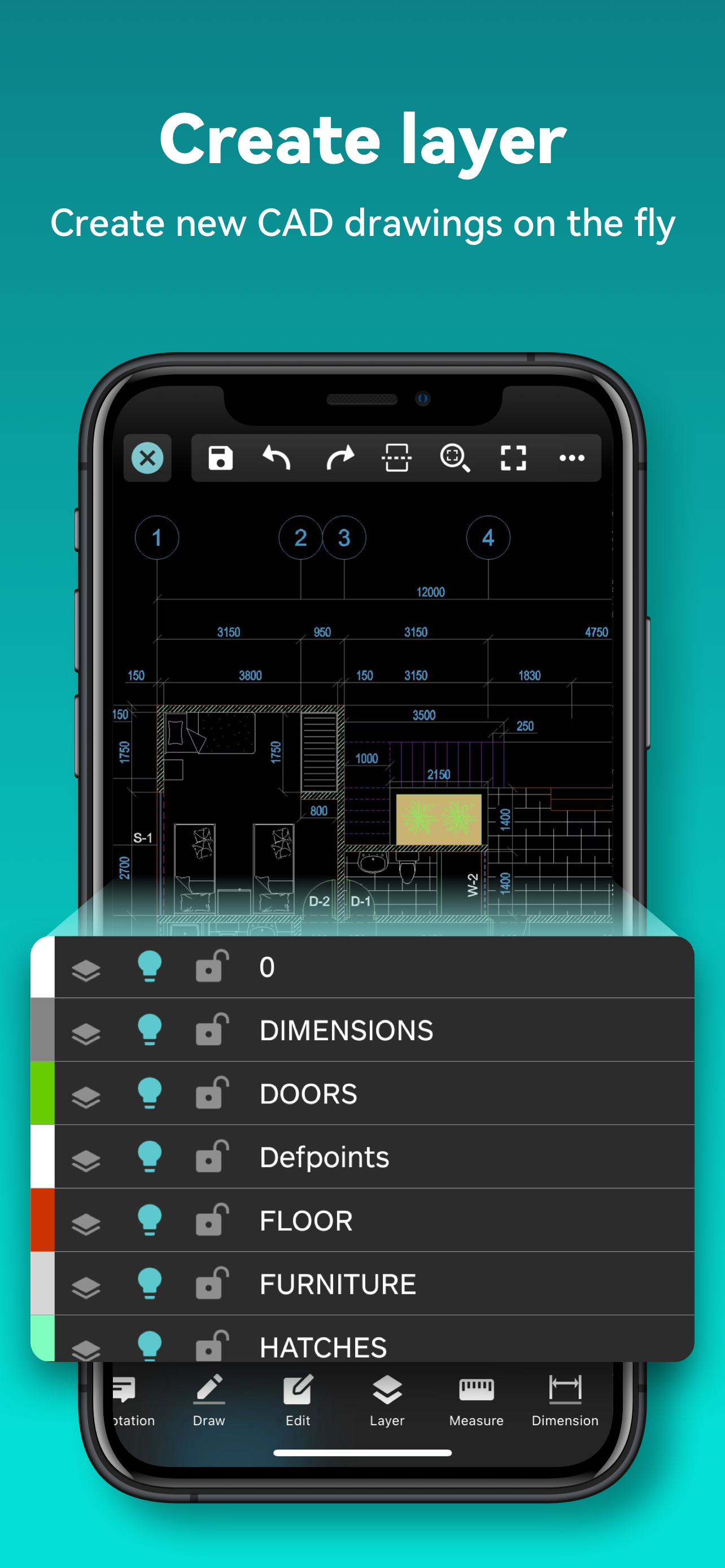
Enjoy design anytime anywhere together with more than 100 million users around the world. [3D Modeling]: Supports BIM, Revit, Solidworks, NX, CATIA,...
| Name | Price | Type |
|---|---|---|
| 1 month | $0.99 | Monthly |
| 1 month | $7.99 | Monthly |
| 12 months | $8.99 | Yearly |
| 1 month | $14.99 | Monthly |
| 12 months | $47.99 | Yearly |
| 12 months | $69.99 | Yearly |


