Check the acquisition promise
Read the store headline, screenshots and description. What problem is the app promising to solve?
Study the storefront ↗
Oleg Shukalovich · iOS
Explore the ad evidence, study the storefront, and build your next acquisition hypothesis.
01 / Creative research
Read the store headline, screenshots and description. What problem is the app promising to solve?
Study the storefront ↗Explore apps with direct store-link matches. Compare their hooks and formats without assuming the same approach works here.
Browse observed advertisers ↗Store rankings and revenue estimates describe market context. They do not establish ad spend, conversions or ROAS.
Review the market context ↗02 / Storefront & product
Study the product story and store experience behind the acquisition funnel.




03 / Market context
Keep revenue, downloads and store rankings separate from advertising performance.
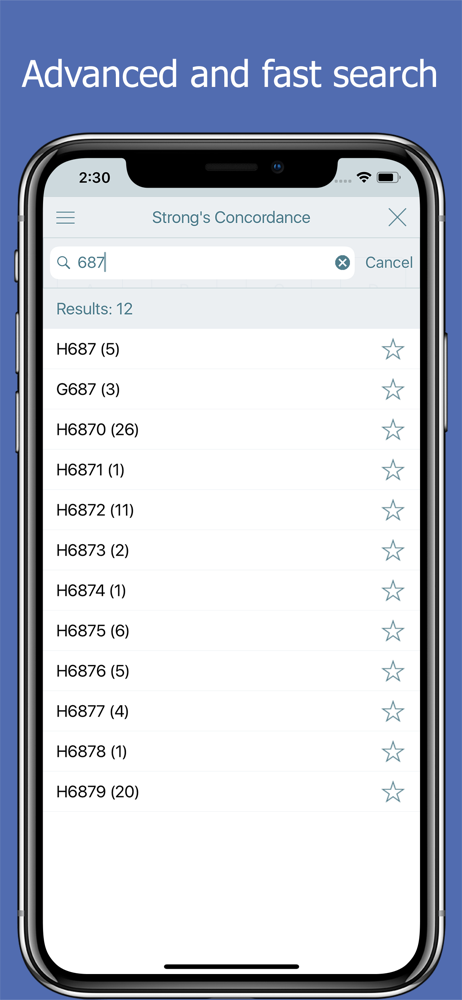
Our English language (American English) is difficult enough to learn, even though we’re born and raised here. (Enough is spelled like Though but doesn’t sound the same.) Terms in the Bible came from Hebrew, Greek (a little Aramaic occasionally) and were (are) translated into the “best” term by the person (people) doing the work. But often one word is chosen over another for various reasons (context, choice of translator based on his background and education). THAT is when STRONG’S Concordance becomes a vital resource to aid anyone reading a Bible who wonders what the “original” word or term means. It helps to know where else that exact word was used. Sometimes the term is used in multiple places with a nuanced variant translation from the Hebrew or Greek. These are enlightening “ah ha” moments for a person reading and studying the Scriptures. These are the “oh, yes, now I understand” moments that help a person have a deeper connection to Scripture. A Strong’s Concordance is a layperson’s “Bible College.” It is a useful reference resource for anyone who reads the Bible.
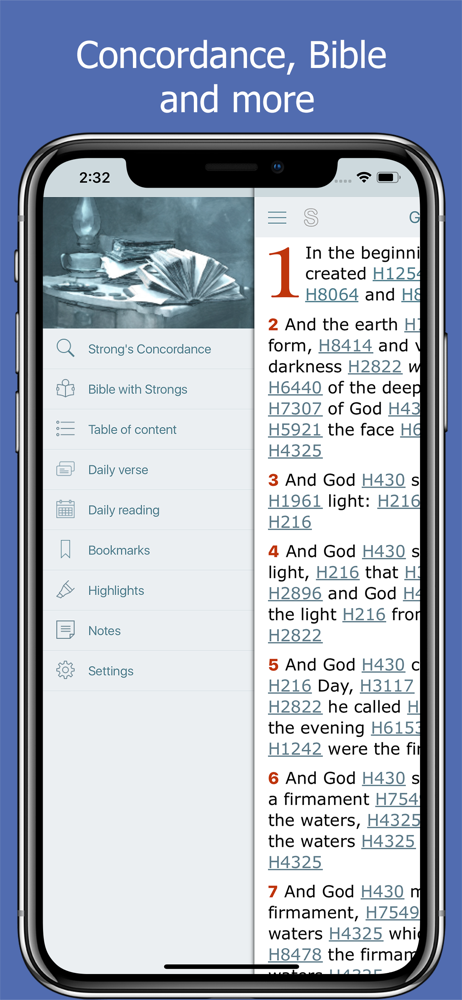
This Bible concordance app is quick and easy to use ! It’s easy to look up the definitions of the original Hebrew and Greek words in both the Old and New Testaments. Also, unlike some traditional hand-held Hebrew and Greek concordances, in this app, the Hebrew and Greek words are inserted into the text (KJV) where they belong, giving you a visual of where the original words were in the text. Then, you can actually see what English words were used to translate the original words. What you’ll often find is that the translators often used some English words that were not in the original text, or had nothing to do with the meaning of a particular Hebrew or Greek word, though the translators meant well in trying to convey the meaning of a verse. However, you will still be able to get a better understanding of the original text.
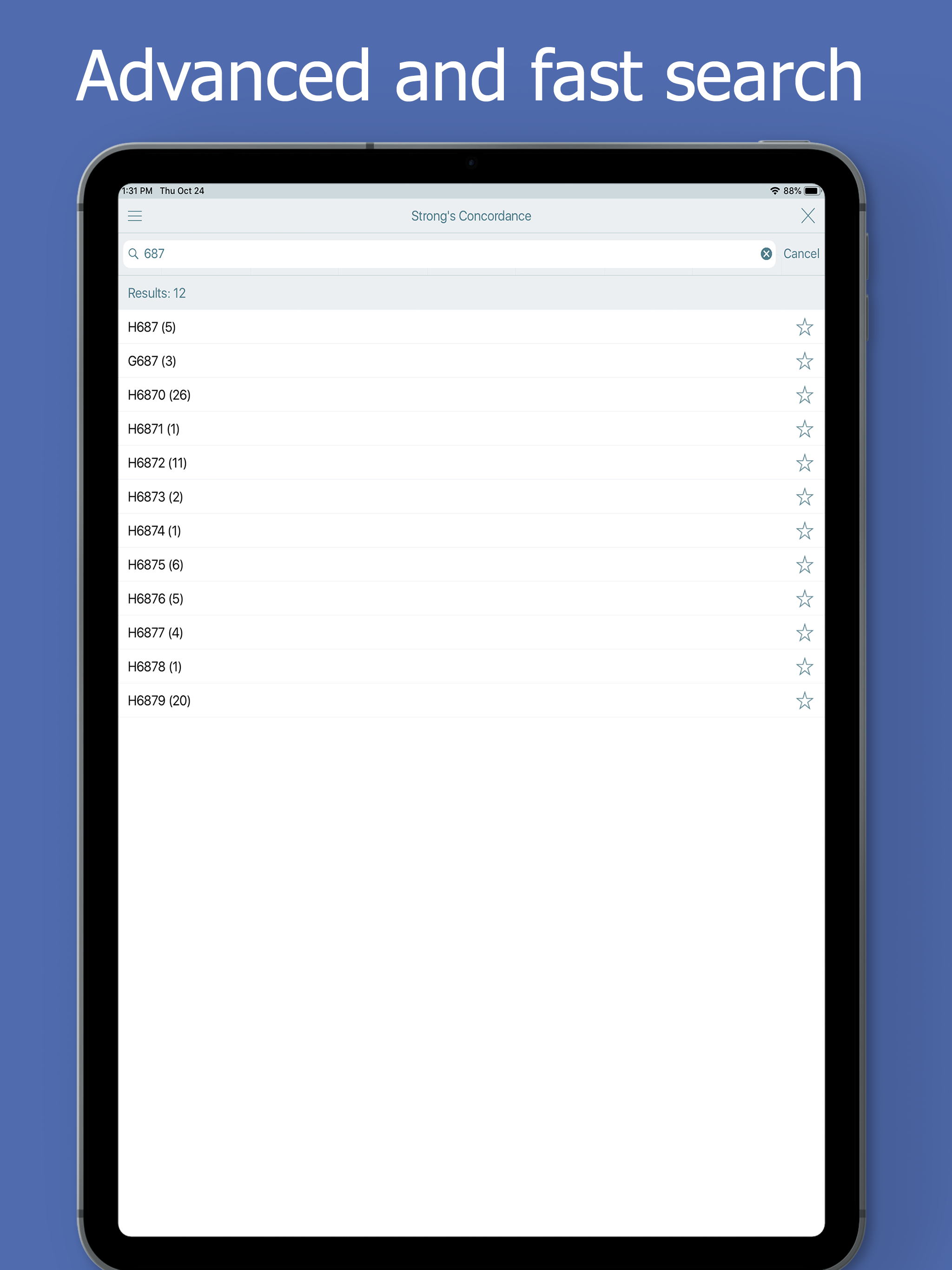
The app works great, and I resort to it often. However, it has one oddball quirk that slows me down every time; The app opens with the alphabet in squares, one of which you select to begin your search. Rather than continuing on that page, so that one can type in the rest of the letters of the word, it then switches to a default iPhone keyboard (on my iPhone 6), forcing me too change my gears, so to speak. It always takes moments for me to adjust to the different location and smaller keyboard, since my mind is on the search, and not on the page layout. My suggestion to the developers is that the input page either remain on the first page with alphabet in squares, Or that it start and finish with a default keyboard. That being said, thanks very much for a great free app and Bible tool which I have used and enjoyed much! Update: this continues to be my go-to.
It's great bible study tool. Here you will find: Bible Concordance: Alphabet index of all words from the King James Bible (total in app 12839) ("the,...