Check the acquisition promise
Read the store headline, screenshots and description. What problem is the app promising to solve?
Study the storefront ↗
LEAP (Language Empowers All People) · iOS
Explore the ad evidence, study the storefront, and build your next acquisition hypothesis.
01 / Creative research
Read the store headline, screenshots and description. What problem is the app promising to solve?
Study the storefront ↗Explore apps with direct store-link matches. Compare their hooks and formats without assuming the same approach works here.
Browse observed advertisers ↗Store rankings and revenue estimates describe market context. They do not establish ad spend, conversions or ROAS.
Review the market context ↗02 / Storefront & product
Study the product story and store experience behind the acquisition funnel.


03 / Market context
Keep revenue, downloads and store rankings separate from advertising performance.
I have been recommending Beginning with Babble free app for several years to pediatricians, SLP’s, family, friends and acquaintances with babies/toddlers, and grandparents. Now that I’m a grandparent, I get daily texts myself with great language and literacy activities and so do the parents. Honestly, the ideas are awesome. Even though, I’m a speech-language pathologist there is always a new idea or an old one that I may have forgotten about to try with my granddaughter. Kudos to LEAP, the non-profit in Chicago, who developed Beginning with Babble. Thank you to Dr Jan Wasowicz for recommending this app 5 years ago to me at one of your SPELL-Links Learning By Design workshops.
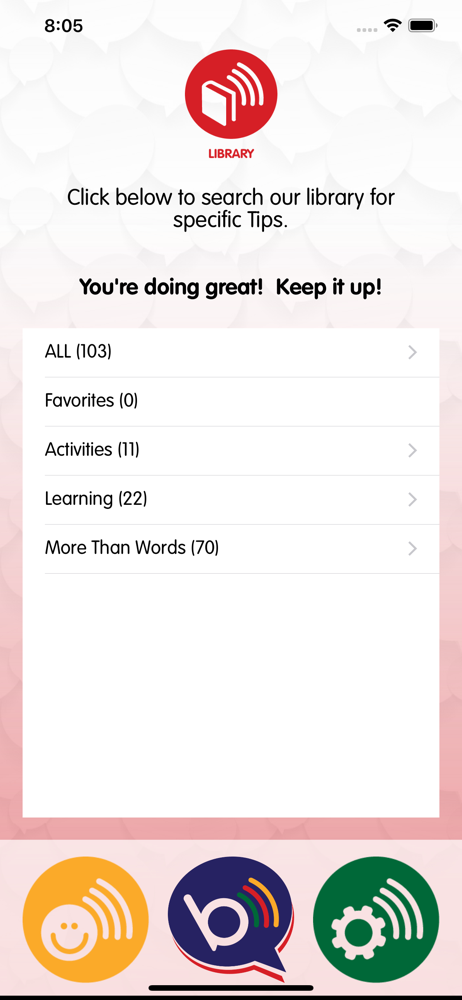
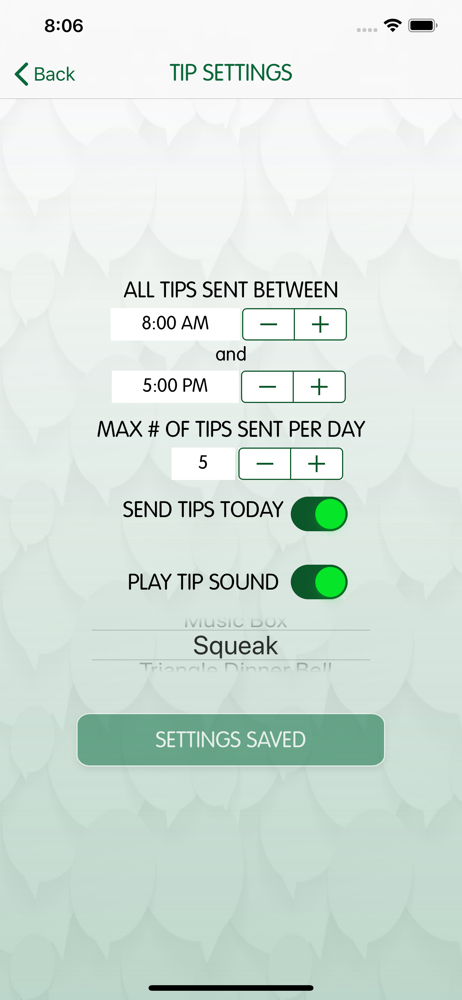
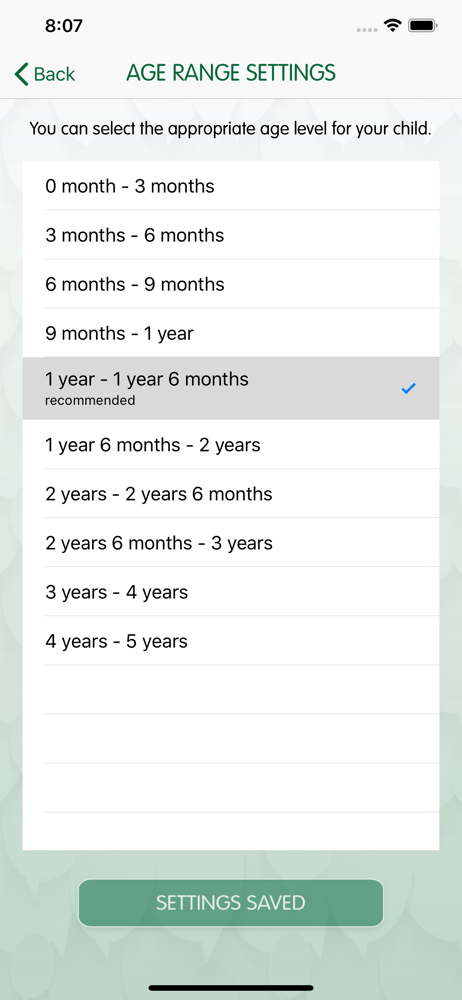
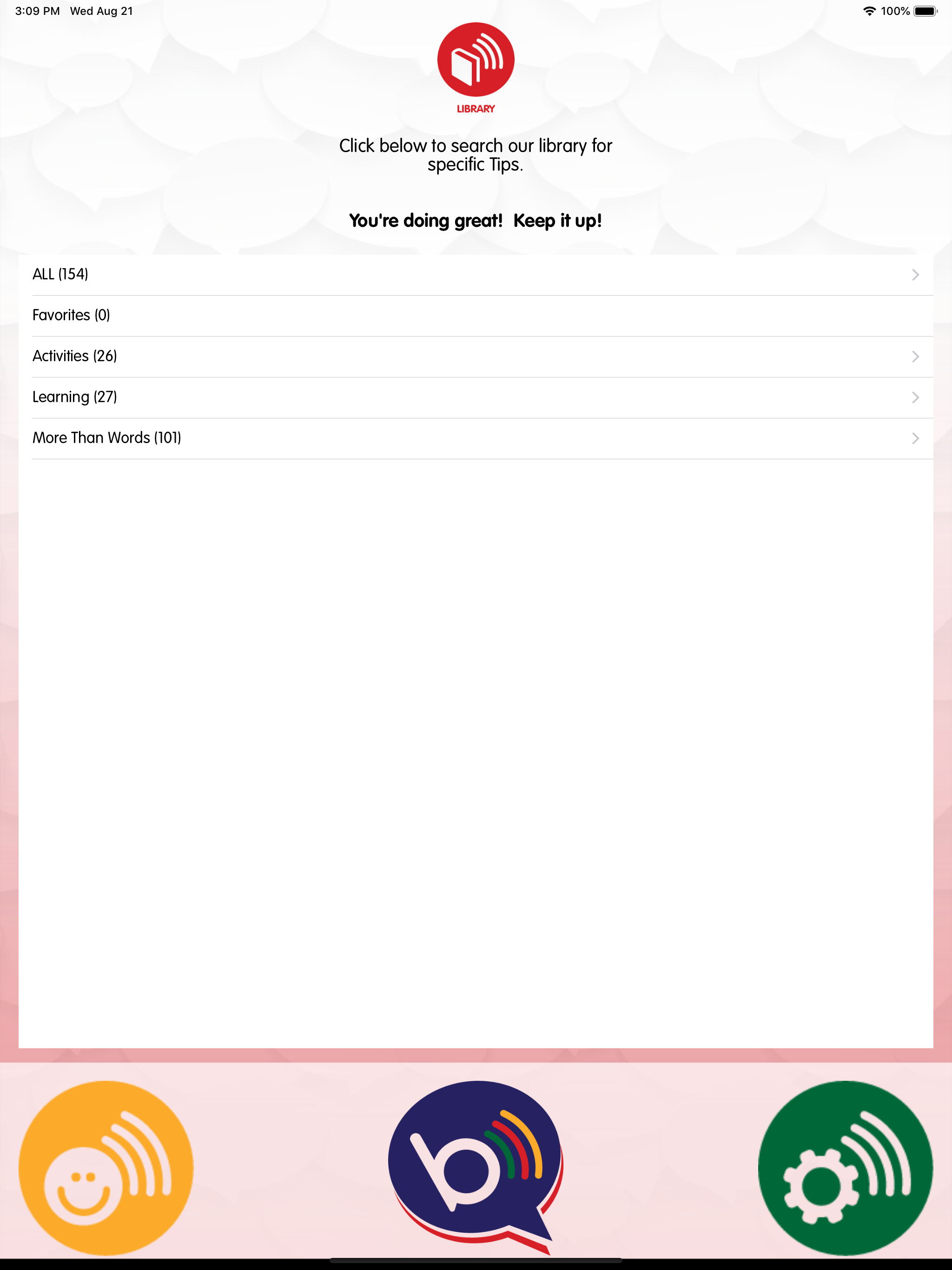
The article was very well-written and discussed the science behind why so many learning methods fail our kids and which ones work so I had really high hopes for the app. The user experience is a little frustrating to start. The start screen is a pale green with white text that I could barely make out. I had the same problem others mentioned where the keyboard wouldn’t go away and let me continue but I was able to get it to go away. The concerning thing is that it appears to have typos. There is a category in the 2 - 2.5 yo group called “More Than Words” or something similar with multiple activities and then the next one is called “Mor Ethan Words” with 1 activity. Under “Age Range Settings” it says “…recieve tips…”. I was under the impression that this app is supposed to help my kid get a boost on reading so if no one in the development of the app caught that error how can I be sure that the app teaches spelling rules correctly?
I love the hints and suggestions, BUT my frustration with the app is it can only be attached to one kid/ age group at a time. When I have toddlers 15 months apart, I wish I could get suggestions for both ages pulling up on my phone without me having to manually take one off and wait for new tips to load for the other. Frustrating to not be able to just have tips pop up periodically for each!
Did you know you can start helping to build your baby’s brain as soon as he or she is born? Did you know that the more parents talk to their babies th...