
Check the acquisition promise
Read the store headline, screenshots and description. What problem is the app promising to solve?
Study the storefront ↗
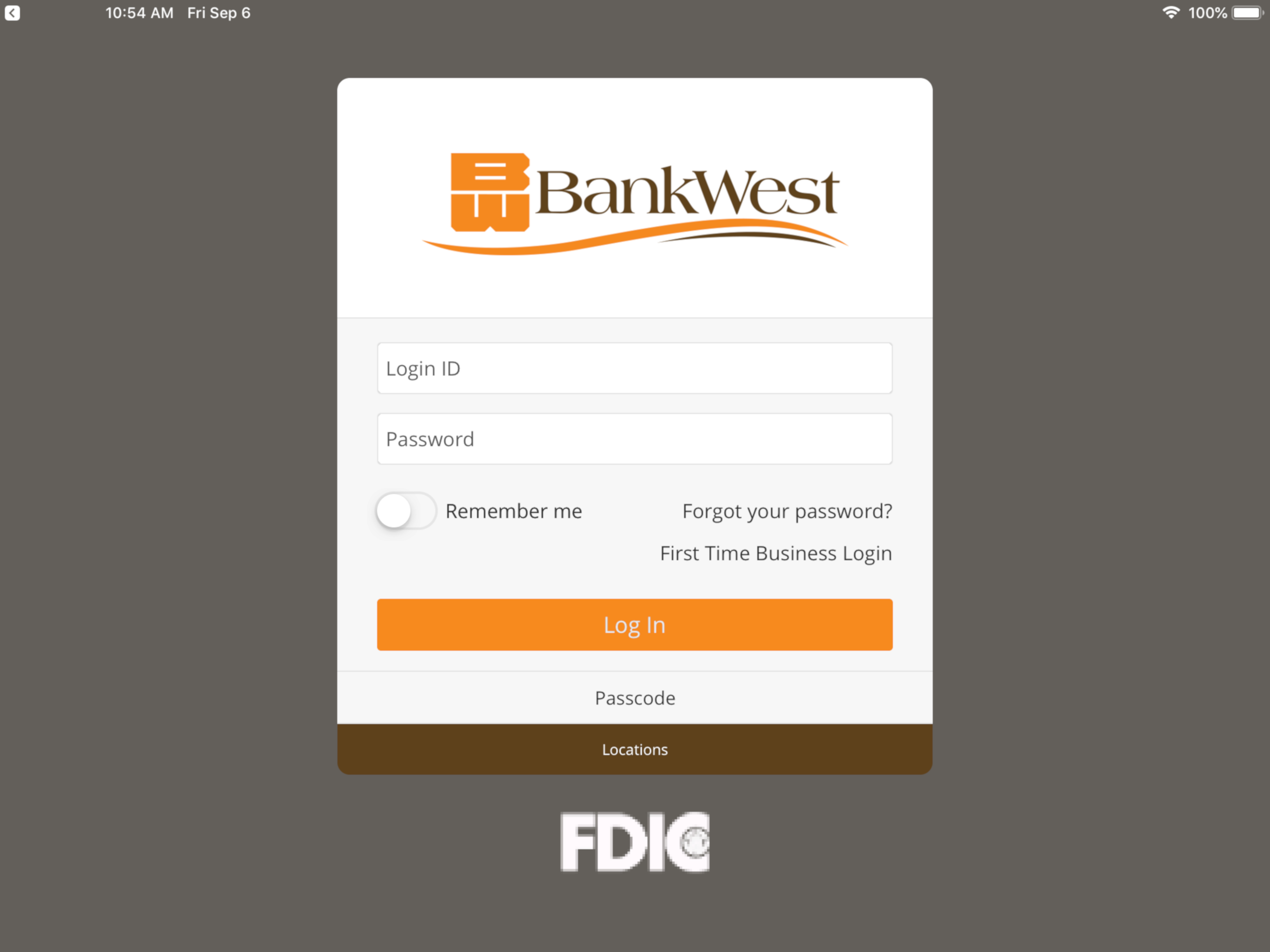
BankWest, South Dakota · iOS
Explore the ad evidence, study the storefront, and build your next acquisition hypothesis.
01 / Creative research
Read the store headline, screenshots and description. What problem is the app promising to solve?
Study the storefront ↗Explore apps with direct store-link matches. Compare their hooks and formats without assuming the same approach works here.
Browse observed advertisers ↗Store rankings and revenue estimates describe market context. They do not establish ad spend, conversions or ROAS.
Review the market context ↗02 / Storefront & product
Study the product story and store experience behind the acquisition funnel.



03 / Market context
Keep revenue, downloads and store rankings separate from advertising performance.
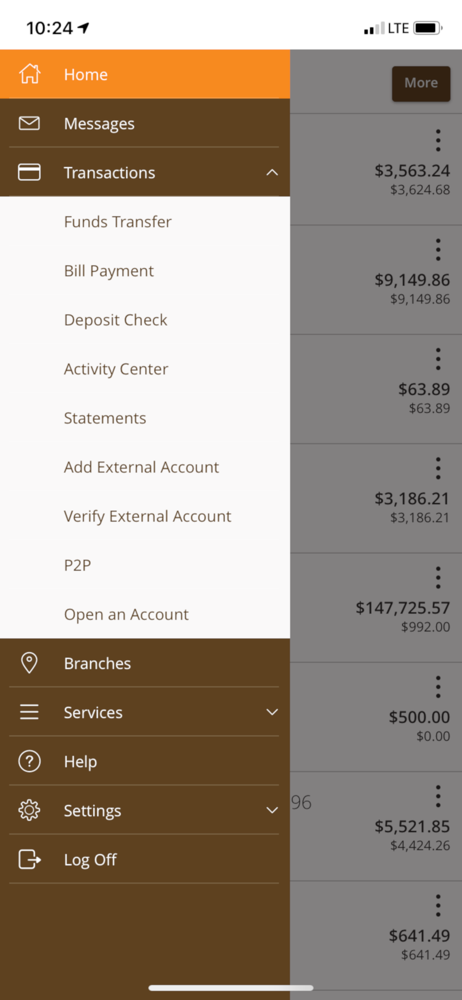
I’ve used mobile banking for as many years as they have been available. Transferring to Bank West just recently, I had no reservations using the app. Imagine my surprise to finding it not user friendly and not intuitive. I’ve needed to contact Customer Service for each transaction. Just finding where bill pay is hidden was an education in checking out every menu item. It should be prominently featured. Then I wasn’t able to use bill pay because my phone # wasn’t disabled in my profile. Tried to add my phone but that didn’t work either. Called CS and Kayla was stymied because my phone was showing on her end, just not in the app. So she entered my phone and then I thought all was well. Not quite…the app doesn’t appear to do electronically transmitted payments. Also, the app doesn’t intuitively add Citibank credit cards with correct address. I gave up at that point, only entered three billers to have my payment USPS mailed to the biller!
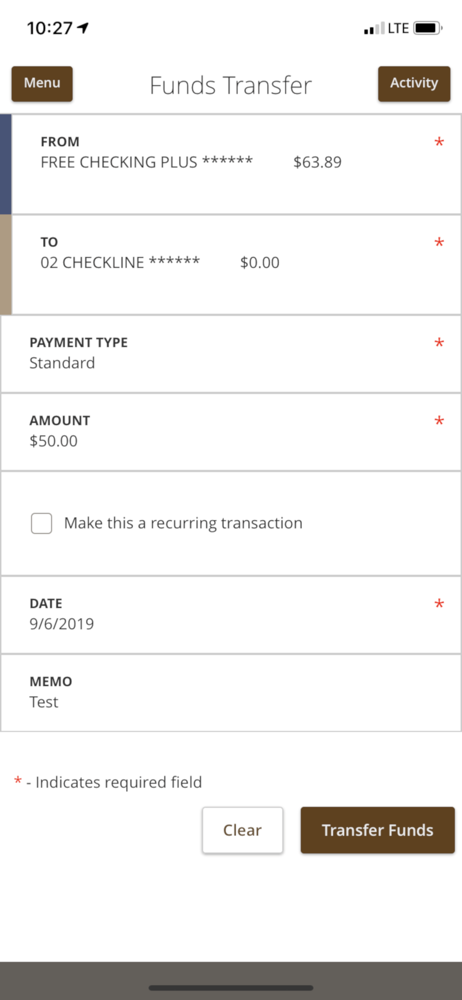
BankWest app has improved over several years. The most modern version provides, as just some examples, simple and intuitive common functions you’d expect to control your own money: the online transfer between accounts is immediate; depositing checks online is so easy if you can use your cameras phone and the deposit is typically approved in minutes; the home page provides a quick snapshot of each account which helps monitor your family’s situation at a glance; accounts can be hidden from the homepage if desired; and, address changes and such are accomplished with ease. In my experience BankWest provides excellent customer service and listens to the voice of its customers. I’ve no doubt things will keep getting even better, if that’s possible.
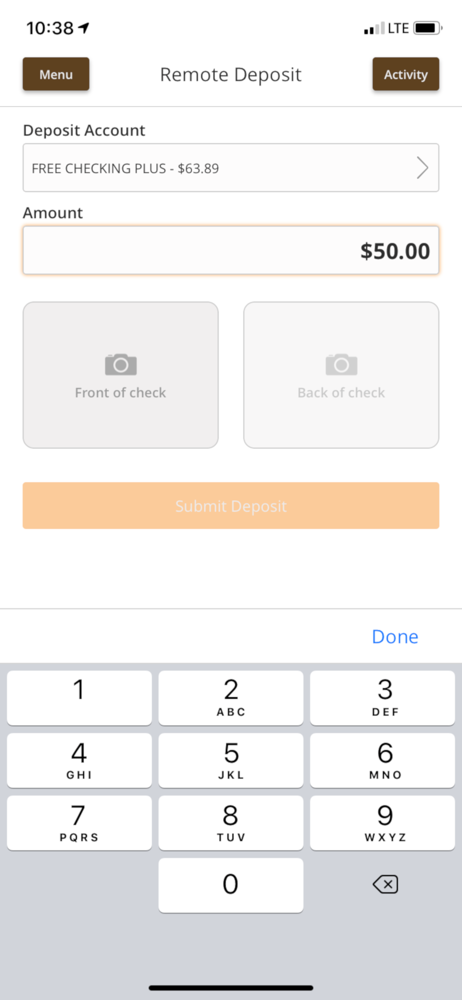
I can do all my banking from my phone. Transfers balances within my accounts and my accounts to other banks. Taking pictures for mobile deposit is an awesome feature. No need to run last minute to the bank and rushing on getting it in. I can easily deposit my check from my office. P2P is a neat little feature that works better than Venmo in my opinion. Funds are sent securely and show up next day in your account. Great for getting your land lord that rent check in time.
BankWest’s Mobile Banking application allows you to check balances, transfer funds, view transactions and check messages from anywhere, anytime. It’s...


