Check the acquisition promise
Read the store headline, screenshots and description. What problem is the app promising to solve?
Study the storefront ↗
B2W Software · iOS
Explore the ad evidence, study the storefront, and build your next acquisition hypothesis.
01 / Creative research
Read the store headline, screenshots and description. What problem is the app promising to solve?
Study the storefront ↗Explore apps with direct store-link matches. Compare their hooks and formats without assuming the same approach works here.
Browse observed advertisers ↗Store rankings and revenue estimates describe market context. They do not establish ad spend, conversions or ROAS.
Review the market context ↗02 / Storefront & product
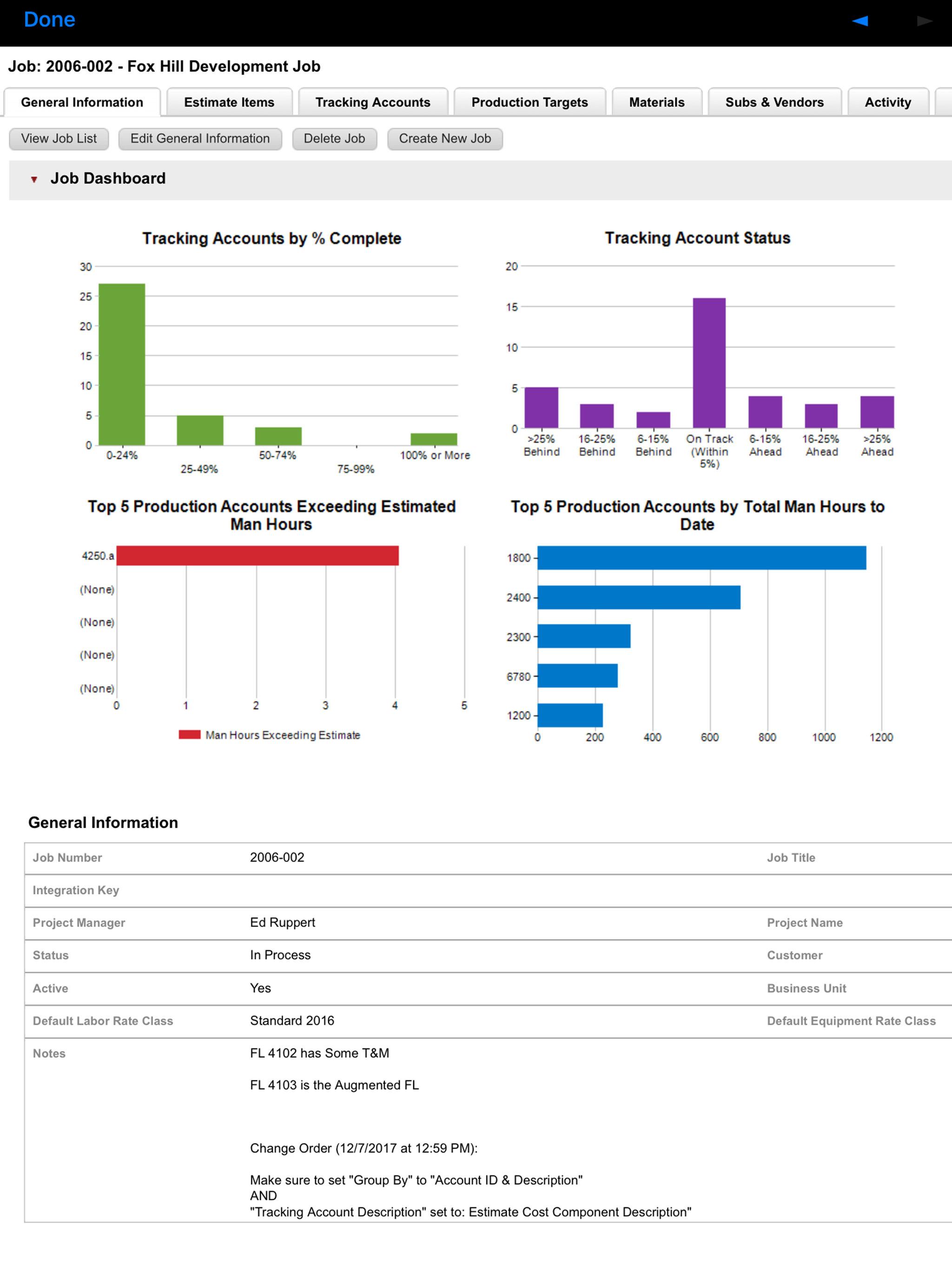
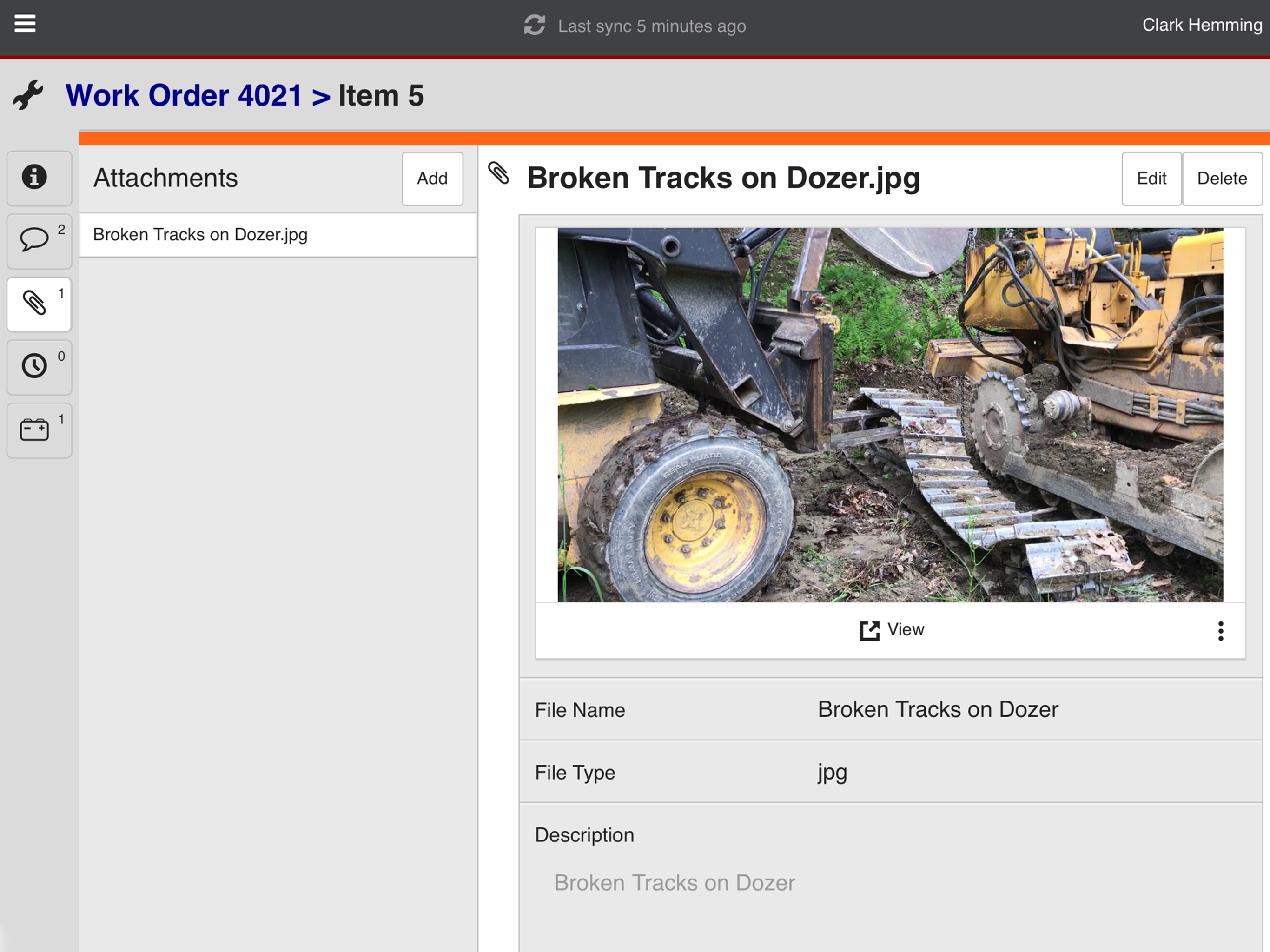
Study the product story and store experience behind the acquisition funnel.


03 / Market context
Keep revenue, downloads and store rankings separate from advertising performance.
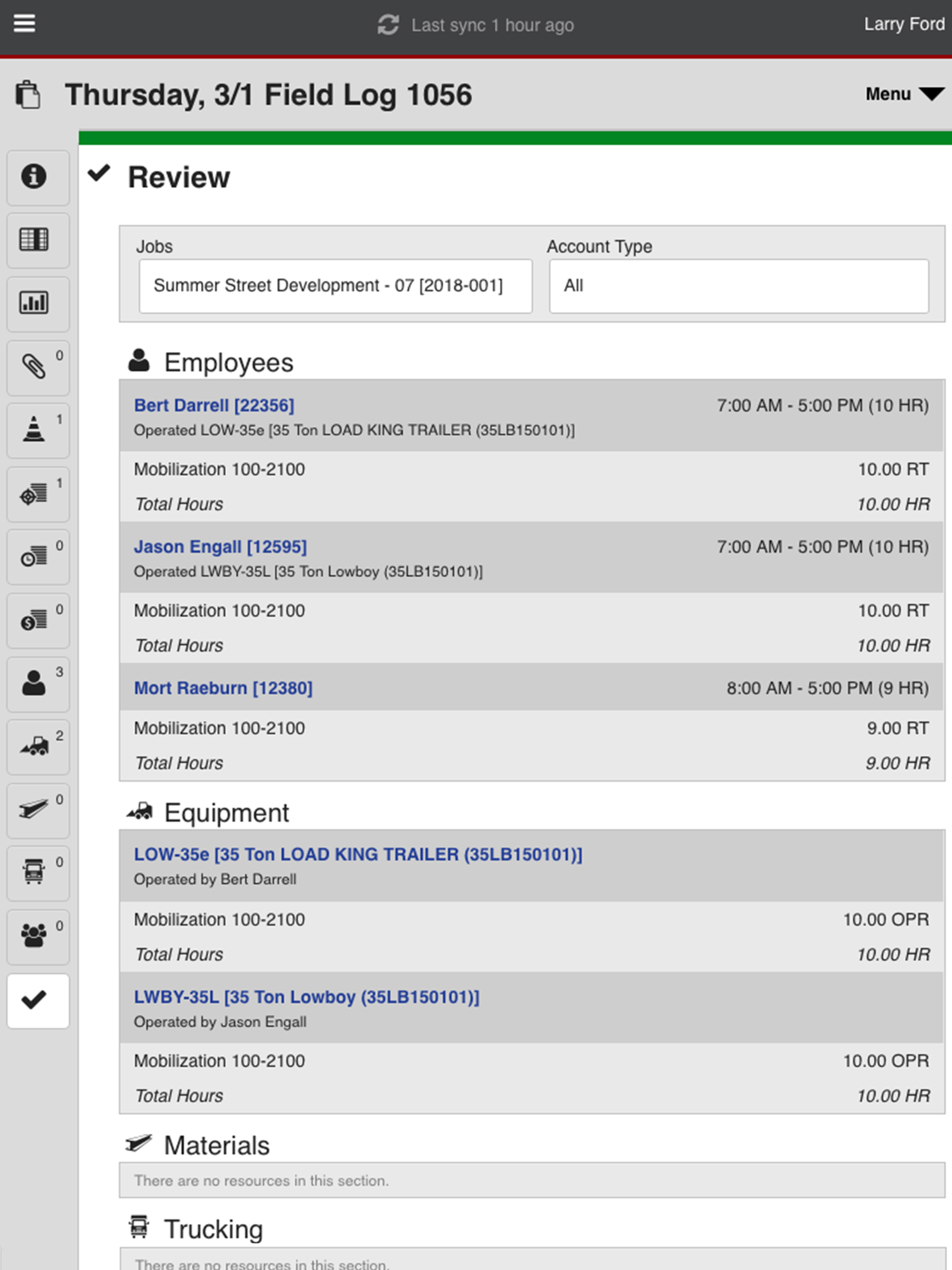
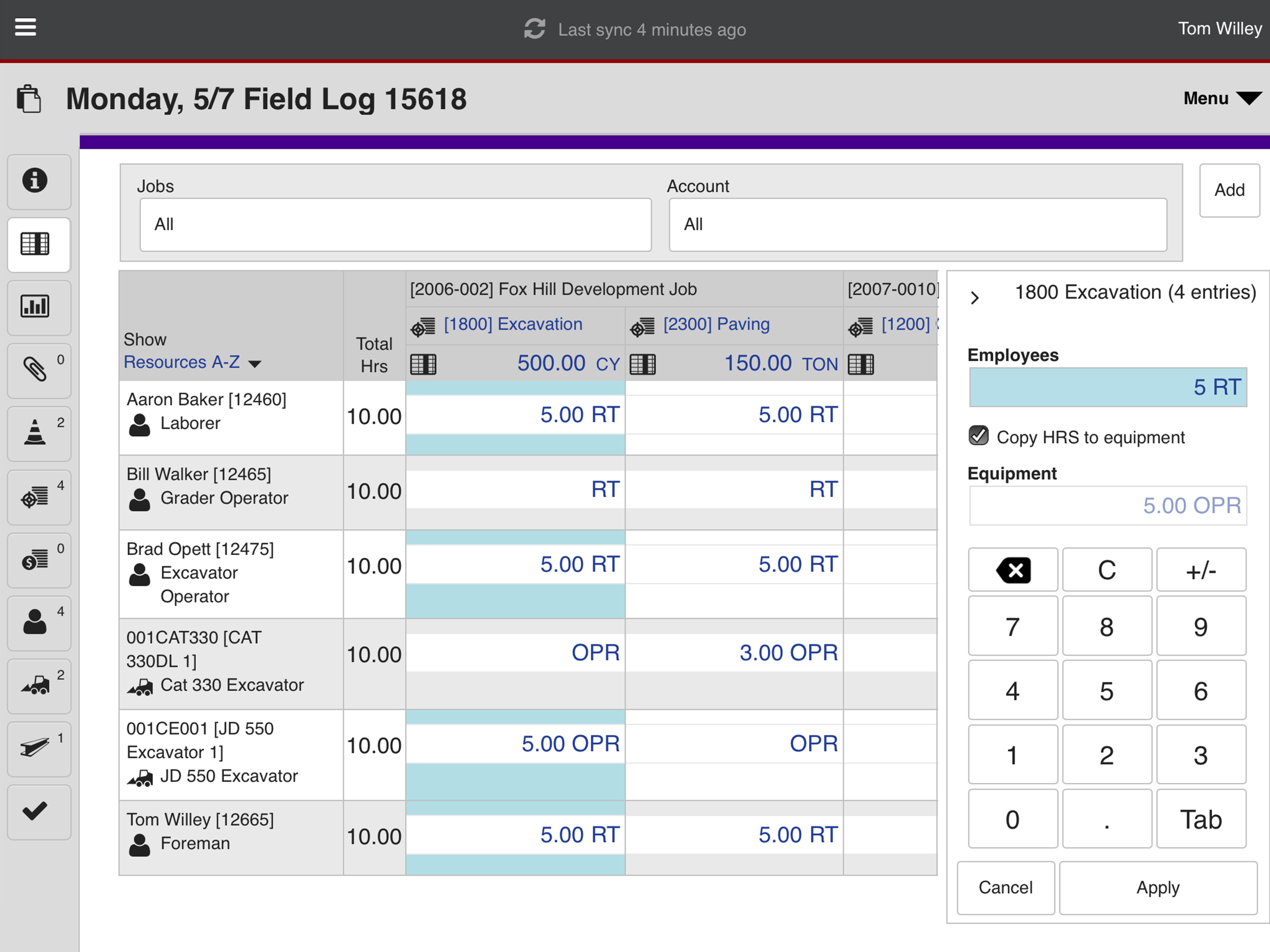
We have been using the Mobile App on iPads for several years now and still have many of the issues we had day 1 of the app. Many syncing issues with the server when working remotely, although slightly better in the last year it still could be better. However the very helpful technical support is ready for the standard 3 lines of......can you get into a better service area, have you tried re-downloading the app and the issue is your Server needs its 15th update for year! The biggest complaint I receive from our field staff is how they don’t like that they have to go to multiple different screens instead of entering and SEEING all the information on one more simple screen. We know there is a Grid View and some do try and use that, however you still can not assign operators to a piece of equipment in that screen and you have to resort that screen each time you start a new field log. The newest issue we have encountered is when using equipment meters. If one piece of equipment is used on several sites in a day the first job site has to have the equipment meter submitted before the next one starts his log. EVEN when you re-sync to update a meter you already have in the field log you are REQUIRED to delete the piece (pieces often) from the field log, sync and then re-enter them into the field log to get an updated meter reading.
I’m surprised by the negative reviews. I am a long time customer with 78 track, 12 maintain, and 25 dispatch/schedule licenses. We switched all Supers and Foreman over to iPads roughly 3 years ago and have had great luck. The feedback we received from the field is very positive, especially comparing it to a laptop. We’ve experienced syncing issues a handful of times, but nothing that B2W support couldn’t remedy quickly.
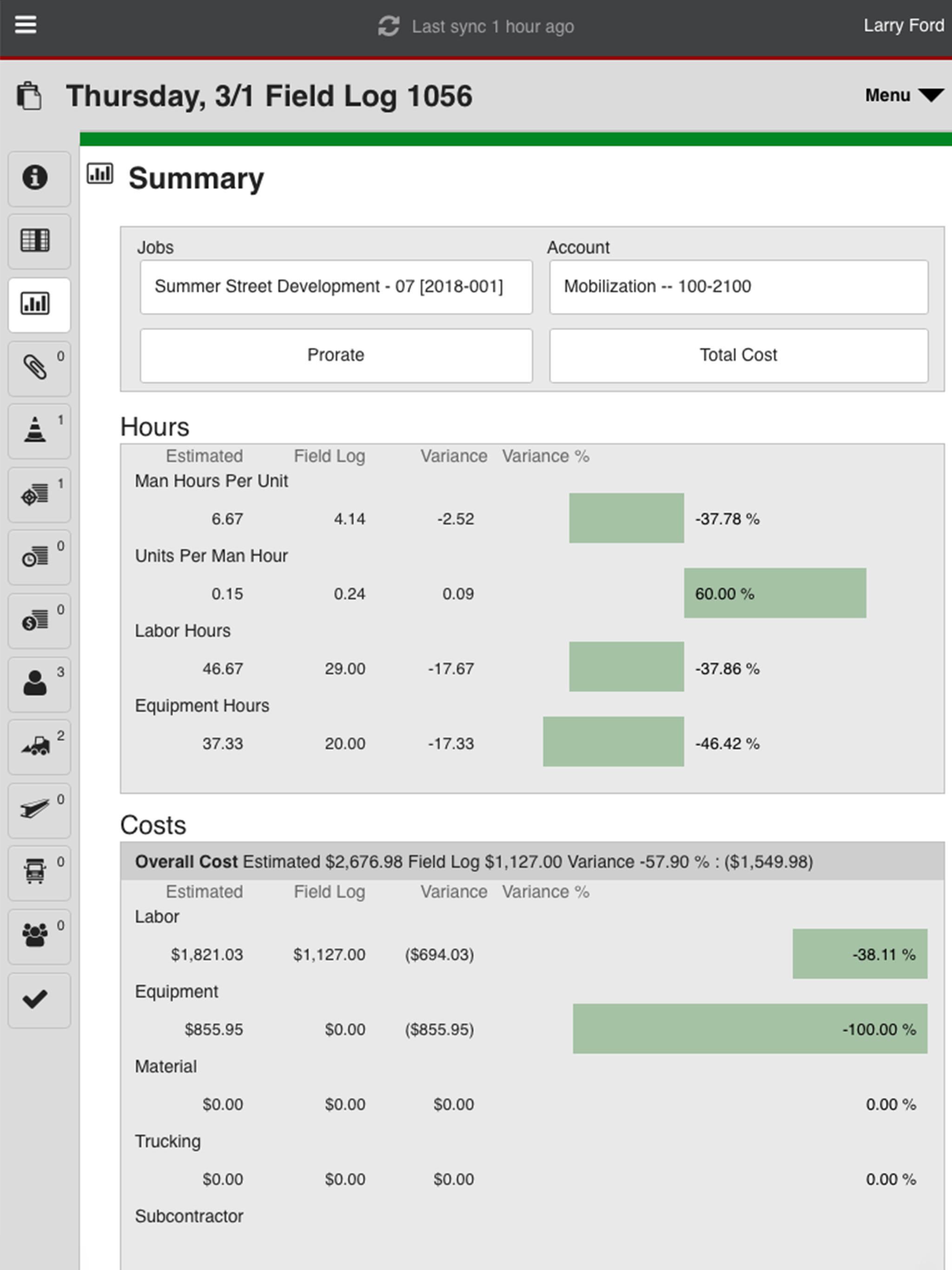
The app is fairly easy to use but is a little light on features. We've been using the app for about a year now to capture field data. The time entry portion of the app itself is fairly straight forward. That said I do wish there was some additional functionality available through the app such as time approval. We also have some custom reports made that we send to foreman every week. It would be nice if there was also a separate reports module that could be used to view those cross-job reports. The app has a lot of potential and is moving in the right direction.
Instantly connect construction field teams with real-time project schedules, field performance and time tracking, equipment maintenance and resource r...