
Check the acquisition promise
Read the store headline, screenshots and description. What problem is the app promising to solve?
Study the storefront ↗
Get Aura Inc. · iOS
Explore the ad evidence, study the storefront, and build your next acquisition hypothesis.
01 / Creative research
Read the store headline, screenshots and description. What problem is the app promising to solve?
Study the storefront ↗Explore apps with direct store-link matches. Compare their hooks and formats without assuming the same approach works here.
Browse observed advertisers ↗Store rankings and revenue estimates describe market context. They do not establish ad spend, conversions or ROAS.
Review the market context ↗02 / Storefront & product
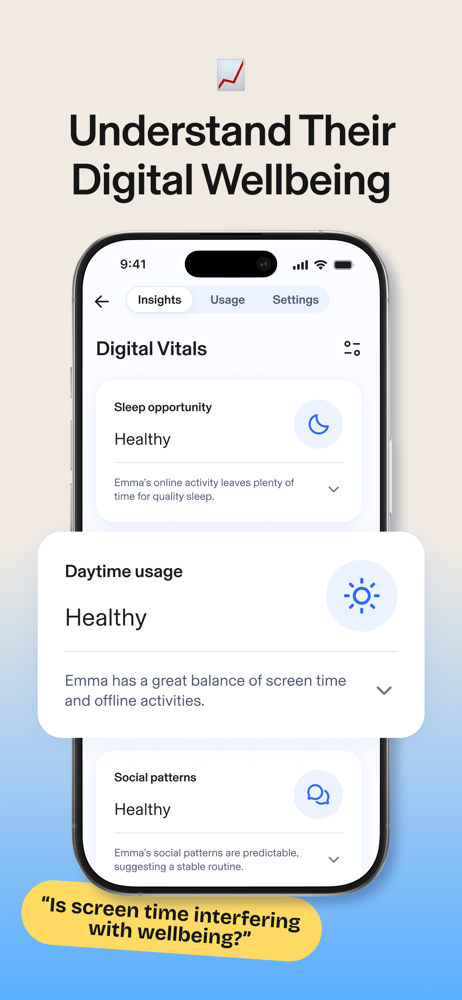
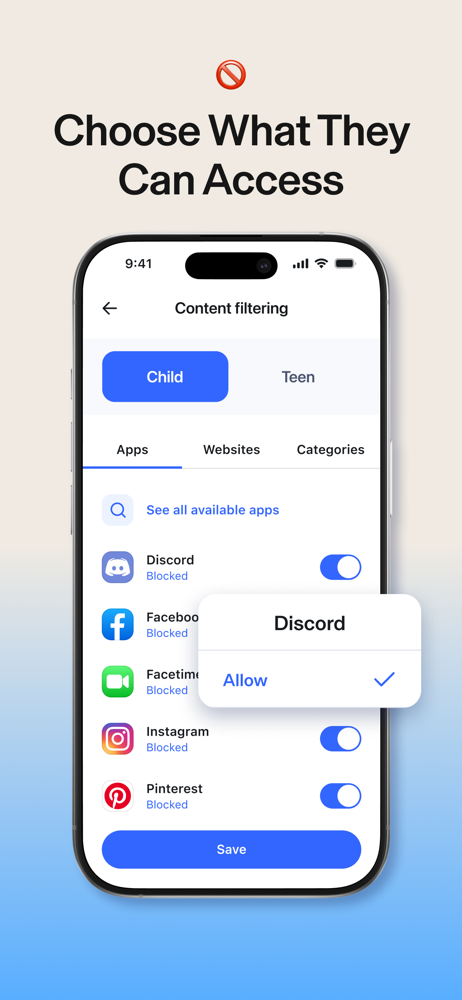
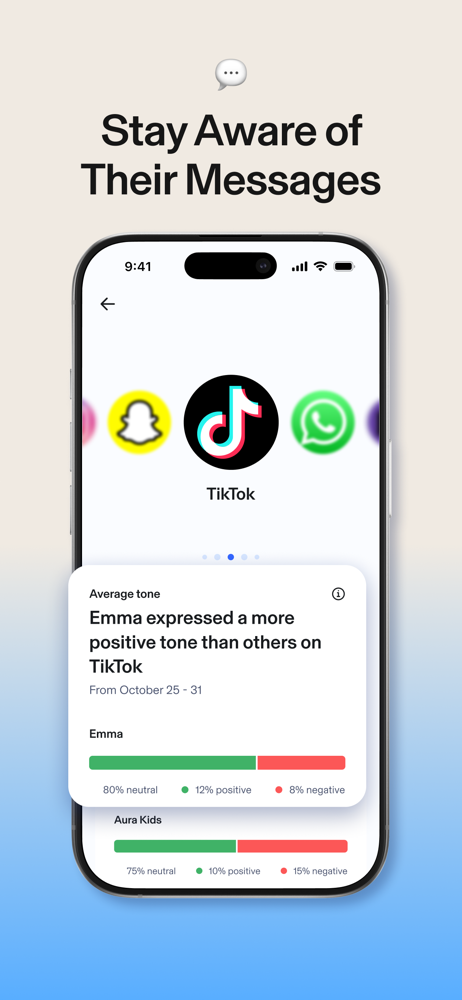
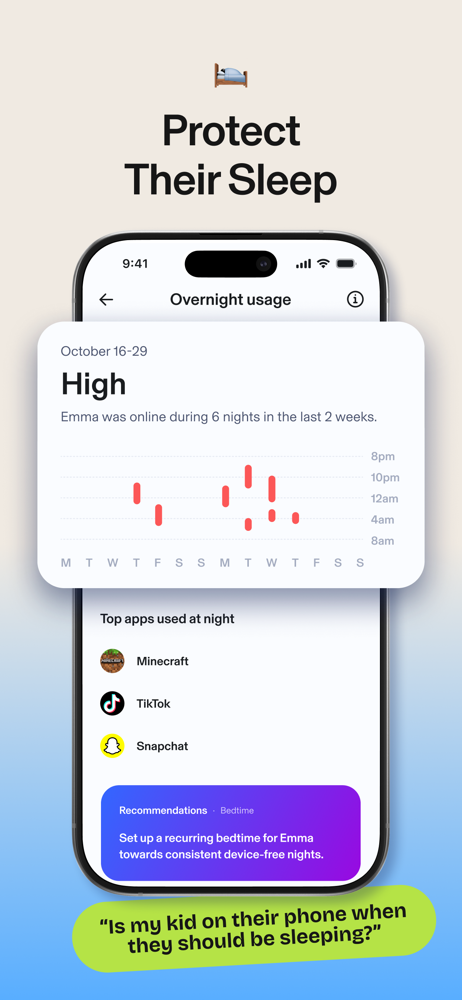
Study the product story and store experience behind the acquisition funnel.




03 / Market context
Keep revenue, downloads and store rankings separate from advertising performance.
I set up my teen’s phone and within minutes she complained about the keyboard not functioning well. She figured out that it was Aura, removed the keyboard, and now it doesn’t give me insights. If this is a core function, the keyboard needs to work! Letters were stuck in all caps and there was no autocorrect. I would have been frustrated too! Beyond that, the insights take too long to populate. I was able to control almost everything that is offered in Aura in iPhone settings. I didn’t see the value. Setting up automatic shortcuts and another screen time app are helping more.
Not a place to provide feedback online and their Support said they couldn’t provide feedback, so maybe this will do it. Overall, great app and experience from a parents perspective. We’ve tried just about all of the services out there and this app is the most polished and user friendly. And it works. Plain and simple. Now for my feedback to the developers - hoping they see this. 1. If you’re only signing up for the parental options and not their entire suite of services, allow another guardian to be added to the account. Right now, you can only have one and that means sharing a login. Not a huge deal, but not ideal. If parents are separated or not on good terms, having an additional guardian login would be appreciated. 2. The Aura Keyboard is a cool way to capture social interactions and sentiments etc. Add the “swipe” option for those that like to use that while typing. 3. The list of pre-configured apps you can manage is fairly extensive, however, it doesn’t encompass all. Allow the ability to either add ones from the device, or provide suggestions back to the team on ones to add. Right now if it’s not available you have to allow websites and other workarounds. 4. When a child runs out of time allotment, allow them to make a request for bonus time instead of relying on the parent to see the notification and make adjustments. Just a “nice to have” option for the child.
Update: The developer responded to my comment and encouraged me to call Support again. I called and got an annoying AI assistant, but thankfully-the issue was finally fixed! We were forced to move to Aura when support was ended for Circle Parental Controls. For a while, it worked, and now, when my sons are off our home WiFi, most everything is blocked. They don’t have any internet when off home WiFi. This has been ongoing for 3 weeks with no resolution. My issue was escalated to the Engineering team and I was told to just keep checking for an app update. I need my kids to have access to their cellular network when off WiFi so this is not working for our family at all. I understand bugs but 3 weeks is too long to wait for a resolution, especially when I am paying a monthly fee for this service.
Aura Parents is a next-generation parental control app built to help families guide their children’s digital habits and ensure kid safety across all d...
| Name | Price | Type |
|---|---|---|
| Aura Parents (Monthly) | $9.99 | Monthly |
| Aura Parents Monthly | $9.99 | Monthly |
| Aura Parents (Annual) | $107.99 | Yearly |
| Aura Parents Yearly | $107.99 | Yearly |


