
Check the acquisition promise
Read the store headline, screenshots and description. What problem is the app promising to solve?
Study the storefront ↗
Audioengine LLC · iOS
Explore the ad evidence, study the storefront, and build your next acquisition hypothesis.
01 / Creative research
Read the store headline, screenshots and description. What problem is the app promising to solve?
Study the storefront ↗Explore apps with direct store-link matches. Compare their hooks and formats without assuming the same approach works here.
Browse observed advertisers ↗Store rankings and revenue estimates describe market context. They do not establish ad spend, conversions or ROAS.
Review the market context ↗02 / Storefront & product
Study the product story and store experience behind the acquisition funnel.


03 / Market context
Keep revenue, downloads and store rankings separate from advertising performance.
Update 4/23. Noticed LinkPlay, the developer for WiiM actually wrote the app for this one too. Fished the B-FI outta the bin of useless garbage I keep. Gave it a try, it worked sorta, but lost connection after a bit. Back in storage it goes. I’ve owned a B-FI for a couple of years. The B-FI is a great streaming solution which is crippled by this horrible app. Last March I installed a Bluesound Node. IMO BluOS is the gold standard. Yes I’ve installed HEOS on my son’s system. HEOS is still clunky but not as bad as this. Put B-Fi in storage and removed the app. Recently I wanted to put the streamer on another system. Downloaded this ‘new’ version of the app. Still a horrible clunky interface. Not going to waste space on my phone with it Will stick to AirPlay.
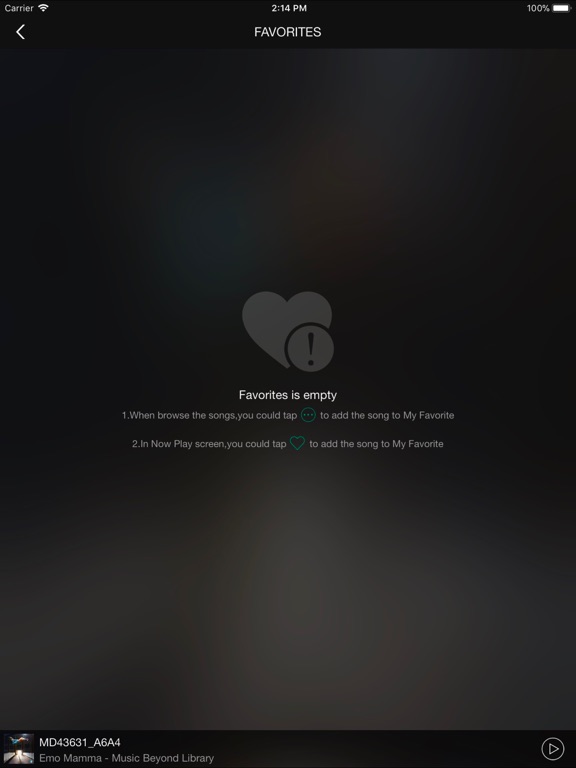
The B-Fi hardware is great. Fantastic audio quality. The experience is severely marred by this software. All it does is select the songs or album. The very minimal operation. Does not give any detail. No song duration, etc. Not even the ability to play gap-less. iPad version only displays portrait and does not rotate.
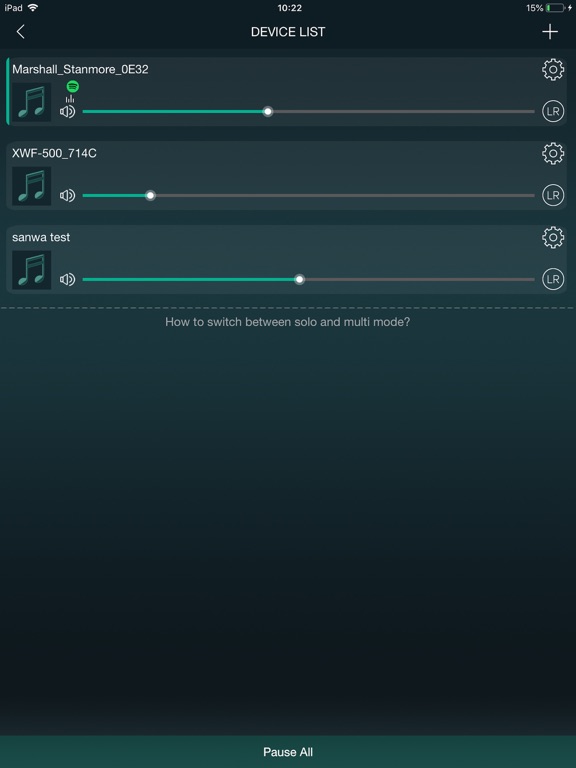
This B-Fi companion app is the best! Our house is full of music lovers with some type of speaker system in most rooms. My husband got these and set up 2...one in the kitchen and one in the living room and said we would instantly be able to upgrade our existing systems into a multi-room music “monster” (trying to convince me he was saving us money 🙄). I thought, nice try! But, I have to admit, he was right!! Depending on what I’m doing I can stream all my music wirelessly through my phone, either through my the Control app, my own music library or through other apps using airplay. While I’m doing things around the house I can play the same music in all rooms without have to disconnect and reconnect. Or, if I’m cooking, I can choose to just play in the kitchen. Going back and forth is a breeze! Anyone in the house can use the app and you can actually see what’s playing in what room at any time. Pretty cool! Although, my husband finds it hilarious that he can get on and hi-jack my room from his phone. Lol. Also, now that I work from home, I figured out that you can also stream from your computer. Anyway, I’m not usually one for tech gadgets, but this is easy to setup and keep everyone happy! Only problem is my teenager now wants one for her room so she doesn’t have to listen to Peter Gabriel. Haha!
This is the companion app to set up the Audioengine B-Fi Music Streamer. Connect to your existing stereo and home network and stream high-resolution...


