Check the acquisition promise
Read the store headline, screenshots and description. What problem is the app promising to solve?
Study the storefront ↗
ASHRAE, Inc. · iOS
Explore the ad evidence, study the storefront, and build your next acquisition hypothesis.
01 / Creative research
Read the store headline, screenshots and description. What problem is the app promising to solve?
Study the storefront ↗Explore apps with direct store-link matches. Compare their hooks and formats without assuming the same approach works here.
Browse observed advertisers ↗Store rankings and revenue estimates describe market context. They do not establish ad spend, conversions or ROAS.
Review the market context ↗02 / Storefront & product
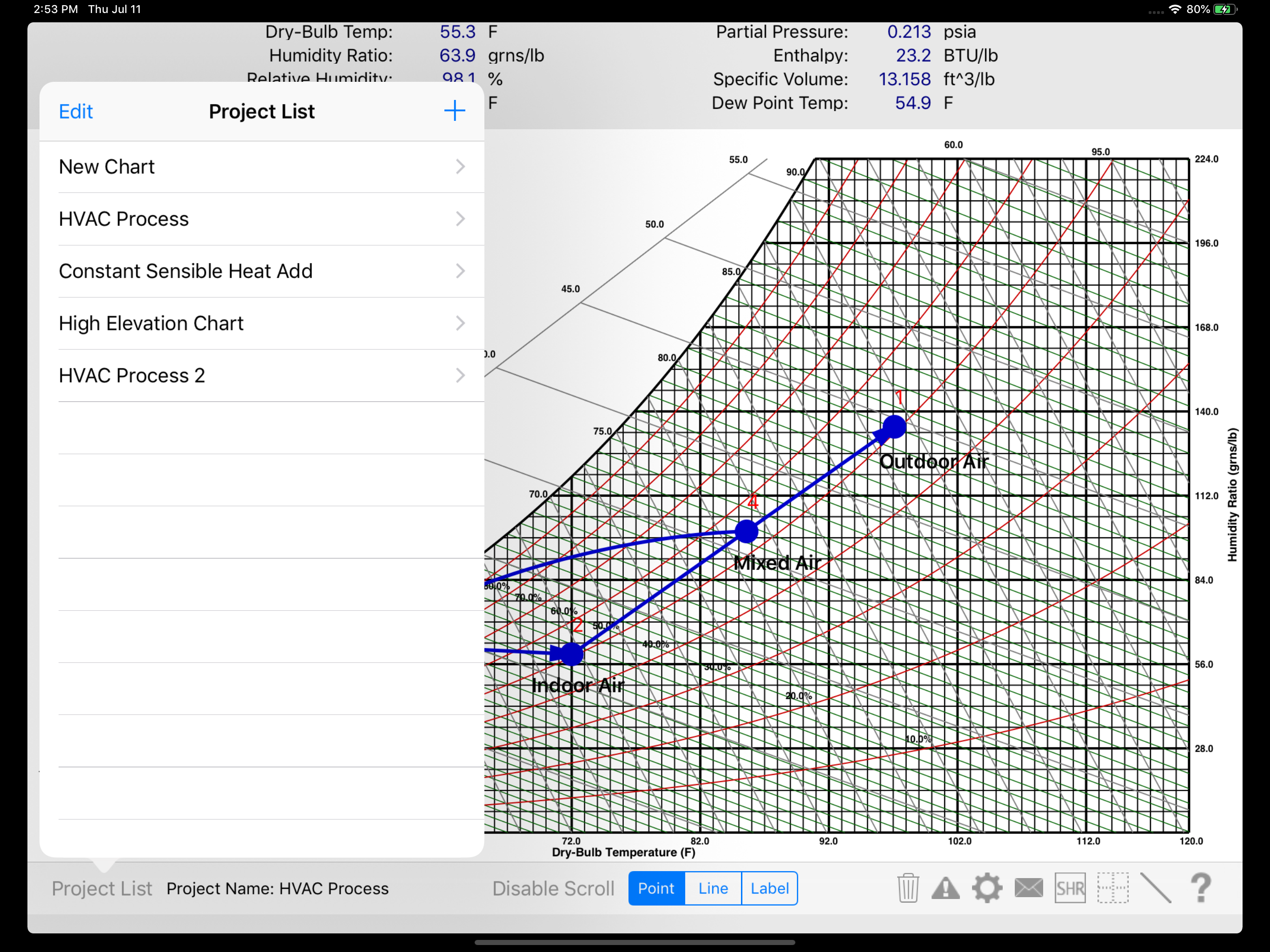
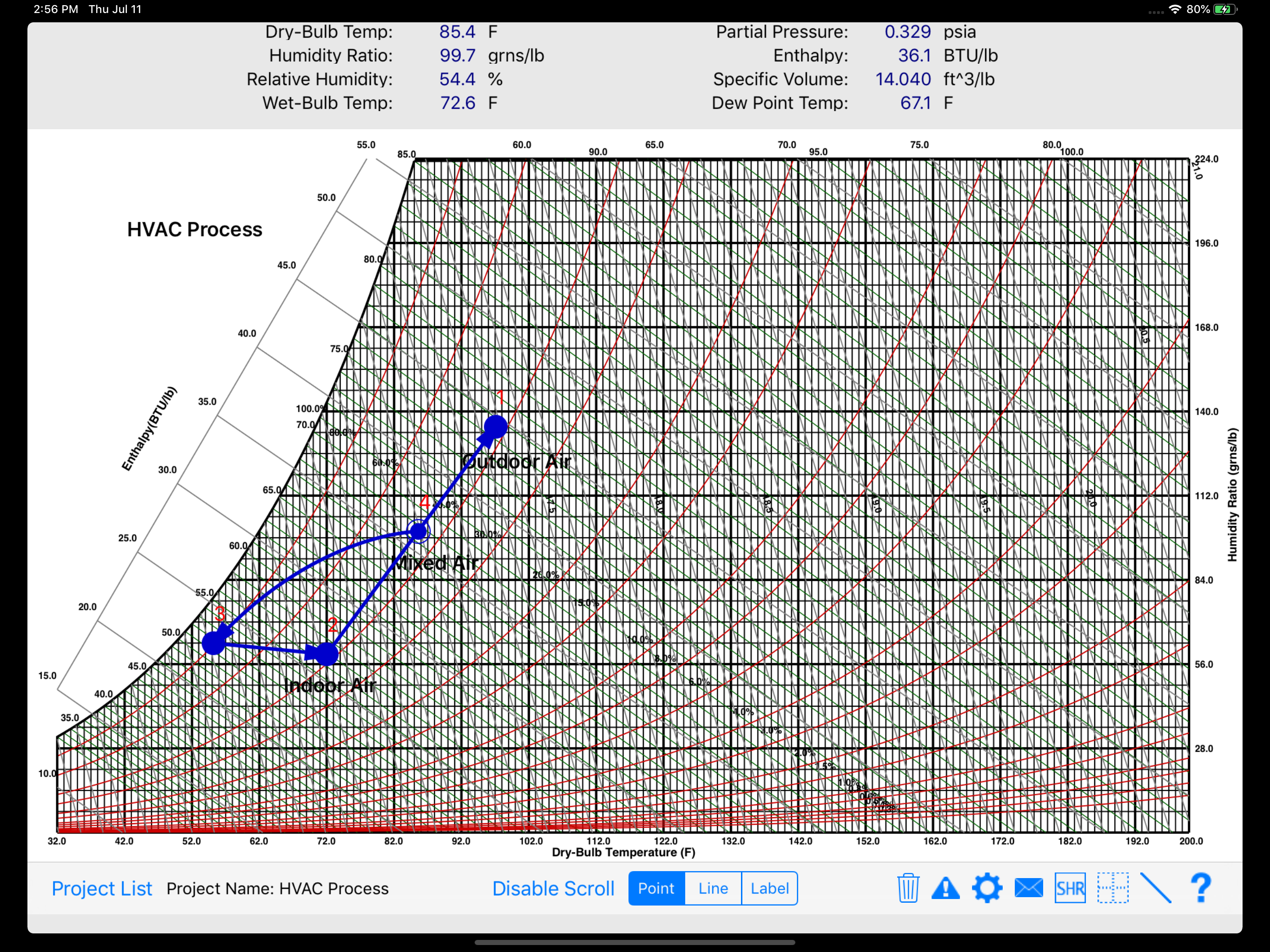
Study the product story and store experience behind the acquisition funnel.

03 / Market context
Keep revenue, downloads and store rankings separate from advertising performance.
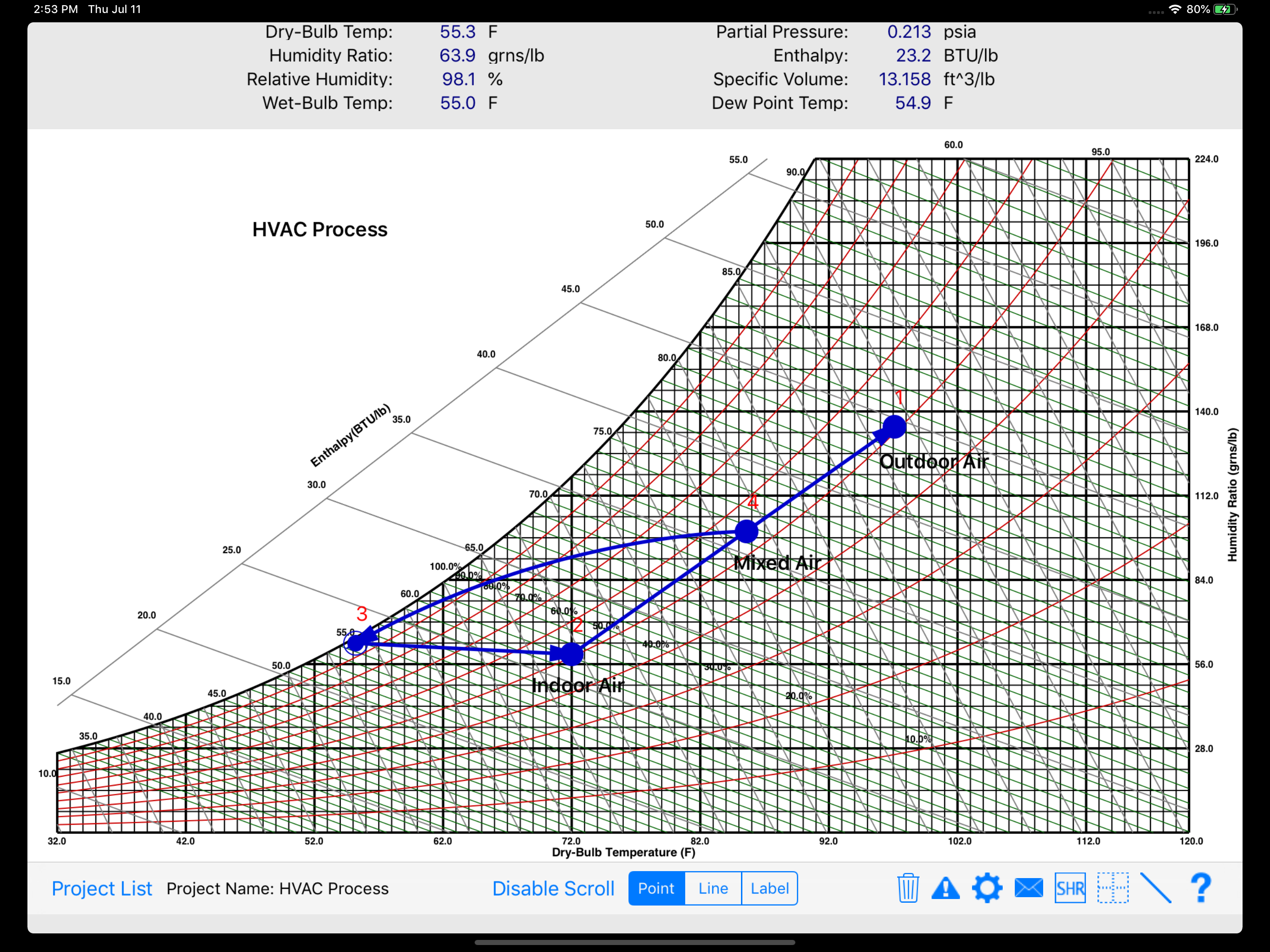
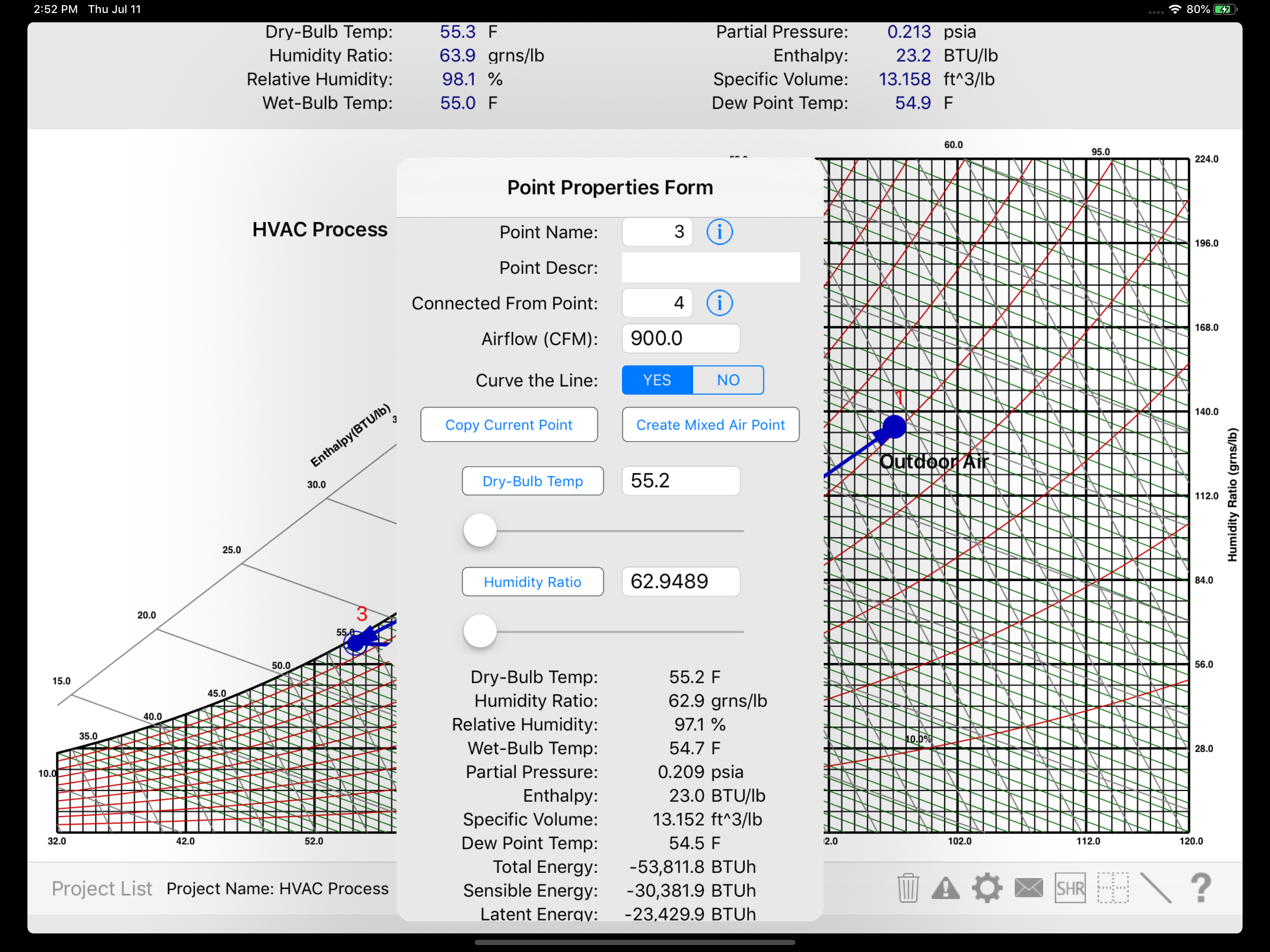
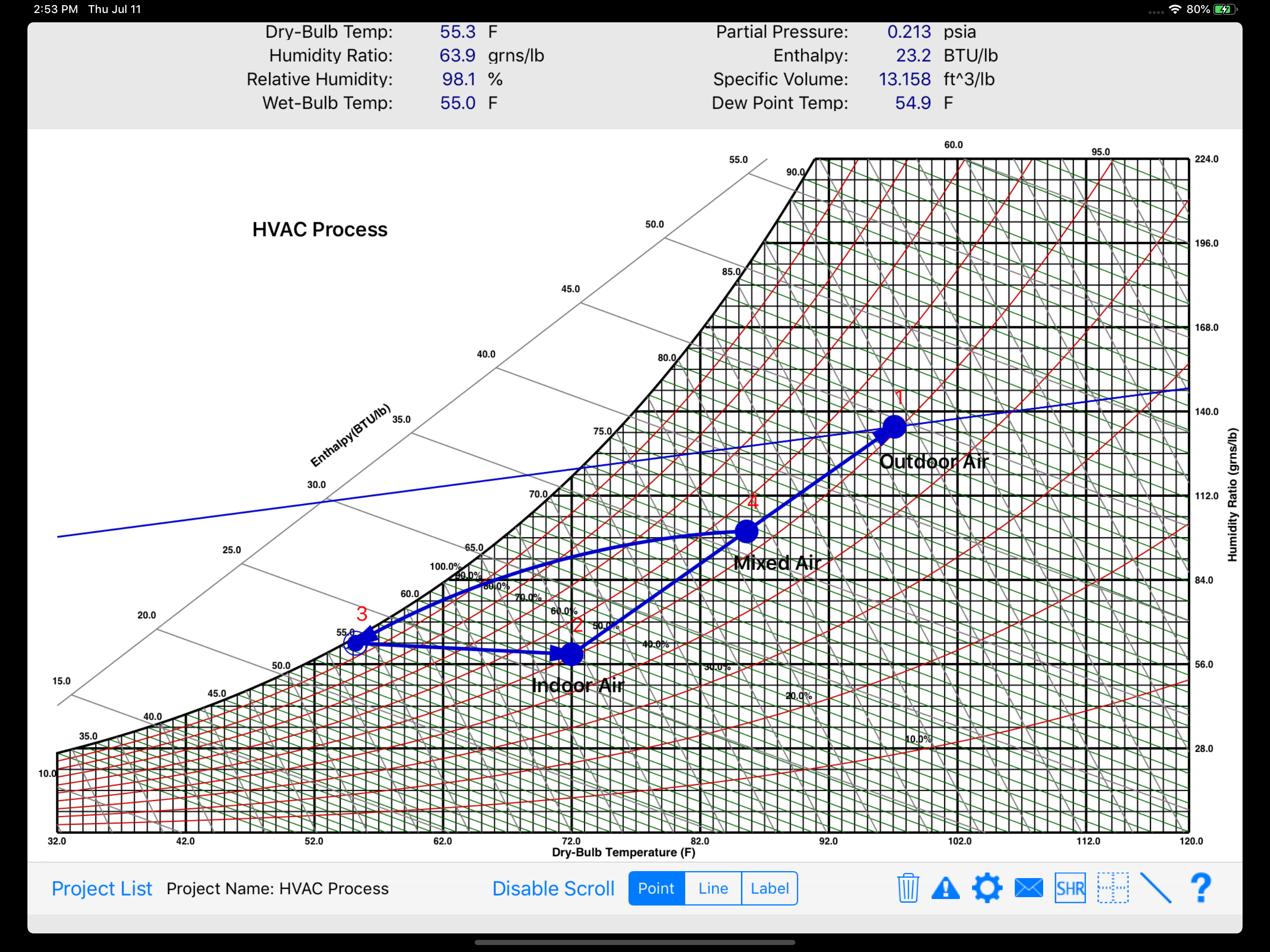
This app has the beginnings of a good app. But as is, it is limited in usefulness, and ASHRAE should not be selling this essentially beta version as a serious tool. Specifically the shortcomings are: 1. Needs an undo button. 2. SHR < 10% displays as a vertical line. 3. Needs enthalpy-humidity ratio button like SHR button. 4. Should be able to connect multiple lines to one point to show the correct process direction. For example, mixing point. 5. Need to add the ability to back up files. 6. Should add the ability to lock points so that they are not accidentally moved. 7. Would be nice to be able to delete lines by selecting them rather than going to the point menu to delete it. 8. When editing a point, there are times when the changes are not accepted. If these changes are implemented, this could be a very useful app. However, as is, I wouldn't recommend purchasing it, and ASHRAE should make clear its limitations to people who are considering buying it. However, it appears that Carmel Software Corporation, who developed the app, is no longer updating it, and they don't respond to customer requests.
Needs undo feature. Does not work well with Apple Pencil; selecting a state point causes the point to move; must use finger to select points. Connecting points with a process line will not carry forward the airflow rate; must be entered by hand for each point. Mixed air points are static individual points that are not tied to the air streams that created the mixed air point, such that if the conditions change then the mixed air point must be recreated. Occasionally, when pinching to zoom one of the state points will move even though my fingers were not near the point; something similar to this happens a couple of times on the training video from Carmel. The point properties form is not visible after zooming, appears to be off screen. Wish List: Create state points based on process loads. Bottom Line: The app feels like a beta version for a psychometric chart program that had a very limited budget. In 2020 I expect software that is a bit more polished and more user friendly. And as one other comment stated, I would expect a little more from ASHRAE.
has potential, but is buggy and has stability issues. Also, needs a screen where points can be directly entered by typing, and I dont see any way to easily compute attributes of process lines between points.
The HVAC Psychrometric Chart app is the first truly interactive graphical psychrometric chart for the iPad, and it includes both IP and SI units. It i...