
Check the acquisition promise
Read the store headline, screenshots and description. What problem is the app promising to solve?
Study the storefront ↗
Flying Code Ltd · iOS
Explore the ad evidence, study the storefront, and build your next acquisition hypothesis.
01 / Creative research
Read the store headline, screenshots and description. What problem is the app promising to solve?
Study the storefront ↗Explore apps with direct store-link matches. Compare their hooks and formats without assuming the same approach works here.
Browse observed advertisers ↗Store rankings and revenue estimates describe market context. They do not establish ad spend, conversions or ROAS.
Review the market context ↗02 / Storefront & product
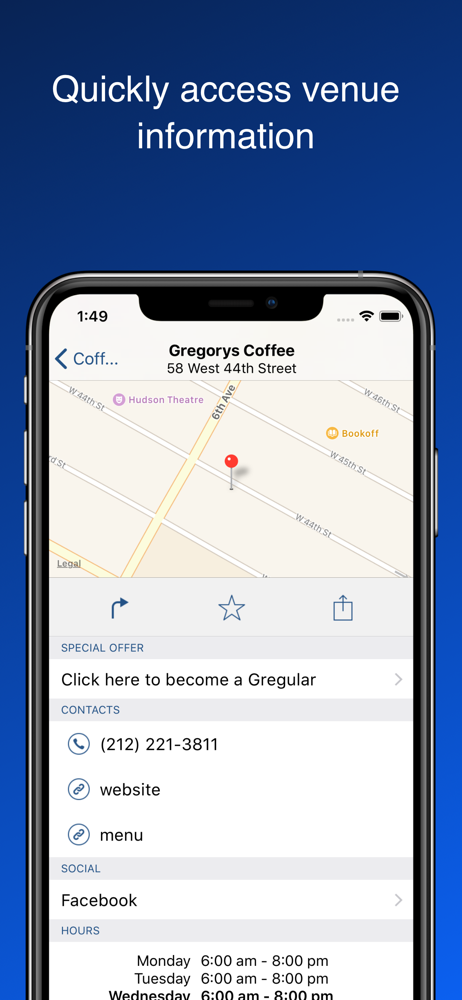
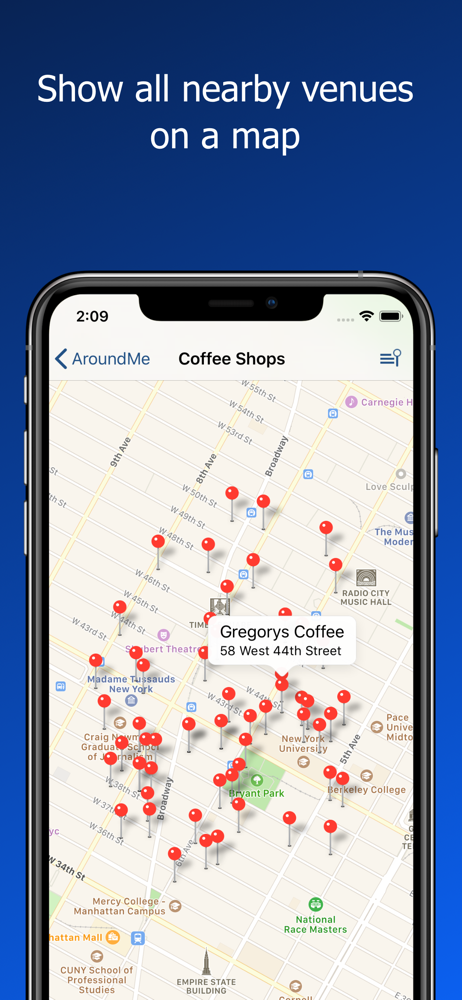
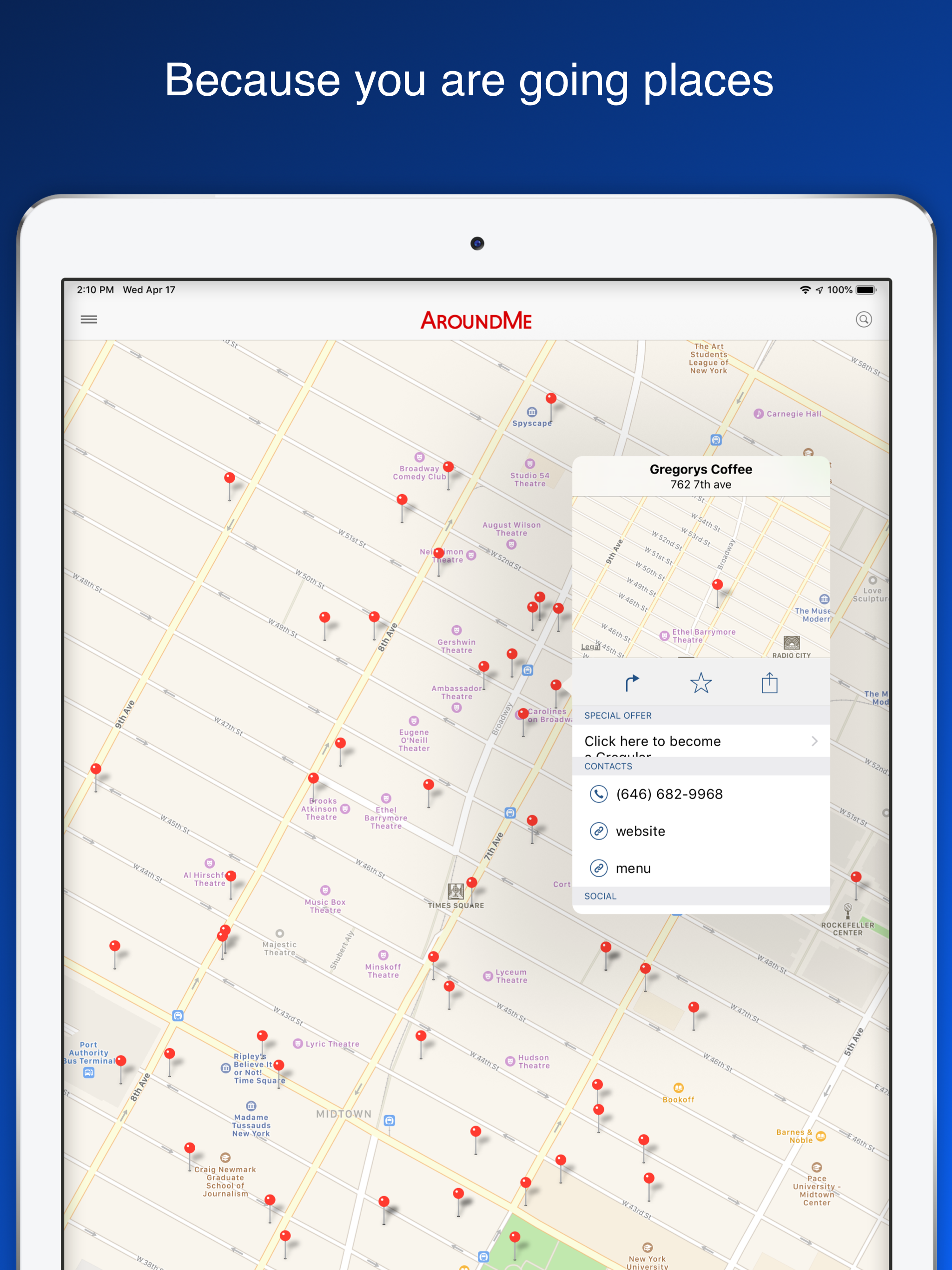
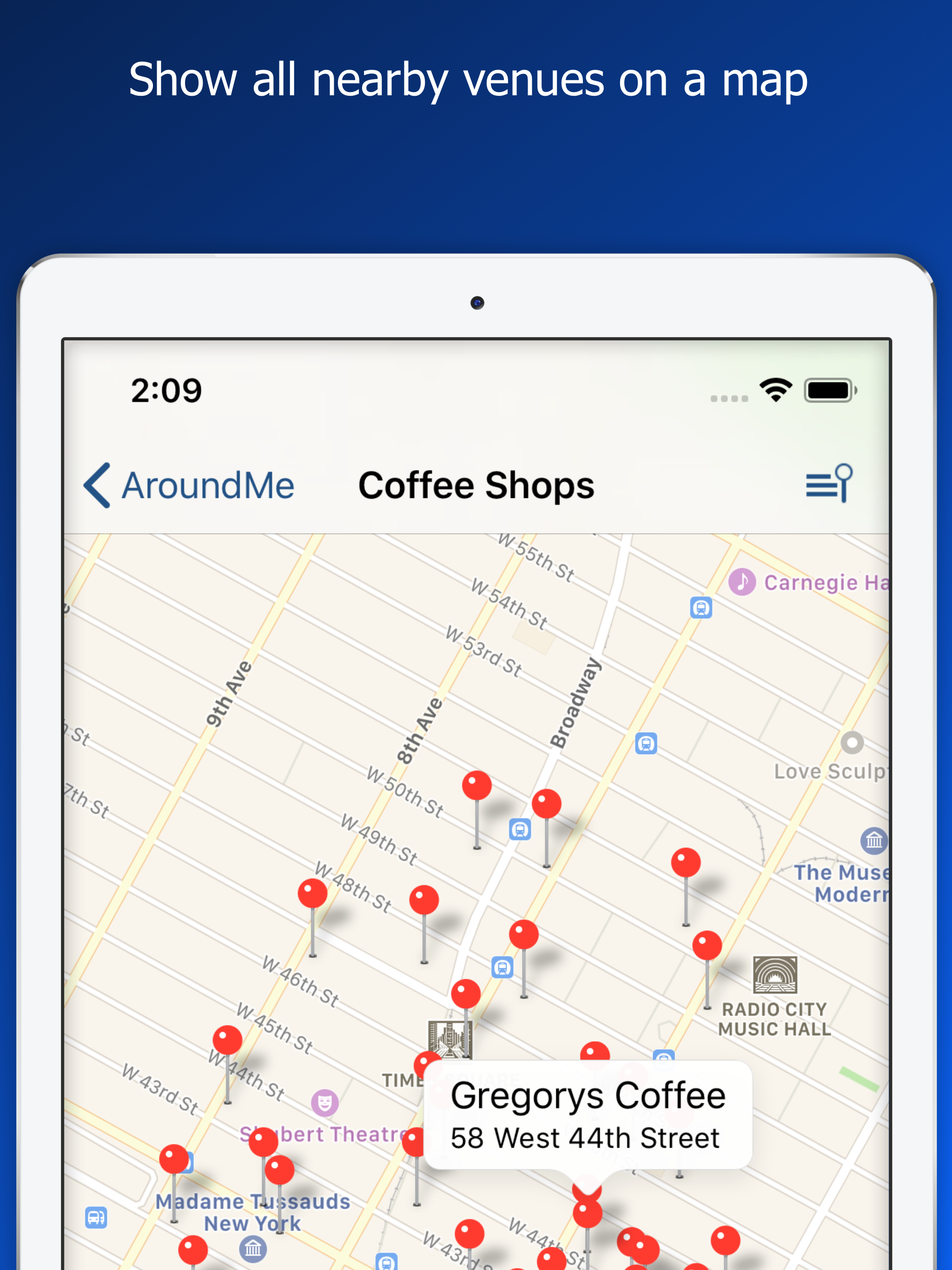
Study the product story and store experience behind the acquisition funnel.




03 / Market context
Keep revenue, downloads and store rankings separate from advertising performance.
UPDATE 2023: Just reinstalled this app onto my iPhone to see if it was still a good one. Unfortunately, the listings have gotten extremely inaccurate and out of date. As others have mentioned in their recent reviews, the app is no longer accurate. Definitely use with caution! I hope the developer sees this and brings the app up-to-date with current, correct information. It was really a great app to use back in the day. This app worked perfectly when it came out a year or two ago. Since then, the various updates have added more and more features which have caused the app to be extremely buggy. Often the app won't load at all. Or the app responds very slowly to user interface. I think this app is a good example of an app becoming bogged down with too many bells and whistles with each successive update. It's a shame because it worked great in the past.
Old review below but this app is sneaky in that it activates to supposedly to “provide you the weather” but is really activating to get your current location and get around Apple’s new location rules. Read their privacy policy make your own decision. Regrettably, after many years, I’ve deleted it. ———— Handy App But Turn Location when not in use or you will be bombarded with random notifications and it will send your location periodically in the background. It would be nice if it only sent my location home when actually searching but unfortunately that’s not the case. What’s really weird is if you force quit the app, and set location to Never, it silences it. However, set to Ask and within a few minutes you will get a request for your location within minutes. Not sure how this can be if the app isn’t open. Did this three times to verify the behavior. This alone worries me that if set to When Using it would be grabbing my location randomly. It’s unfortunate. I’m giving it 4 stars for utility and minus a star for this and forcing me to turn on and off location to use.
I’ve used Around Me going back to the days I had a PalmPre-way before my first iPhone. To me it’s much better than yelp which constantly tries to get you to check in or review a business. Around Me helps you find whatever you’re looking for. It has literally saved me a few times when traveling. I was able to find a tire place when I had a flat tire while visiting relatives in another state. I’ve used it to find restaurants, hotels, nail salons, a dentist. Sometimes you just need to know who is closest to your location rather than who gets the best reviews, most of which I don’t believe.
AroundMe allows you to quickly find out information about your surroundings. How many times have you found yourself in need of finding the closest Ga...
| Name | Price | Type |
|---|---|---|
| 6 Months Premium | $0.99 | Semi-Annual |
| Yearly Premium | $1.49 | Yearly |
| Upgrade to Ad-Free AroundMe | $2.99 | One-time |
| Premium Lifetime | $9.99 | One-time |


