
Check the acquisition promise
Read the store headline, screenshots and description. What problem is the app promising to solve?
Study the storefront ↗
Milestone Made, LLC · iOS
Explore the ad evidence, study the storefront, and build your next acquisition hypothesis.
01 / Creative research
Read the store headline, screenshots and description. What problem is the app promising to solve?
Study the storefront ↗Explore apps with direct store-link matches. Compare their hooks and formats without assuming the same approach works here.
Browse observed advertisers ↗Store rankings and revenue estimates describe market context. They do not establish ad spend, conversions or ROAS.
Review the market context ↗02 / Storefront & product
Study the product story and store experience behind the acquisition funnel.




03 / Market context
Keep revenue, downloads and store rankings separate from advertising performance.
This is way better than any note taking app out there. Way better than good notes. I have literally downloaded every note taking productivity organizing app out there for ideas and gathering research and information. This is the best because it lets you see all your thoughts in one place without having to flip through pages, instead you zoom in. Please give the app more features. It would be awesome if it had an infinite whiteboard feature for the boards instead of just extra room on the right side. Make it so you can zoom in and out from all directions so we can have more space to put more cards on the board. I’m running out of room for my cards and I want to be able to see them all zoomed out without having to scroll to the right side of the screen.
There is no way to scale from within a board, so you have to make another board, transfer the content, then scale that board. For someone who thinks laterally and vertically this is frustrating and very time consuming. I could deal with that though, probably my biggest issue is the text. Double tap the screen gives you a text box, but as soon as I start writing with the pencil it goes to a weird paragraph box that’s way harder to work with. There’s literally no way to use the pencil with the standard snapping text boxes, you have to write and then copy and paste the results over. That’s tough to work with y’all. Finally, this thing needs handwriting recognition. I want to highlight a section and turn it to text like OneNote. In fact, it’s only because OneNote doesn’t do that on an iPad that I’m here looking for alternatives in the first place.
I used different apps in my class to use technology more effectively. However, I would lose hours getting everything polished, and ultimately never use that template again. You can’t lock things into place. You might resize something by mistake. If you’re not OCD like I am or willing to let it go, it lets you work efficiently. The export to an interactive PDF is amazing and how I share personal “portfolios” for each of my students during class. Upcoming features that include view-only link sharing is the reason why I subscribed. If you are mindful of clutter, you will be fine with the free version. Just download backups.
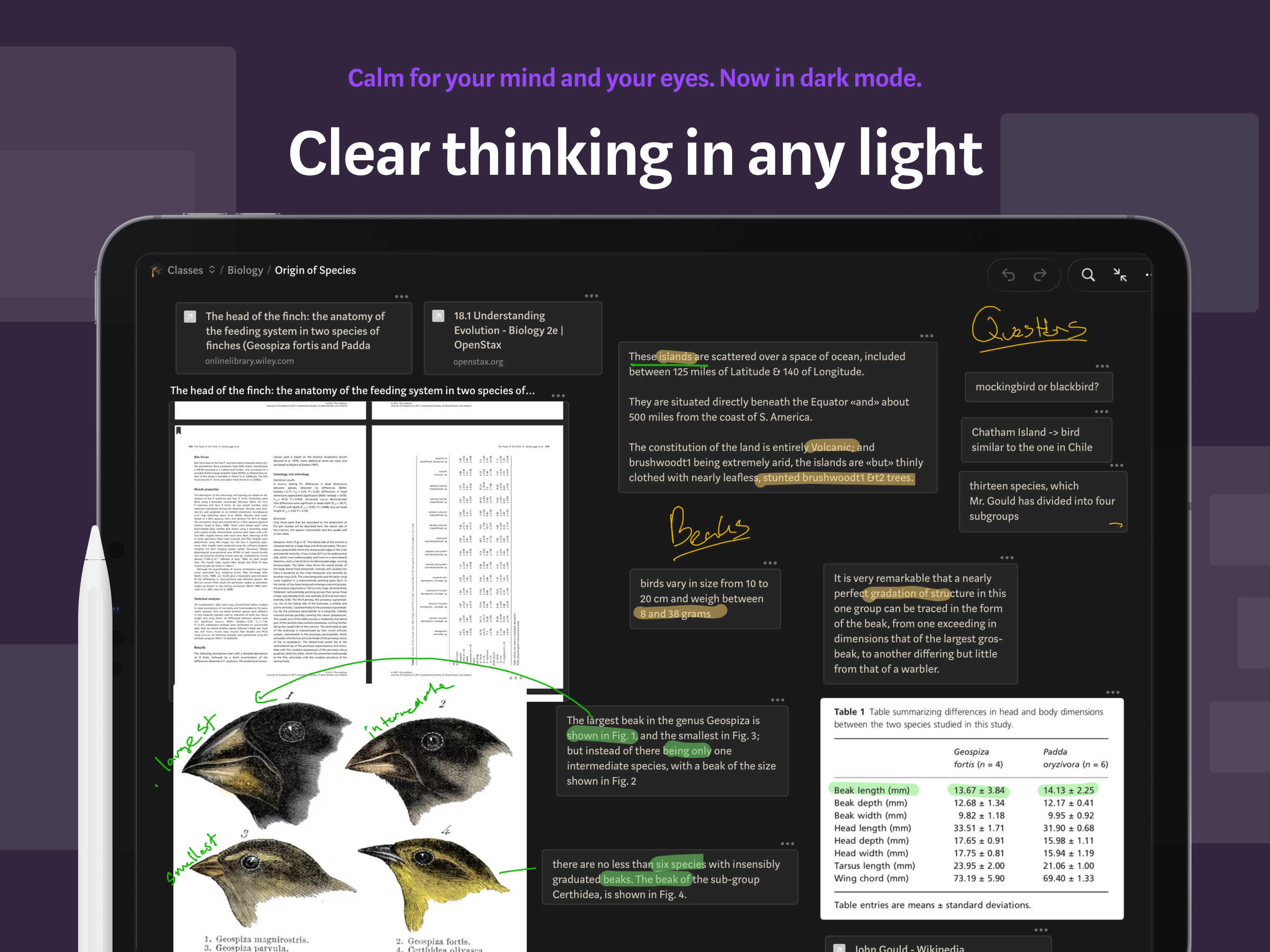
Allume (formerly Muse) is a canvas for thinking that helps you get clarity on things that matter. Think in private or collaborate with others. BEYOND...
| Name | Price | Type |
|---|---|---|
| Unlimited membership, monthly | $9.99 | Monthly |
| Pro membership, monthly | $9.99 | Monthly |
| Unlimited membership, yearly | $99.99 | Yearly |
| Pro membership, yearly | $99.99 | Yearly |


