Check the acquisition promise
Read the store headline, screenshots and description. What problem is the app promising to solve?
Study the storefront ↗
AmoriyA · iOS
Explore the ad evidence, study the storefront, and build your next acquisition hypothesis.
01 / Creative research
Read the store headline, screenshots and description. What problem is the app promising to solve?
Study the storefront ↗Explore apps with direct store-link matches. Compare their hooks and formats without assuming the same approach works here.
Browse observed advertisers ↗Store rankings and revenue estimates describe market context. They do not establish ad spend, conversions or ROAS.
Review the market context ↗02 / Storefront & product
Study the product story and store experience behind the acquisition funnel.



03 / Market context
Keep revenue, downloads and store rankings separate from advertising performance.
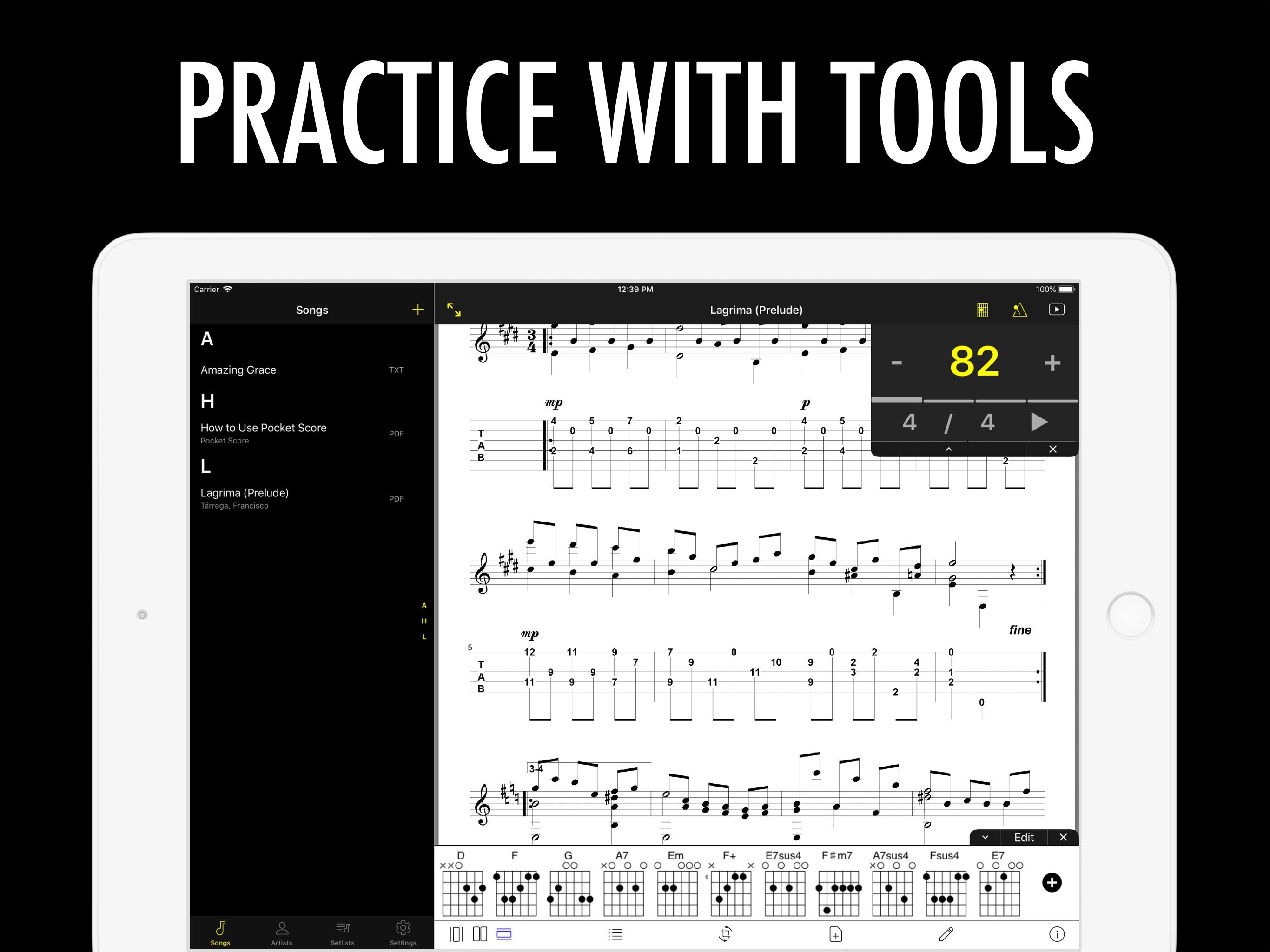
Love this app! It’s as good as some of the more expensive apps. I love that you can make a playlist, and that it goes seamlessly from one song to the next without having to go back to the menu. Really helps in performing a music set. I import scanned music easily from dropbox. I just wish there was a feature for me too send a chart to another musician who also has All Sheet Music app. Haven’t been able to find that in this app. UPDATE: there is a way. Go to chart them tap the “i” at the bottom for information p, hit share icon. I like that you can move around pages, but I wish you could drag them around instead of having to delete pages and then re-import them. I love it so much I’m getting ready to pay for the no-ad upgrade. Thanks for letting us try it first. It’s well worth it!
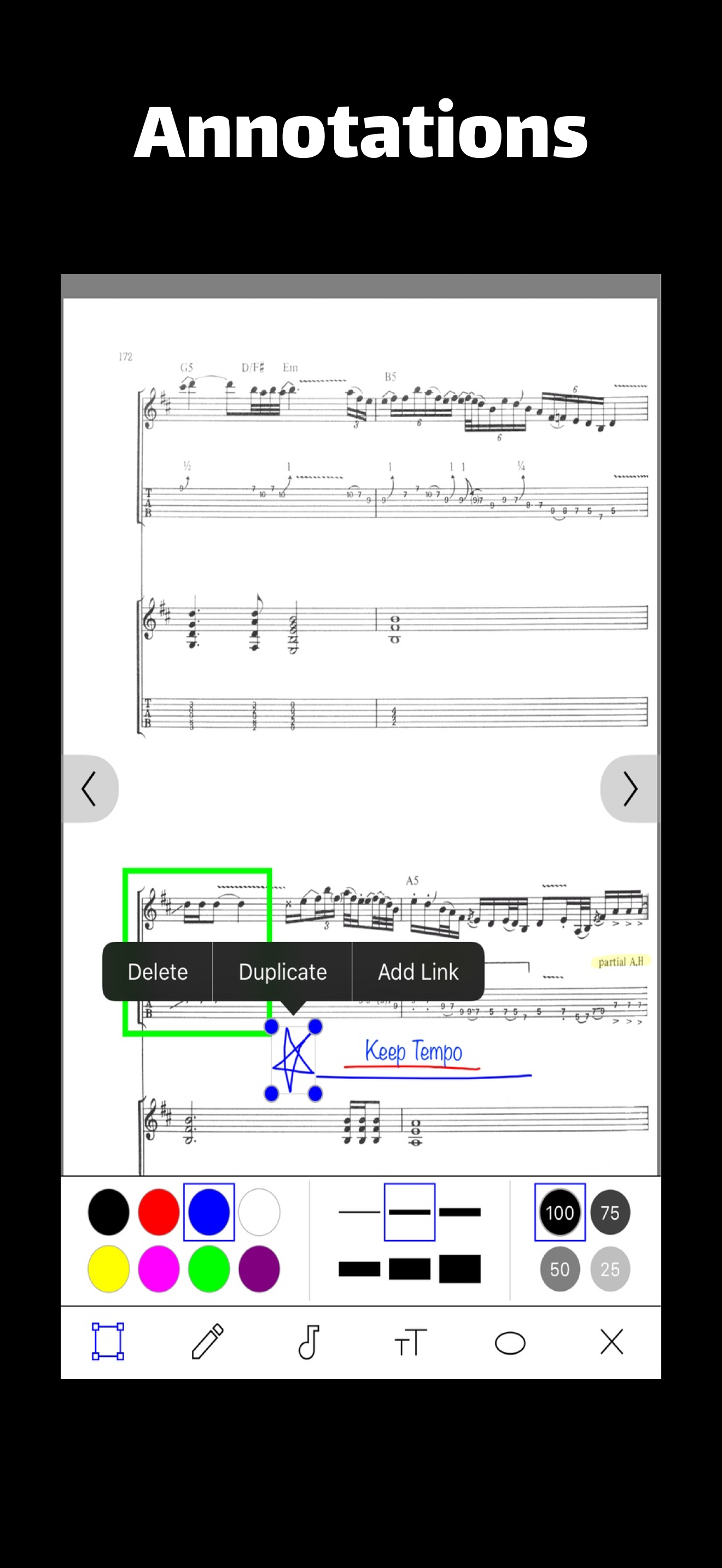
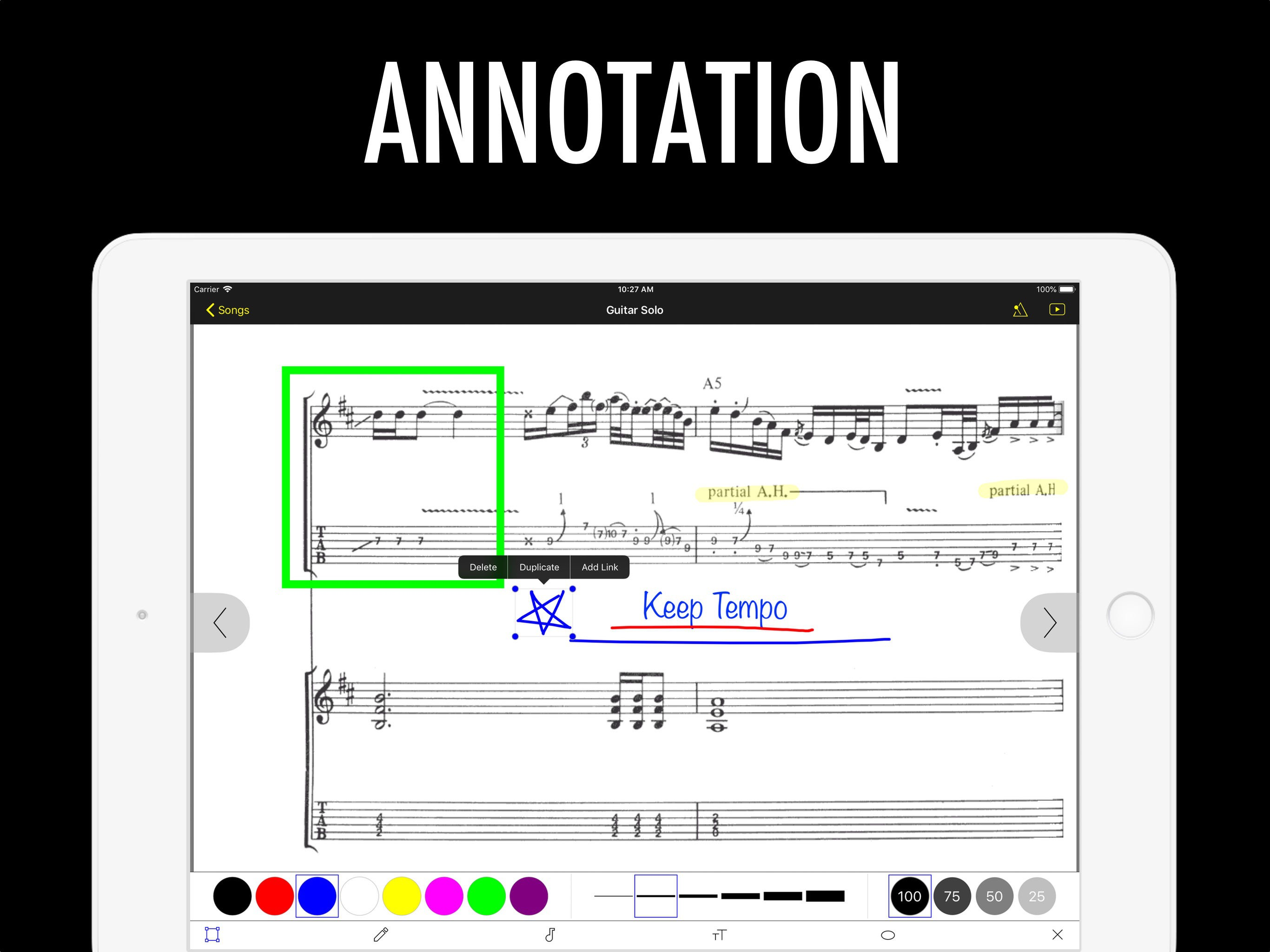
This app is idiot-proof... unless I’m an idiot. There are many features that excel even paid apps (in the free version). I would give 5 stars, except I cannot figure out how to revert, delete, or correct an annotation. I tried to write a chord name, my wrist hit the screen (apple pen), and it drew a shape over the music in thick blue ink. I cannot find a “go back” button or delete, backspace, replace, etc. Once it is created, it is set! Fix (or explain how to erase mistakes, and I’ll rate it 5*. The link to send in suggestions and bugs is also broken. Using a 2019 iPad Pro 12.9”
I use this with my Roland RP102 digital console piano, iPad, and Apple Pencil. Works well with all. I like being able to make notations however I’m not sure how to go back or erase them when they are no longer needed or if I made a mistake. Because of this I use markup in files and then save to this app. Would be easier to have it all in one place. Maybe I just don’t see how to erase in this app yet. Works well with pedal page turn.
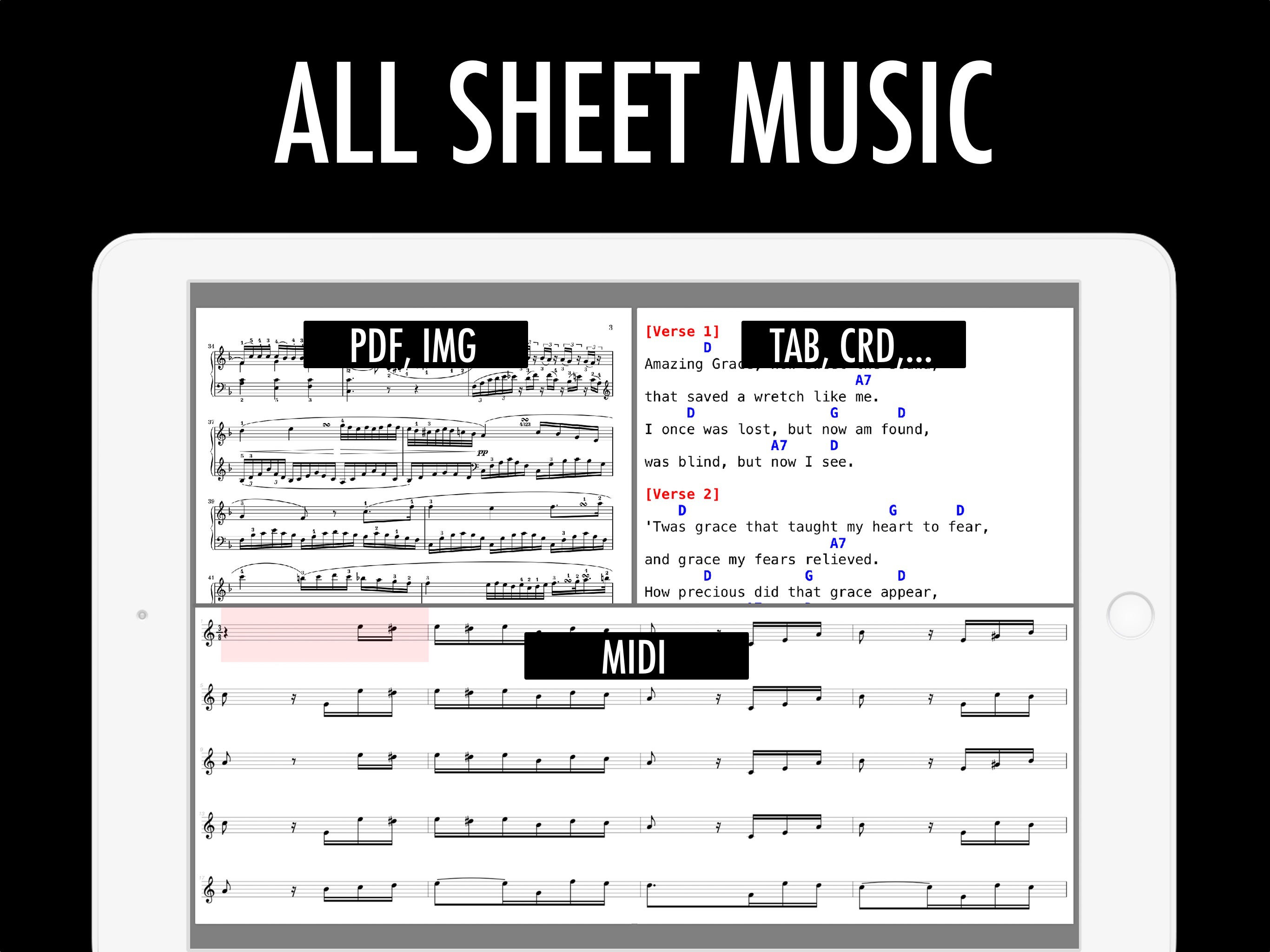
「All Sheet Music」 is a sheet music reader that supports PDF, Image, Text, and MIDI files. [Features:] • Add Scores from Camera, Photos, Files, and ot...
| Name | Price | Type |
|---|---|---|
| Ad-Free | $2.99 | One-time |