Check the acquisition promise
Read the store headline, screenshots and description. What problem is the app promising to solve?
Study the storefront ↗
Airmar Technology Inc. · iOS
Explore the ad evidence, study the storefront, and build your next acquisition hypothesis.
01 / Creative research
Read the store headline, screenshots and description. What problem is the app promising to solve?
Study the storefront ↗Explore apps with direct store-link matches. Compare their hooks and formats without assuming the same approach works here.
Browse observed advertisers ↗Store rankings and revenue estimates describe market context. They do not establish ad spend, conversions or ROAS.
Review the market context ↗02 / Storefront & product
Study the product story and store experience behind the acquisition funnel.
03 / Market context
Keep revenue, downloads and store rankings separate from advertising performance.
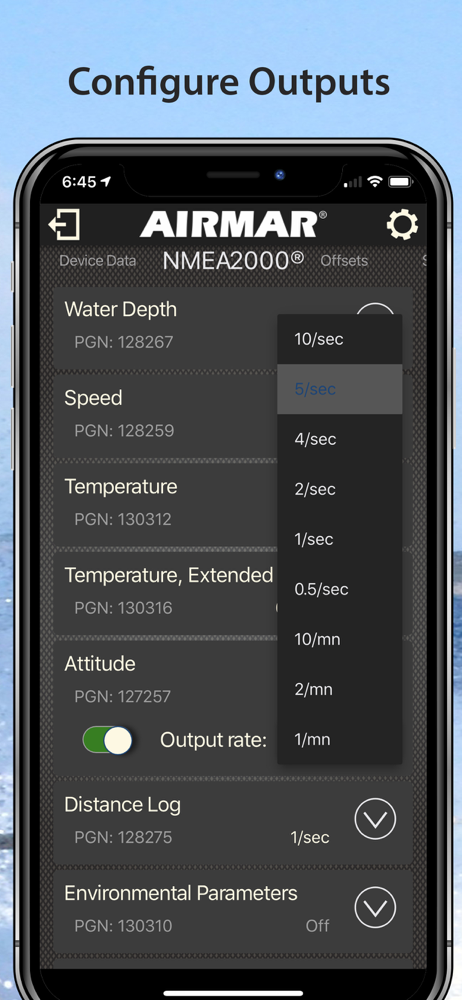
1. Settings menu is confusing bc it only gives units options while all all other settings require swiping left which I had to locate the manual to figure out. 2. Pressing plus sign sets up another device page so now I have two useless ones from trying different things, and now the app is “hanging” and resets every time I swipe past the useless device pages. Make the pages editable to remove modules and delete the page. 3. Work with BnG to have Airmar DST 810 option on Zeus chartplotter setup. I had to select “generic”.
No matter the setting the app report temp & depth units in C and meters.
Knotmeter readout displayed in degrees by default. Depth label changes to feet, but clearly still meters. Same for temperature.
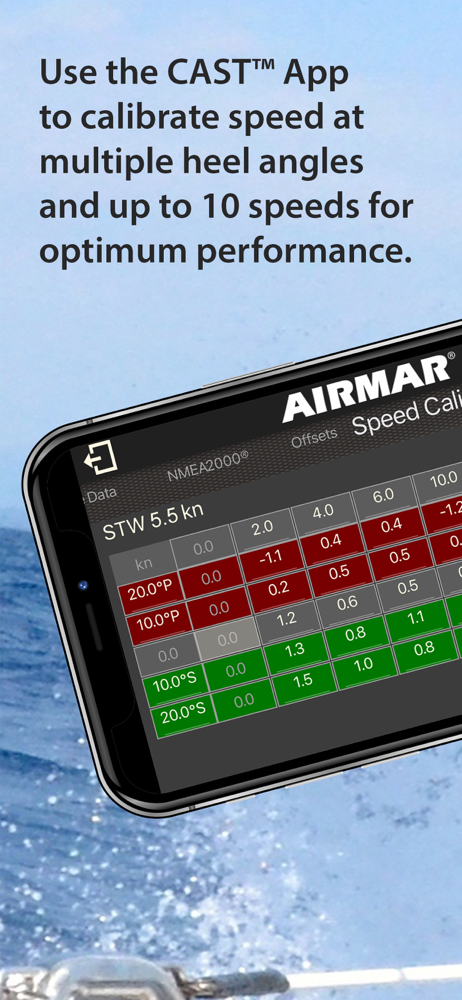
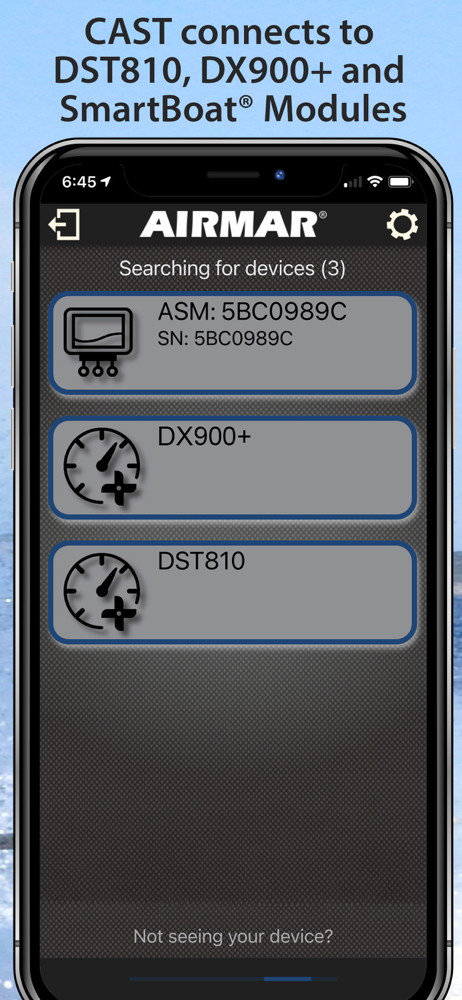
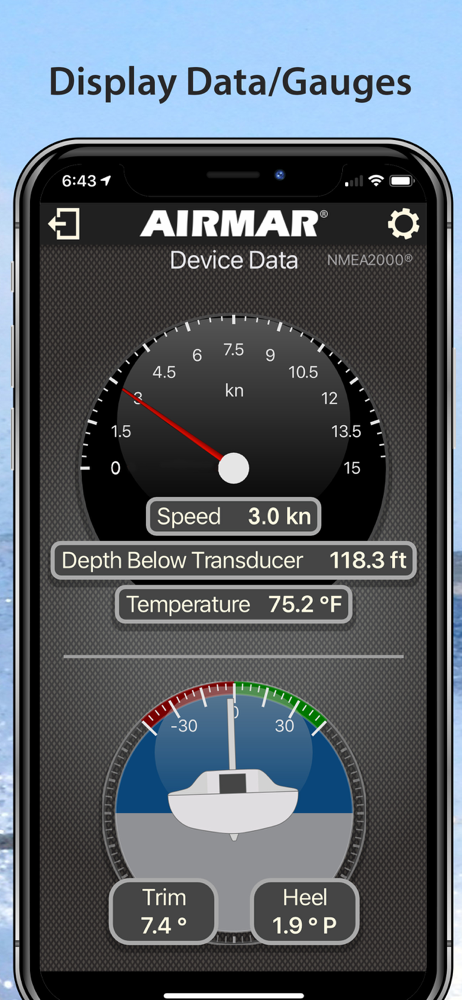
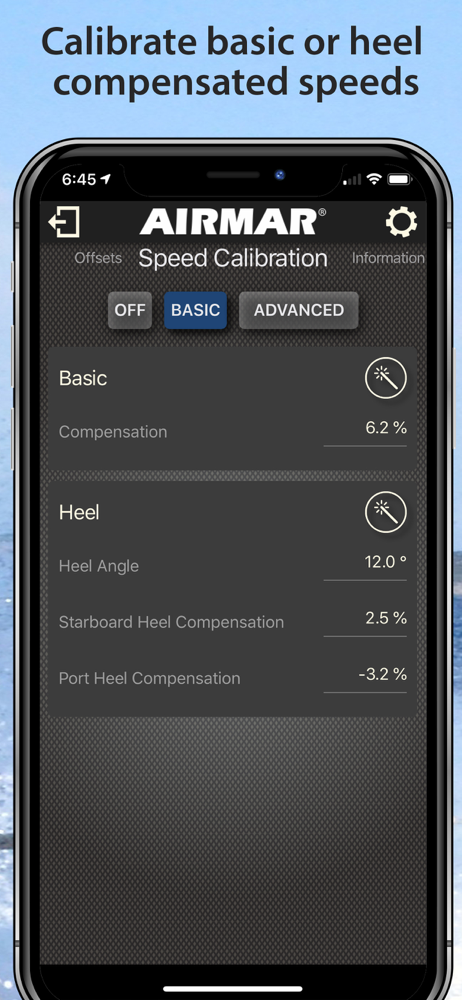
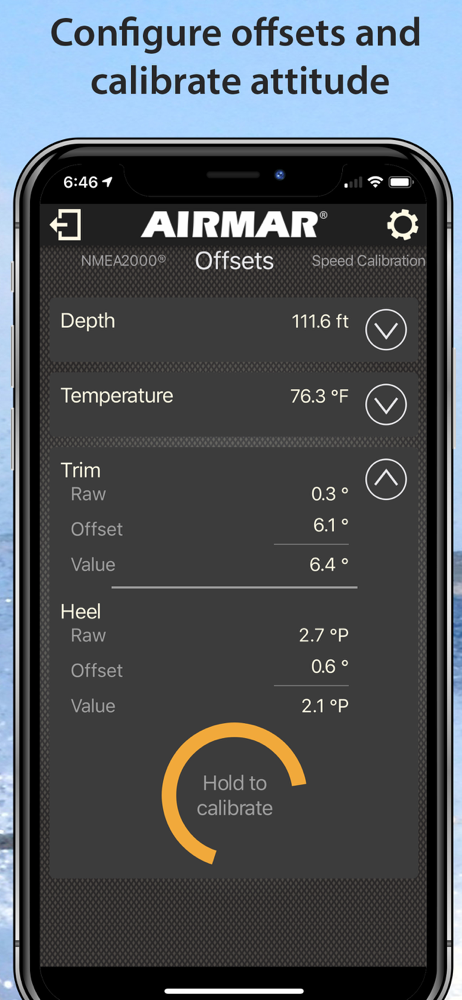
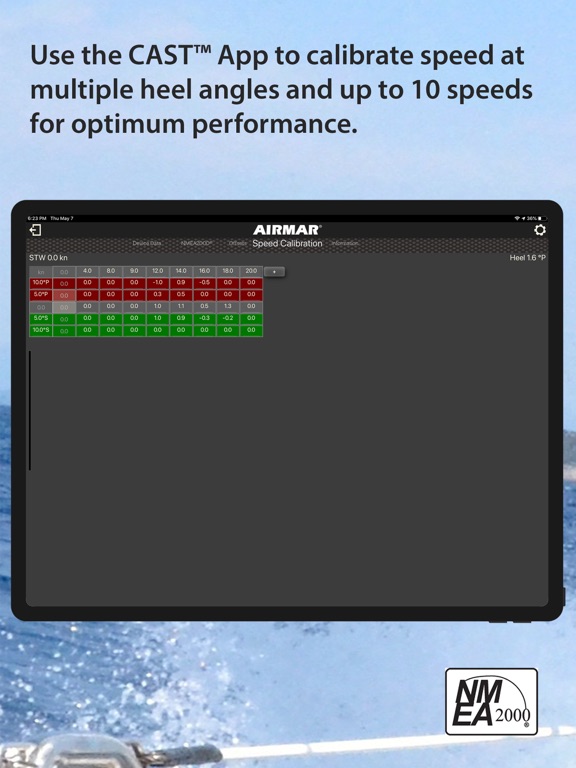
Airmar® CAST™ connects to the Bluetooth®-enabled DST810, DX900+, WX300 multisensors and SmartBoat® modules on your boat, making sensor configuration a...