Check the acquisition promise
Read the store headline, screenshots and description. What problem is the app promising to solve?
Study the storefront ↗
Csaba Iranyi · iOS
Explore the ad evidence, study the storefront, and build your next acquisition hypothesis.
01 / Creative research
Read the store headline, screenshots and description. What problem is the app promising to solve?
Study the storefront ↗Explore apps with direct store-link matches. Compare their hooks and formats without assuming the same approach works here.
Browse observed advertisers ↗Store rankings and revenue estimates describe market context. They do not establish ad spend, conversions or ROAS.
Review the market context ↗02 / Storefront & product
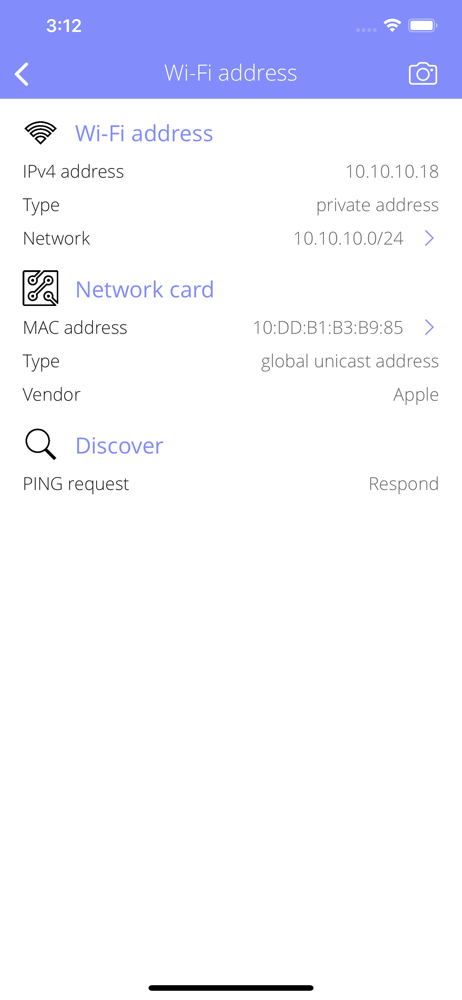
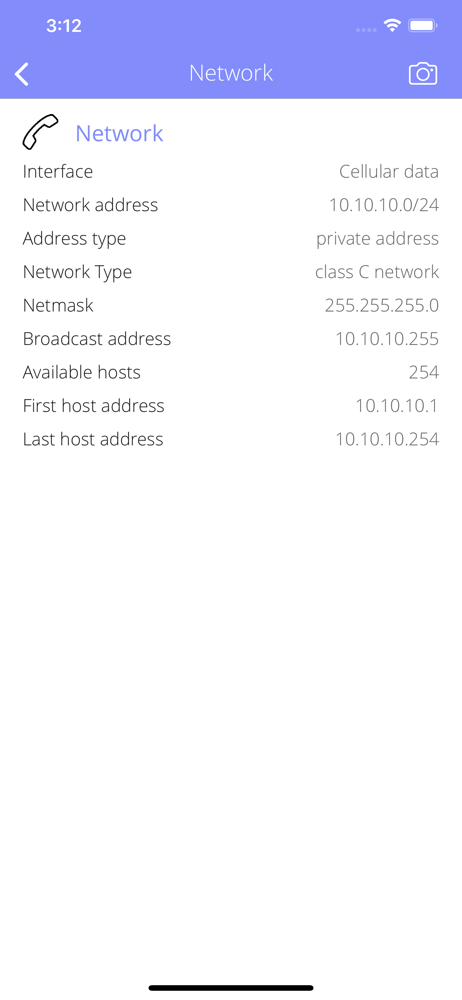
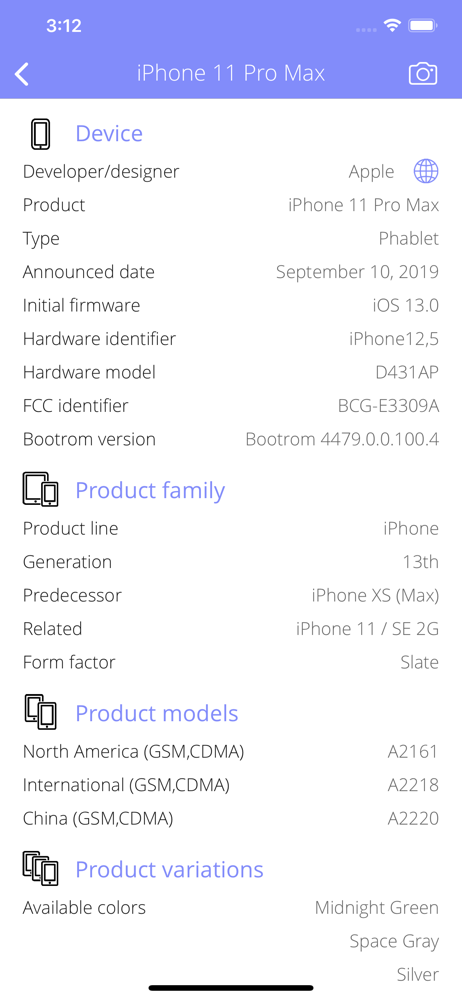
Study the product story and store experience behind the acquisition funnel.




03 / Market context
Keep revenue, downloads and store rankings separate from advertising performance.
I had originally given a better review, because the app appeared to work on my iPhone. It absolutely in fact does not appear to work on my iPhone and gives even less information on my Apple TV. I am going to try a reboot and see what happens. I wanted this because I need to see how much data is being used by my Apple TV, this app apparently doesn’t appear to work for that purpose. And if it doesn’t I’m going to have to ask for a refund. In fact this app appears to be simply an advertisement to buy some of the developers other apps which of course I’ve read the reviews of those and the consensus is basically “none of these apps work“ This app is some kind of trick and some kind of scam, I was initially more kind with my review but after I looked through the app and saw that it in fact does absolutely NOTHING, I am going to have to agree with every single one star review. #ThisIsJunk. And I want my money back, I have asked for a refund which you can do through the email for the purchase.
Waste of money & time on iPad and Apple TV. Only tells you what the device is, but doesn’t meter anything!
I needed a way to meter my On Star usage since you're right cavity kidding meI was using a Gig every two days. It does measure WI-FI, cellurlar data, Visual voice mail, MMS, and cellular personal hotspots as advertised. The problem is I can't seem to figure out how to reset the totals. It does however given the option of taking a screen shot so you can compare one to the other. Lately, it is taking several attemps to get it started. Once it is going it is fine.
Air Meter is a small utility that lets you monitor your network data usage on a per-interface basis. Your iOS device has different network interfaces...