Check the acquisition promise
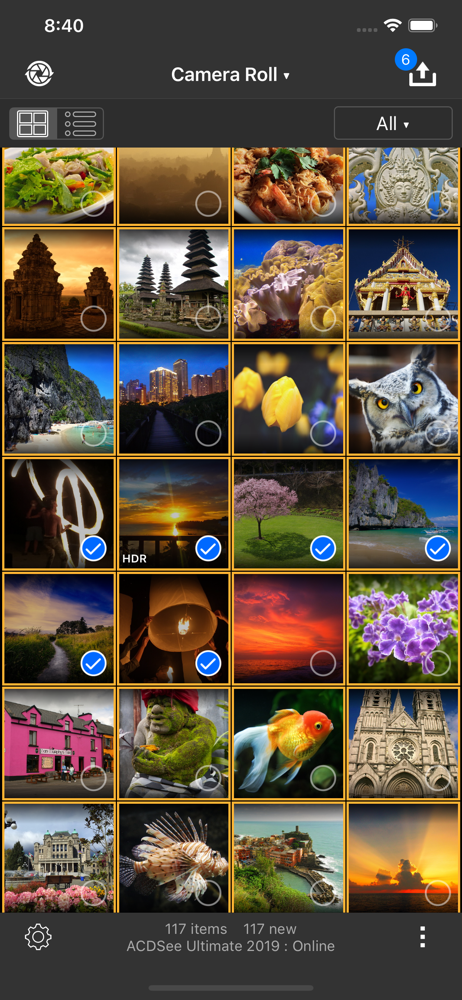
Read the store headline, screenshots and description. What problem is the app promising to solve?
Study the storefront ↗
ACD Systems International Inc. · iOS
Explore the ad evidence, study the storefront, and build your next acquisition hypothesis.
01 / Creative research
Read the store headline, screenshots and description. What problem is the app promising to solve?
Study the storefront ↗Explore apps with direct store-link matches. Compare their hooks and formats without assuming the same approach works here.
Browse observed advertisers ↗Store rankings and revenue estimates describe market context. They do not establish ad spend, conversions or ROAS.
Review the market context ↗02 / Storefront & product
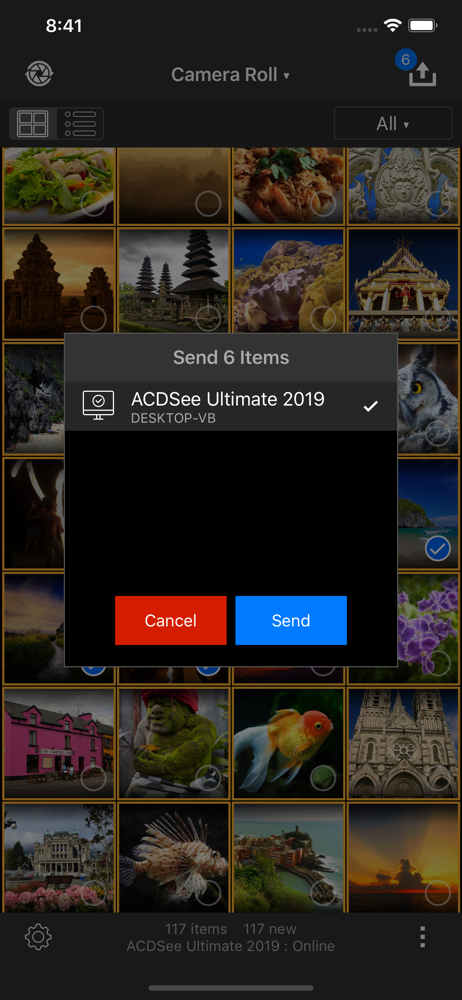
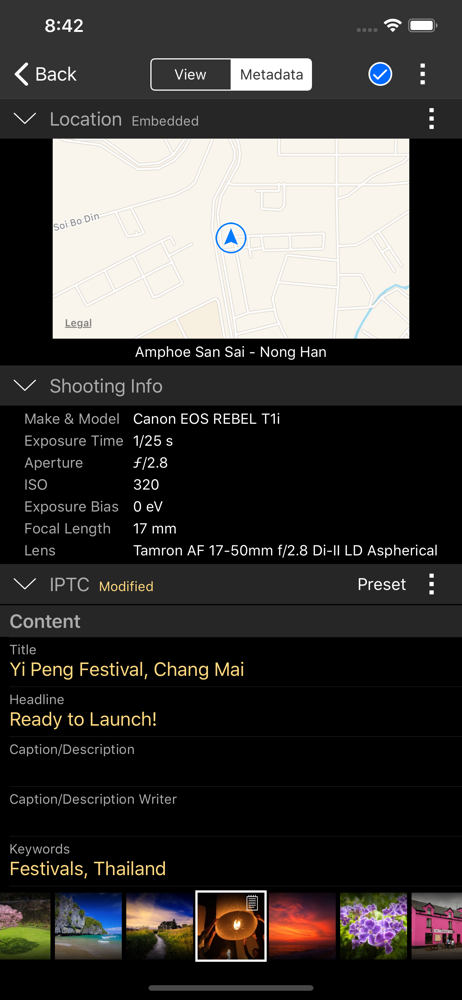
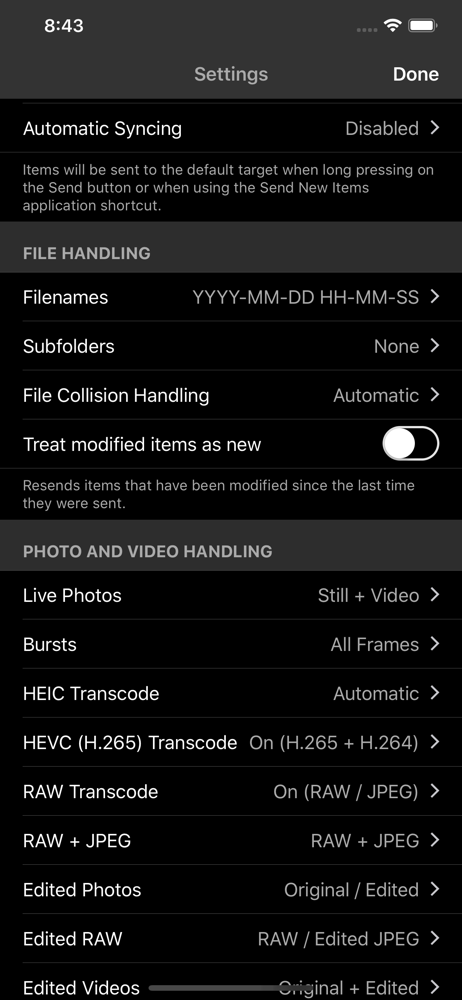
Study the product story and store experience behind the acquisition funnel.

03 / Market context
Keep revenue, downloads and store rankings separate from advertising performance.
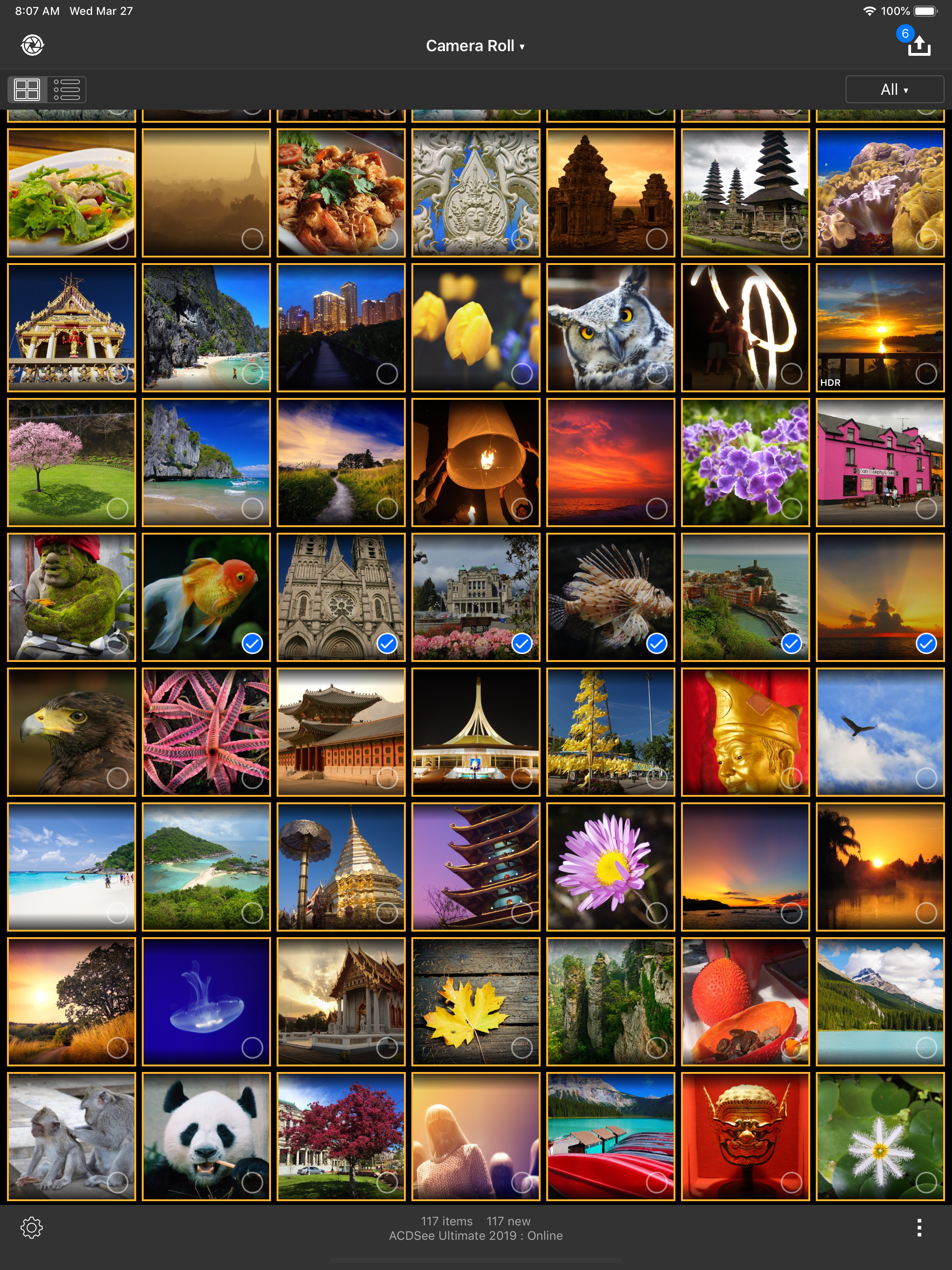
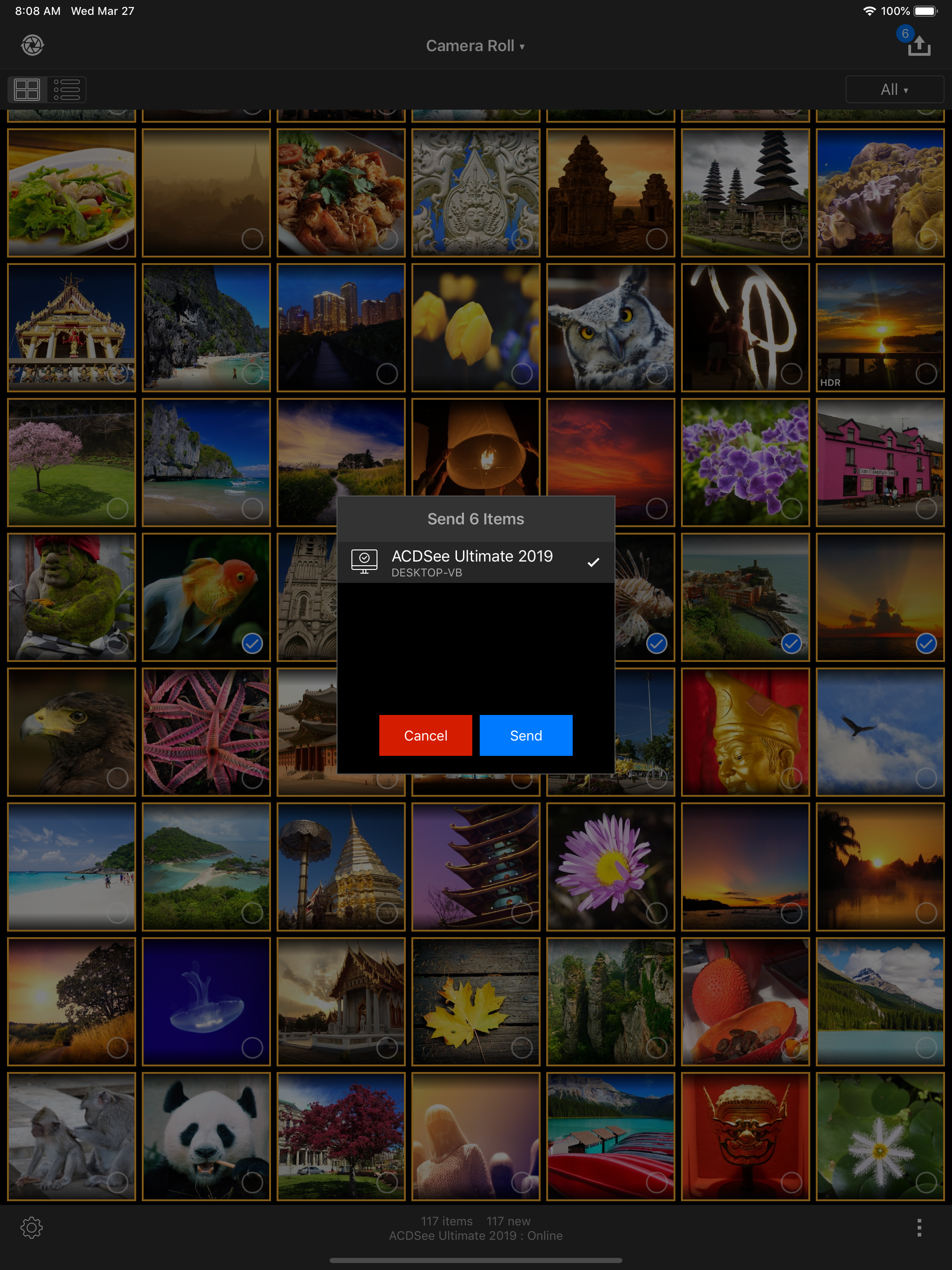
The ACDSee mobile app makes is so easy to sync pix back to your computer. I used to have to figure out what pictures I had already copied to my laptop but now ACDSee remembers for me. It’s incredibly easy to sync only new pics. All around fantastic app. Thank you!
Finally, an easy way to transfer my photos to my PC! The USB method stopped working for me, and I’ve spent months trying to fix it or find alternative solutions. This one gets the basic job done, and so much more. I love the fact that the data transfer stays within my local network. And all the various options are great. The UI is convenient, and I can tell a lot of thought went into it. Cons: 1. There doesn’t seem to be a way to mirror the sort order of the images on my phone once they get to my PC. I’ve tried at least a half-dozen metadata date fields, and nothing comes close to the phone’s sort order. 2. The app has hung several times when I’ve tried to transfer a large number of images (> 1,000) at once. 3. The “original” filenames aren’t the same as the ones I see (or used to see) when I browse my phone with internet explorer. 4. There isn’t a naming option that includes the date the image was captured on / saved to my phone (ref. Con #1). All things considered, though, this is a great solution!
I’m a longtime ACDSee user and have struggled with the iPhone to PC transfer for years! This app is customizable to my EXACT likings, which is incredible. I had used google drive for the transfer for years and that process lost the create/modified date for videos. Then I tried Windows 10, but had inconsistent results. This app works in the background and hasn’t failed me yet.
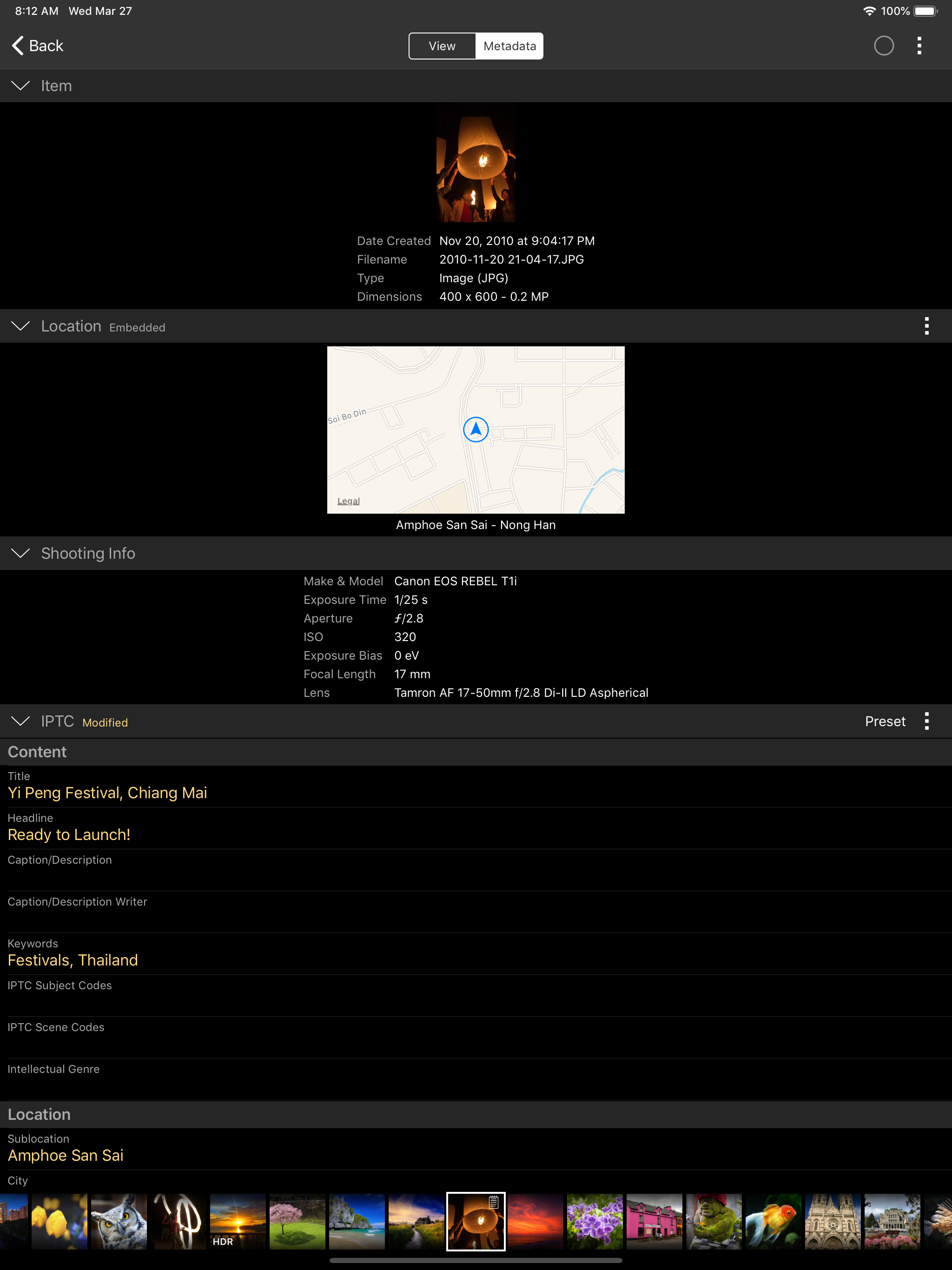
ACDSee Mobile Sync makes it easy for you to send photos and videos directly from your mobile device to ACDSee Photo Studio on your Mac or Windows PC o...