Check the acquisition promise
Read the store headline, screenshots and description. What problem is the app promising to solve?
Study the storefront ↗
QOSI · iOS
Explore the ad evidence, study the storefront, and build your next acquisition hypothesis.
01 / Creative research
Read the store headline, screenshots and description. What problem is the app promising to solve?
Study the storefront ↗Explore apps with direct store-link matches. Compare their hooks and formats without assuming the same approach works here.
Browse observed advertisers ↗Store rankings and revenue estimates describe market context. They do not establish ad spend, conversions or ROAS.
Review the market context ↗02 / Storefront & product
Study the product story and store experience behind the acquisition funnel.


03 / Market context
Keep revenue, downloads and store rankings separate from advertising performance.
I downloaded five different speed testers to see which gave me the most functionality with a simple interface. I used all multiple times, varying the order so I could get a fairly random sample. All came back with similar results except this one which said my speed for uploading and downloading was half to a third what the others said it was with the same parameters. This app was pretty and flashy, but the results weren't presented in a clear fashion and were obviously inaccurate.
We have this on our iPhones and iPads and we've found this to be a very convenient way to quantify the wifi we have. Our internet service can be spotty so this is the best way to confirm the extent of problems we are having or by comparison, if they are getting fixed.
I love everything about this app except that I'm not getting accurate speedtest results.
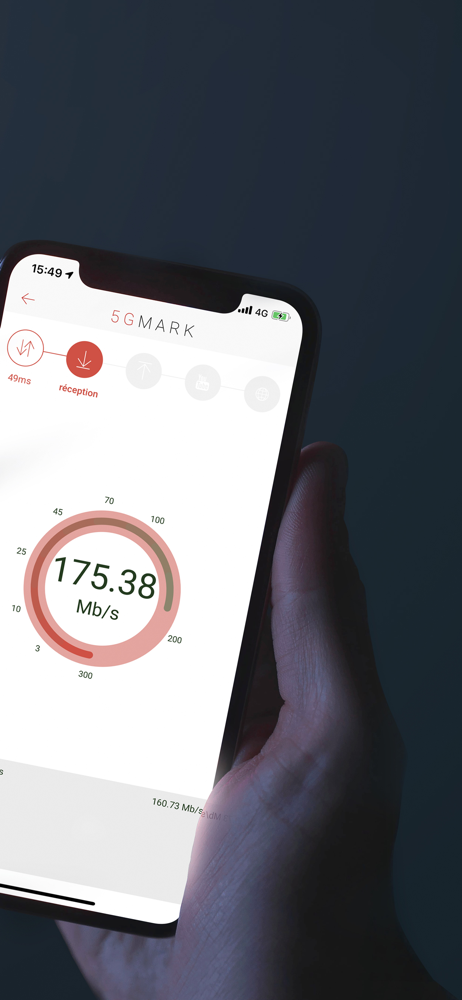
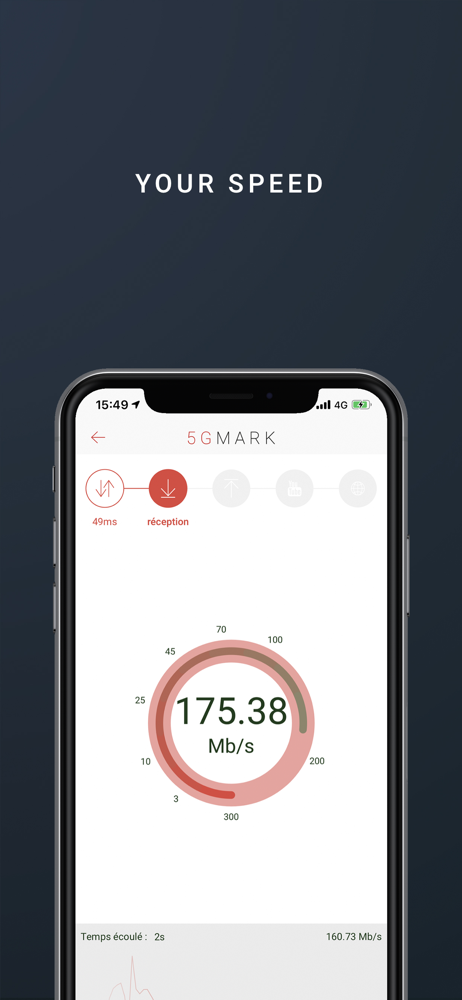
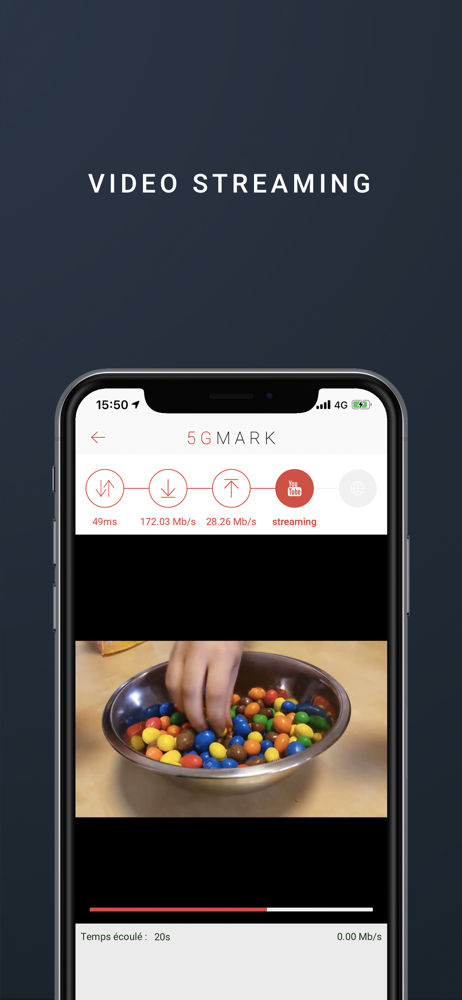
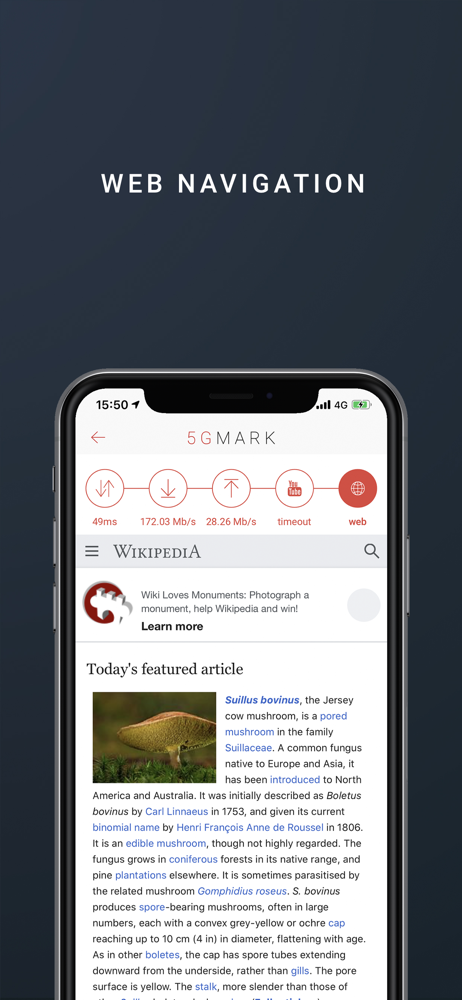
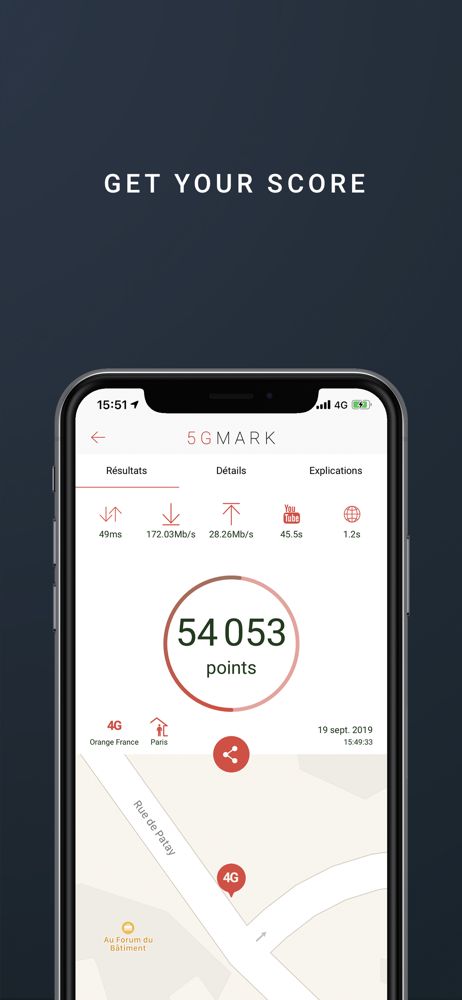
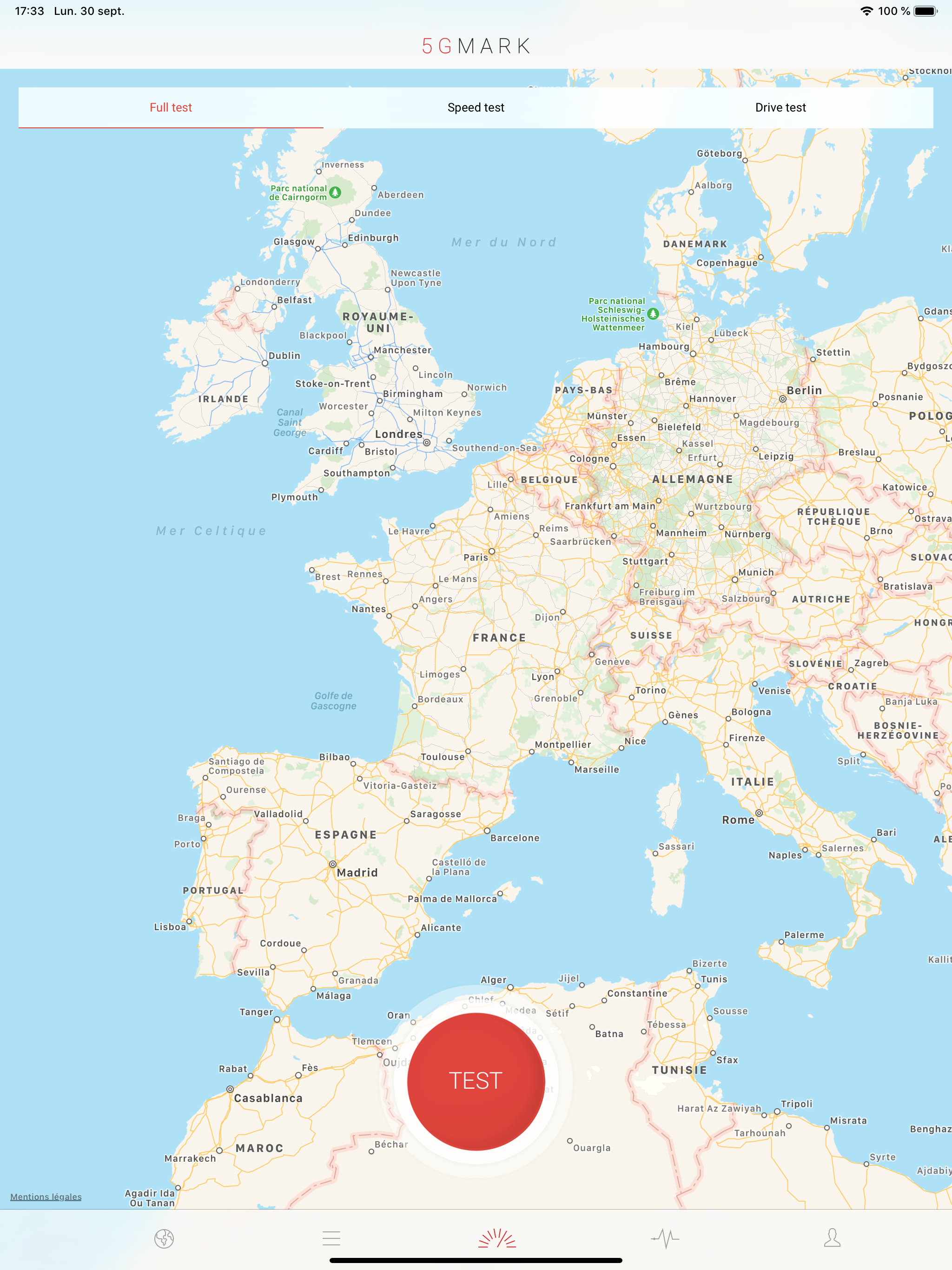
5GMARK is a tool offering a comprehensive and reliable benchmark of the quality of service for smartphones. It allows you to compare smartphones, netw...