Check the acquisition promise
Read the store headline, screenshots and description. What problem is the app promising to solve?
Study the storefront ↗
Tien Nguyen · iOS
Explore the ad evidence, study the storefront, and build your next acquisition hypothesis.
01 / Creative research
Read the store headline, screenshots and description. What problem is the app promising to solve?
Study the storefront ↗Explore apps with direct store-link matches. Compare their hooks and formats without assuming the same approach works here.
Browse observed advertisers ↗Store rankings and revenue estimates describe market context. They do not establish ad spend, conversions or ROAS.
Review the market context ↗02 / Storefront & product
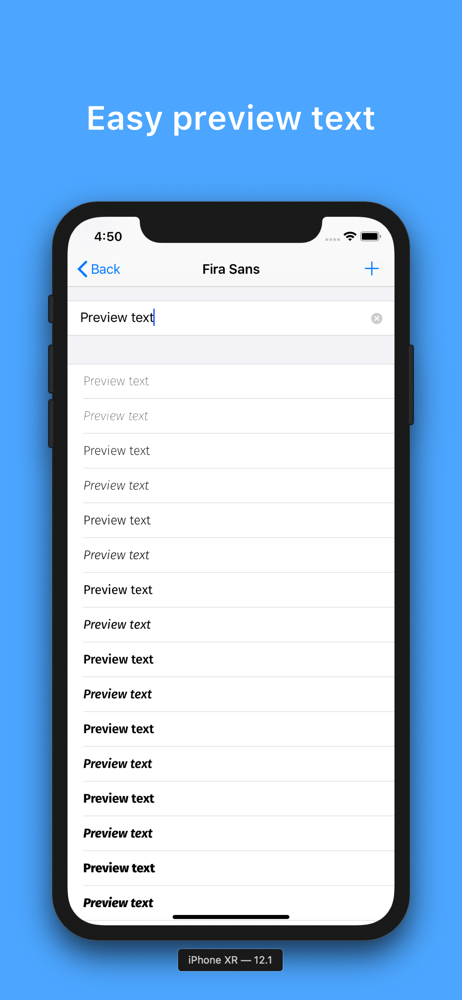
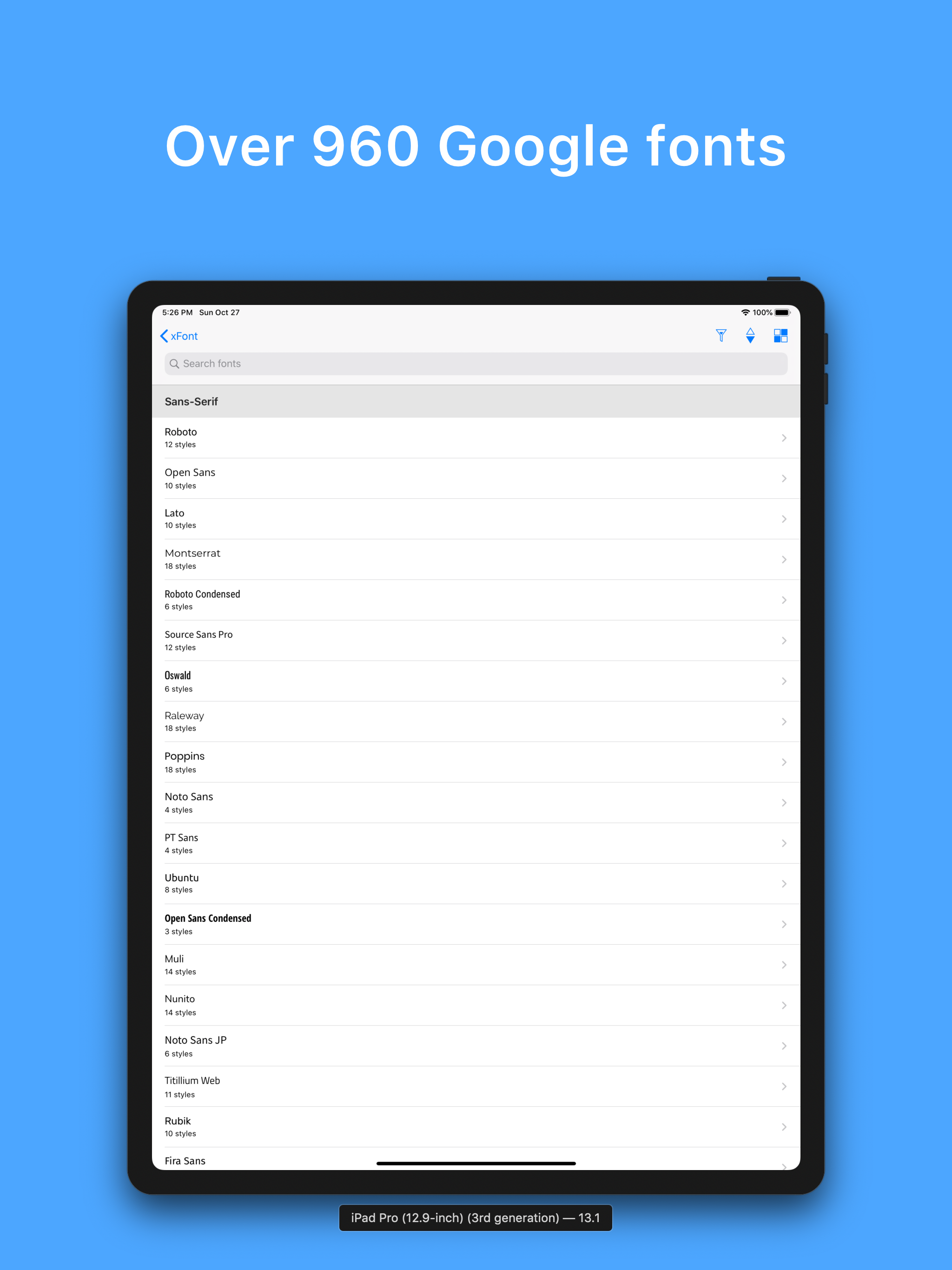
Study the product story and store experience behind the acquisition funnel.




03 / Market context
Keep revenue, downloads and store rankings separate from advertising performance.
It took me a long time to find what I was looking for. If you aren’t familiar with the kind of “jargon” (for lack of a better word) involved with creating fonts, it is frustrating because you can really only search by what language is supported or by the type (ie, serif). It would be really nice if you could search by what the font is a good alternative for. For example, I was looking for something similar to Times New Roman. If I could search for fonts that had similar appearance or characteristics this would be a much better app.
I don’t know how to use the fonts some help would be greatly appreciated
I like that it uses the Google fonts, which are free, very good, and numerous. The app could be a bit less bare bones, the minimalism is oddly confusing. But it gets the job done with very little fuss. I recommend it.
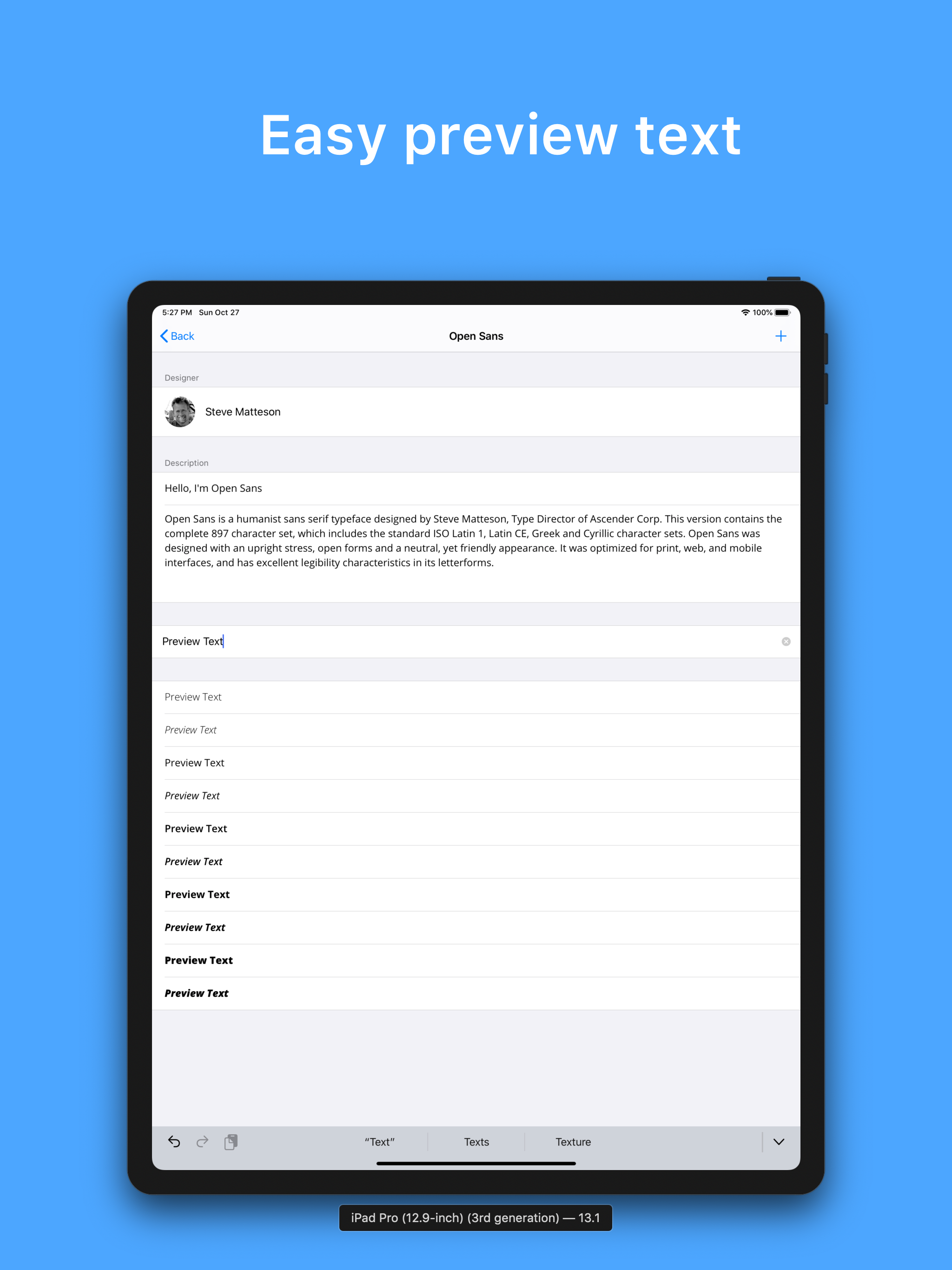
xFont allows you to find and install custom fonts for use in apps such as Pages, Microsoft Word or any other text editors on iOS devices. The app conn...