Check the acquisition promise
Read the store headline, screenshots and description. What problem is the app promising to solve?
Study the storefront ↗
WISYCOM SRL · iOS
Explore the ad evidence, study the storefront, and build your next acquisition hypothesis.
01 / Creative research
Read the store headline, screenshots and description. What problem is the app promising to solve?
Study the storefront ↗Explore apps with direct store-link matches. Compare their hooks and formats without assuming the same approach works here.
Browse observed advertisers ↗Store rankings and revenue estimates describe market context. They do not establish ad spend, conversions or ROAS.
Review the market context ↗02 / Storefront & product
Study the product story and store experience behind the acquisition funnel.



03 / Market context
Keep revenue, downloads and store rankings separate from advertising performance.
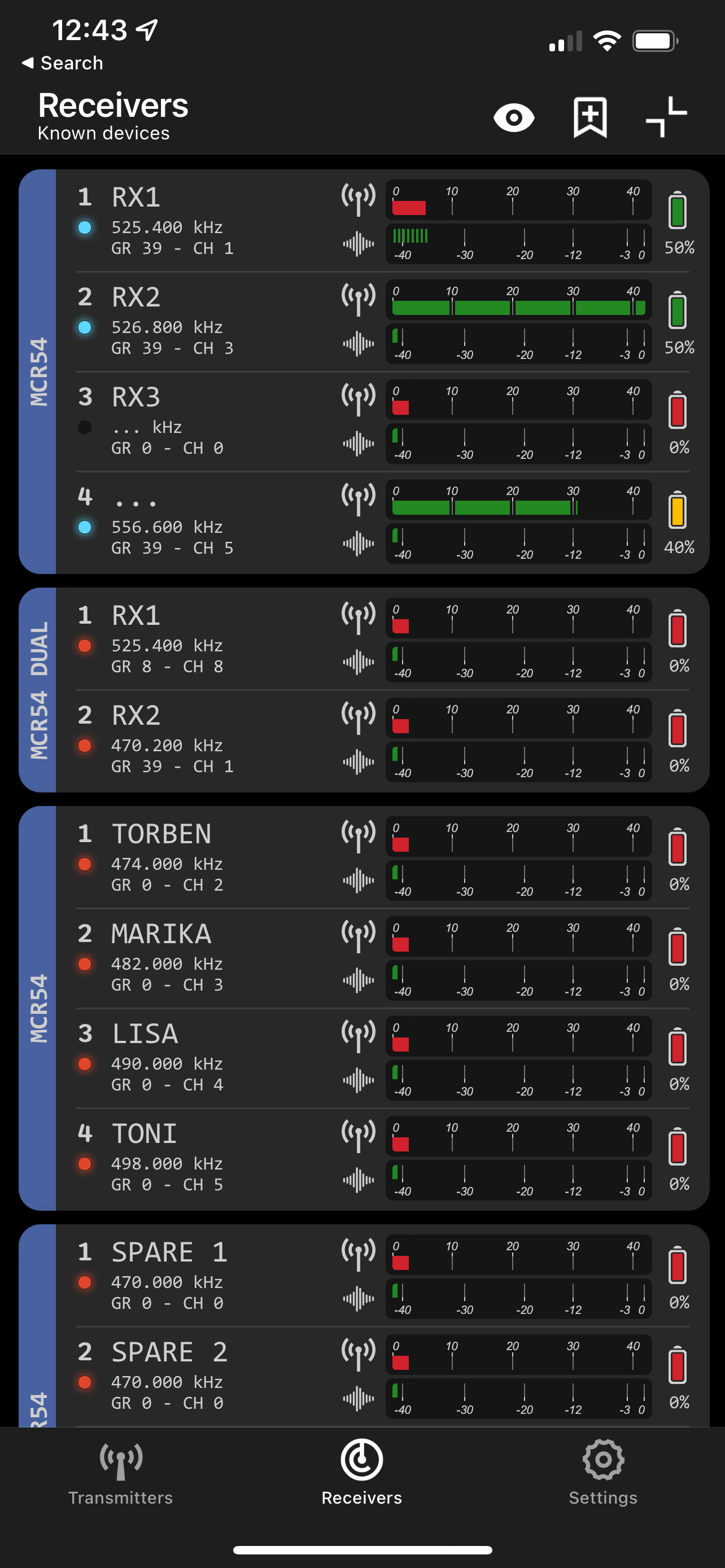
I had my first outing with the app and the new MCR54 firmware, everything worked fairly well with only a couple of instances where the bluetooth handshake was a little intermittent. I'm not sure if you have pair the receiver with your phone or if the app is supposed find the receiver on its own. Still, I loved the ability to change the receiver name on the fly and have it automatically carry over into the track name of the Sound Devices 833, pretty slick. Looking forward to the further development of the app!
Scan Wisycom devices broadcasting general information about their status and manage your gears. Launch the App to monitor and control parameters inclu...