Check the acquisition promise
Read the store headline, screenshots and description. What problem is the app promising to solve?
Study the storefront ↗
Pierre Stanislas · iOS
Explore the ad evidence, study the storefront, and build your next acquisition hypothesis.
01 / Creative research
Read the store headline, screenshots and description. What problem is the app promising to solve?
Study the storefront ↗Explore apps with direct store-link matches. Compare their hooks and formats without assuming the same approach works here.
Browse observed advertisers ↗Store rankings and revenue estimates describe market context. They do not establish ad spend, conversions or ROAS.
Review the market context ↗02 / Storefront & product
Study the product story and store experience behind the acquisition funnel.



03 / Market context
Keep revenue, downloads and store rankings separate from advertising performance.
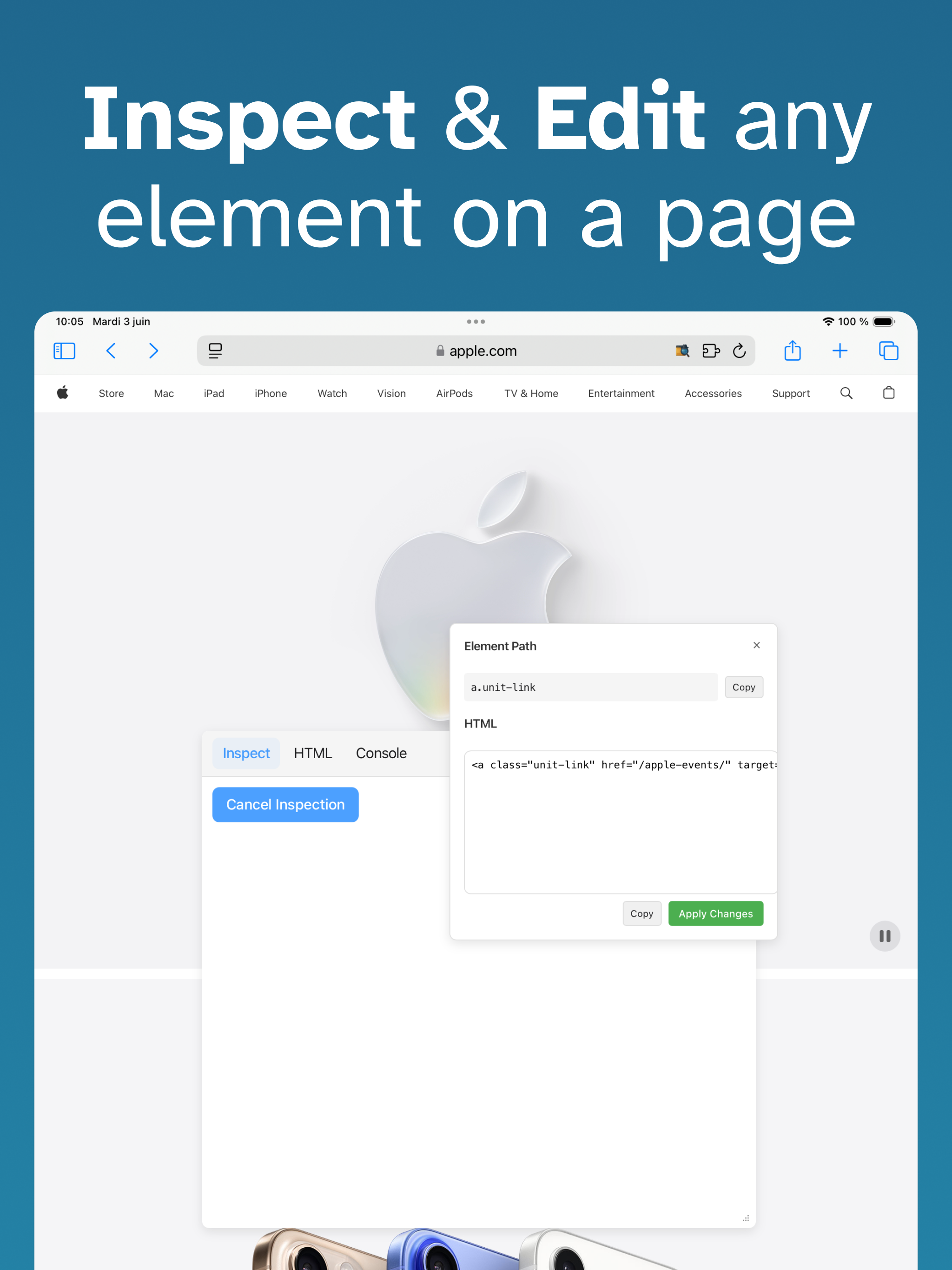
The whole extension is laggy and glitchy. When you go to inspect mode, is only lets you view 1 element at a time, and only after you click it, but it has a popup that covers literally 90% of your screen so you cant click anything to inspect in the first place. You also can’t search for a word in the inspect menu.
Whether you're a front-end developer, designer, QA engineer, or just curious about how a website is built, Web Inspector for Safari brings the power o...