
Check the acquisition promise
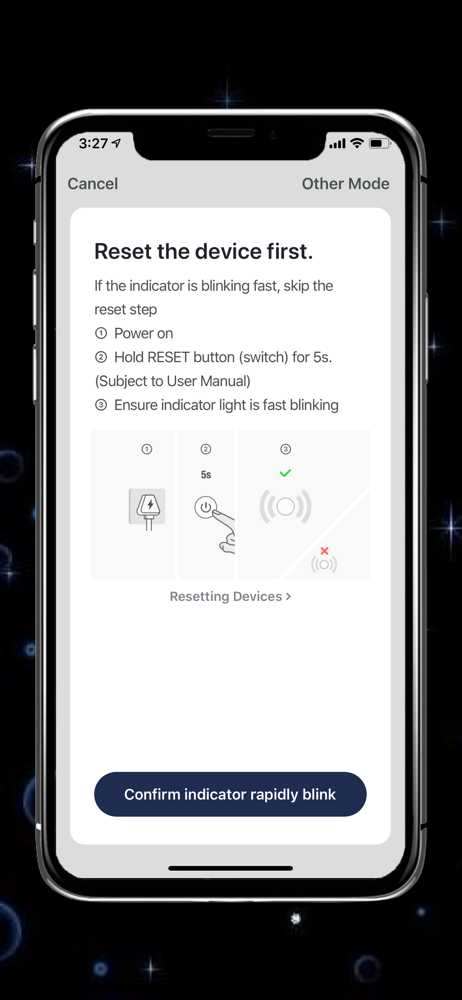
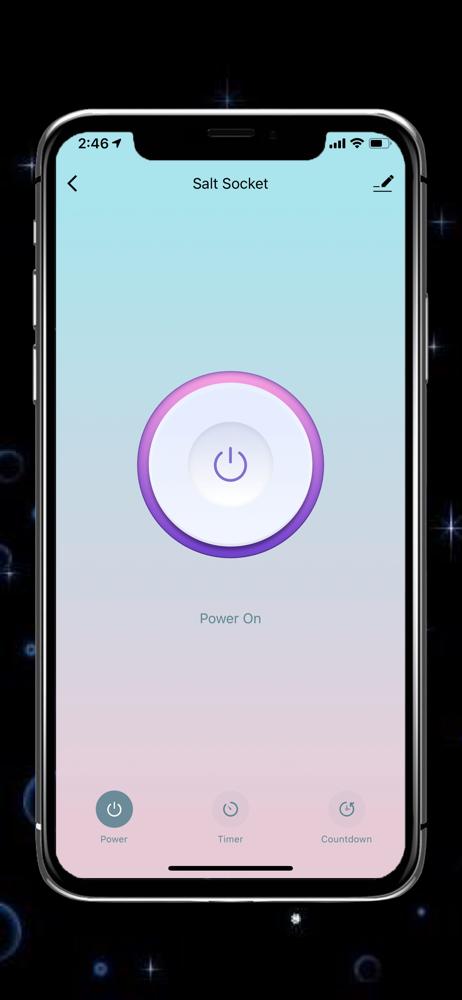
Read the store headline, screenshots and description. What problem is the app promising to solve?
Study the storefront ↗
WBM LLC · iOS
Explore the ad evidence, study the storefront, and build your next acquisition hypothesis.
01 / Creative research
Read the store headline, screenshots and description. What problem is the app promising to solve?
Study the storefront ↗Explore apps with direct store-link matches. Compare their hooks and formats without assuming the same approach works here.
Browse observed advertisers ↗Store rankings and revenue estimates describe market context. They do not establish ad spend, conversions or ROAS.
Review the market context ↗02 / Storefront & product
Study the product story and store experience behind the acquisition funnel.



03 / Market context
Keep revenue, downloads and store rankings separate from advertising performance.
Despite the devices and my phone being literally on top of my WiFi router the app could not find my devices. Had to add them one by one via Bluetooth. Could not figure out how to group the three light bulbs under one name (they are all in the same lamp and I don’t want to operate them separately). If this is even possible it may be under something called “tap to operate” (intuitive, huh?) I figured I could do it with Alexa. After downloading and linking the skill, Alexa managed to detect a scene related to two of the bulbs (“scene” being on/off). But I can’t group them in Alexa as the actual bulbs don’t show up in the list of devices. Went back to the WBM app. While I was trying again to work out how to group them, all three devices disappeared from the app. I could start over and try to reconnect them. Or I could return the darn things, save myself the frustration, and go back to Philips.
Love the app, user friendly have a great experience
WBM Smart, smart life, smart living1. Remote control: control home appliances anywhere2. Simultaneously control: control multiple devices with one app...


