Check the acquisition promise
Read the store headline, screenshots and description. What problem is the app promising to solve?
Study the storefront ↗
SMART WIDGET LABS COMPANY LIMITED · iOS
Explore the ad evidence, study the storefront, and build your next acquisition hypothesis.
01 / Creative research
Read the store headline, screenshots and description. What problem is the app promising to solve?
Study the storefront ↗Explore apps with direct store-link matches. Compare their hooks and formats without assuming the same approach works here.
Browse observed advertisers ↗Store rankings and revenue estimates describe market context. They do not establish ad spend, conversions or ROAS.
Review the market context ↗02 / Storefront & product
Study the product story and store experience behind the acquisition funnel.


03 / Market context
Keep revenue, downloads and store rankings separate from advertising performance.
To the Dev: This keyboard is fantastic, don’t get me wrong. In fact, I paid for the lifetime premium it’s that good. But it lacks *auto-correct* and, even more importantly, a *slide-to-text* feature to type entire words at a time, making a single swipe have the capability to spell out a full word. Simply adding this ability to quickly swipe individual words at a time with an auto space after each word and double-space to add a period after the last word would add SO much more, better functionality to the keyboard. I feel like the description was a tad misleading, suggesting that slide to type was actually a built-in functionality, but instead the sliding to type functionality is entirely different from what one would expect. PLEASE add slide-to-type & auto-correct to this keyboard! Thank you!
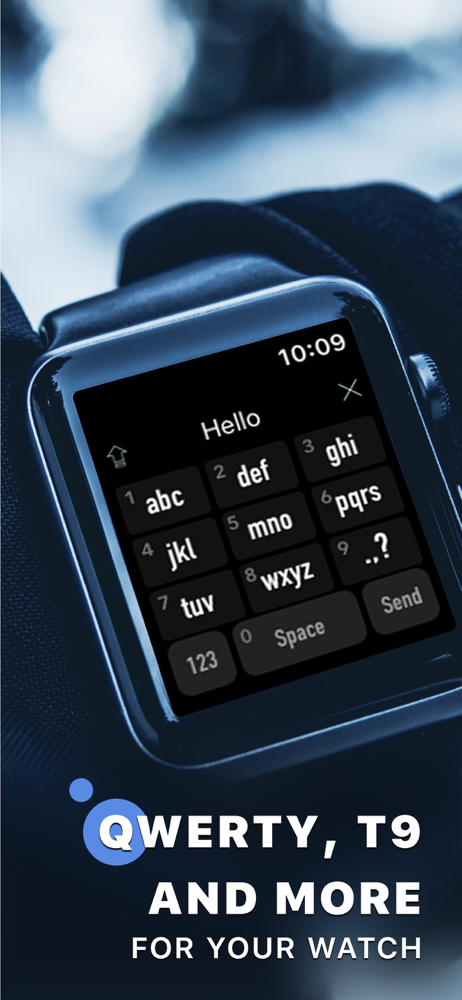
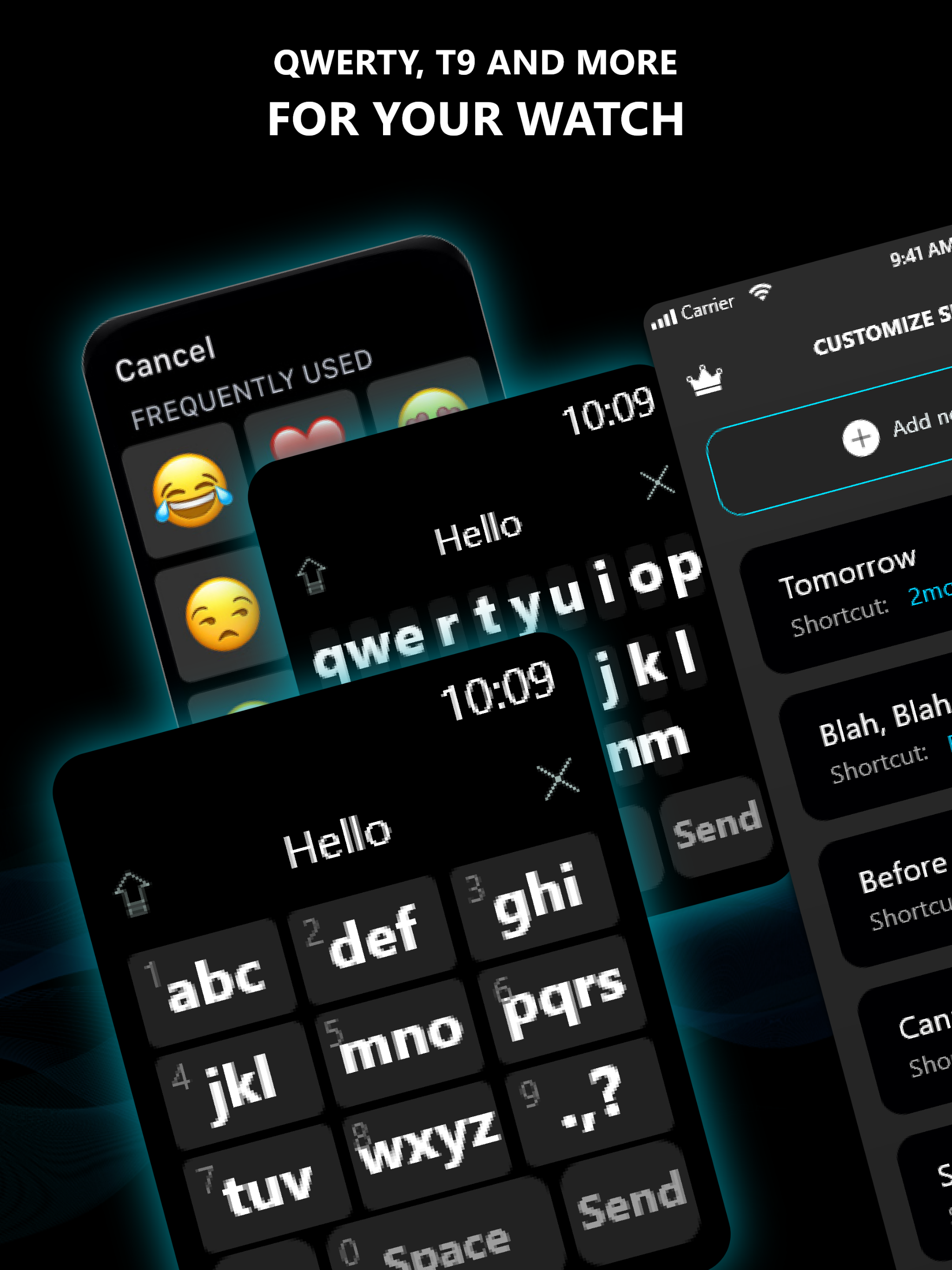
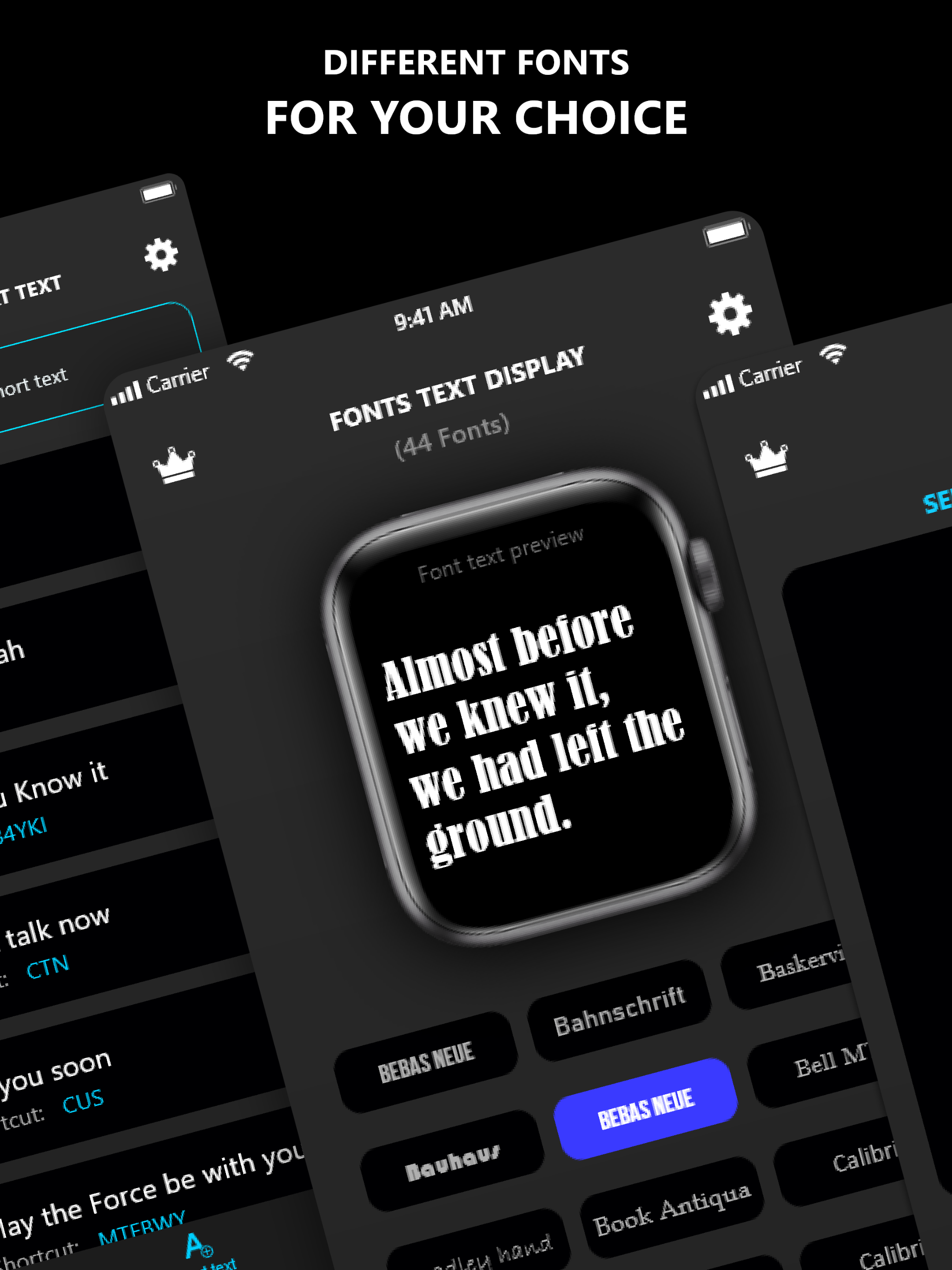
I love my watch, but it was honestly easier to just grab my phone to reply to messages, rather than using voice text (where everyone hears what you’re saying) or scribble which would take forever!! Smart phones gave way to full keyboards, but I always text very fast with the older phones using T9, so this being available on my Apple Watch was heaven-sent! Now I’d actually RATHER text from my watch than my phone. I feel it’s actually functional now that I’m not fighting with the full QWERTY keyboard on such a tiny screen. Thank you!! One thing, when I send texts using one of the chosen fonts, it doesn’t actually send in that font. It delivers with the same stock iOS font. Not a big deal though, certainly not worth docking a star. Just wanted to point that out because it would be cool if it worked.
The app is pretty cool not gonna lie but some features could be implemented like the crown can be used as a tool to move the the letters you have already typed out as if you were going back in the sentence or something. as well as a slide feature instead of the glide feature like for quick texting you can just holding on a letter and slide through all others to create a word. as well as auto correct and maybe some other stuff. this app has great potential 👍🏻
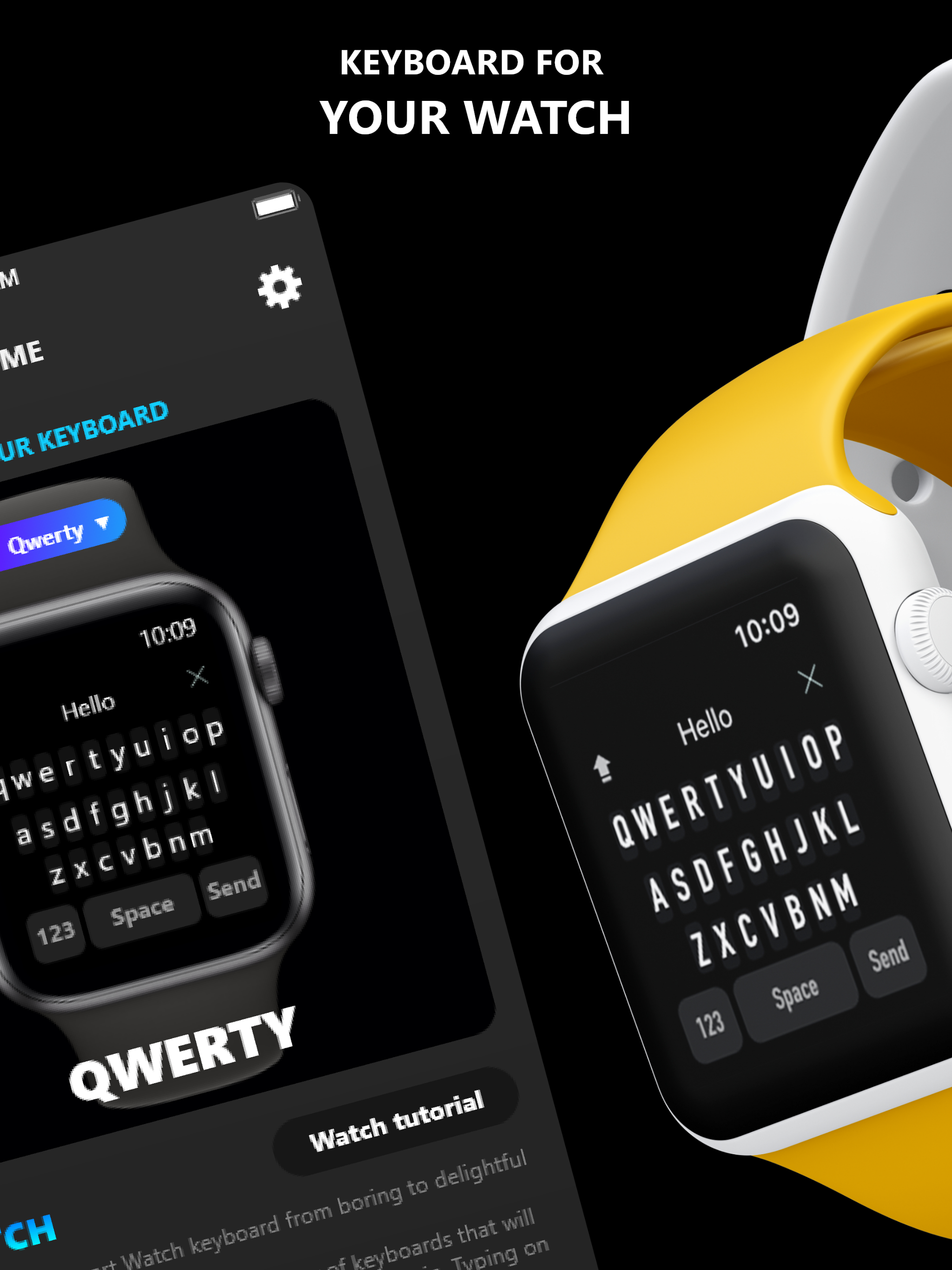
WatchKey provides you with a variety of user-friendly keyboards that will finally make typing a breeze on your Apple Watch. T9 Keyboard and Glide Typi...
| Name | Price | Type |
|---|---|---|
| Weekly 3-Day Trial | $1.99 | Weekly |
| Monthly | $3.99 | Monthly |
| Lifetime Premium | $9.99 | One-time |