
Check the acquisition promise
Read the store headline, screenshots and description. What problem is the app promising to solve?
Study the storefront ↗
Bartlomiej Swiatek · iOS
Explore the ad evidence, study the storefront, and build your next acquisition hypothesis.
01 / Creative research
Read the store headline, screenshots and description. What problem is the app promising to solve?
Study the storefront ↗Explore apps with direct store-link matches. Compare their hooks and formats without assuming the same approach works here.
Browse observed advertisers ↗Store rankings and revenue estimates describe market context. They do not establish ad spend, conversions or ROAS.
Review the market context ↗02 / Storefront & product
Study the product story and store experience behind the acquisition funnel.




03 / Market context
Keep revenue, downloads and store rankings separate from advertising performance.
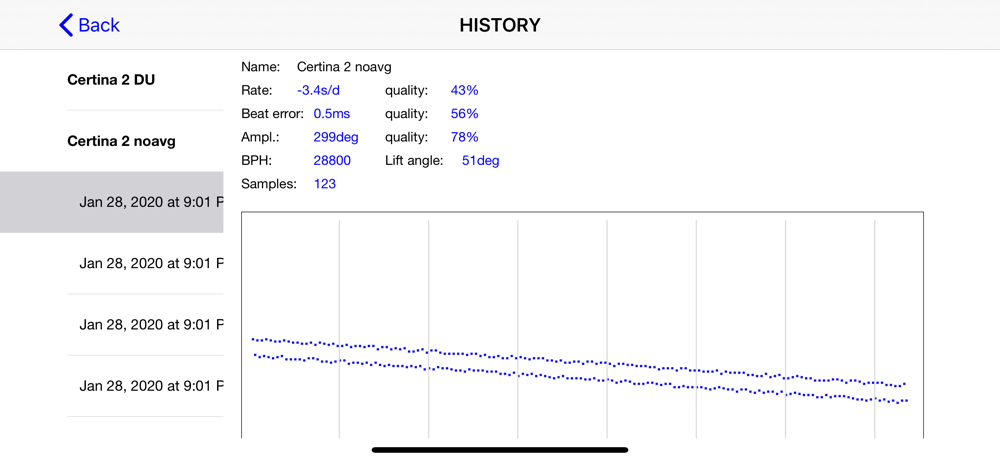
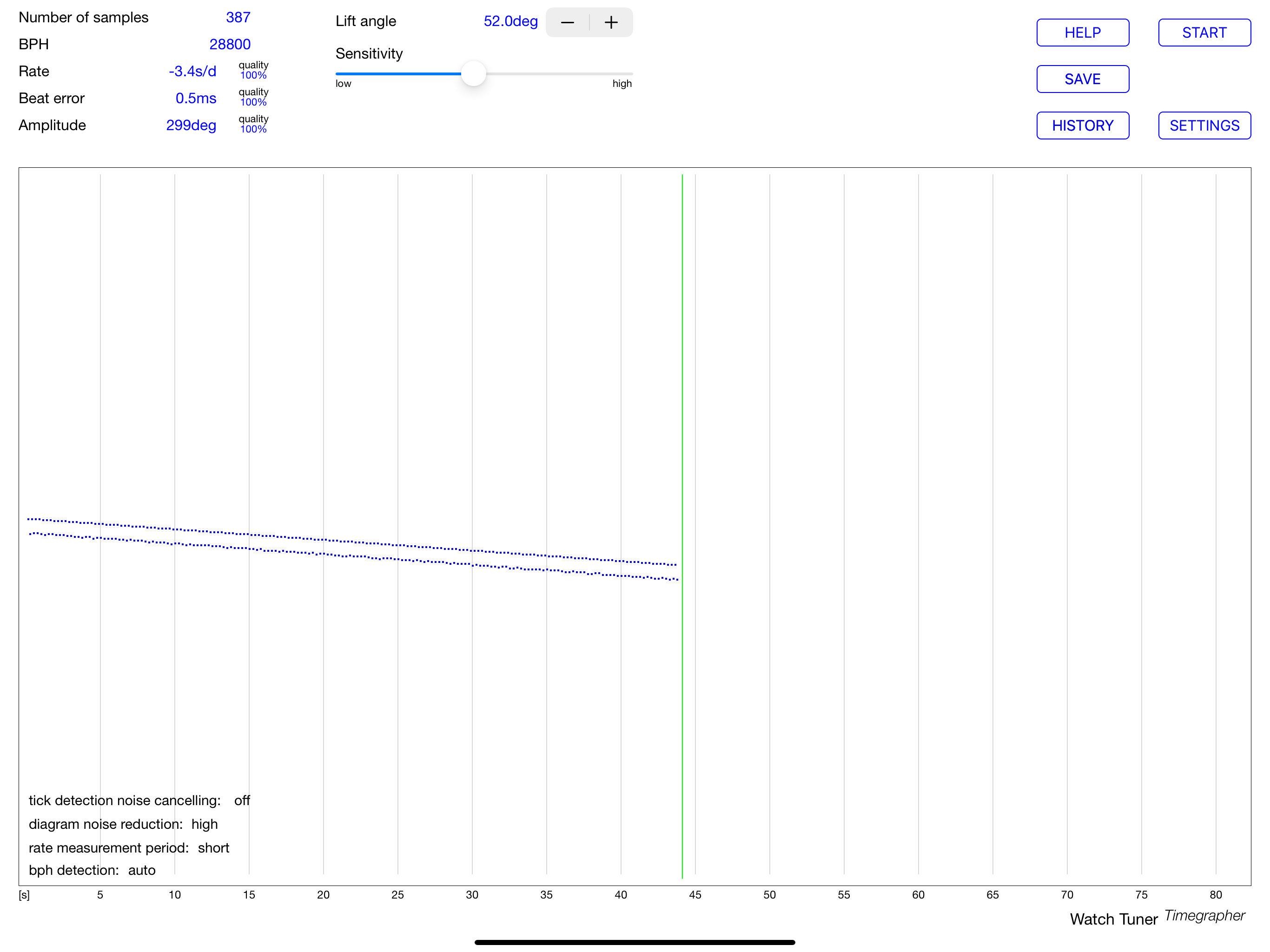
A waste of $15. This app give inconsistent readings and as a result I adjusted the Beat Error because it was telling me the BE was 3.5 to 7.5. The readings are drastically different depending on where you put the microphone and whether the case back is on or off. Before I started with this NH35 the amplitude was 274 and losing around 5spd real time. Now the amplitude is below 190 and the watch gains 5 minutes per day. I have double and triple checked for magnetism and there is none, even demagnetized to be sure. My NH35 is toast. That was the first NH35. The second NH35 is not quite as bad but after 3 times on the app I am still struggling to get it regulated. Consistently running 20-30spd slow no matter what I adjust it to with the app. I have used other apps before with better success. This is not the one and you will waste time and money trying to regulate your watch with this app. Buy a Weishi Timegrapher.
Everything looks good, but readings are very inconsistent. I’m going to continue doing some testing with various setups. But it’s currently looking as though it’s so inconsistent that it’s almost useless. I’ve been graphing the timing on my watch for a very long time manually. My watch and manual measurements have been very consistent. I know my watch is not going from +24 s/d to -8 s/d and everything in between that this app is telling me. My watch runs at +1.8 secs per day according to my charts I’ve been keeping manually now for 3 months. At 2 months, I predicted exactly what my watch would read one month later. It was spot on. So I know my watch doesn’t vary as much as this app says that it does. I’m going to keep trying though.
Initially, I had far more failures than successes in trying to obtain good data from this app. Even worse, when using the built in microphone of my iPad, it magnetized my watch, causing a watch that typically runs at -1.1 sec./day to gain about 40 seconds in a day, and then to run about 5 sec./day slow. After purchasing a demagnetizer, my watch now appears to be back to normal. I also purchased an earbud with a microphone, and am having more success obtaining reasonably accurate results, keeping in mind that this is an inexpensive hobbyists tool rather than a professional tool costing hundreds of dollars. Although microphones do not create strong magnetic fields, speakers do create strong fields, and the speakers on an iPad are directly adjacent to the built in microphone. An iPhone appears to be a bit safer since the speakers and microphone are on opposite sides of the device, but caution would still be wise. Also, keep in mind that the earpieces of the earbuds emit a strong enough field to affect a compass needle, so keep the earpieces away when using the microphone. I would encourage the developers to revise their instructions to specify use of the earbud microphone only, and not the built in microphone.
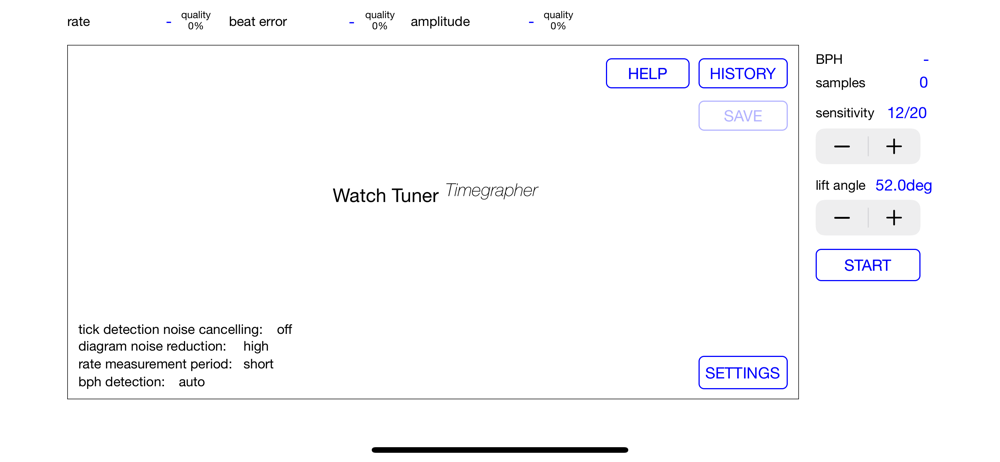
Watch Tuner Timegrapher is an app for testing mechanical watches — both automatic and manual winding. It displays a frequency diagram of your watch an...


