Check the acquisition promise
Read the store headline, screenshots and description. What problem is the app promising to solve?
Study the storefront ↗
Miziker Entertainment Group Ltd. · iOS
Explore the ad evidence, study the storefront, and build your next acquisition hypothesis.
01 / Creative research
Read the store headline, screenshots and description. What problem is the app promising to solve?
Study the storefront ↗Explore apps with direct store-link matches. Compare their hooks and formats without assuming the same approach works here.
Browse observed advertisers ↗Store rankings and revenue estimates describe market context. They do not establish ad spend, conversions or ROAS.
Review the market context ↗02 / Storefront & product
Study the product story and store experience behind the acquisition funnel.




03 / Market context
Keep revenue, downloads and store rankings separate from advertising performance.
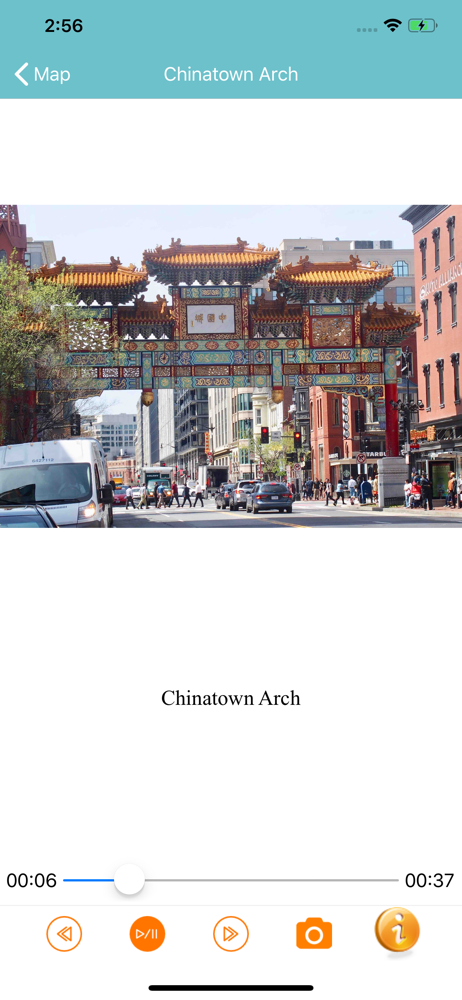
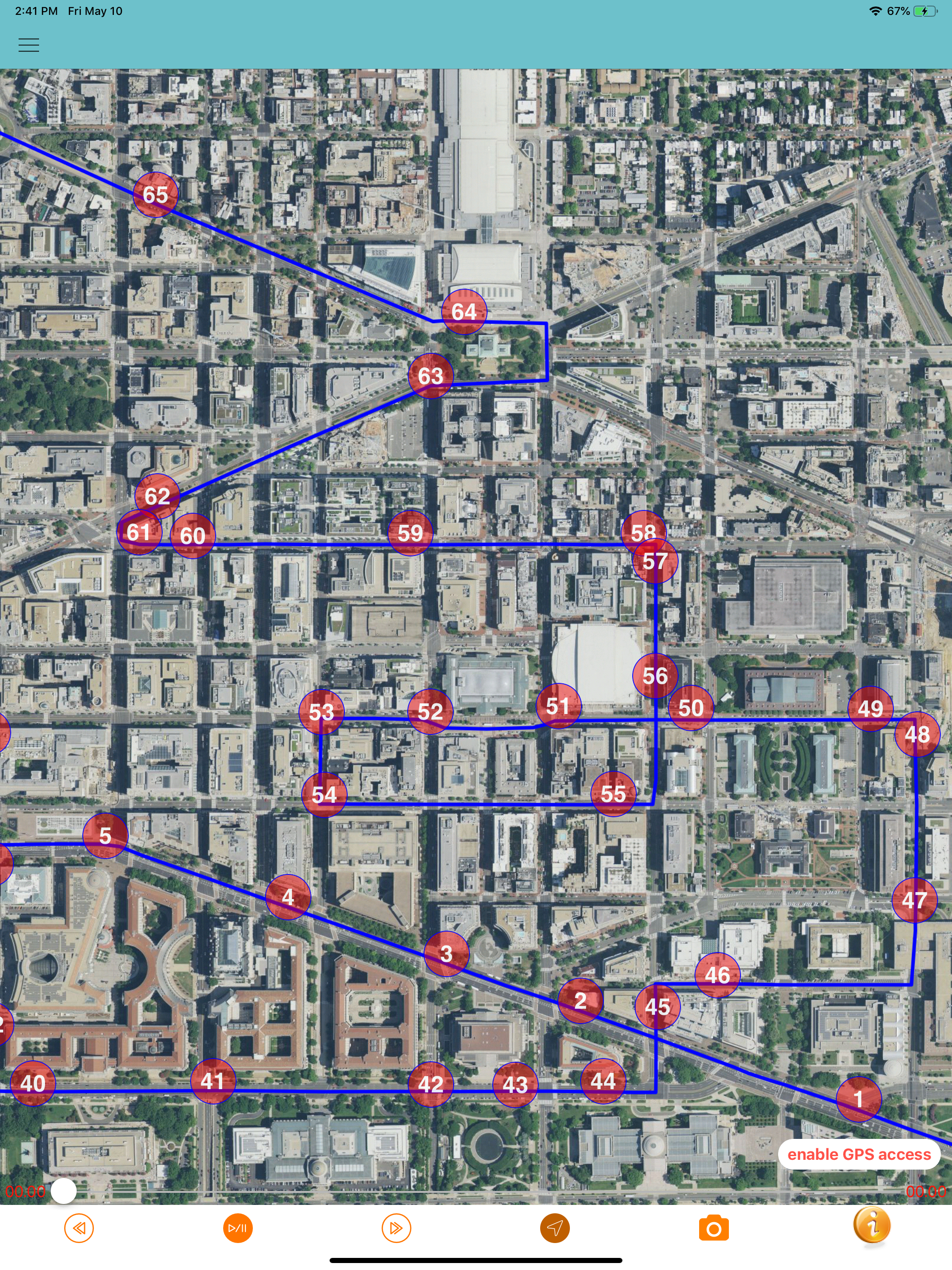
The tour takes you to and tells about lots of significant locations; no problems with the content. However, if and when you get off the rigidly designed route, there is no automatic provision in the tour for getting you back on track. You have to either stumble around until you intersect the track again or guide yourself to one of the tour locations. And then, when you find the tour route again, you have to be going in the right direction on the street - otherwise the audio tour’s directions will send you astray again. Very frustrating! - and it’s very easy to get off track in the labyrinth and confusion of DC streets, lanes, auto, scooter , bicycle and pedestrian traffic. An automatic GPS-based process is needed to get the tour driver back on the tour track when they get off track (which inevitably they will!).
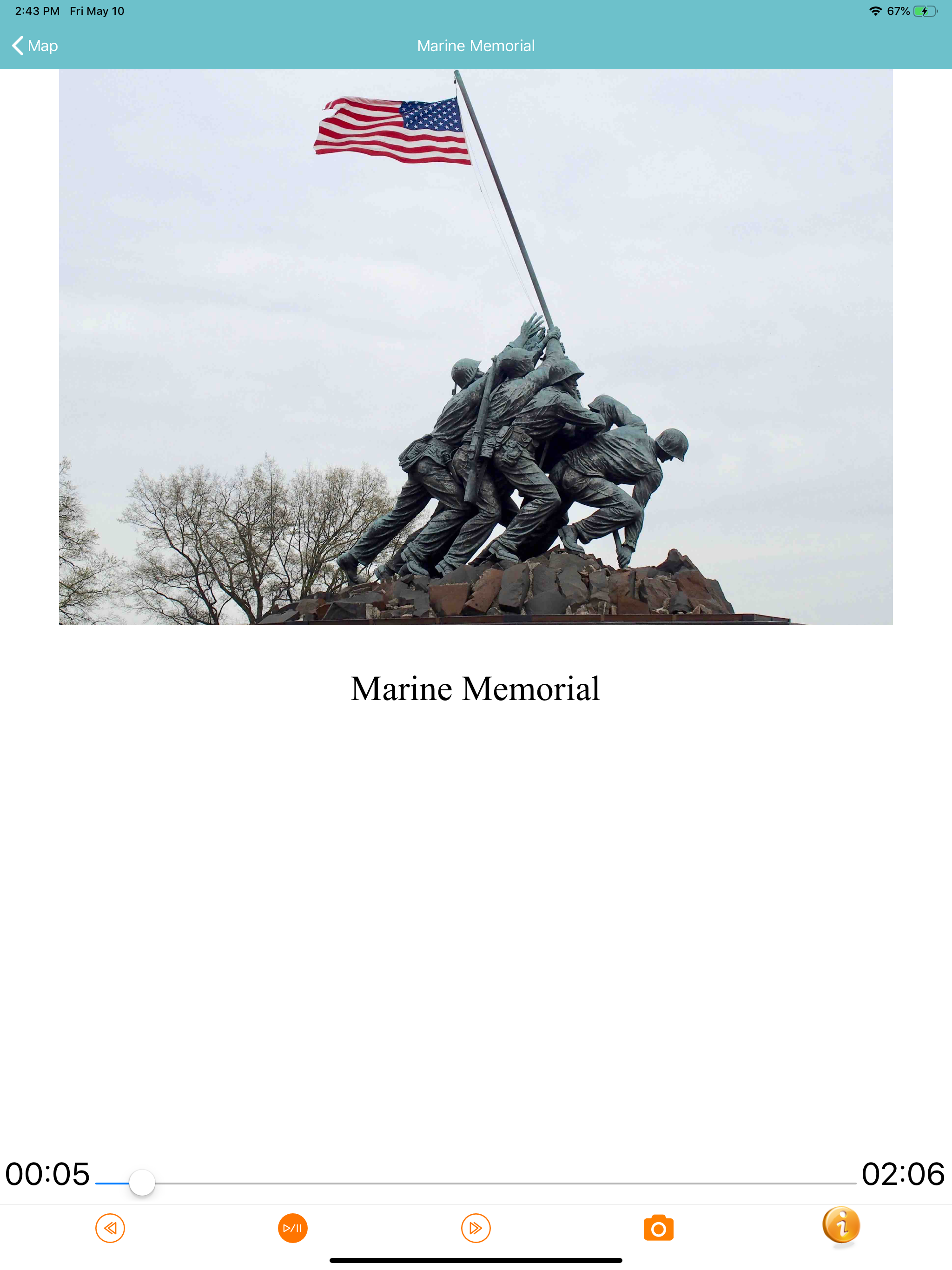
While the app functioned as advertised, there were a number of issues that made it frustrating to use:1. As the driver, every time the map was hidden/replaced because the building image was displayed instead caused me to miss a number of turns. It’s also disconcerting when it happens and I’m coming up to an intersection then lose the map.2. There really should be an option to turn off/select satellite imagery versus the vector street map. The photo map being overlaid by a dark blue/purple 2px thick line that blends easily into the image makes following it frustrating.3. I’m very used to driving with Apple Maps app showing the turns in an isometric view and not top down. Additionally the map does not reorient based on the direction I’m facing, so it was difficult to try and navigate off of that if I got off the planned course.4. The app really needs a filter to allow the user to select what they want to see. Being forced to go through 171 POIs where many were not the focus of our interest/trip, nor what we had allocated time for, was frustrating. It would be great if there were multiple pre-mapped tour routes based on interests, or level of fame that the user could filter the list to. The most desirable option would be being able to choose multiple POIs you’re interested in, and have a tour route generated from the selection. Being able to focus on only 30-40 POIs instead of 171 is way more digestible.Overall it’s decent, while my family got more out of the app, as the driver it wasn’t great to use.
Two siblings and I just used this app over the past three days and were very happy with it. Yes, there was some user adjustment, and yes, I made u-turns and around-the-block adjustments depending on traffic flow and unfamiliarity with the city streets, but we saw places we would not have ventured by or known what they were even if we had driven by them. We particularly enjoyed the Georgetown and embassy areas - two places we definitely would not have driven to without guidance. D.C. could definitely use more visible street signs and site markers- we were surprised at how poor the signage is overall. On the positive side, D.C. doesn’t have many one-way streets compared to some other cities so it was easy to get back on track. As the driver, by the second day, I realized it was more helpful to use two devices with the app. I used my phone on the dash as my street driving guide as a sibling used my iPad to follow and play the site information through the car’s bluetooth system. I was able to follow the street patterns much more easily that way. We heartily recommend this app if you have someone comfortable with city driving, and we feel it was worth every cent. Kudos!
Tour the Most Interesting Citywide Locations of Washington DC in Your Own Car. This App Uses the SelfTour GPS "Location Aware" U-Drive App wi...