Check the acquisition promise
Read the store headline, screenshots and description. What problem is the app promising to solve?
Study the storefront ↗
WillowRoot Apps, LLC. · iOS
Explore the ad evidence, study the storefront, and build your next acquisition hypothesis.
01 / Creative research
Read the store headline, screenshots and description. What problem is the app promising to solve?
Study the storefront ↗Explore apps with direct store-link matches. Compare their hooks and formats without assuming the same approach works here.
Browse observed advertisers ↗Store rankings and revenue estimates describe market context. They do not establish ad spend, conversions or ROAS.
Review the market context ↗02 / Storefront & product
Study the product story and store experience behind the acquisition funnel.





03 / Market context
Keep revenue, downloads and store rankings separate from advertising performance.
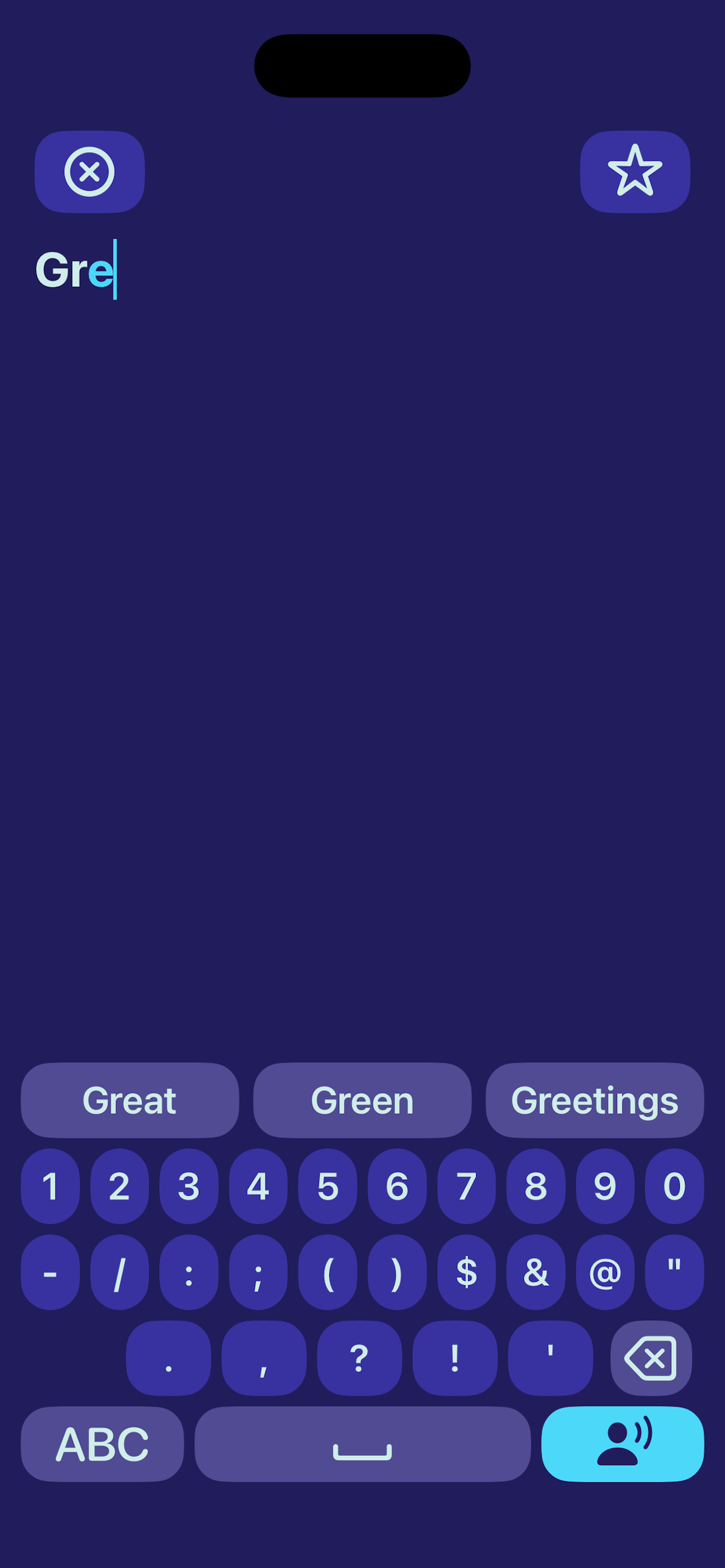
Very good. The premade buttons are nice I actually kept a lot of then when I don't normally. The range of voices are good as well. However there are two problems I have with the typing section. You can't click back to a specific spot fix typos like when typing regularly. I could understand this as a setting, but not as something I don't have a choice in because it means I have to go all the way back erasing everything which makes something already slow even slower. A smaller problem but I would enjoy a button to erase it all at once instead of having to press backspace a lot.
Hello! I Have Used Vocable For About 2-3 Months. I Have 2 Recommendations That I Think Could Improve The Overall Function Of This App. Recommendation One, Keyboard Options. I Understand That The Keyboard Used In This App Is Mainly Targeted For Both Younger Audiences And People Who Find It More Difficult To Read And Spell. I Think It Should Be Made Possible To Toggle To A Users Phone Used Keyboard To Make The App More Inclusive. As A Neurodivergent Teen And On The Older Side Of Your Audience, I Find The Apps Current Keyboard Very Difficult To Use. Other Reviewers Of My Age Range Also Have Mentioned How Frustrating The Keyboard Is To Use Due To How Slow It Is. I’m Not Saying Remove The Original Keyboard Entirely, I Am Simply Saying To Make It Possible To Use My Current Phone Keyboard As Well. My Last Recommendation Would Be The Ability To Re-Order Your Set Phrases, That Way You Can Order The Most Used Phrases To Be At The Top Of The List In A Category While The Least Used Phrases Can Be Moved To The End Of The List. This Is All I Wanted To Touch On, I Really Hope You Take My Review Into Consideration.
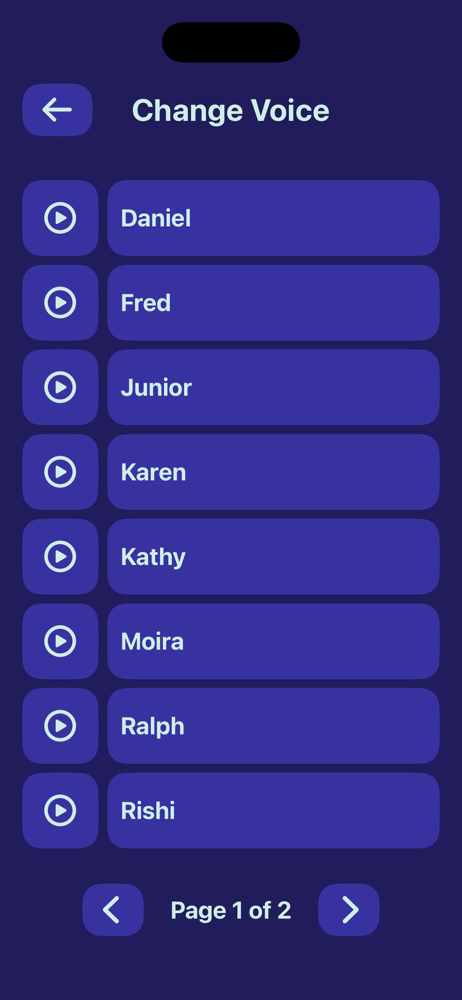
I love the app! I am a neurodivergent teen who’s been searching for a simple AAC application. I personally do not like the pictures on word tiles in different applications, so I like that it’s Just text. You can easily make your own word tiles and put it in different categories. You can make your own categories as well. Everything about it is great, but I do have some suggestions. The application gives you the option to manually type out your sentences, which is an awesome feature, however by default the keyboard is in alphabetical order, and not the usual QWERTY keyboard format. I think this should be a toggle feature, where users can choose between those keyboard formats. Some users can be used to the QWERTY keyboard format, and find it hard to communicate with the keyboard efficiently. I also recommend adding a feature to be able to choose a different voice, and/or choosing the app theme. Some individuals might be sensitive to different visuals. I also think the head movement feature should also be off by default, and can be enabled in settings. Other than that, I will continue to use this app, as it’s (in my opinion) the simplest AAC app in the app store! - Finley L., 16yo
Through head tracking or touch, Vocable gives a voice to all. Users have the ability to create a customized library of words, phrases and categories f...