
Check the acquisition promise
Read the store headline, screenshots and description. What problem is the app promising to solve?
Study the storefront ↗
Huy Hoang · iOS
Explore the ad evidence, study the storefront, and build your next acquisition hypothesis.
01 / Creative research
Read the store headline, screenshots and description. What problem is the app promising to solve?
Study the storefront ↗Explore apps with direct store-link matches. Compare their hooks and formats without assuming the same approach works here.
Browse observed advertisers ↗Store rankings and revenue estimates describe market context. They do not establish ad spend, conversions or ROAS.
Review the market context ↗02 / Storefront & product
Study the product story and store experience behind the acquisition funnel.


03 / Market context
Keep revenue, downloads and store rankings separate from advertising performance.
Ah yes, the humble TV remote. A revolutionary piece of technology that has traditionally required at least three buttons, two batteries, and zero monthly payment. Naturally, this app decided to innovate. This is supposedly a Vizio Smart TV remote, except there’s one tiny problem… You have to PAY to use it. 😂 Because apparently turning your volume down is now a premium feature. I downloaded this app expecting a simple remote. You know—something that lets me control the television I already own. Instead, I was greeted with the digital equivalent of a bouncer standing outside my TV saying—“That’ll be $9.99 to change the channel, champ.” I’m sorry, WHAT? Imagine buying a car and discovering you need a subscription to turn the steering wheel. Imagine buying a refrigerator and being told, “You can open it, but only if you upgrade to Premium.” At least those things would be useful enough to be simply absurd. This app, however, apparently looked at the concept of tv remote and thought: “How can we monetize the most ordinary object on Earth?” This app isn’t providing some groundbreaking technology that allows my television to communicate with NASA. It is… A remote. A glorified collection of buttons. And paying to access a virtual volume button? LOL… Absolutely not. At this point, I’d rather walk across the room and press the buttons on the TV like my ancestors did. 1 star. Would’ve given zero stars, but I’m scared I’ll need a subscription for that too.
Vizio Remote Review I like this app, it seems to work just like the remote control. I have not had any problems as long as internet is working. I wish it was on my phone page on my phone. I have to remember how to do that. 😂😂🩵💜💚 My Oldest Grandson 9 years old and I both want to hang on to the remote, we hide it from each other and hence hide it from our selves at times. I have about three remotes and all are lost today. I am using my phone. I have too much in my living room as I sell things online.
Do not download this app. I downloaded, using because I had screen time and my iPad doesn’t let me download the official app. So I got this. I lost my remote and went to use this app as a “last resort” and instead of working, when I press the arrow buttons or the ok button or any button at all, a pop up comes on my screen talking about being able to control my tv without any limit if I pay one of the 3 things on a tab. This app is supposed to be free and usable for anybody with or without screen time and lost their remotes, the fact that you need to pay to use this app defeats the purpose of anyone using this at all.
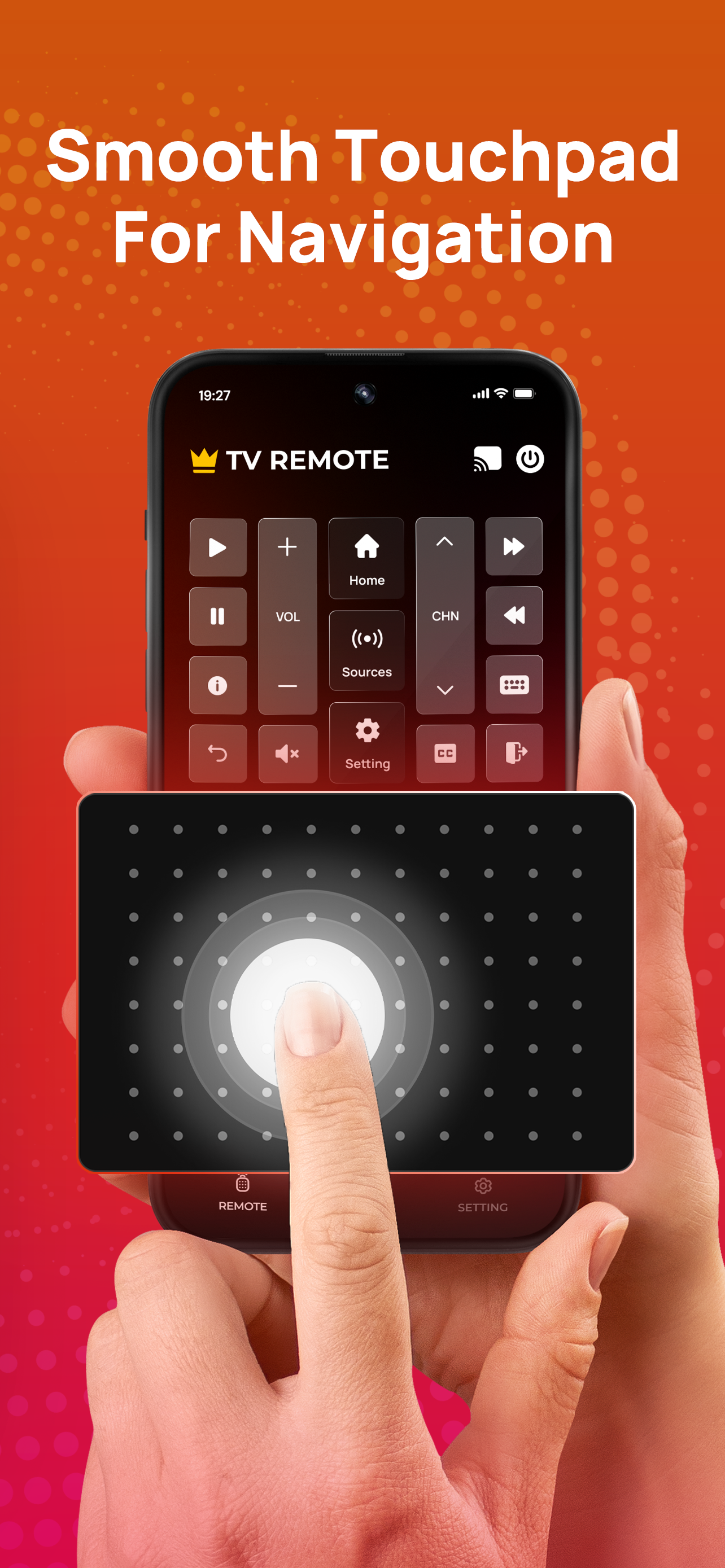
This TV remote app is made specifically for Smart TVs. Simply connect your iPhone and TV to the same Wi-Fi, pair them up, and you're good to go. Th...
| Name | Price | Type |
|---|---|---|
| Weeky Premium | $3.99 | Weekly |
| Monthly Premium | $7.99 | Monthly |
| Lifetime Premium | $19.99 | One-time |


