Check the acquisition promise
Read the store headline, screenshots and description. What problem is the app promising to solve?
Study the storefront ↗
HAPPUS LLC · iOS
Explore the ad evidence, study the storefront, and build your next acquisition hypothesis.
01 / Creative research
Read the store headline, screenshots and description. What problem is the app promising to solve?
Study the storefront ↗Explore apps with direct store-link matches. Compare their hooks and formats without assuming the same approach works here.
Browse observed advertisers ↗Store rankings and revenue estimates describe market context. They do not establish ad spend, conversions or ROAS.
Review the market context ↗02 / Storefront & product
Study the product story and store experience behind the acquisition funnel.



03 / Market context
Keep revenue, downloads and store rankings separate from advertising performance.
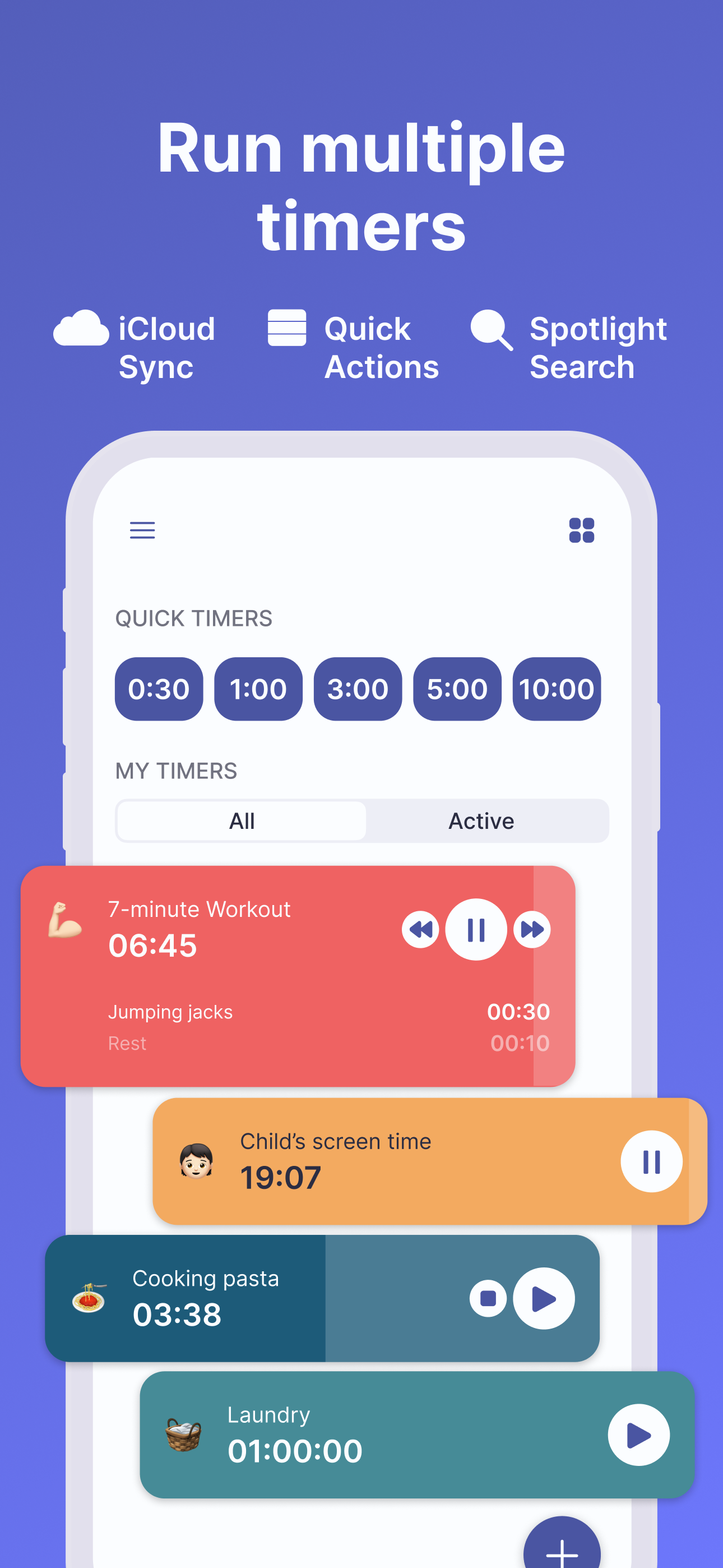
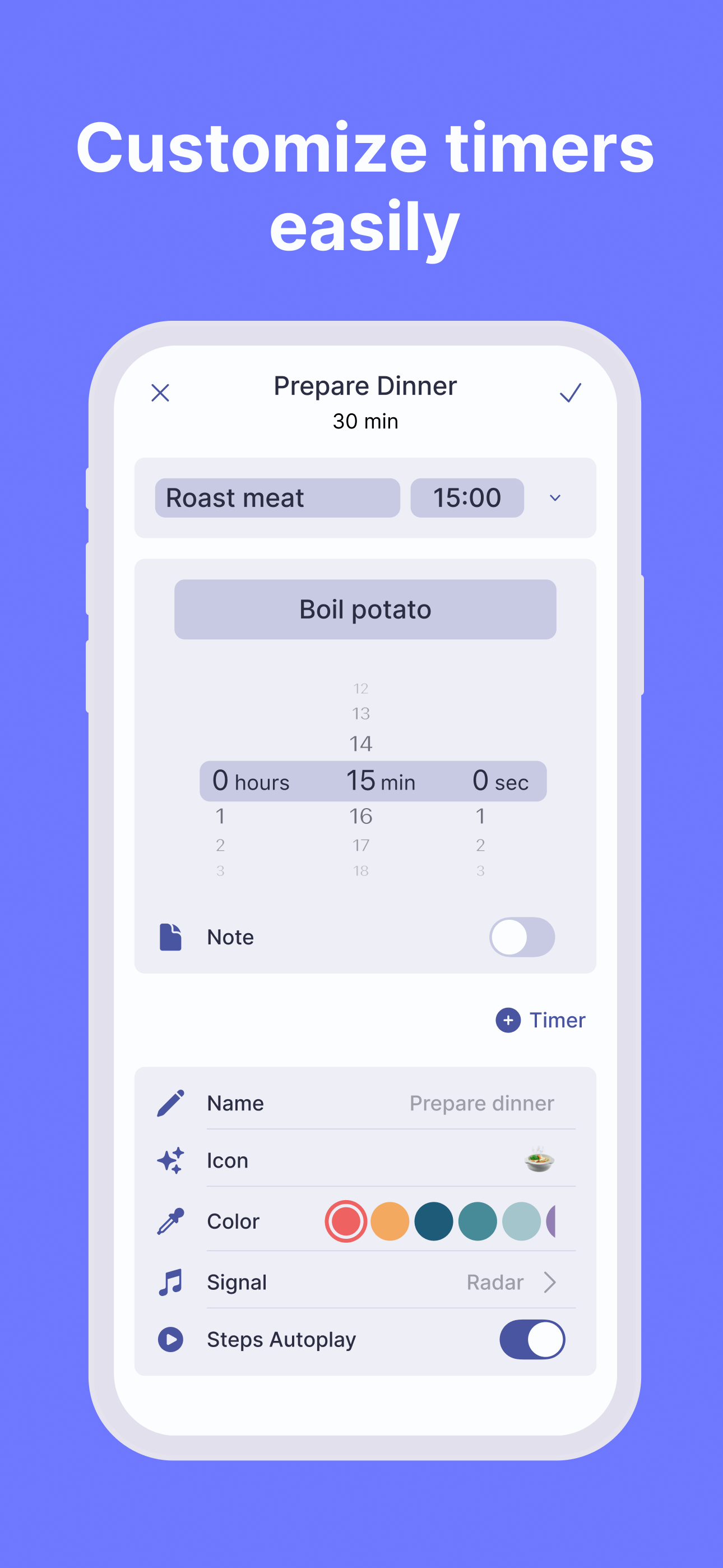
I’ve looked for something similar before and finally found it. I love the steps feature where the timer will automatically move on to the timer for the next step and that the steps can be different lengths. I also like the concentric circles as a visual timer. If possible, it would be awesome if those could appear on the widget as well.
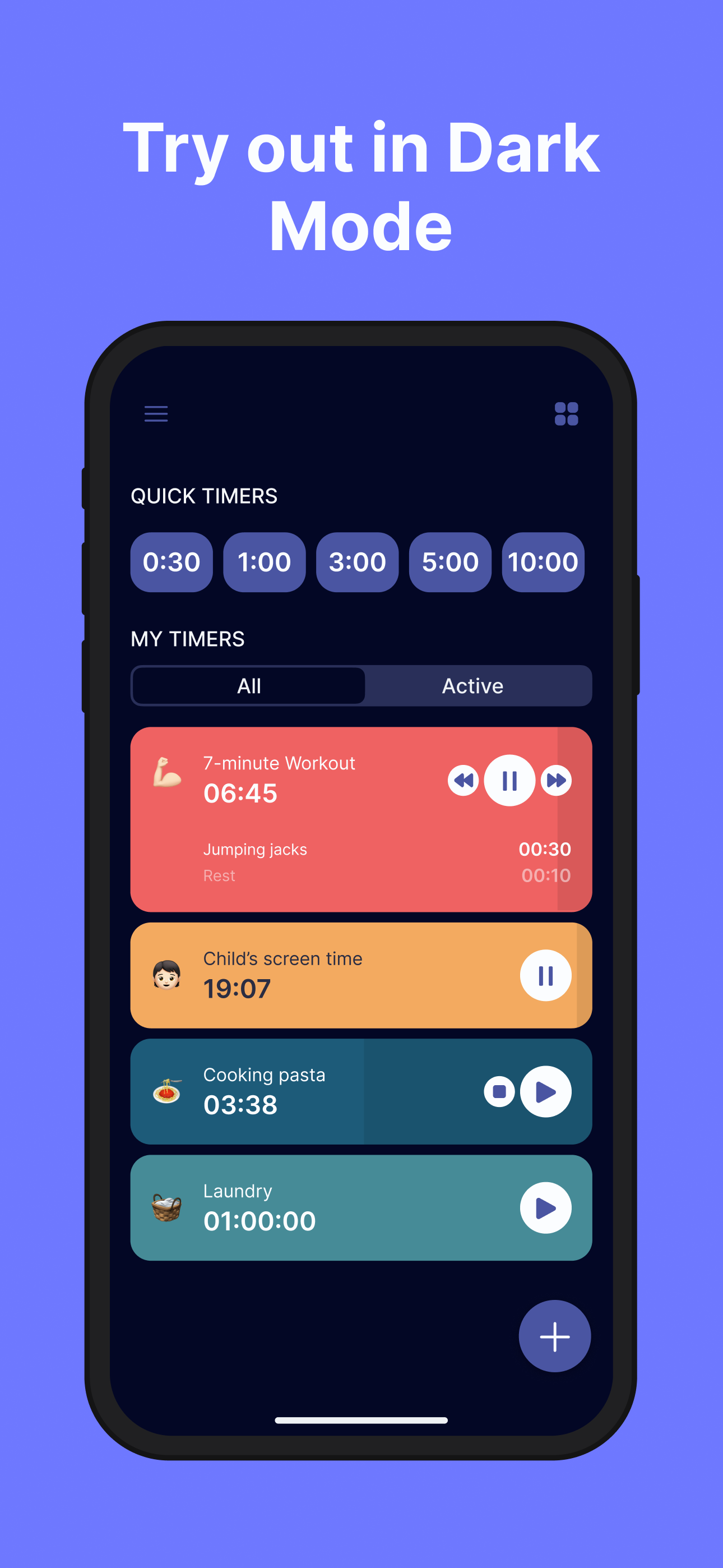
Super simple to navigate, no complications whatsoever! The templates given are incredibly useful, and the ability to customize colors, icons, and sounds is just the icing on the cake.
Unlike a standard pomodoro apps, this app doesn’t try to do more than one thing (i.e. calendar, planner, habit tracker, etc). It makes it easy to set, save, edit, start, and view your custom timer template. Live notifications on the lock screen put this app in the top tier of timer apps. My one suggestion for the UI is to include the ability to view the timer not only as a cycle, but as a progress bar (two progress bars, a big one indicating the current interval timer, and a thinner one for the overall timer. Having the lock screen live notification timer also be a large progress bar would make this the holy grail of productivity apps for me.
Manage your time better with Timus. Cook your favorite dish with the help of cooking timers, become more productive with a Pomodoro timer, stay health...
| Name | Price | Type |
|---|---|---|
| Weekly | $0.49 | Weekly |
| Weekly | $0.99 | Weekly |
| Monthly | $2.99 | Monthly |
| Monthly | $2.99 | Monthly |
| Annual | $4.99 | Yearly |
| Quarterly | $5.99 | Quarterly |
| Annual | $9.99 | Yearly |
| Annual | $9.99 | Yearly |
| Lifetime | $29.99 | One-time |