Check the acquisition promise
Read the store headline, screenshots and description. What problem is the app promising to solve?
Study the storefront ↗
CuVee Software · iOS
Explore the ad evidence, study the storefront, and build your next acquisition hypothesis.
01 / Creative research
Read the store headline, screenshots and description. What problem is the app promising to solve?
Study the storefront ↗Explore apps with direct store-link matches. Compare their hooks and formats without assuming the same approach works here.
Browse observed advertisers ↗Store rankings and revenue estimates describe market context. They do not establish ad spend, conversions or ROAS.
Review the market context ↗02 / Storefront & product
Study the product story and store experience behind the acquisition funnel.


03 / Market context
Keep revenue, downloads and store rankings separate from advertising performance.
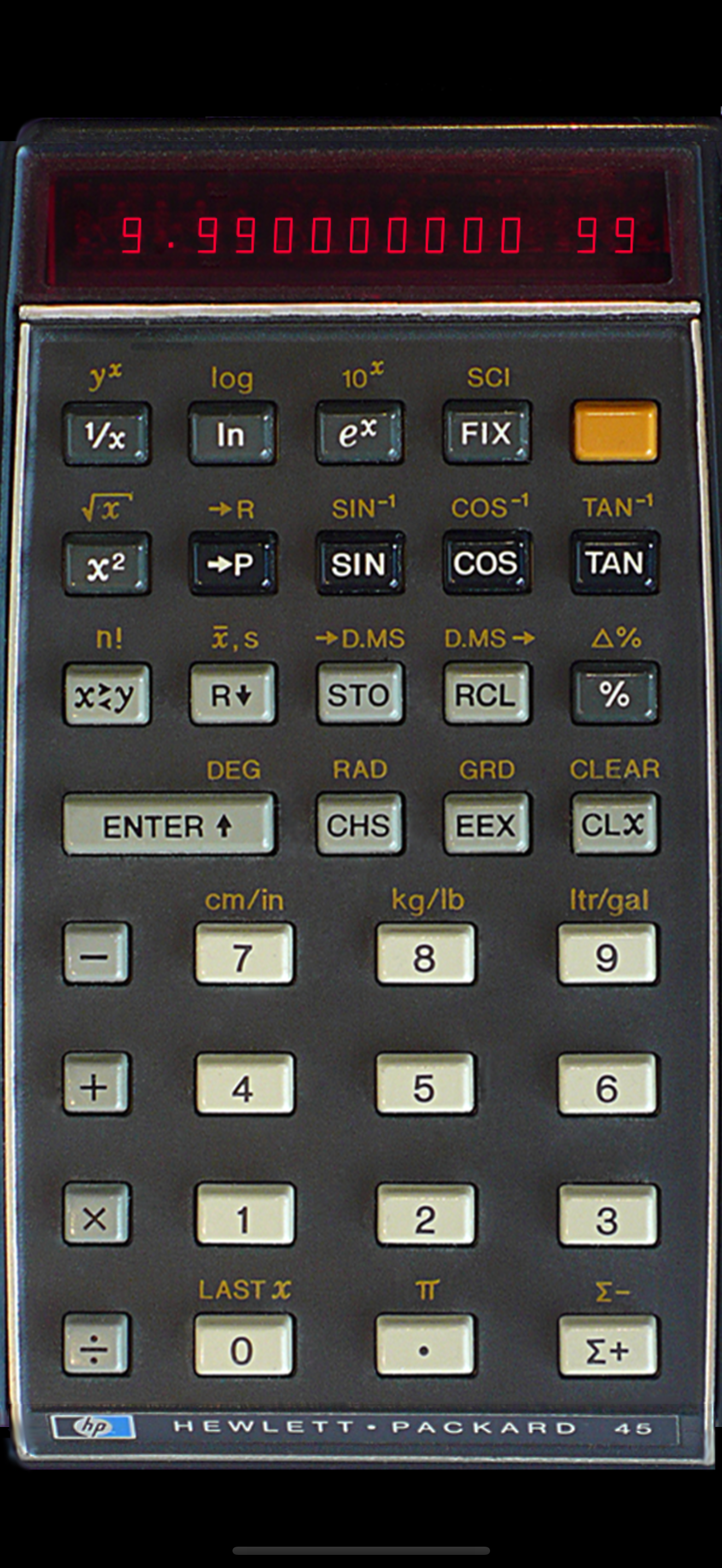
This is s great simulation of my favorite calculator (still have working unit in plastic box with manual and charger) BUT the touchscreen stopped working on my 13 Pro Max when I upgraded to v 15.1.1 today! Have rebooted to no avail. Hope you check this out!
When I was going to school I could not afford the HP-45’s I had to soldier on using an HP-35. I was able to borrow them on occasion. This emulation comes as close to the actual device as you are going to get. In the larger iPhones it is even about the same size. I still enjoy the look on peoples faces when I explain what RPN stands for.
And by the way, I love this app! I use it several times every day, it’s my only calculator except for a physical HP 12-C that lives in my briefcase and hardly ever gets used. I’ve been an HP fanboy since the 35, RPN is so pleasant to use. And having it on iOS is the best of both worlds.
Vintage-45 is a complete simulation of Hewlett-Packard's scientific hand-held calculator HP-45 from 1973. Processing times and behavior have been care...