Check the acquisition promise
Read the store headline, screenshots and description. What problem is the app promising to solve?
Study the storefront ↗
Sounak Sarkar · iOS
Explore the ad evidence, study the storefront, and build your next acquisition hypothesis.
01 / Creative research
Read the store headline, screenshots and description. What problem is the app promising to solve?
Study the storefront ↗Explore apps with direct store-link matches. Compare their hooks and formats without assuming the same approach works here.
Browse observed advertisers ↗Store rankings and revenue estimates describe market context. They do not establish ad spend, conversions or ROAS.
Review the market context ↗02 / Storefront & product
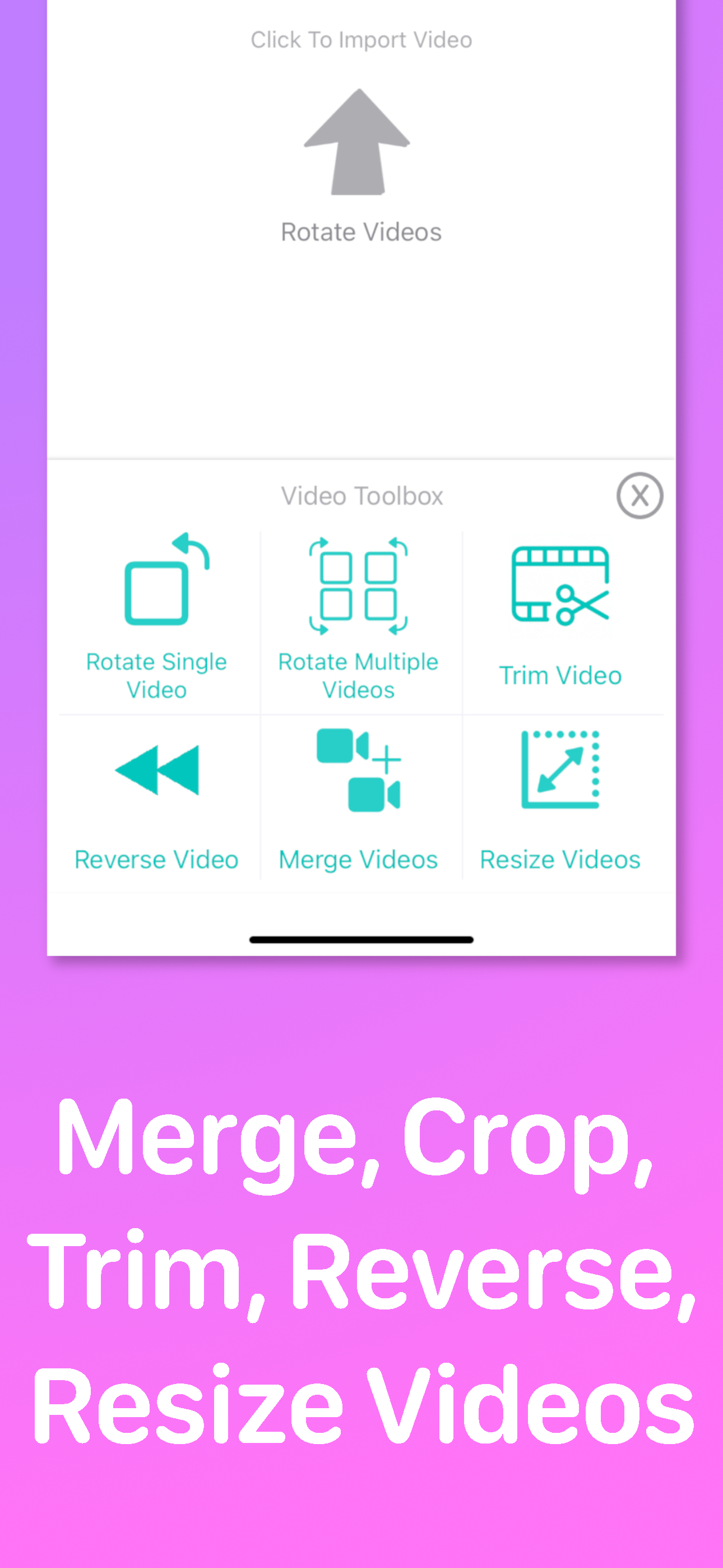
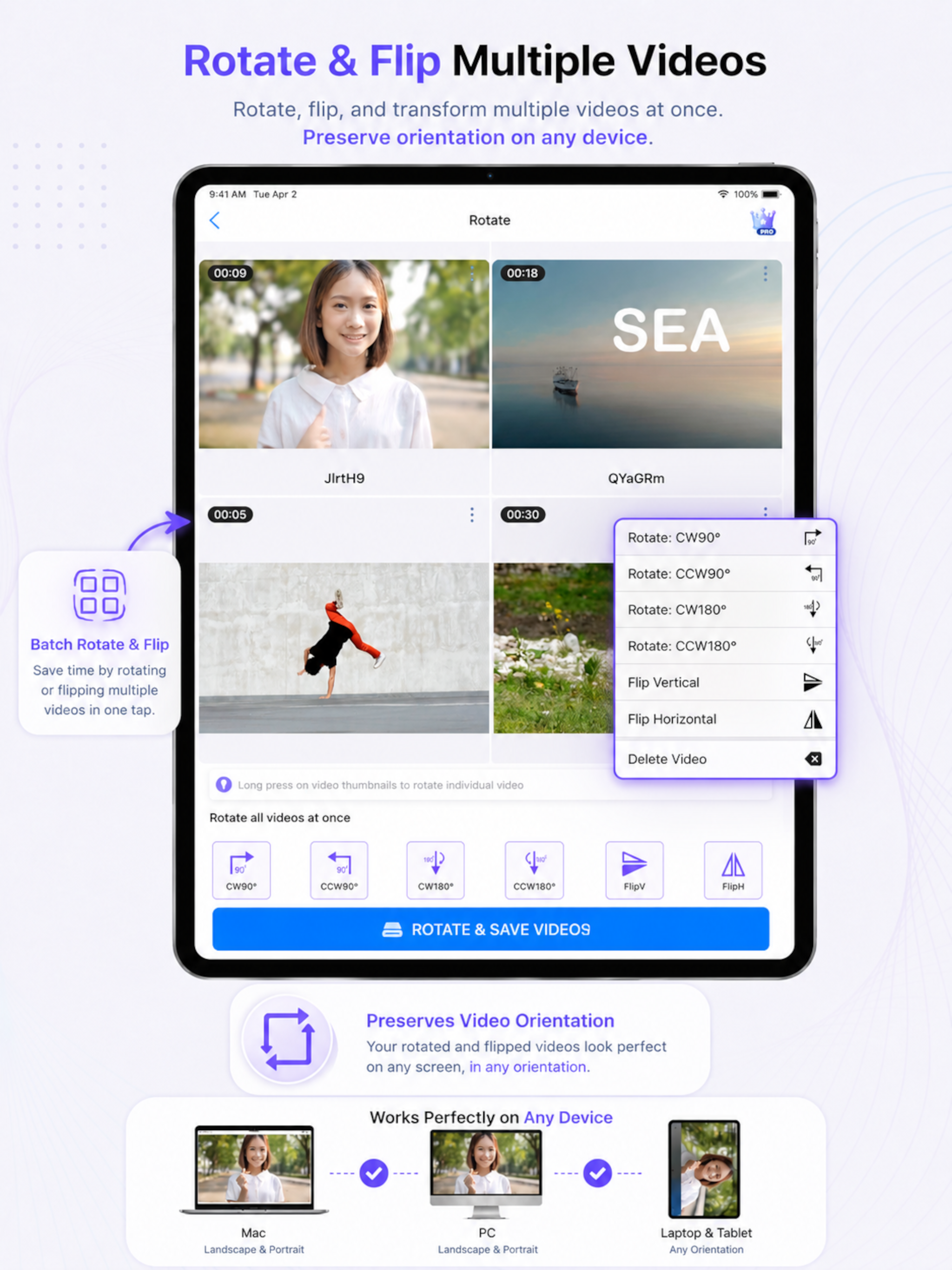
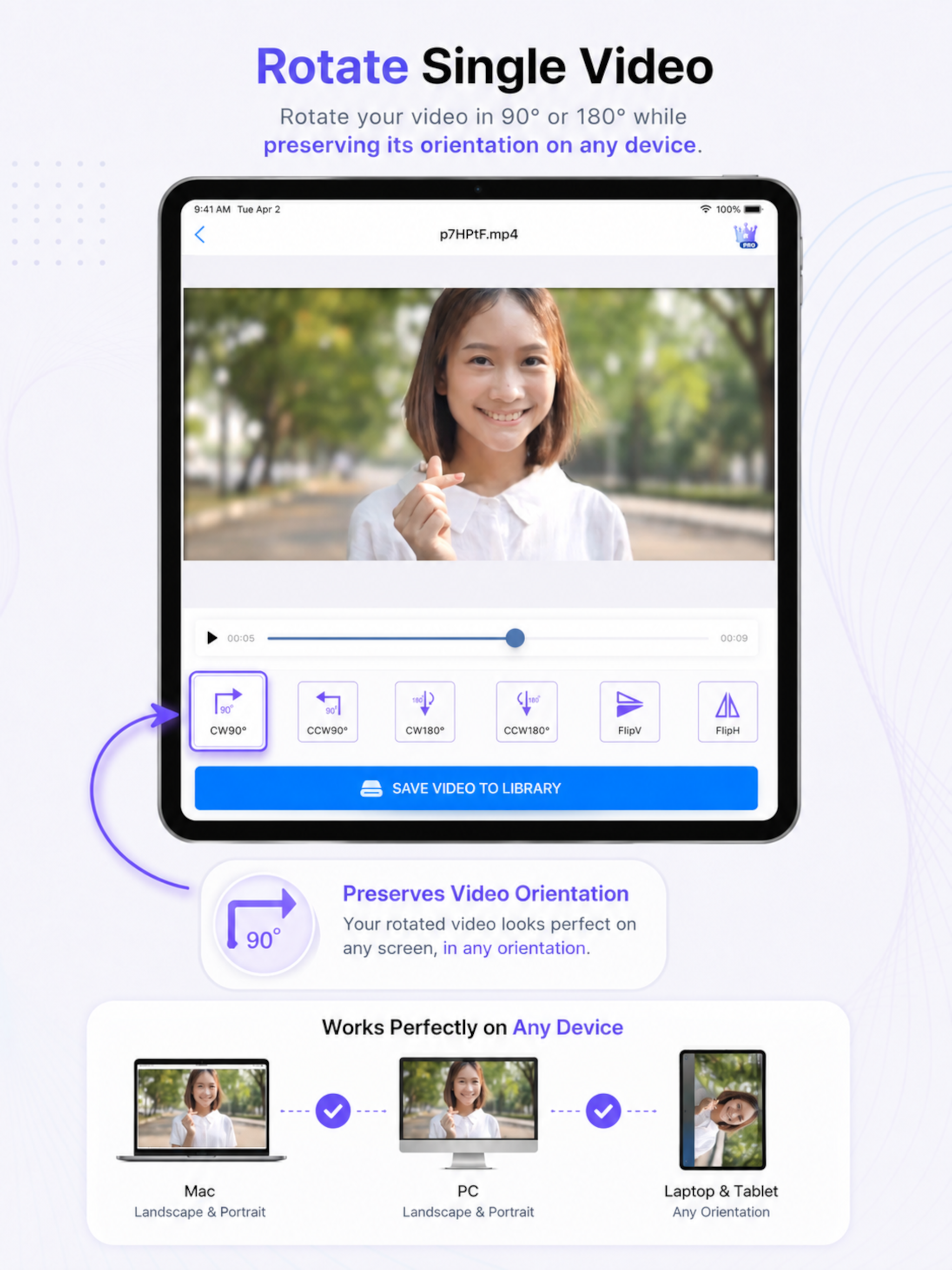
Study the product story and store experience behind the acquisition funnel.



03 / Market context
Keep revenue, downloads and store rankings separate from advertising performance.
Comment on. Developer’s response: I have more than 30 GB on my iphone and hence the space you said is not the reason. I sent an email to you but still awaiting a response The app easy enough and I was able to flip the parts easily but when I tried to save, it offered me to use non-ad version for $1.99. Fair enough, because I believe in paying for value. The problem is, I tried three different times. To save, after correctly flipping the parts and it failed to save. I agree that the video is 4K and file is big, but that shouldn’t be an issue and it shouldn’t crash. If they fix the problem, I will consider changing the rating
I never knew how much I was screwing up when recording videos. I went to this concert and when I got home I messed up on a lot of them holding my phone different ways making the video upside down or the wrong way. Finding this app is a life savor and much needed for fixing videos. I’m officially going to make it a purchase to get his with out the adds, it’s worth for fixing my video mess ups. Thank you to the makers of this app! This is my life savor and recommend this to everyone to get.
Didn’t know I was taking video sideways with my new iPad mini and there wasn’t a built in way to edit the rotation. Wouldn’t have noticed if I hadn’t been uploading a short instructional clip to my neglected blog. All I needed was to turn a 1:48 min clip 90 degrees counter clockwise. Rotating with this app was very easy to do. Not sure if you can choose any angle to rotate, but did see there were buttons for 90 degrees CW, 90 degrees CCW, flip horizontal, flip vertical (flip is like reflecting in a mirror), and a few more I can’t remember. Had no trouble importing the clip from camera roll and easily saved rotated version back to camera roll.
Introducing Video Rotate & Flip - the ultimate video editing app that empowers you to effortlessly rotate and flip your videos with precision and crea...
| Name | Price | Type |
|---|---|---|
| Premium Monthly | $0.99 | Monthly |
| Remove advertisements | $0.99 | One-time |
| Premium Yearly | $5.99 | Yearly |