
Check the acquisition promise
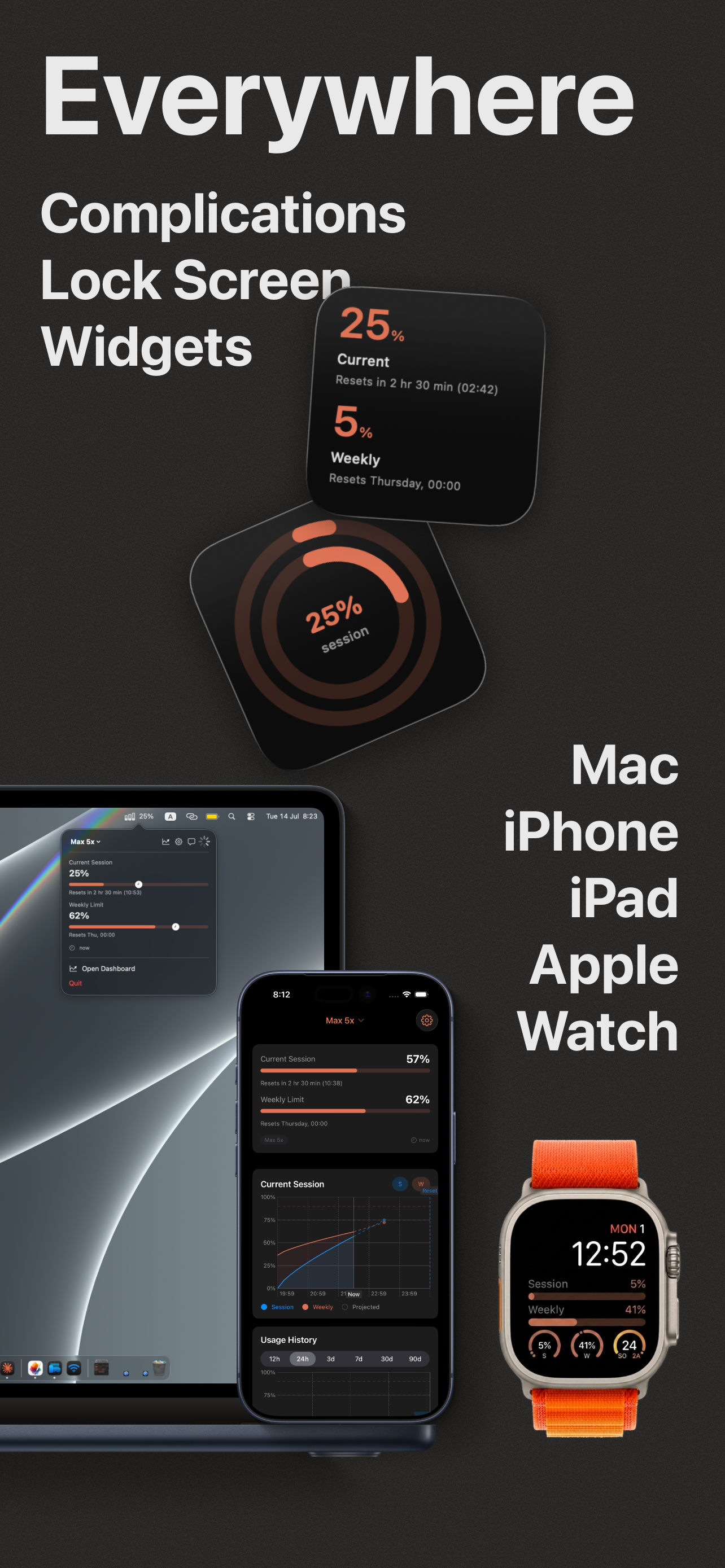
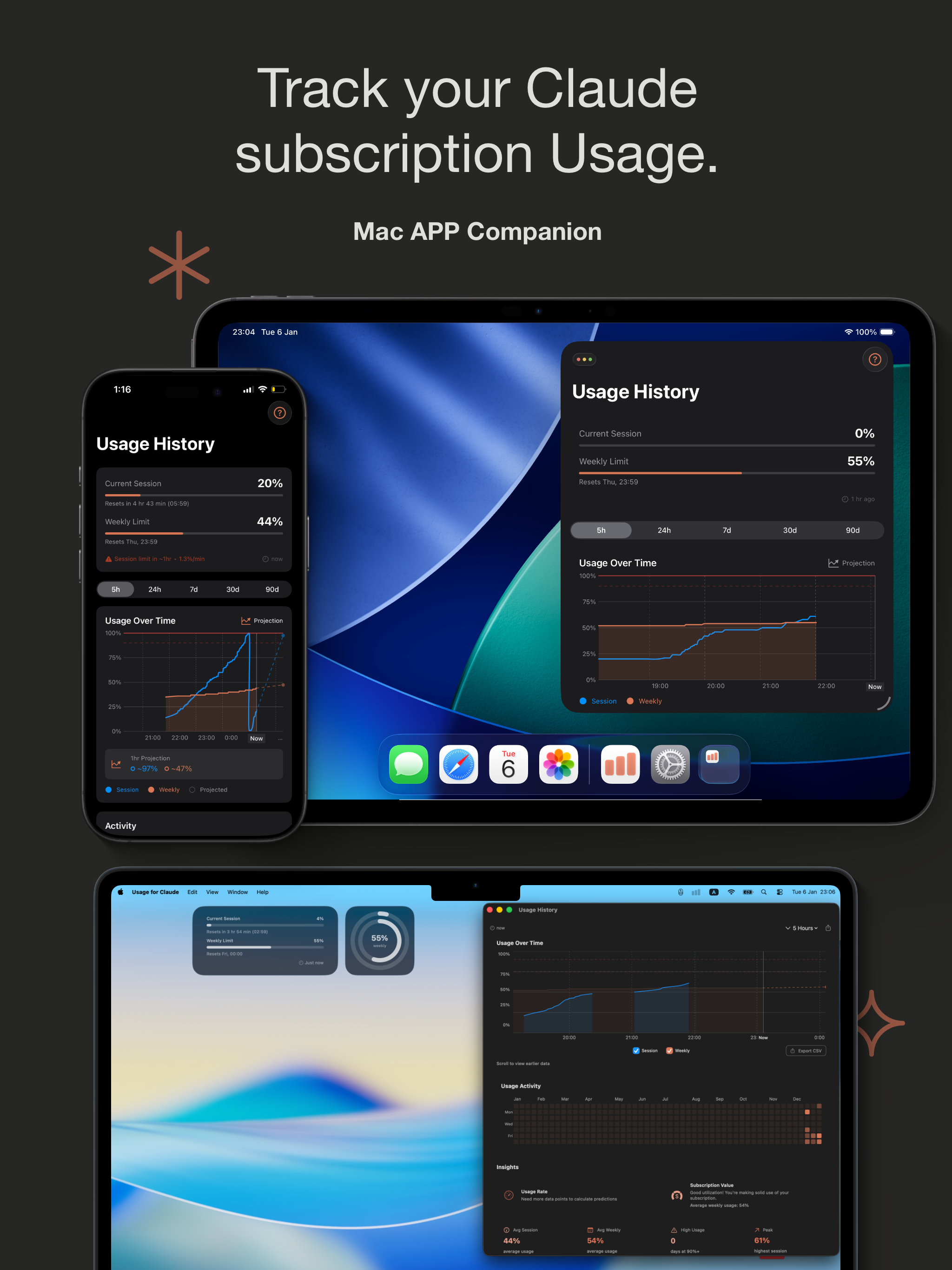
Read the store headline, screenshots and description. What problem is the app promising to solve?
Study the storefront ↗
amir hayek · iOS
Explore the ad evidence, study the storefront, and build your next acquisition hypothesis.
01 / Creative research
Read the store headline, screenshots and description. What problem is the app promising to solve?
Study the storefront ↗Explore apps with direct store-link matches. Compare their hooks and formats without assuming the same approach works here.
Browse observed advertisers ↗Store rankings and revenue estimates describe market context. They do not establish ad spend, conversions or ROAS.
Review the market context ↗02 / Storefront & product
Study the product story and store experience behind the acquisition funnel.

03 / Market context
Keep revenue, downloads and store rankings separate from advertising performance.
This morning I logged into my computer and the usage showed 27% in the menu bar. I clicked refresh and it showed 0%. The app doesn’t do a good job at keeping itself up to date with your actual usage. I find myself refreshing the app several times throughout the week to ensure I’m seeing accurate usage information.
Like most people, nearly all of my work life is in some way, shape, or form intertwined with Claude. Having a sense of my token burn per session, and per weekly allotment, is extraordinarily helpful. I'm amazed it's a feature that Anthropic hasn't yet released (but then again it's not in their best interest to warn someone when they're about to hit an overage). Well done, and thank you for your development.
I really needed this and I almost didn’t try it due to the random one star rating with no review, but I’ve been using for several weeks now and there’s no reason to get too excited, it’s a simple widget, but it does what it says it would and has really helped me stay under usage limits. I didn’t like having to sign in to my Claude Pro account, but I assume Apple has the security end of things under control and nothing odd so far. Great widget, glad I found it. I just spent 10 minutes looking for a way to contact you (Amir), I wish you didn’t make it so hard…. Anyway, awkward but I guess this is the only way to share a couple ideas: Make the square version of the widget with graphs and text, easier to understand. Add “burn rate” or even just colors for times when your current usage rate (at the current rate) will hit your Claude usage limits. Add a simple timeline so I can estimate this myself (simple 5 ticks for current session, 7 ticks for weekly) - (or radial ticks for the square widget)
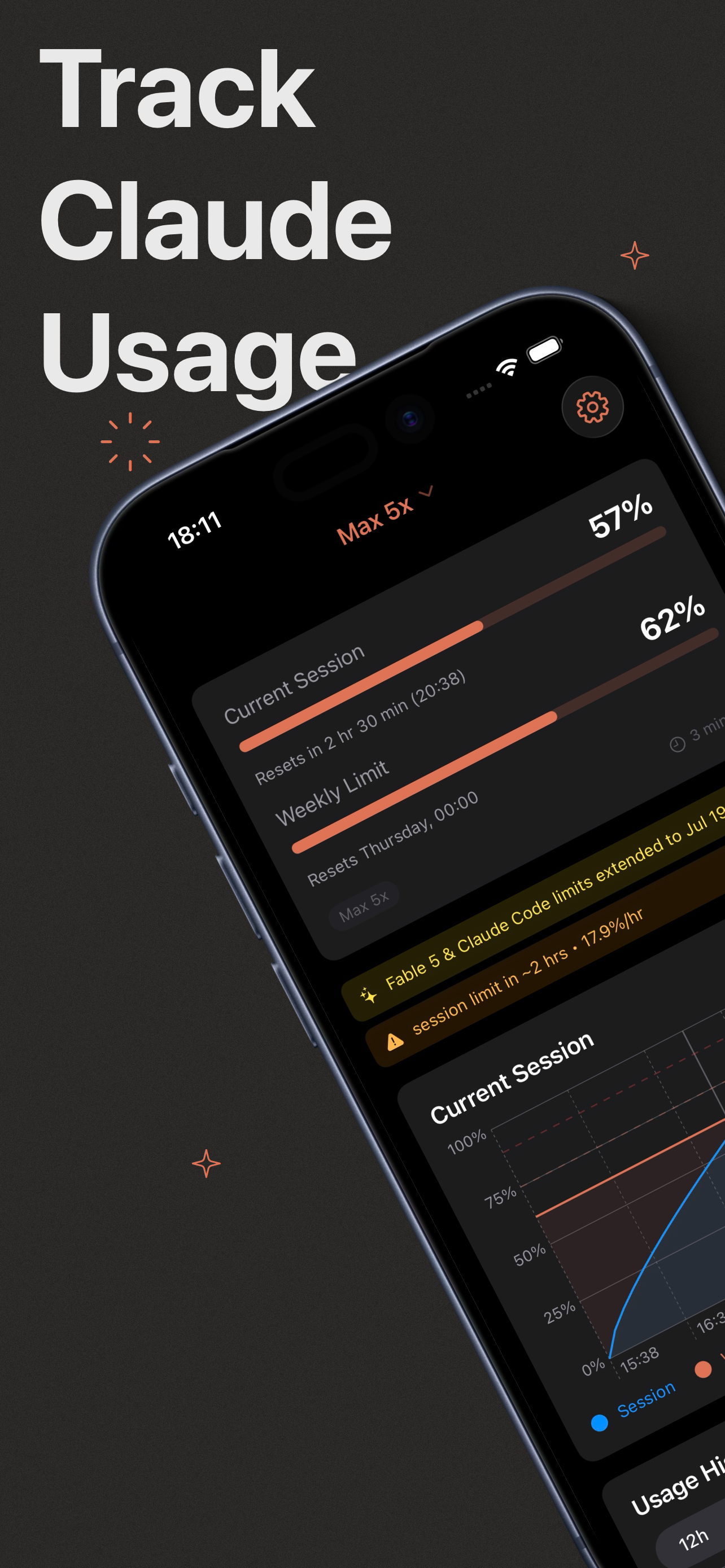
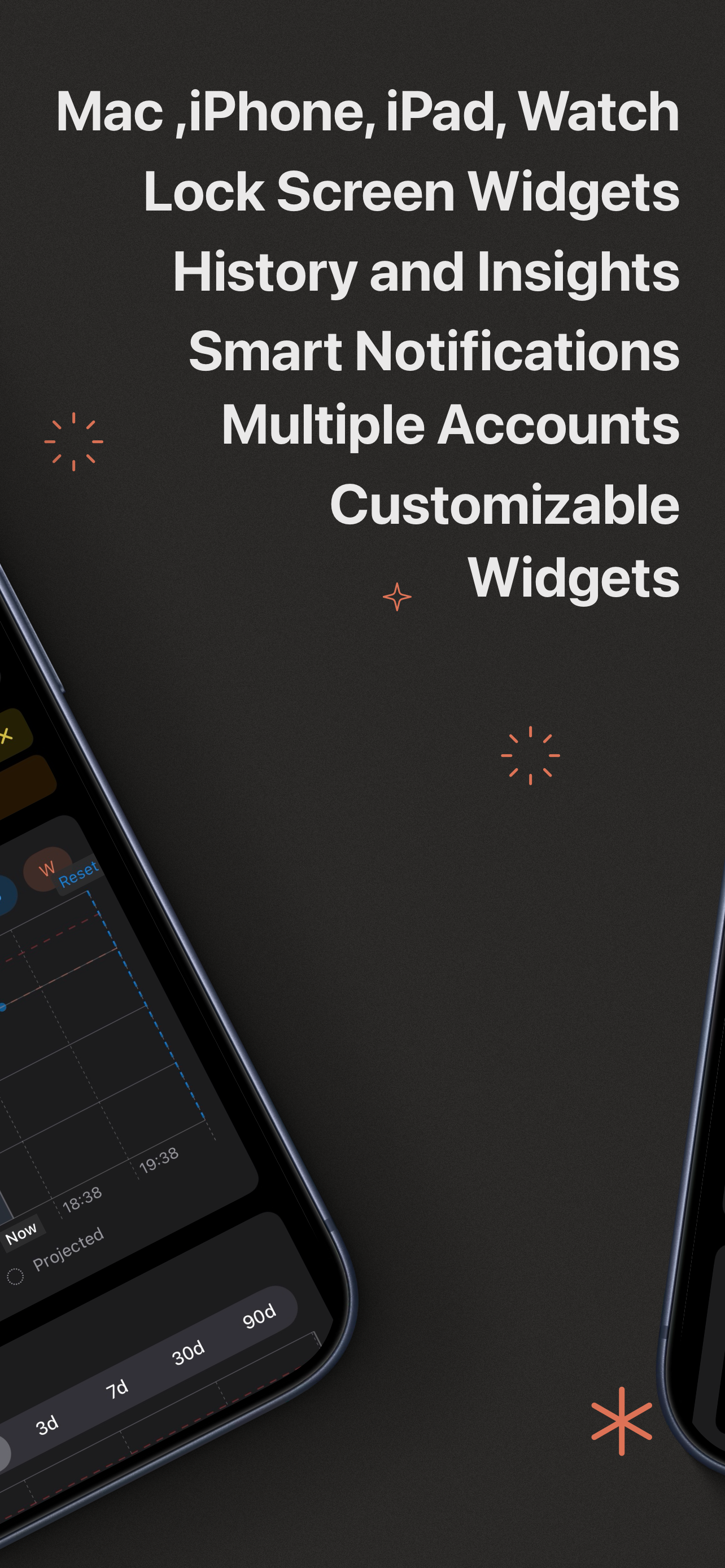
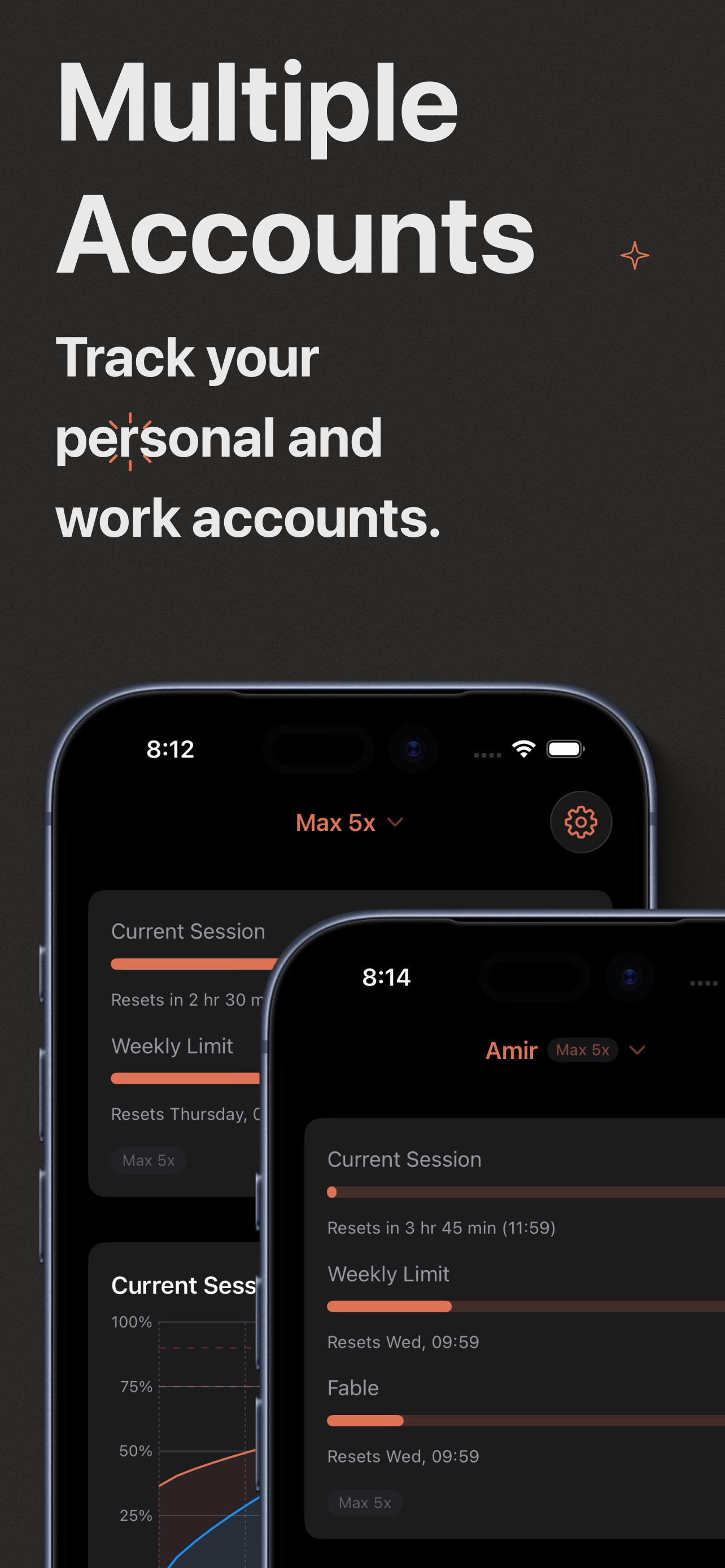
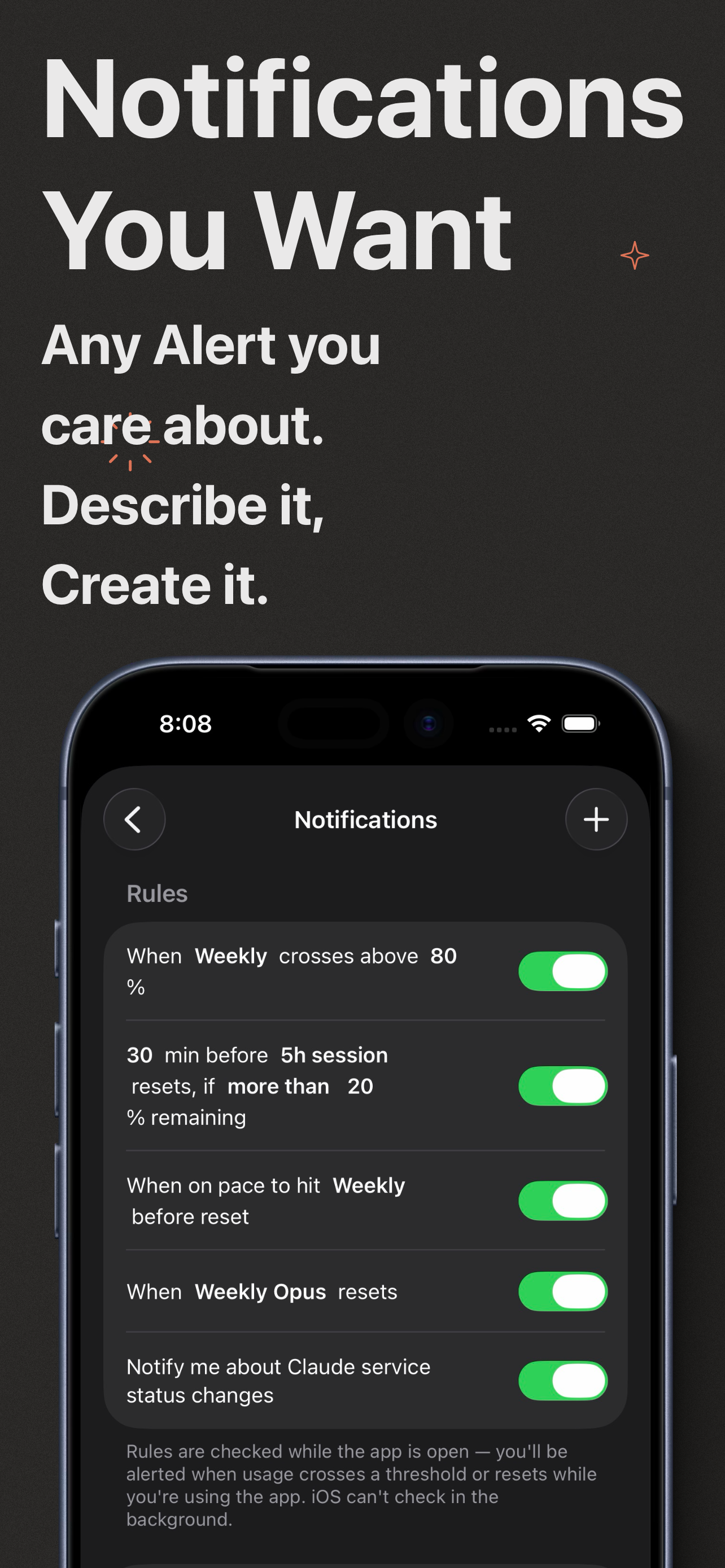
Usage for Claude is the iOS companion app for monitoring your Claude AI usage. See what you’ve used, spot trends over time, and stay aware of your lim...
| Name | Price | Type |
|---|---|---|
| Monthly Pro Subscription | $0.99 | Monthly |
| Buy me a coffee | $2.99 | One-time |
| Monthly Pro Subscription | $5.99 | Yearly |
| Buy me lunch | $9.99 | One-time |
| Dashboard Full History | $17.99 | One-time |
| You're awesome | $19.99 | One-time |


