Check the acquisition promise
Read the store headline, screenshots and description. What problem is the app promising to solve?
Study the storefront ↗
Limit Point Software · iOS
Explore the ad evidence, study the storefront, and build your next acquisition hypothesis.
01 / Creative research
Read the store headline, screenshots and description. What problem is the app promising to solve?
Study the storefront ↗Explore apps with direct store-link matches. Compare their hooks and formats without assuming the same approach works here.
Browse observed advertisers ↗Store rankings and revenue estimates describe market context. They do not establish ad spend, conversions or ROAS.
Review the market context ↗02 / Storefront & product
Study the product story and store experience behind the acquisition funnel.



03 / Market context
Keep revenue, downloads and store rankings separate from advertising performance.
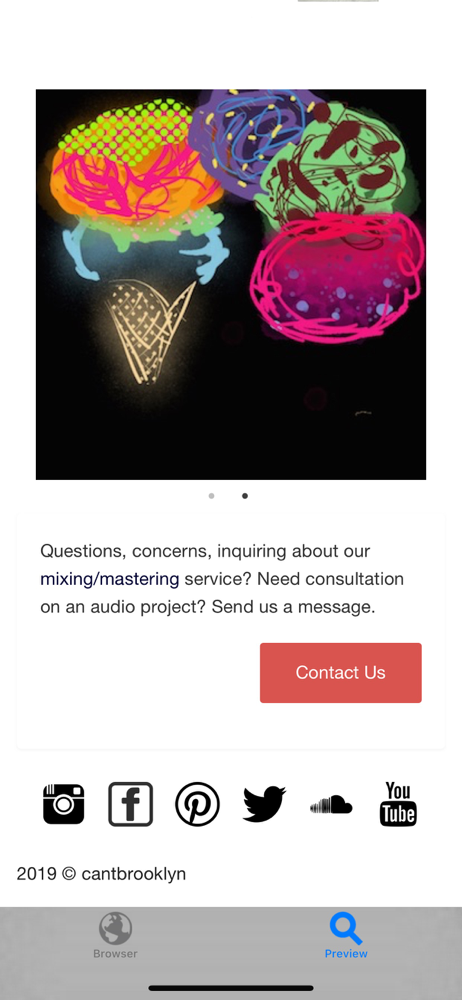
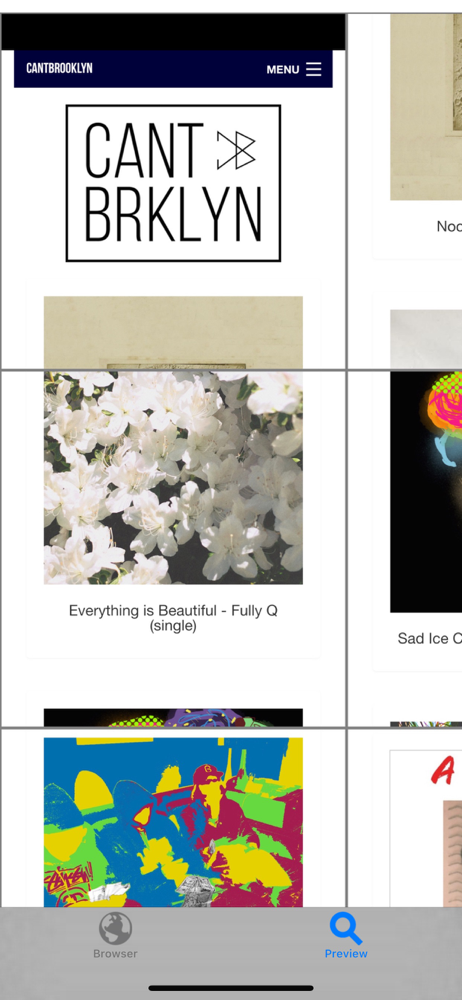
I love URL to Photo- when it works. I love the camera sound. It’s frustrating if I preview the photo and it’s correct I can’t just save that one. If it’s right I don’t want to have to take it again. That’s trivial though, compared to the bigger issue. It’s great when the app grabs the entire image but it doesn’t always do that. I don’t know how to fix it. I spent a good deal of time reloading a page from different browsers, re-centering the browser image in the app… It didn’t work. All I got was the left-hand side of the page and half of the middle. The same thing happened with a US map; with the high resolution image I was able to get only the West coast to Georgia and south of Colorado Springs. What’s the fix? I hope there’s one because I take a lot of screenshots to illustrate my point when I forward a page to somebody. Not having dozens of screenshots that Tailor may not manage to stitch correctly and with Long Picture’s fairly recent update means I can’t do it manually, has been a timesaver, … when it works.
So if you only want a small part of the webpage edit it by croping, other than that use the offline app to pdf it.
What can I say? I was hoping this app would work but it doesn't really. It does not work because bad resolution and cuts a part (side) is the screenshot. Not worth getting it.
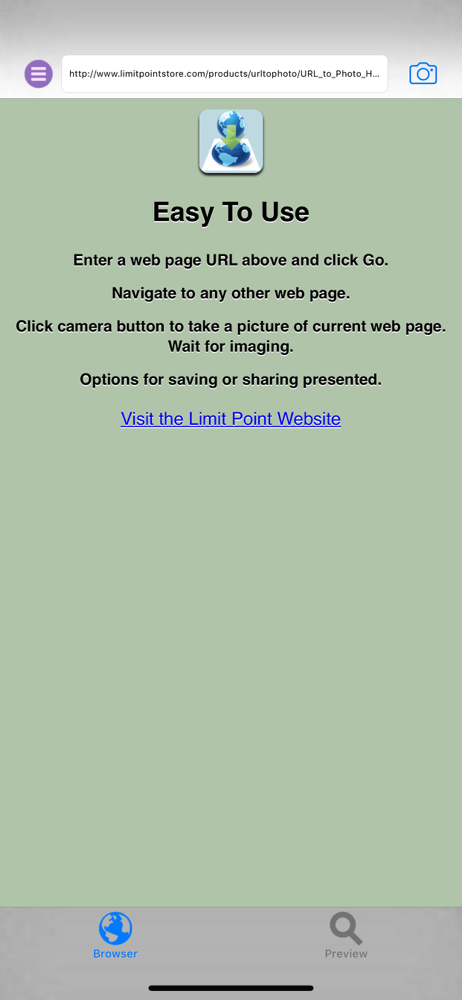
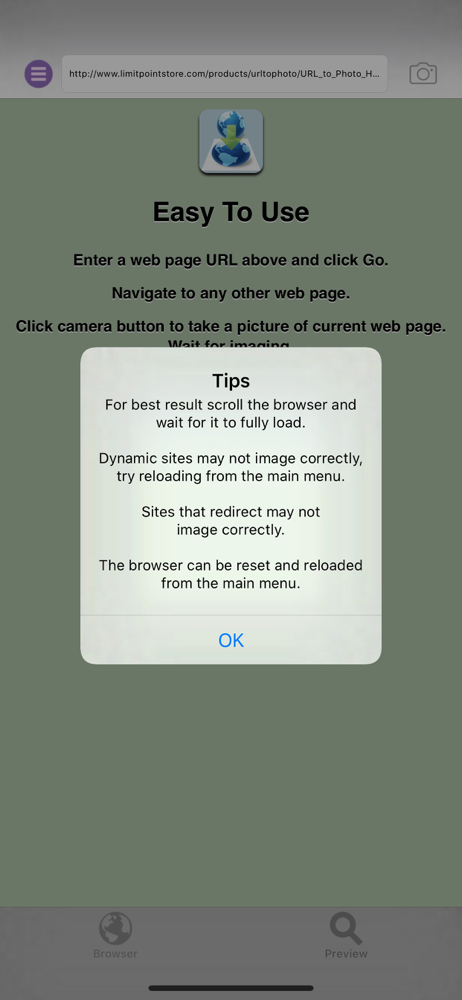
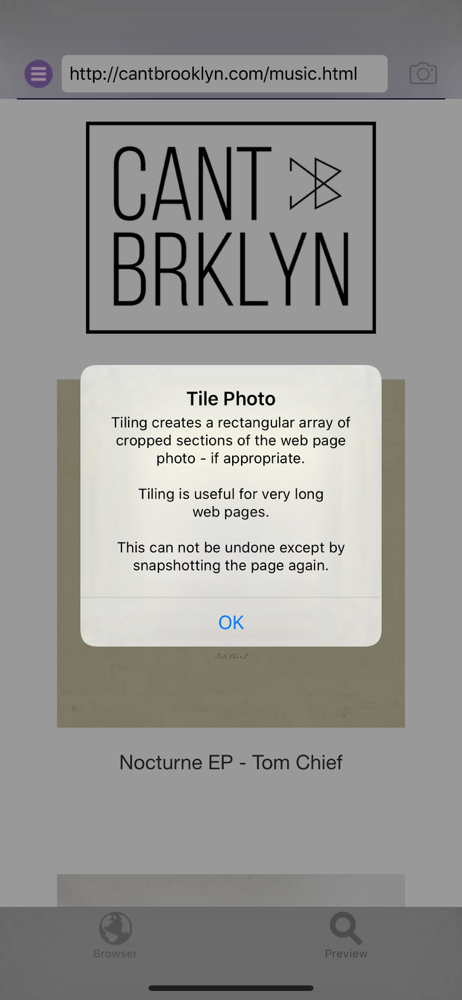
URL to Photo takes full-page snapshots of web pages. Use the built in mini web browser to enter the URL of the web page for which you want to take a...



![augmented[archive]](https://is1-ssl.mzstatic.com/image/thumb/Purple112/v4/c3/75/96/c375966a-555f-9b89-cda0-50dfba10c151/AppIcon-0-0-1x_U007emarketing-0-0-0-5-0-0-sRGB-0-0-0-GLES2_U002c0-512MB-85-220-0-0.png/150x150bb.jpg)