
Check the acquisition promise
Read the store headline, screenshots and description. What problem is the app promising to solve?
Study the storefront ↗
俐 马 · iOS
Explore the ad evidence, study the storefront, and build your next acquisition hypothesis.
01 / Creative research
Read the store headline, screenshots and description. What problem is the app promising to solve?
Study the storefront ↗Explore apps with direct store-link matches. Compare their hooks and formats without assuming the same approach works here.
Browse observed advertisers ↗Store rankings and revenue estimates describe market context. They do not establish ad spend, conversions or ROAS.
Review the market context ↗02 / Storefront & product
Study the product story and store experience behind the acquisition funnel.




03 / Market context
Keep revenue, downloads and store rankings separate from advertising performance.
Very few apps are worth paying for let alone spending the time to actually write a review, however this is one of them. This app is packed with features & has pretty much all functionality you’d expect to find in a similar desktop program—like you can even do split archives. The UI might not be as aesthetically pleasing as it could be but the app more than makes up for that with how functional & easy to use it is. A lifetime subscription is priced at a very reasonable $4.99 and I have absolutely no regrets with my purchase—especially considering the app is still being actively updated with new features & bug fixes. I highly recommend this app and believe me I wouldn’t be here writing a review if I didn’t sincerely mean it. If anyone knows of a better archiving app for iOS you’ll have to prove it to me because I don’t believe it.
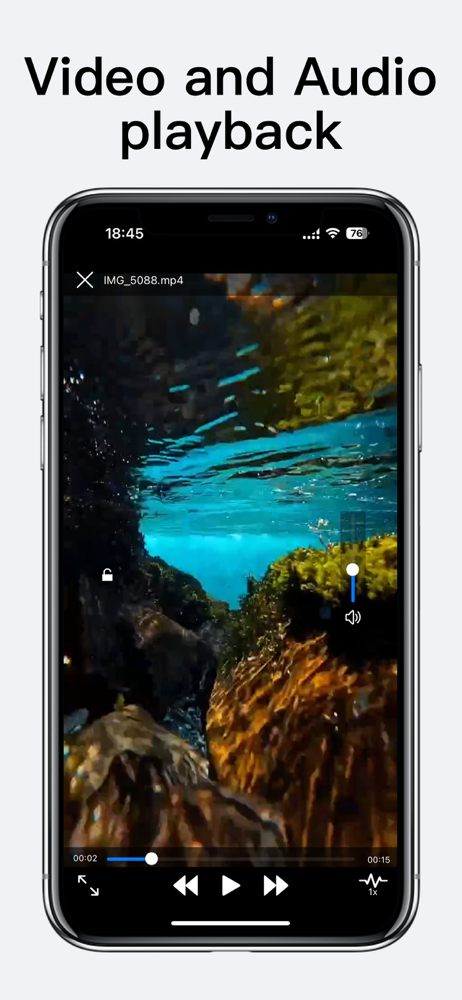
I’ve been using this app for years now. I even paid for the Pro version. I kind of had to as using the ad-supported version is nearly impossible due to the invasive nature of ads the dev has chosen to incorporate. I have a few major issues with this app - first, it’s extremely buggy and slow. 6 seconds to open a folder on an iPhone 13 Pro with 1tb of storage? Unacceptable under the circumstances. Second, I want to be able to swipe back from anywhere. Out of any folder, any file…anywhere. Don’t impede core functionality of iOS. Add swipe back functionality universally throughout this app. Third, don’t make me use your video player. It’s terrible. Let me choose the default player. And if you are going to make me use the built in player, tapping the screen should hide the controls, not renew their existence for another ten seconds. I want to tap the screen while playing a video, and only see the video, not wait for the UI to go away on its own. Incidentally, please make the scrubbing feature more customizable or sensitive. I don’t want to scroll two millimeters and have the video skip ahead by 300 seconds. I consistently have to go forward and back while trying to find the time stamp I want. One of the biggest issues is this apps use of storage. It’s doesn’t clear out deleted files, and clearing the cache does absolutely nothing. Every few months, I have to move everything on this app to a different folder in the iOS Files app, and delete this app so it can clear the cache. Last time I moved everything out of this app, it was still using 17gb of storage. That is absurd. I don’t want to keep doing this. When a file is deleted, it needs to totally disappear and take everything with it. Thank you.
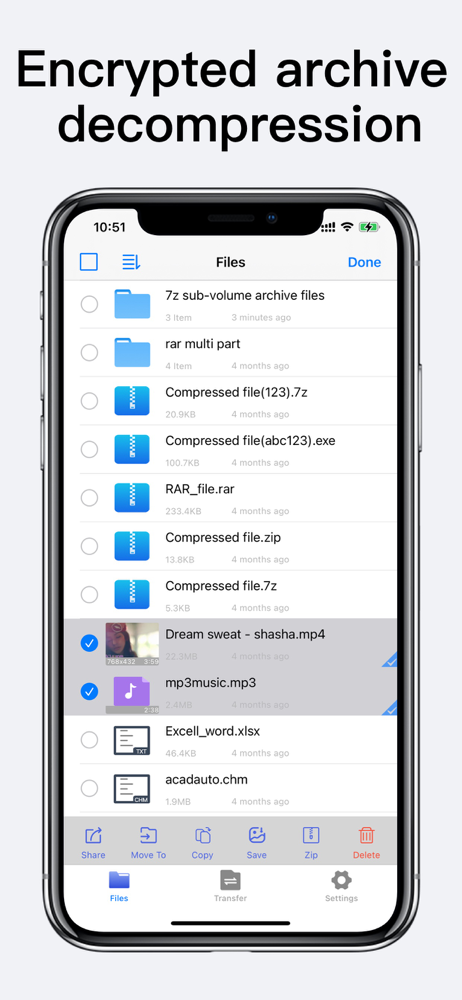
so to start I just wanna say I love your app. I use it almost daily and haven’t had a problem with it so far. Seriously Thanks for making the best app for files on the App Store. it’s so easy to use I guess their is no need for instructions. I am also not the brightest sometimes. Maybe I just didn’t see any. Is their any instructions or a how to for the unzip app? I definitely would be interested in reading everything I can do using unzip. Especially because I finally found something I can’t figure out how to do on the unzip app. How do I select multiple photos in search results??? So what I have been trying to do but failing at. is select everything that shows up when I search the word thumbnail and move it to a different folder or share/save it somewhere els on or off the unzip app. so I can re-save all the search results I get when I search thumbnail so it’s all in it’s own folder. Sadly when I use the search. After it loads all my results. The first thing I click. It looks like I can select it. it shows a little check mark at the bottom right side. The only other thing I see is a cancel button at the top right of my screen. I have tried multiple way to select multiple nothing happens. No matter where I click next the first selection dosent seem to do anything and it just opens whatever I click instead of selecting multiple files. well I hope I explained everything clearly enough to understand what I am talking about. Most importantly I hope that someone can please explain to me what I’m doing wrong.
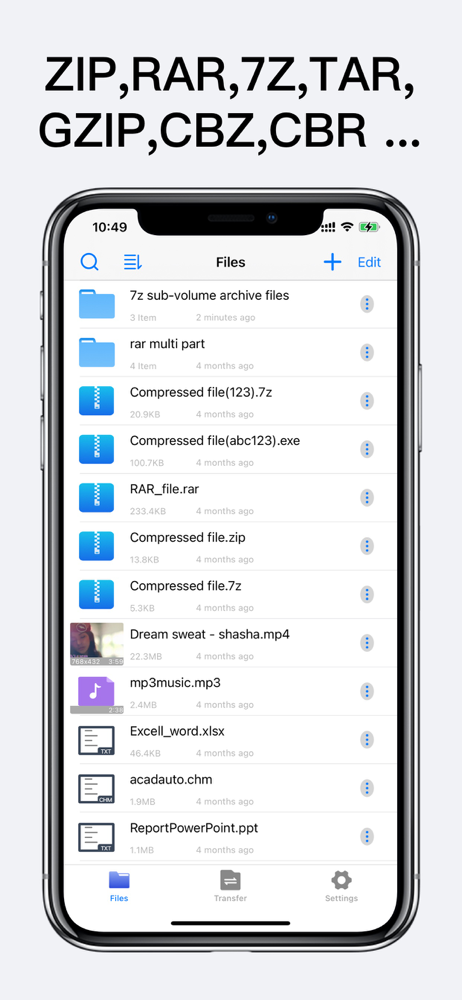
Unzip is a powerful zip file opener and extractor. Easily extracts ZIP, RAR, 7Z, TAR, GZIP, and other archive formats. Supports creating encrypted ZIP...


