
Check the acquisition promise
Read the store headline, screenshots and description. What problem is the app promising to solve?
Study the storefront ↗
RAJAMRAGHU TECH · iOS
Explore the ad evidence, study the storefront, and build your next acquisition hypothesis.
01 / Creative research
Read the store headline, screenshots and description. What problem is the app promising to solve?
Study the storefront ↗Explore apps with direct store-link matches. Compare their hooks and formats without assuming the same approach works here.
Browse observed advertisers ↗Store rankings and revenue estimates describe market context. They do not establish ad spend, conversions or ROAS.
Review the market context ↗02 / Storefront & product
Study the product story and store experience behind the acquisition funnel.

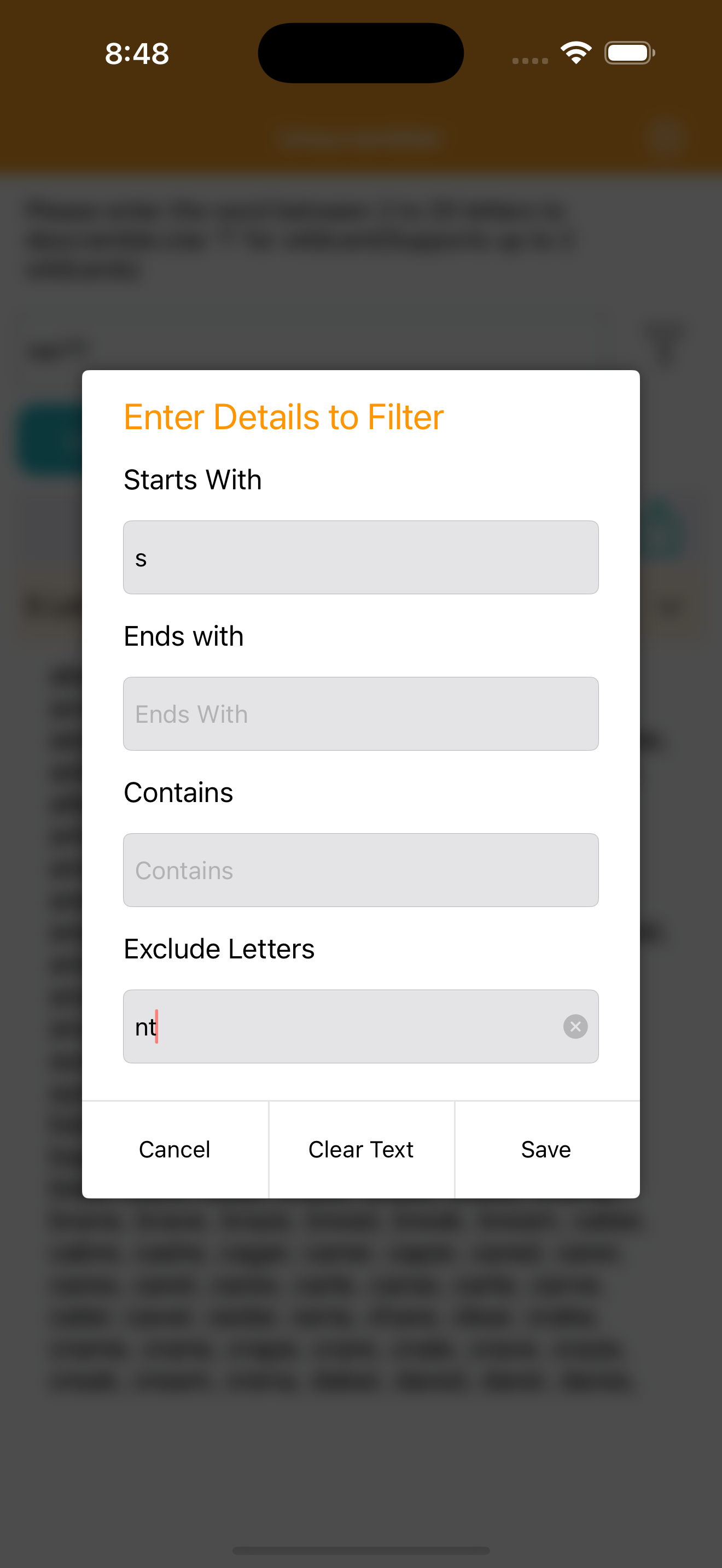
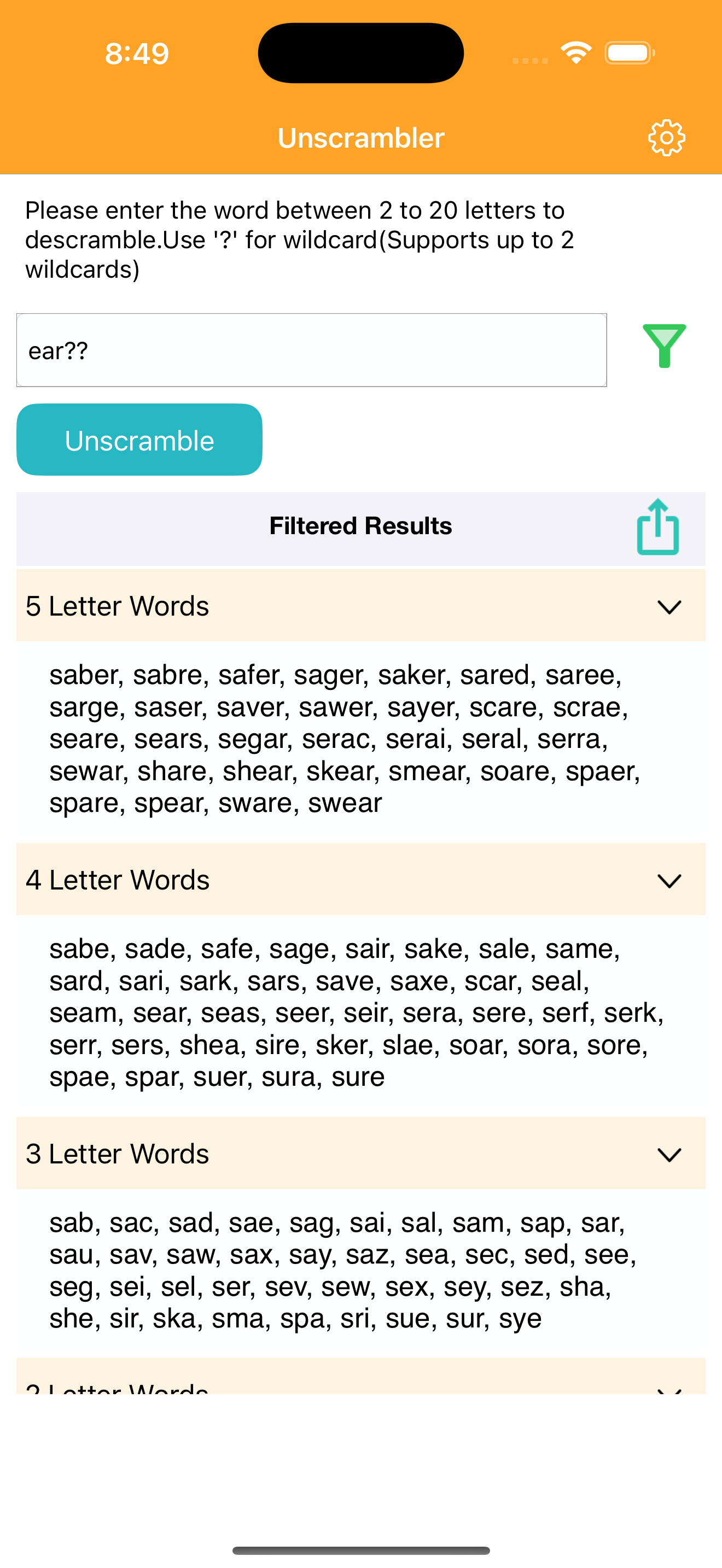


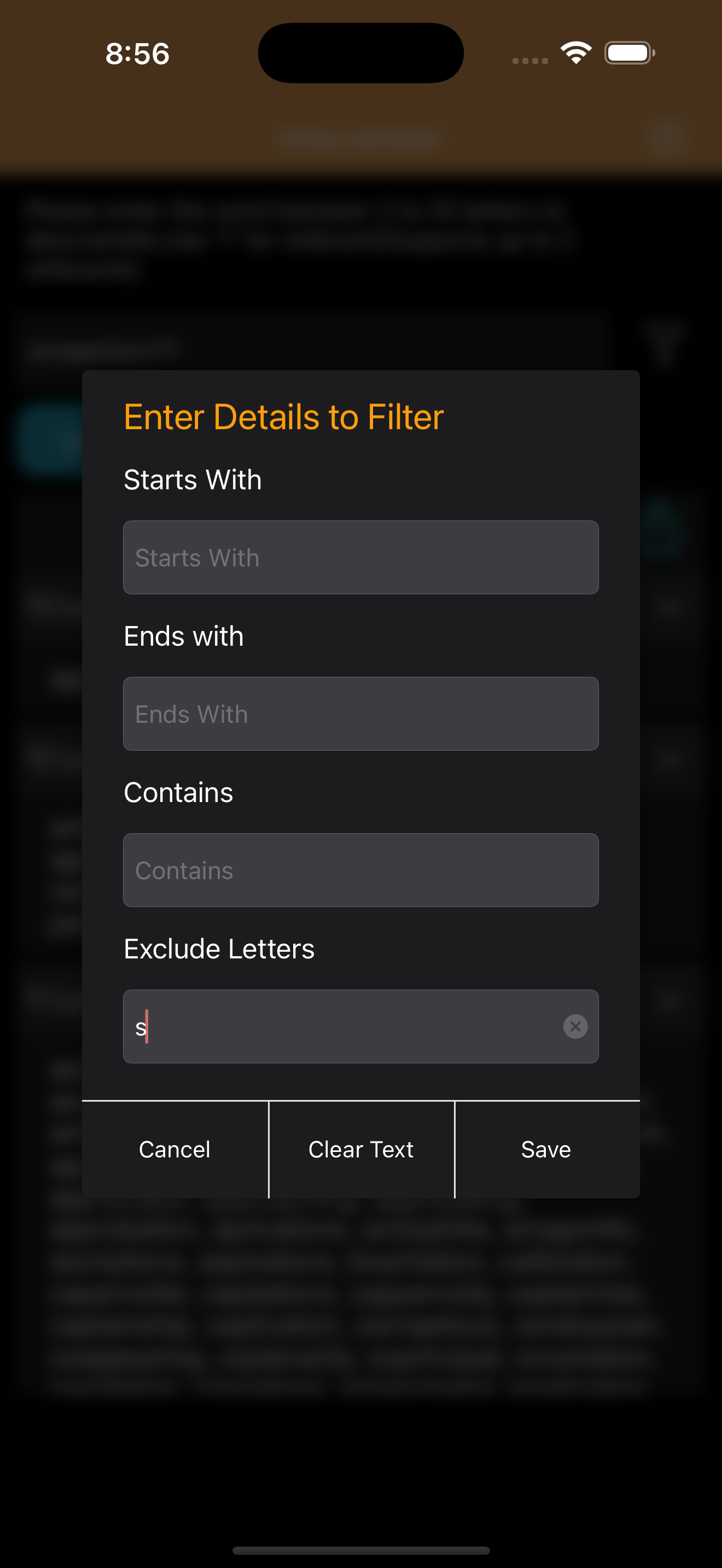
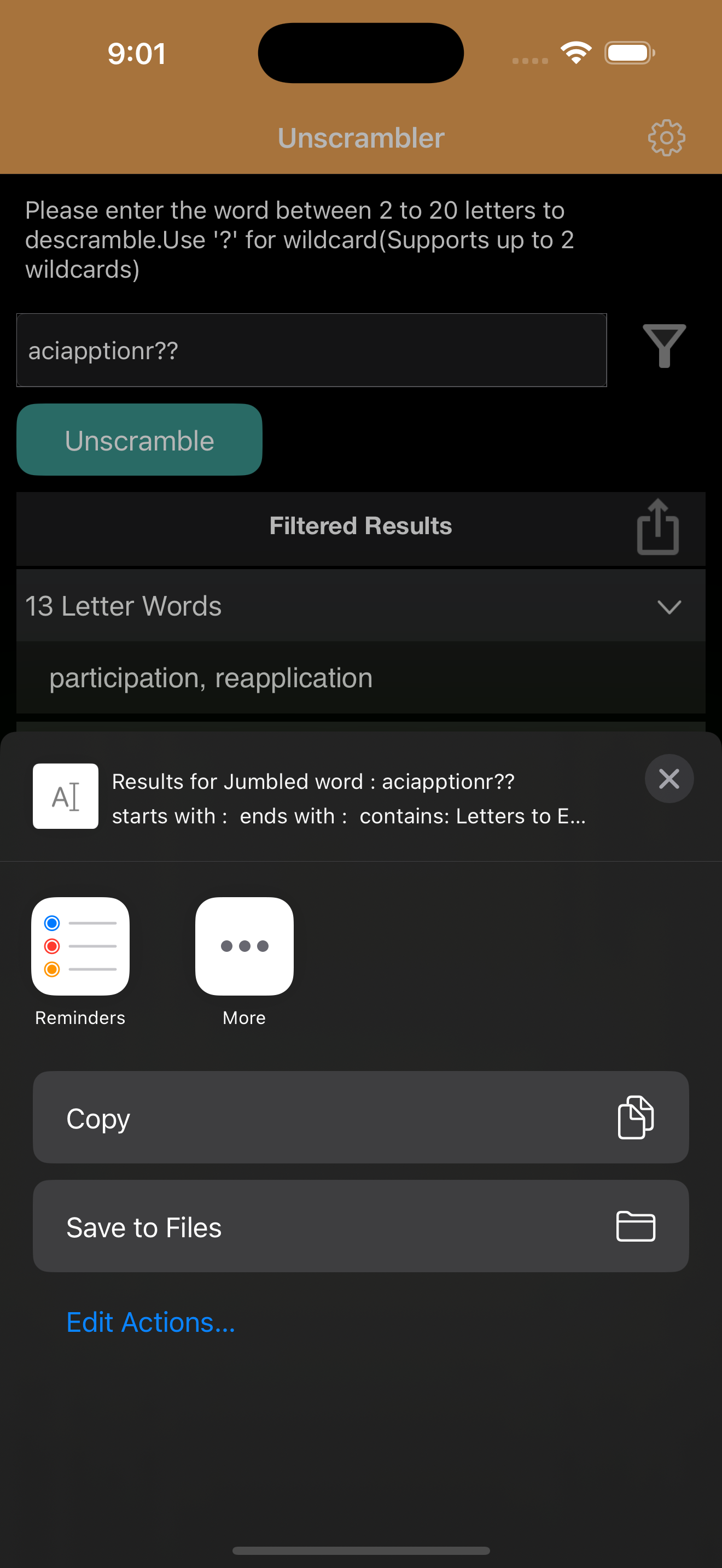

03 / Market context
Keep revenue, downloads and store rankings separate from advertising performance.
What has changed is the word being erased when I go back and forth to see which letters I need to put in and descramble. It will started acting up with the last update. I put in my letters, go to my word game and then back to the scrambler and letters are gone..
I use this app all the time and it’s very helpful but my one complaint is that there is no way to see what dictionary it uses. It would also be cool if there was a way to change between popular dictionaries used
Since today's update, the app screen won’t auto-rotate even when my iPad rotation isn’t locked. I use the app a lot and generally like it quite well but it needs to rotate. And one other thing, the app needs to allow for two wild card letters (shown with a ?), not just one. Please consider this and fix the rotation issue! UPDATE! Received a reply from the developer and the auto-rotate feature has been corrected. Thanks! A two wildcard feature will be considered for a future release. Again, thanks!
Ever found yourself staring at a jumble of letters, unable to make sense of them? Welcome to Unscrambler-Word — the smart and easy way to uncover real...


