Check the acquisition promise
Read the store headline, screenshots and description. What problem is the app promising to solve?
Study the storefront ↗
Golden Hill Software · iOS
Explore the ad evidence, study the storefront, and build your next acquisition hypothesis.
01 / Creative research
Read the store headline, screenshots and description. What problem is the app promising to solve?
Study the storefront ↗Explore apps with direct store-link matches. Compare their hooks and formats without assuming the same approach works here.
Browse observed advertisers ↗Store rankings and revenue estimates describe market context. They do not establish ad spend, conversions or ROAS.
Review the market context ↗02 / Storefront & product
Study the product story and store experience behind the acquisition funnel.


03 / Market context
Keep revenue, downloads and store rankings separate from advertising performance.
I’ve been an avid and mostly happy NewsBlur user for over a decade. Despite my enthusiasm, zero percent of the friends I recommended it to declined to adopt it due to the complexity of the UI. Their loss, but there are issues to be sure. So when I recently discovered that I could continue using NewsBlur with my nearly 500 subscriptions I was intrigued. Now, after a week of using Unread as a front end I am quite happy. The Unread UI is clean and orderly, and the performance (once my recent articles have been refreshed) is good. I confess I’ll miss having each feed’s icon displayed, and I also lose all of the training I’ve done on NewsBlur. But Unread renders my articles better (after tuning with the Display option, which is brilliant) which eliminates some of the frustrations with NewsBlur. I’ll probably continue to rely on NewsBlur, at least for a while, to avoid the drudgery of copying all my subscriptions over to Unread. This was a great find!
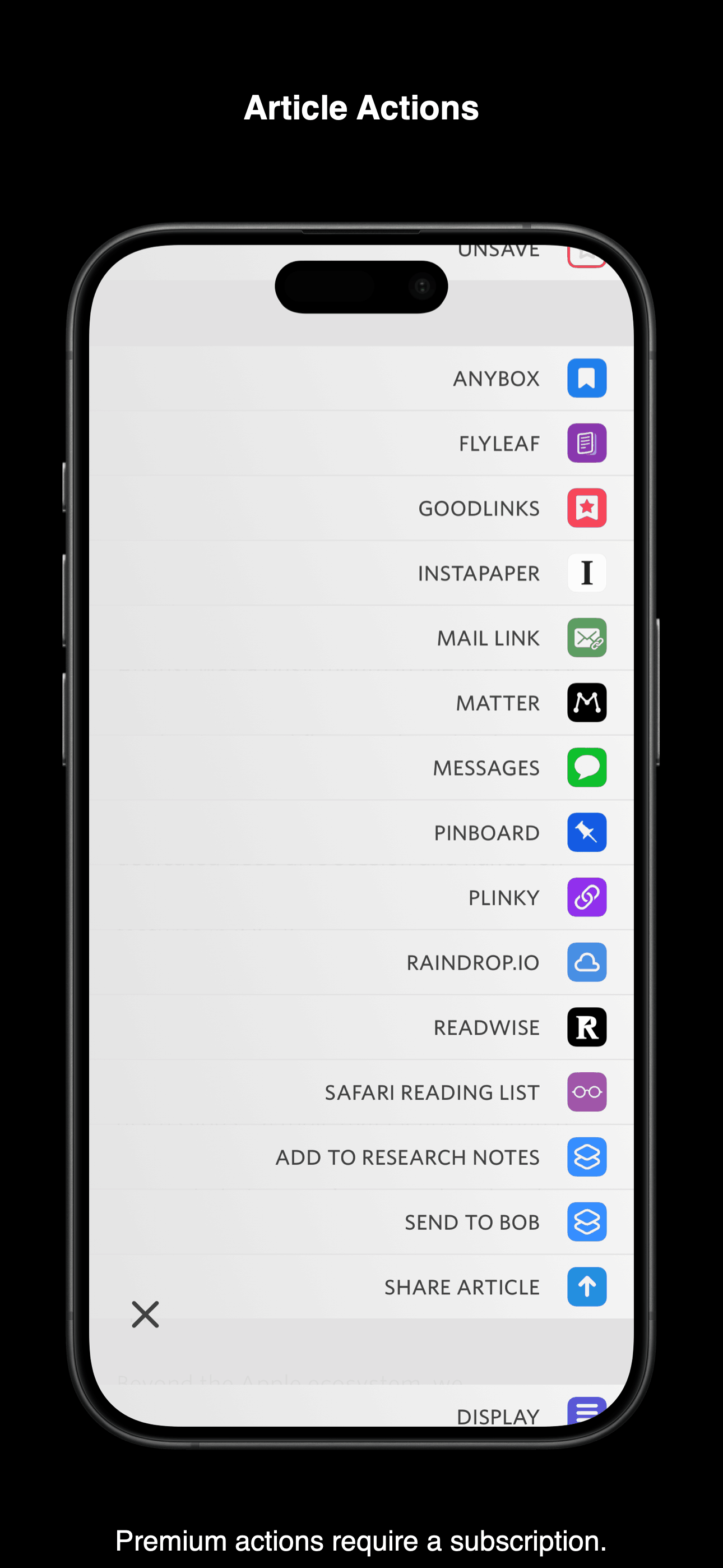
I tried Unread before and it didn’t stick. After getting off Twitter and wanting a healthy way to stay well-informed I returned to RSS. A key feature for me is pinning to Pinboard. Unread’s ability to add quick actions on article selection is phenomenal and allows me to streamline my pinning process. Further, full screen reading mode is something I didn’t even know I wanted, but now I can’t live without. Blocking out distractions, I find that full screen keeps me more focused on the material at hand. 100% I can recommend Unread over any other RSS app in the store, particularly Reeder which is, in my opinion, it’s main contender.
As someone who currently owns or has owned every RSS reader in the App Store I will tell you that Unread ranks as one of the top three. It will be number one of those three depending on your reading tastes. To put it bluntly Unread provides the best reading experience of any RSS reader out there period. The way it handles formatting of text and content is simply amazing. Unread is what I would call “Low and slow”. It’s a minimalist interface (Which I love). It is designed for you to lay back on your couch and just enjoy reading high quality content from high quality websites and blogs. Unread is not the RSS reader for Power users or somebody that has hundreds of feeds that they are trying to organize and plow through content (Although I have 160 feeds and Unread still does this for me masterfully). The developer is RESPONSIVE!!! This is so critical in any app I review. John is not only an amazing developer but also you can tell he genuinely cares about Unread and his user bases experiences. He takes feedback and he actually implements the feedback that aligns with the app philosophy. There are other readers with more features. But this reader has the RIGHT features to ensure an excellent reading experience. I am excited for future improvements because I know they will be done right. Well worth the investment. Easiest $20 I ever spent.
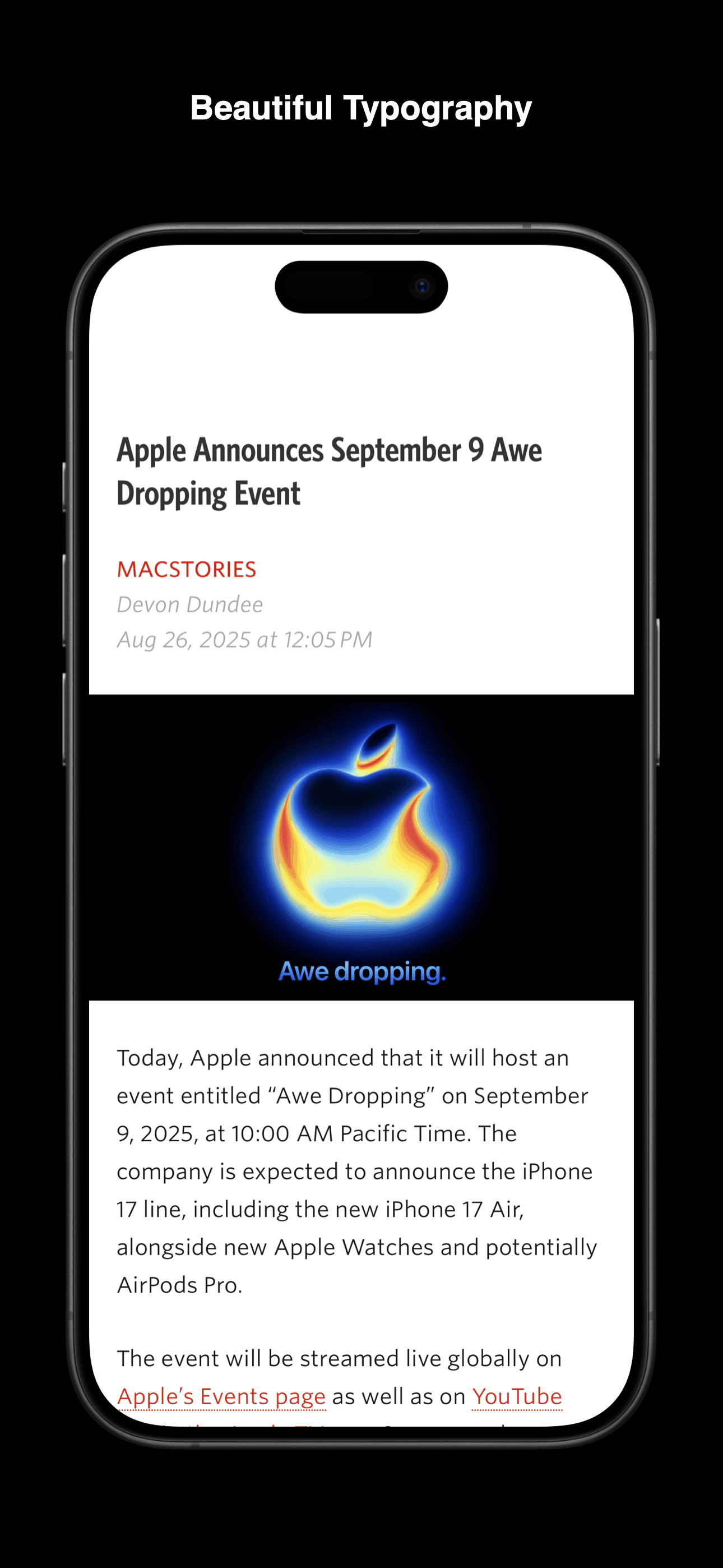
Rediscover the joy of reading your favorite writers and publications with Unread. Unread is an RSS reader with beautiful typography, comfortable gestu...
| Name | Price | Type |
|---|---|---|
| Unread Monthly Subscription | $4.99 | Monthly |
| Unread Annual Subscription | $29.99 | Yearly |
| Unread: Free first year | $29.99 | Yearly |
| Unread: Discounted first year | $29.99 | Yearly |