Check the acquisition promise
Read the store headline, screenshots and description. What problem is the app promising to solve?
Study the storefront ↗
Unistellar · iOS
Explore the ad evidence, study the storefront, and build your next acquisition hypothesis.
01 / Creative research
Read the store headline, screenshots and description. What problem is the app promising to solve?
Study the storefront ↗Explore apps with direct store-link matches. Compare their hooks and formats without assuming the same approach works here.
Browse observed advertisers ↗Store rankings and revenue estimates describe market context. They do not establish ad spend, conversions or ROAS.
Review the market context ↗02 / Storefront & product
Study the product story and store experience behind the acquisition funnel.





03 / Market context
Keep revenue, downloads and store rankings separate from advertising performance.
the only way to get it to run orientation is by connecting to the scope and then turning my phone off into airplane mode for a second and then turning it back on. if this doesn’t crash the app, then and only then does the prompt that lets me run telescope orientation appear. this is a $5000 telescope. i shouldn’t have to have to find this insane work around for the software everytime i want to use it. additionally the oriention is wrong about 30% of the time and i have to start the whole thing over or it will attempt to go in the opposite direction to find objects i can see with my naked eye. actively looking for a new telescope to run my astro tours because this one has let me down for over a year now. Update: Developer has commented on this post and all the other recent poor reviews asking for a bevy of information. I gave a detailed account of what I have to do to make it work and many of the other reviews express their encountered problems. With the amount of negative recent reviews developer should have all the information necessary to realize they need to make serious corrections to the UI.
I was an early adopter and ordered my scope durning the kickstarter. After waiting very impatiently for my telescope, I was rewarded with views of the sky that I only dreamed of with my previous telescopes. I absolutely love the design and capabilities. The only problem….. it makes me want more. The ability to see nebulas in full color, star clusters, planets and more has been very exciting for me and I’ve had many compliments and wows from friends and strangers. So far the software has worked quite well for me. I’ve not experienced any issues. The addition of the planet mode was a welcome addition, and now being able to track the sun is a cool plus too. I’d like to see a few additions that shouldn’t be to hard to add in future upgrades. *I’d love to be able to store custom targets. I navigated to an Einstein Cross, which took a good bit of star hopping. It would be awesome to store that target for future viewing. *Also adding a mosaic mode would be a long awaited addition. It can be done manually, but is a lot of work stitching the picture together. *A picture editing feature built into the software would be nice. Not necessary, but it’s nice to stay inside the one program when you can.
I love my evscope! I heard about it when it was in the kickstarter phase and I’m so glad I purchased one. It’s amazing to have deep sky photos right on my phone without needing the separate software to process them. The only thing that could make this better is if they developed the app to work on laptops so you could get larger images. The images are great on your phone but they don’t look as good on larger screens. For the developers: I don’t know how to report app issues but I seem to be having an issue with the enhanced vision feature ever since the latest update. When I use it, after 16 seconds I get one of three messages: enhanced vision dropped, enhanced vision dropped check bubble level, enhanced vision dropped vibration detected. However, it’s still in enhanced mode it’s just not capturing anymore it seems to be frozen at the 16 second mark. I have to turn off enhanced vision manually or it stays stuck there. The pictures save only after I manually turn it off and not when I get the enhanced vision dropped messages. I make sure the telescope is level, on solid stable ground, and I don’t let anyone walk within 4 feet of it. This started after the latest update. I tried uninstalling the app and reinstalling and I make sure I upload the data from the scope before each use. Any help on fixing this would be greatly appreciated! Thanks!
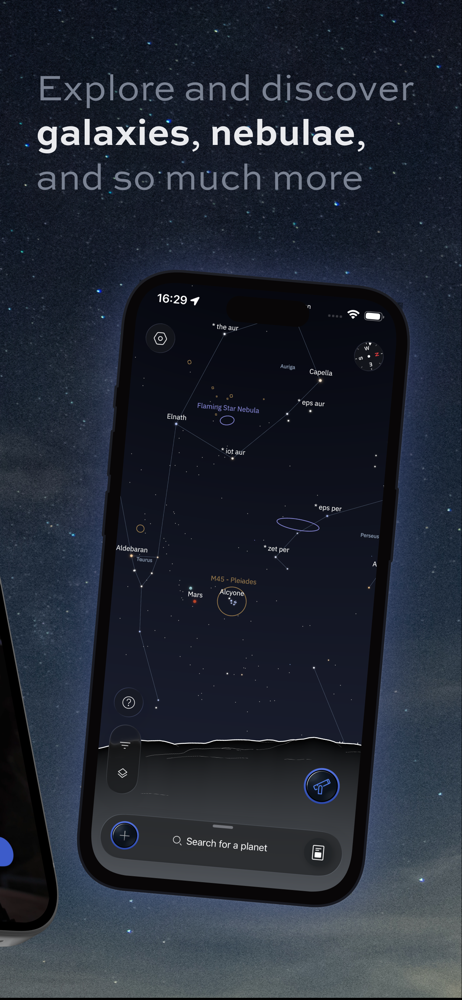
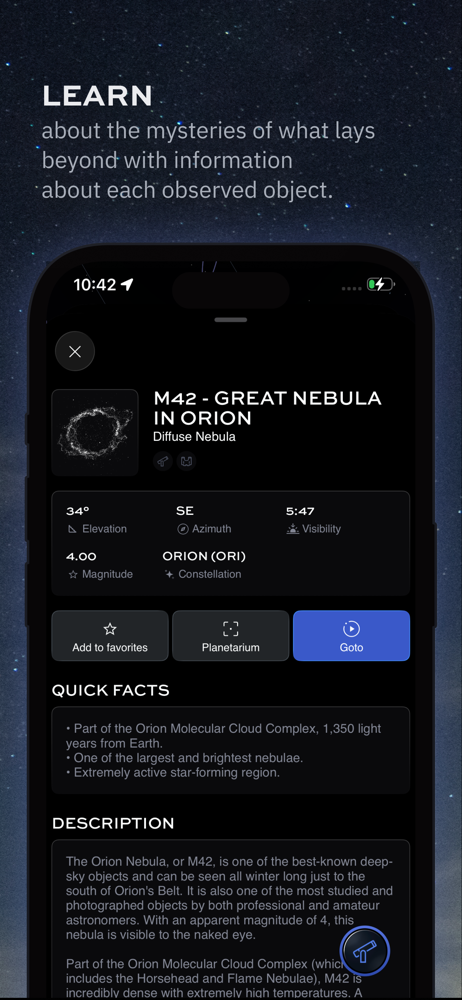
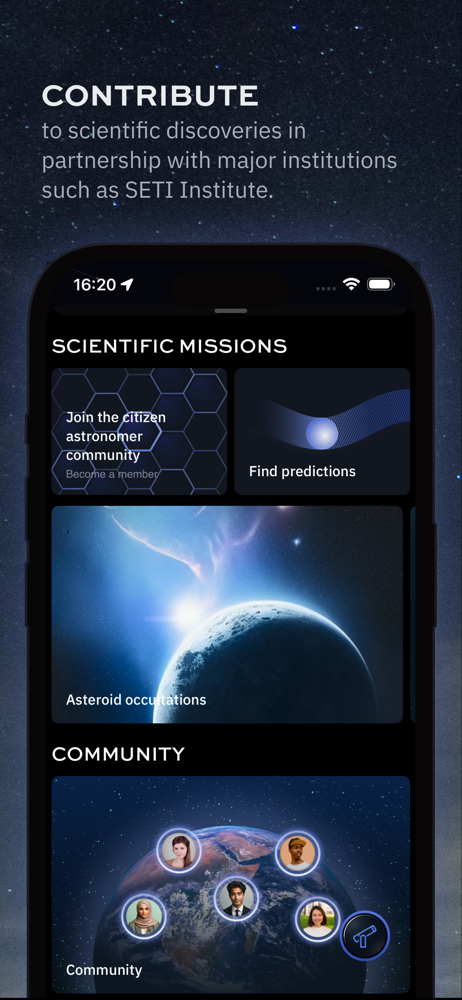
The Unistellar App is your command center for all Unistellar telescopes, designed to help astronomers explore the cosmos with ease. 1. Control your t...