
Check the acquisition promise
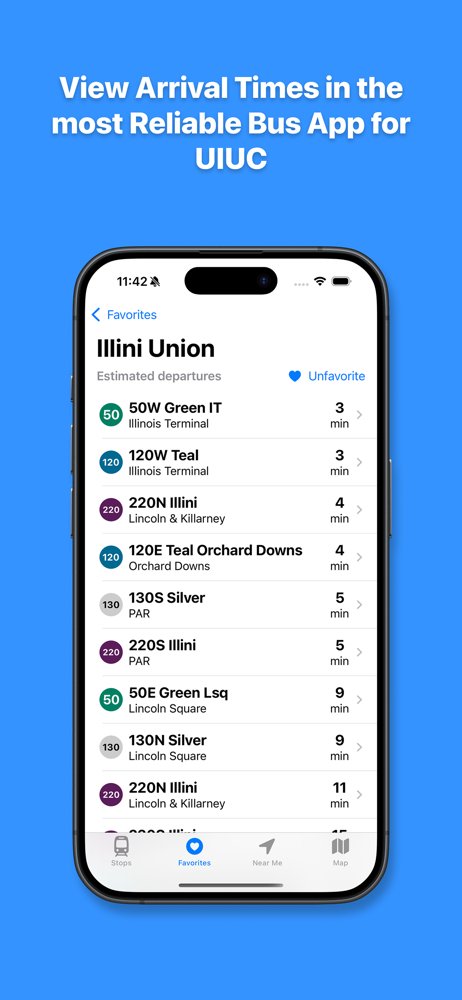
Read the store headline, screenshots and description. What problem is the app promising to solve?
Study the storefront ↗
Rishi Masand · iOS
Explore the ad evidence, study the storefront, and build your next acquisition hypothesis.
01 / Creative research
Read the store headline, screenshots and description. What problem is the app promising to solve?
Study the storefront ↗Explore apps with direct store-link matches. Compare their hooks and formats without assuming the same approach works here.
Browse observed advertisers ↗Store rankings and revenue estimates describe market context. They do not establish ad spend, conversions or ROAS.
Review the market context ↗02 / Storefront & product
Study the product story and store experience behind the acquisition funnel.


03 / Market context
Keep revenue, downloads and store rankings separate from advertising performance.
update: thankfully the developer responded to our feedback and brought the features back! This was by far the best transit app for uiuc, but my phone automatically updated it last night and it got rid of everything that made it good. Now the screens are very cluttered, the bus routes don’t show the stops, they don’t show your location, and there’s no manual refresh. Please roll back this update :(
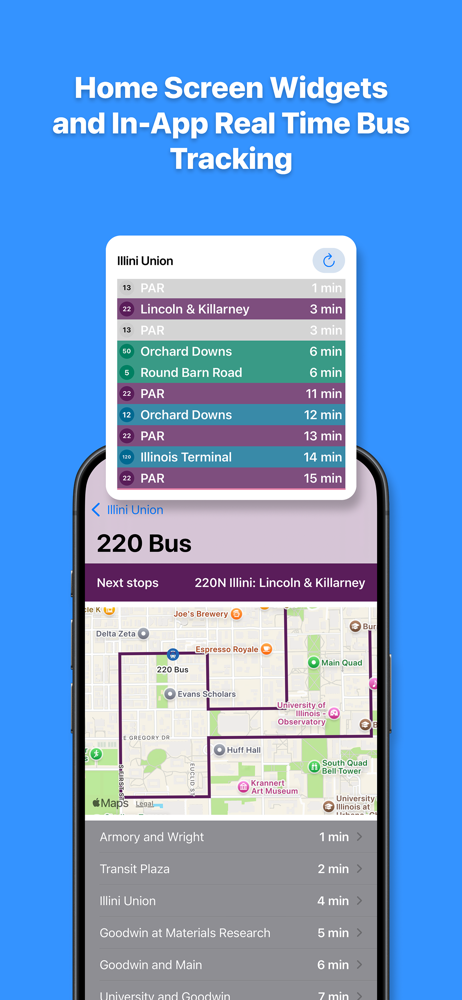
The new version does indeed give a cleaner look. Yet, it removed some of the critical functionalities that made this my preferred app compared to the official app Transit. Top of which are the refreshes. You used to be able to swipe down to refresh the page in the stop view, with visual cues when the refreshing is done. So is the case in the individual bus location page with the visible refresh button. All of that is gone now, and I have no way of knowing whether the data is the most current. The current map is also not zoomed into the actual bus location, and instead shows the full route. For long routes like 1 or 6, you cannot tell immediately where the bus is, and you need to zoom in manually to the bus location. It’s just… from my point of view, unnecessary, compared to what was the case. Click the route, map zooms in to exactly where the bus is, done. I just think the previous version, even though the UI may not be the most up to date, it’s still the better version compared to the new.
When I first moved here in the fall the app worked wonders but now it misses the mark and I’m usually sitting out in the cold waiting for a bus that already came or wasn’t on there way. Not sure why this happened and if it is a seasonal issue but it is disappointing to say the least.
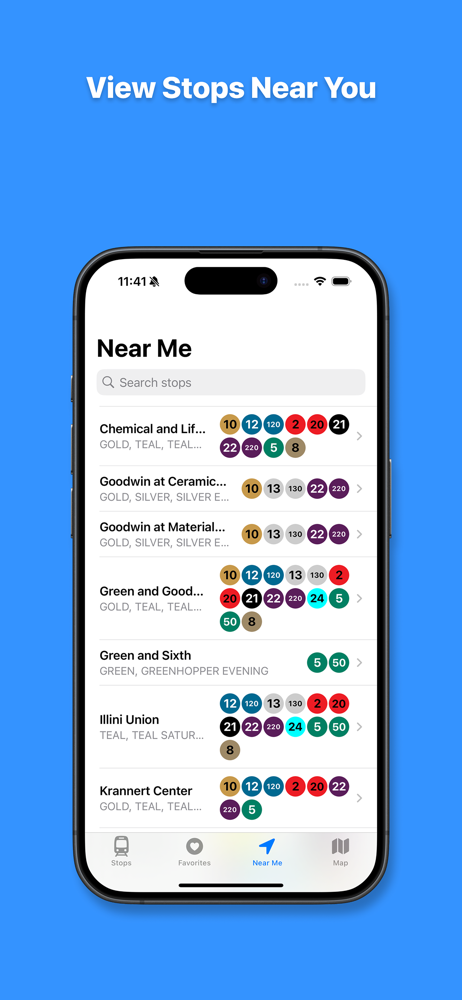
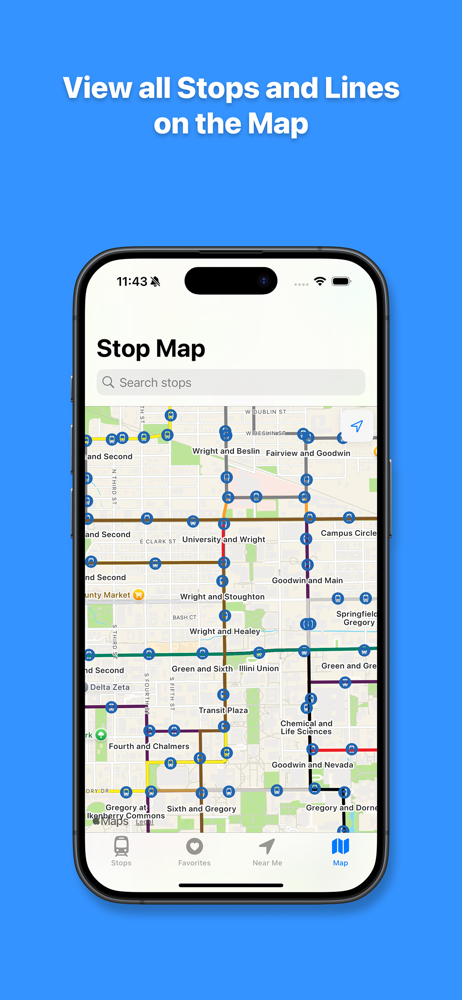
Get around the UIUC campus and the Champaign-Urbana area easily and efficiently with UIUC Bus! UIUC Bus provides real-time information about bus stop...


