Check the acquisition promise
Read the store headline, screenshots and description. What problem is the app promising to solve?
Study the storefront ↗
LG Uplus · iOS
Explore the ad evidence, study the storefront, and build your next acquisition hypothesis.
01 / Creative research
Read the store headline, screenshots and description. What problem is the app promising to solve?
Study the storefront ↗Explore apps with direct store-link matches. Compare their hooks and formats without assuming the same approach works here.
Browse observed advertisers ↗Store rankings and revenue estimates describe market context. They do not establish ad spend, conversions or ROAS.
Review the market context ↗02 / Storefront & product
Study the product story and store experience behind the acquisition funnel.



03 / Market context
Keep revenue, downloads and store rankings separate from advertising performance.
몇년째 해결이 안되는거면 너무 심한거아닌가요? 앱 삭제후 재설치해도 비밀번호만 입력하면 고객센터에 문의하라는 팝업만 뜨고 대체 이용을 어떻게 하라는건가요? 로그인 시스템에 문제가 있는거 아닌가요 리뷰 훑어보니까 전부 같은 내용의 오류인것같은데 사용자보고 오류화면 보내달라고 하지말고 개발팀에서 직접 ios기기 가지고 테스트해보시는게 빠를거같은데요
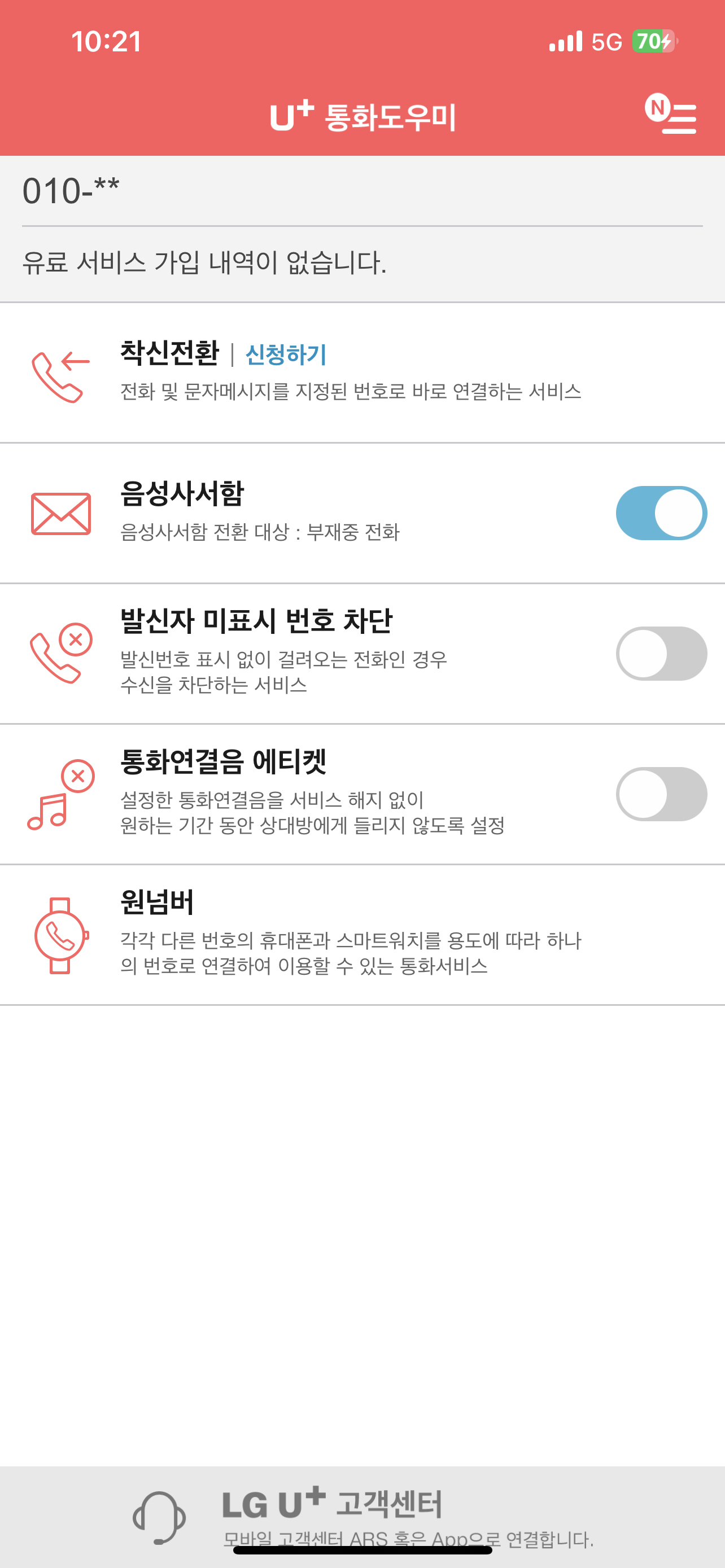
착신전환 할때마다 4개의 화면을 무조건 거쳐야하고 최근 선택한 번호라던지 자주쓰는 번호가 없어서 매번 눌러줘야 하는 불편함이 있습니다. 안드로이드는 즐겨찾기 쓰니까 메인화면에서 그냥 ON/OFF만 해도 되어서 좋은데 아이폰은 너무 불편하네요. 안그래도 매번 와이파이 끄는것도 너무너무 불편한데 설정방법도 복잡하니 꽤나 스트레스 입니다 ㅠㅜ
아이폰은 도대체 어디서 가입해야함? 홈페이지도 안되고
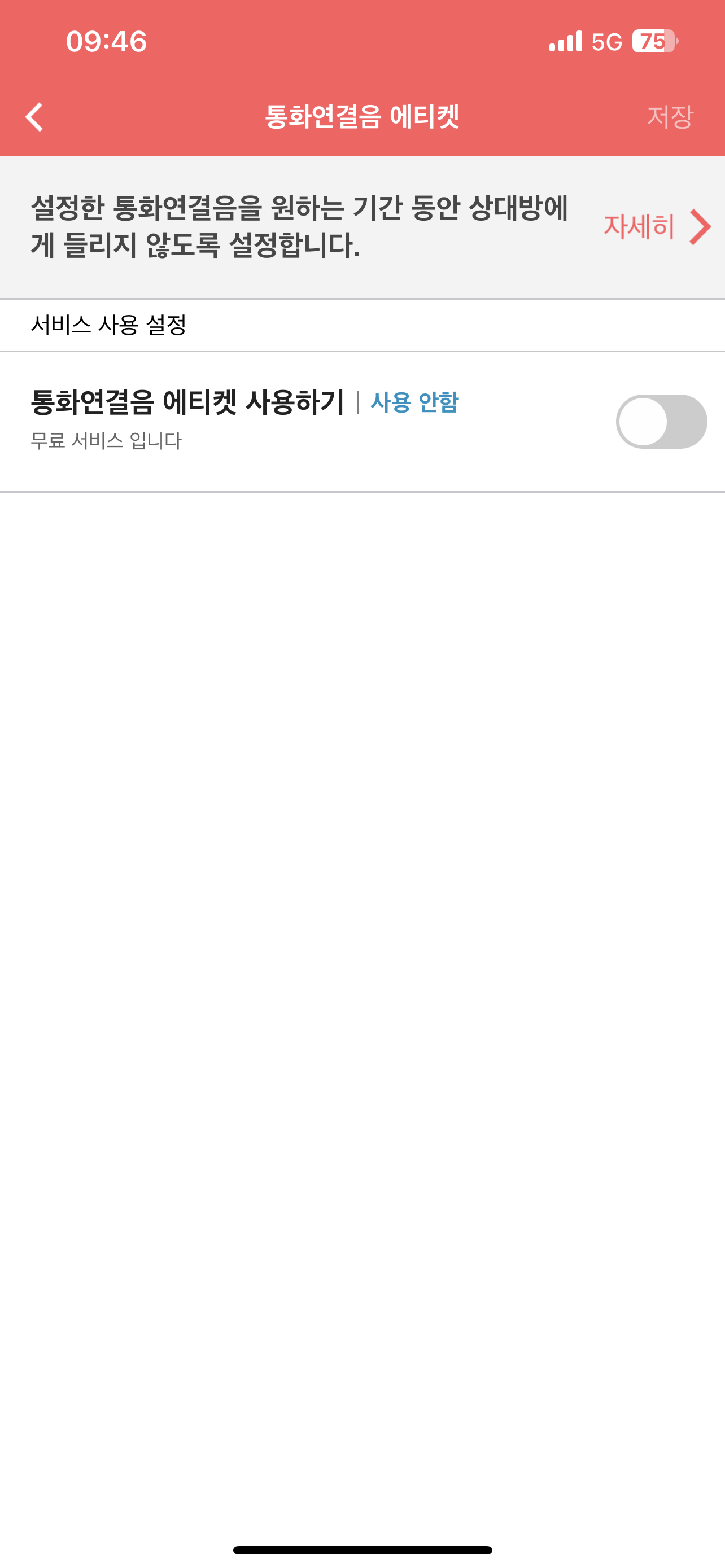
■ U+ 고객을 위한 통화용 필수 어플 ‘통화도우미’는 통화와 관련된 서비스에 대해 제어 및 조회 기능을 제공합니다. 이제부터는 휴대폰 필수적인 서비스의 설정을, 몇 번의 터치로 끝내세요 ※ 정보이용료 / 데이터 통화료 : 무료 ■ U+통화도우미 주요 제공 기능...