
Check the acquisition promise
Read the store headline, screenshots and description. What problem is the app promising to solve?
Study the storefront ↗
FX DATA SP Z O O · iOS
Explore the ad evidence, study the storefront, and build your next acquisition hypothesis.
01 / Creative research
Read the store headline, screenshots and description. What problem is the app promising to solve?
Study the storefront ↗Explore apps with direct store-link matches. Compare their hooks and formats without assuming the same approach works here.
Browse observed advertisers ↗Store rankings and revenue estimates describe market context. They do not establish ad spend, conversions or ROAS.
Review the market context ↗02 / Storefront & product
Study the product story and store experience behind the acquisition funnel.


03 / Market context
Keep revenue, downloads and store rankings separate from advertising performance.
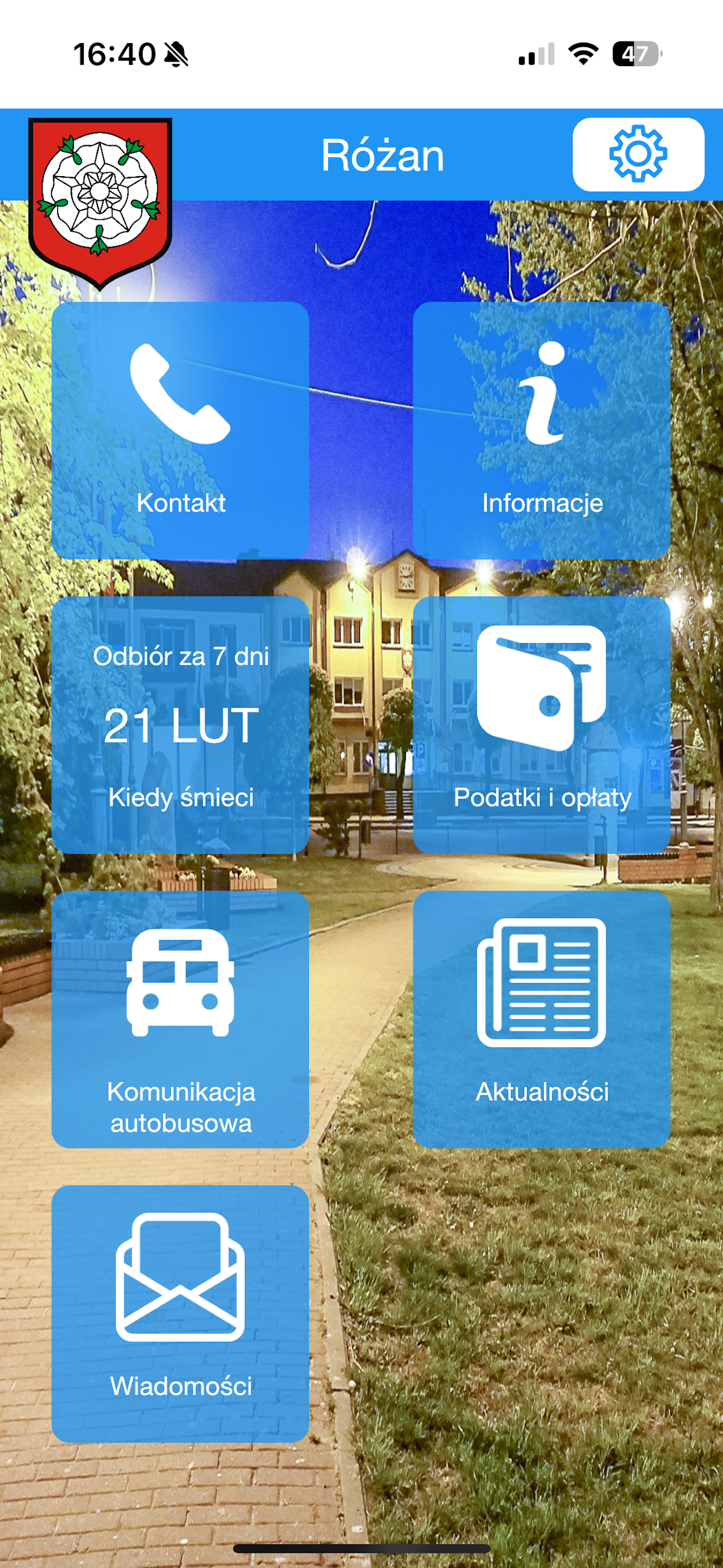
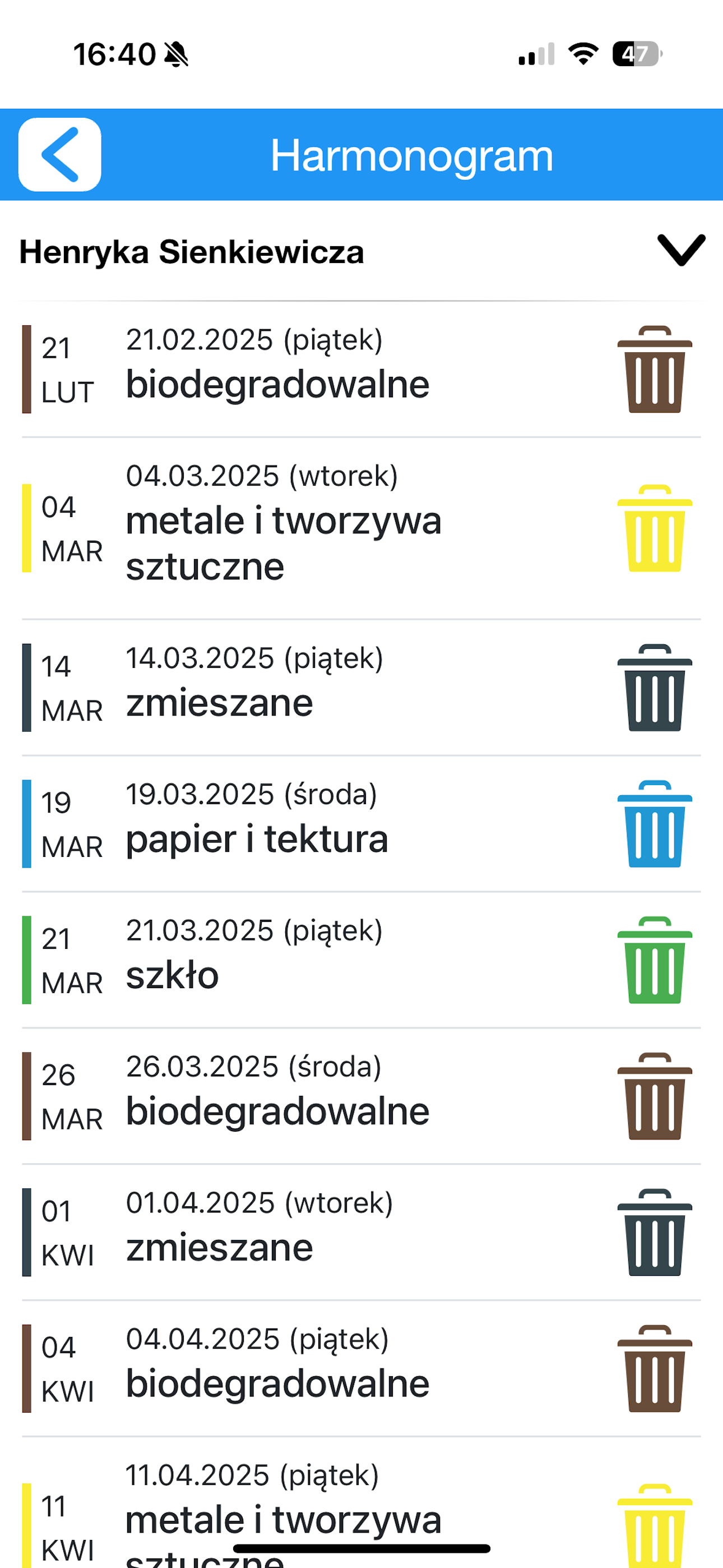
W dniu jutrzejszym mam 3 odbiory: zmieszane, plastiki i papier. Dostaje 3 powiadomienia ale żadne nie zawiera szczegółów. Po kliknięciu na jedno - otwiera się aplikacja na głównym ekranie, muszę kliknąć na kafelek „Kiedy śmieci” a potem na kafelek „Harmonogram”. Po co tak? Co za nonsens. Powinno być jedno zgrupowane powiadomienie z dokładną informacją, że jutro “plastik, papier i zmieszane”, a po kliknięciu - wchodzę bezpośrednio w Harmonogram, bo przecież tego dotyczy powiadomienie. Poprawcie to, tą nową aplikacja jest gorsza (cięższa) od poprzedniej. Czy mogę wyłączyć powiadomienie Popiół?
Tu Mieszkam – Twoja codzienna pomoc w mieście i gminie! UWAGA!! Przed zainstalowaniem aplikacji dowiedz się czy jest ona aktywna w Twojej miejscowośc...


