Check the acquisition promise
Read the store headline, screenshots and description. What problem is the app promising to solve?
Study the storefront ↗
Thermaltake Technology Co., Ltd. · iOS
Explore the ad evidence, study the storefront, and build your next acquisition hypothesis.
01 / Creative research
Read the store headline, screenshots and description. What problem is the app promising to solve?
Study the storefront ↗Explore apps with direct store-link matches. Compare their hooks and formats without assuming the same approach works here.
Browse observed advertisers ↗Store rankings and revenue estimates describe market context. They do not establish ad spend, conversions or ROAS.
Review the market context ↗02 / Storefront & product
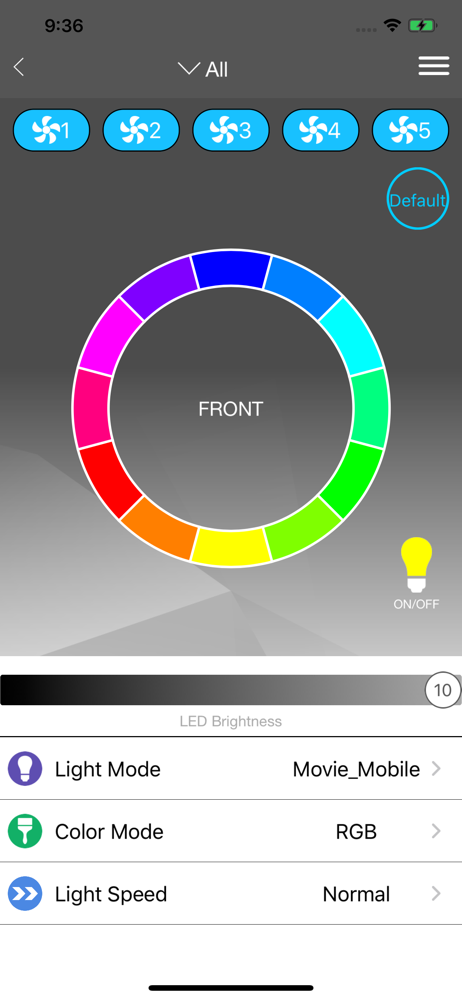
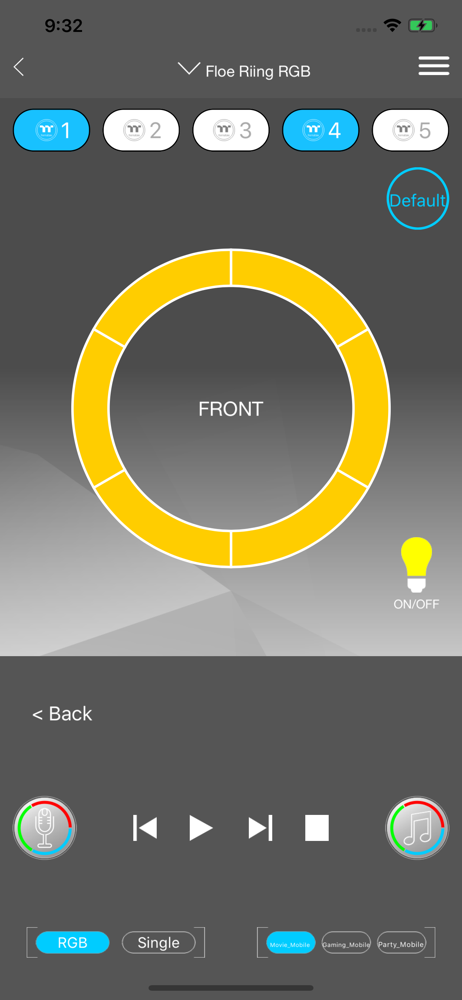
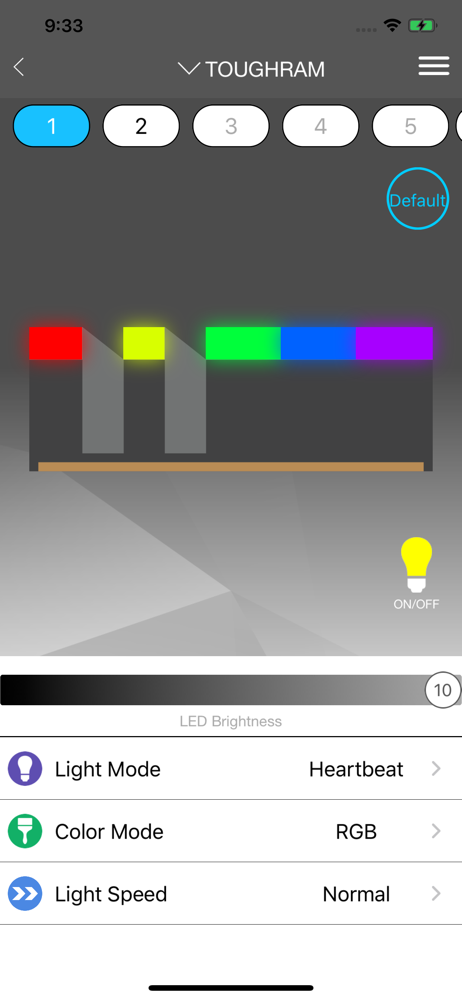
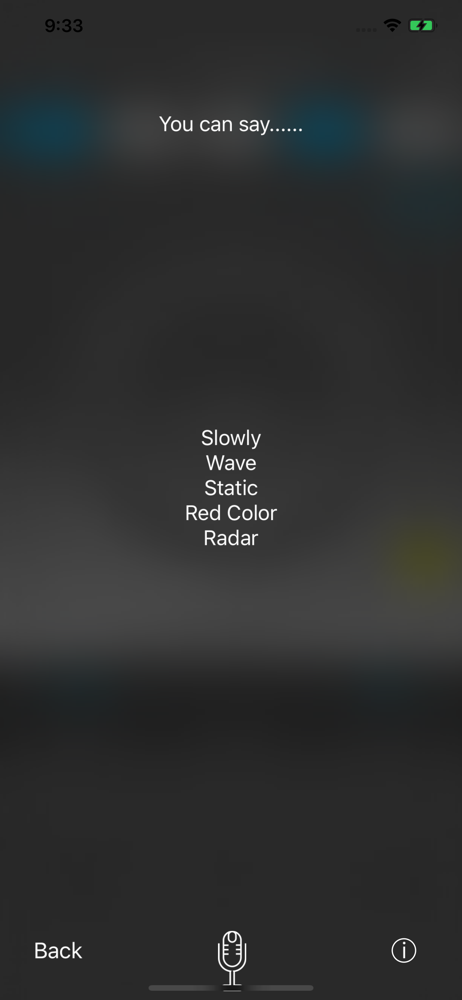
Study the product story and store experience behind the acquisition funnel.

03 / Market context
Keep revenue, downloads and store rankings separate from advertising performance.
Went through the process of allowing access through my firewall. My desktop shows up in the list, but when I click on it is when the app just closes. I can make changes to the fans in the system software side but not through the iOS app. Love these fans and have been using them for a couple years now. The app on the other hand has been a bit of a struggle.
Nothing special it connects to my pc and let’s me change color. Would be nice to be able to adjust fans from it but not a deal Breaker
(1) On your PC, hit the Windows key, or open the Start menu, and type "firewall". (2) Select "Allow an app through Windows Firewall". (3) Find "tt rgb plus" and/or "tt riing plus rgb" and hit the check boxes for "private" and "public". (4) Open the PC "TT RGB Plus" app and the iOS "TT RGB Plus" app, and it should all work.
TT RGB Plus allows users to connect with a maximum of 16 digital fan controllers which are 80pcs fans. By this way, users can easily adjust the fan RG...