Check the acquisition promise
Read the store headline, screenshots and description. What problem is the app promising to solve?
Study the storefront ↗
Yoko Nishimura · iOS
Explore the ad evidence, study the storefront, and build your next acquisition hypothesis.
01 / Creative research
Read the store headline, screenshots and description. What problem is the app promising to solve?
Study the storefront ↗Explore apps with direct store-link matches. Compare their hooks and formats without assuming the same approach works here.
Browse observed advertisers ↗Store rankings and revenue estimates describe market context. They do not establish ad spend, conversions or ROAS.
Review the market context ↗02 / Storefront & product
Study the product story and store experience behind the acquisition funnel.




03 / Market context
Keep revenue, downloads and store rankings separate from advertising performance.
I want to like this so much. With a few tweaks it'd be perfect. As it stands, it tests my patience every time I use it. Pros, it's simple and easy to use. You can adjust the screen brightness, zoom in and out on the picture. All that is great, but... The other tracing apps want you to pay for them by subscribing to a monthly plan. That's the only reason I didn't give this a 1 star. It truly is free, except it has an ad at the bottom of the screen that pulls up a webpage if you touch it, which you will because it's a tracing app. Make me watch an ad when I open the app. I don't care, but just don't put a clickable ad right in the middle of the screen. At least make the screen lock the ad in place too. You can lock the screen, but I still find myself swiping the screen or tapping the ad or hitting the settings button. I use this for simple line drawings to get the form down. Even doing something as simple as that I am taken out of my drawing two or three times minimum. I want this app, only I want it to completely lock the screen with the only way to unlock is by swiping a sliding bar at the bottom. That's it. So simple. That would be perfect. I will pay money right now for that app.
I just wish there was a way to pay a one time fee to remove the ads so I can use more of my screen at a time.
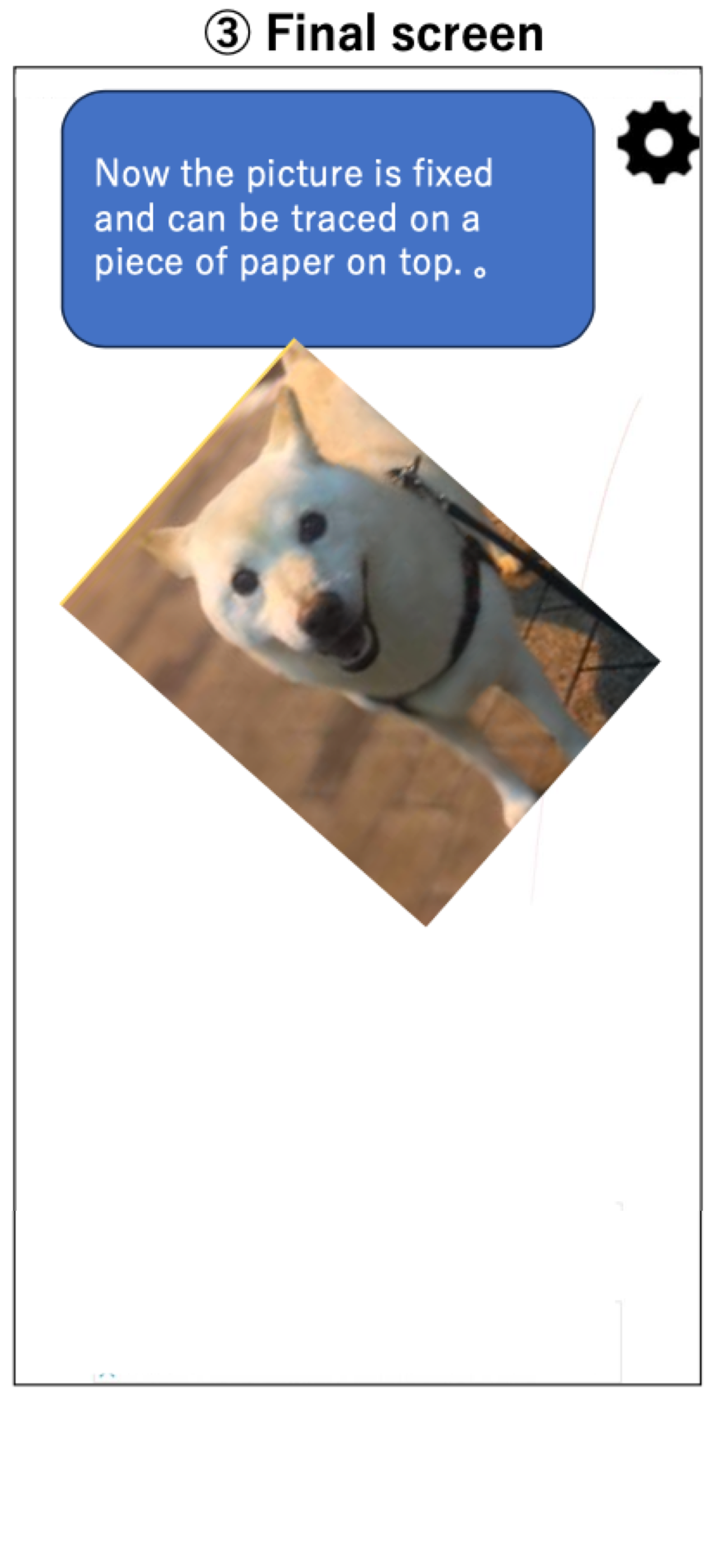
This is EXACTLY what I was looking for in simplicity and functionality. Sometimes I trace the outline of something and then do the details myself later but doing it on my iPad or iPhone is very frustrating because the picture keeps resizing. This app takes care of that. Not only do the images lock in place but you can easily adjust the brightness to make it very very bright. If you’re looking for something simple and effective for tracing using actual paper on your iPad then give this a try.
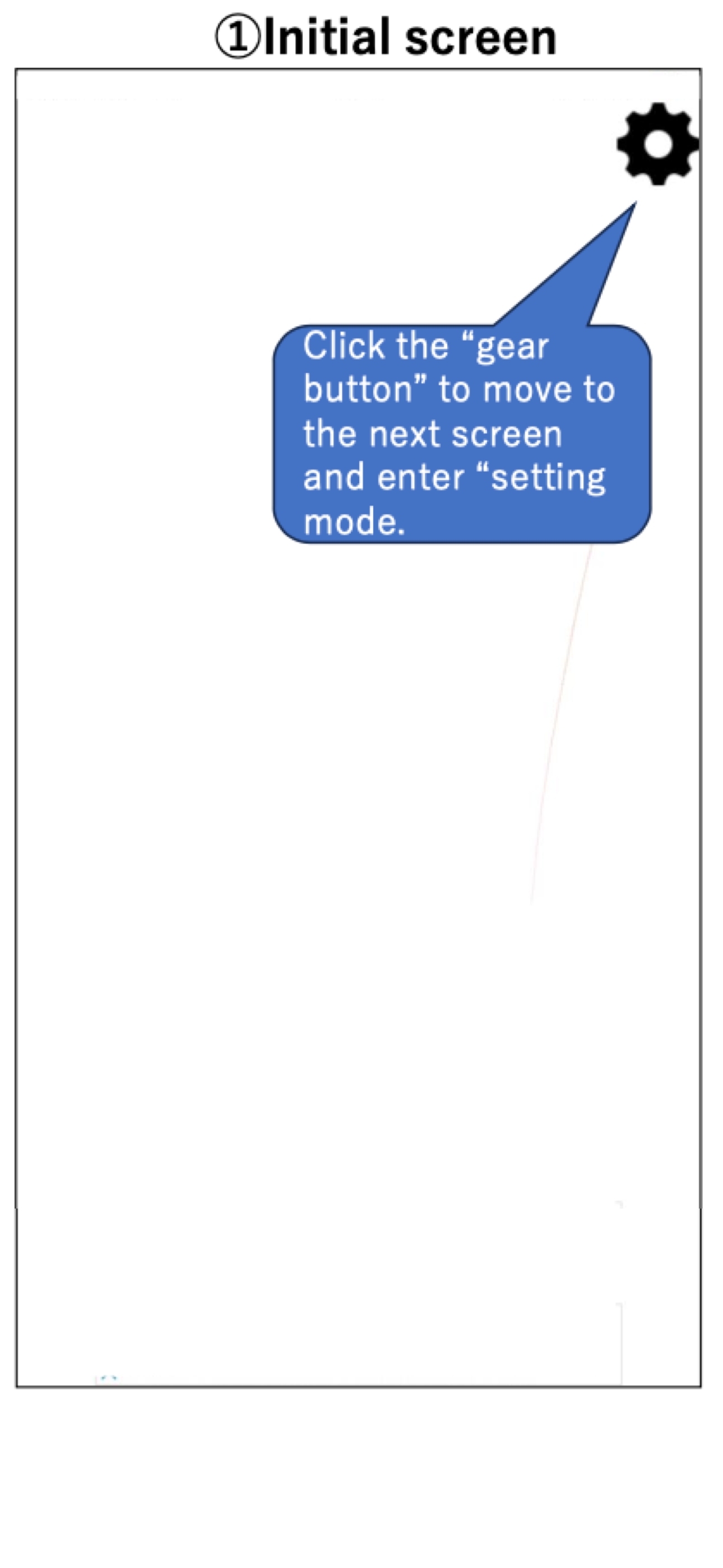
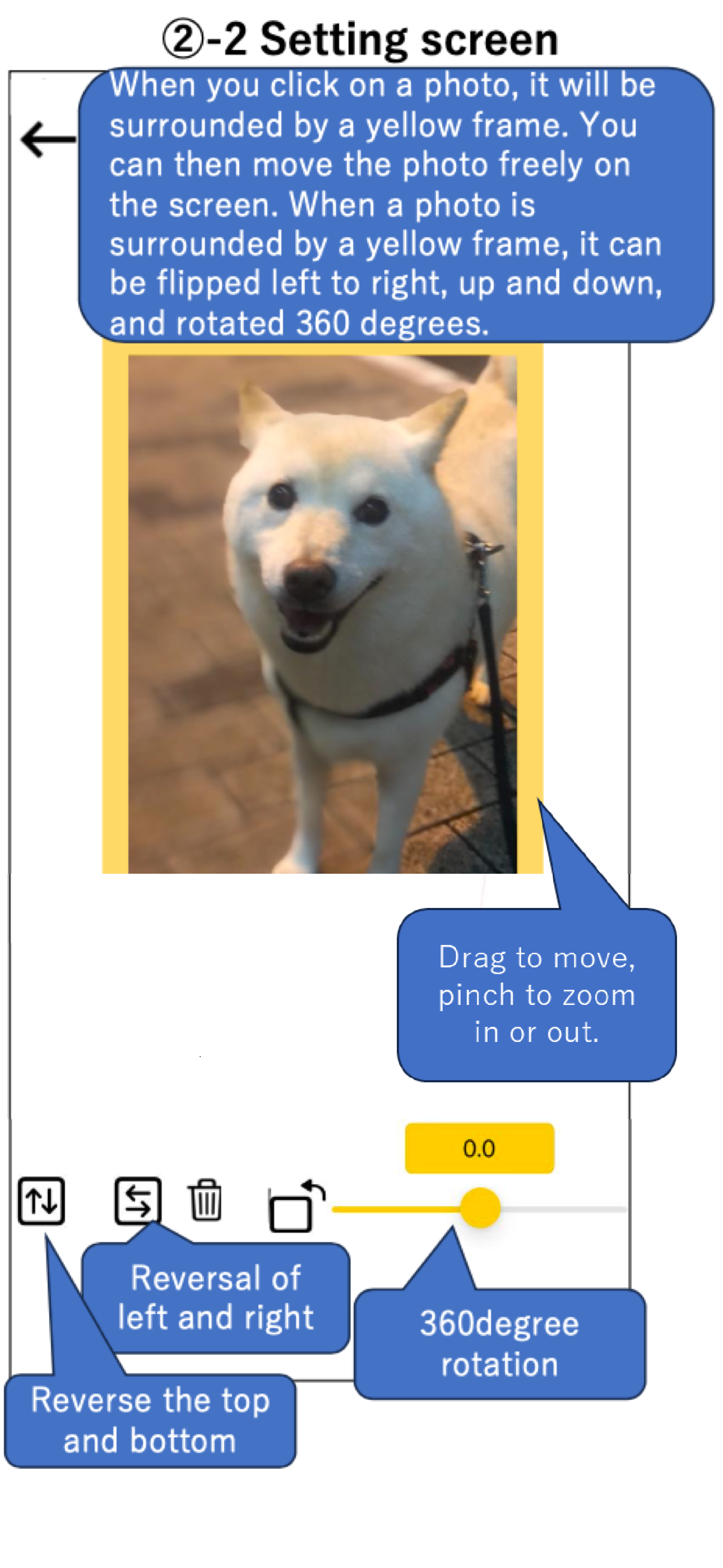
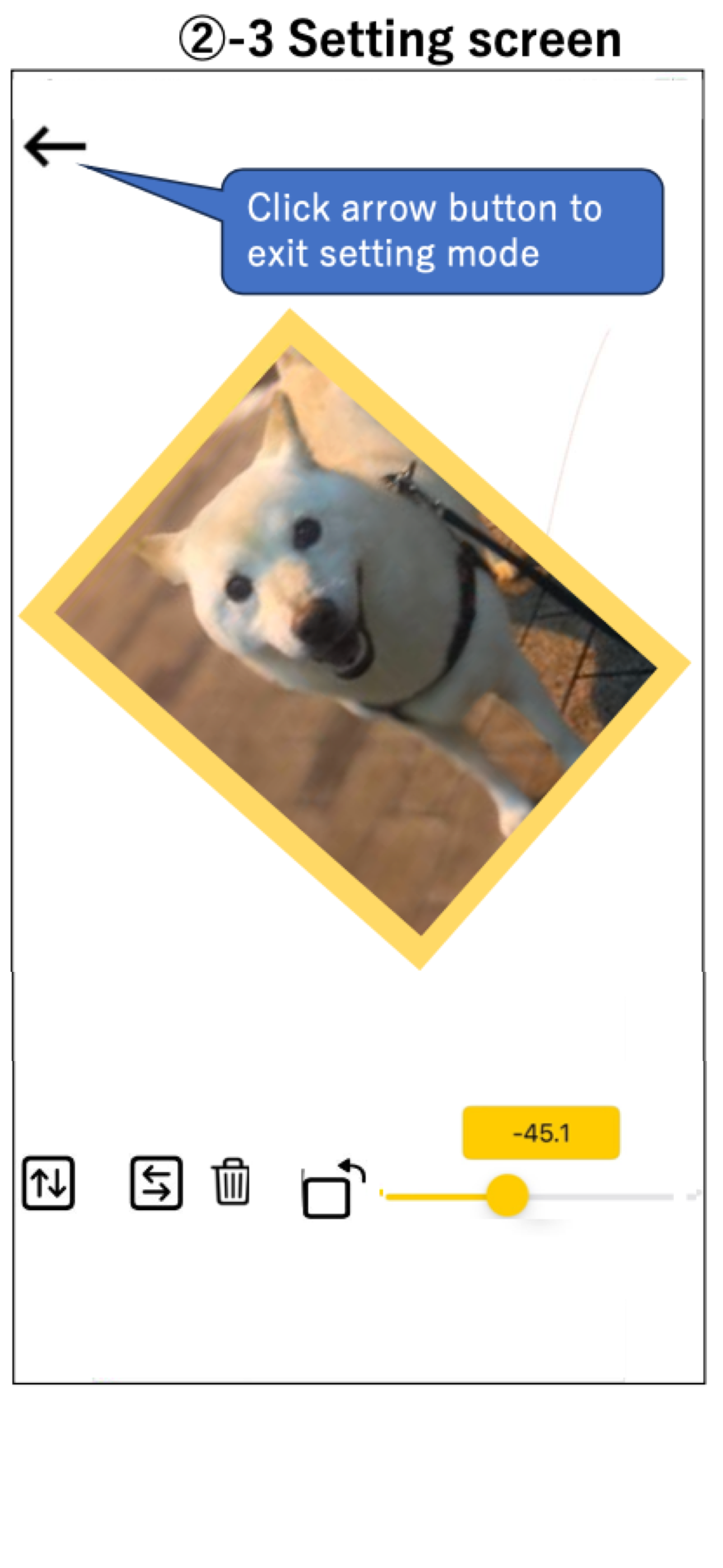
"Tracing Mat" is an app for using your iPad or iPhone as a light table. After displaying the image you want to copy on the app, place the copy destina...